- Product

- Pricing
- Affiliate Program
- Developers
- Resource
 EN
EN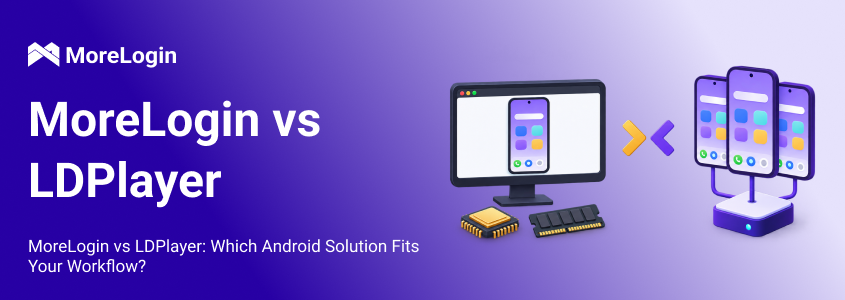
LDPlayer and MoreLogin can both open Android apps from a computer, but they solve different problems.
LDPlayer is a local Android emulator for Windows. It is built around gaming, keyboard controls, high frame rates, and running several instances on one PC.
MoreLogin moves the main Android workload away from the local computer. Its Android emulator alternative provides remote, ARM-based Android environments that can be organized, automated, and shared with team members.
This difference matters more than any individual feature. LDPlayer is usually the better fit for local gaming. MoreLogin becomes more relevant when users need to manage several Android environments as part of an ongoing workflow.
LDPlayer is the more practical choice when one person wants to run Android games or apps on a capable Windows computer. It gives the user direct control over performance settings, keyboard mapping, macros, and local files.
MoreLogin is better suited to work that involves multiple environments, separate proxy settings, remote access, repeated operations, or several team members. The Android workload runs remotely, so the number of environments is not tied as closely to one computer’s hardware.
In short:
Use LDPlayer for gaming and a small local setup.
Use MoreLogin for structured remote Android operations.
Use physical devices when an app depends on NFC, biometrics, precise sensors, or other mobile hardware.
The products overlap at the app level. Both can run Android applications. They differ in how those applications are hosted and managed.
LDPlayer creates a virtual Android system inside Windows. Its instances use the computer’s processor, memory, graphics card, and storage.
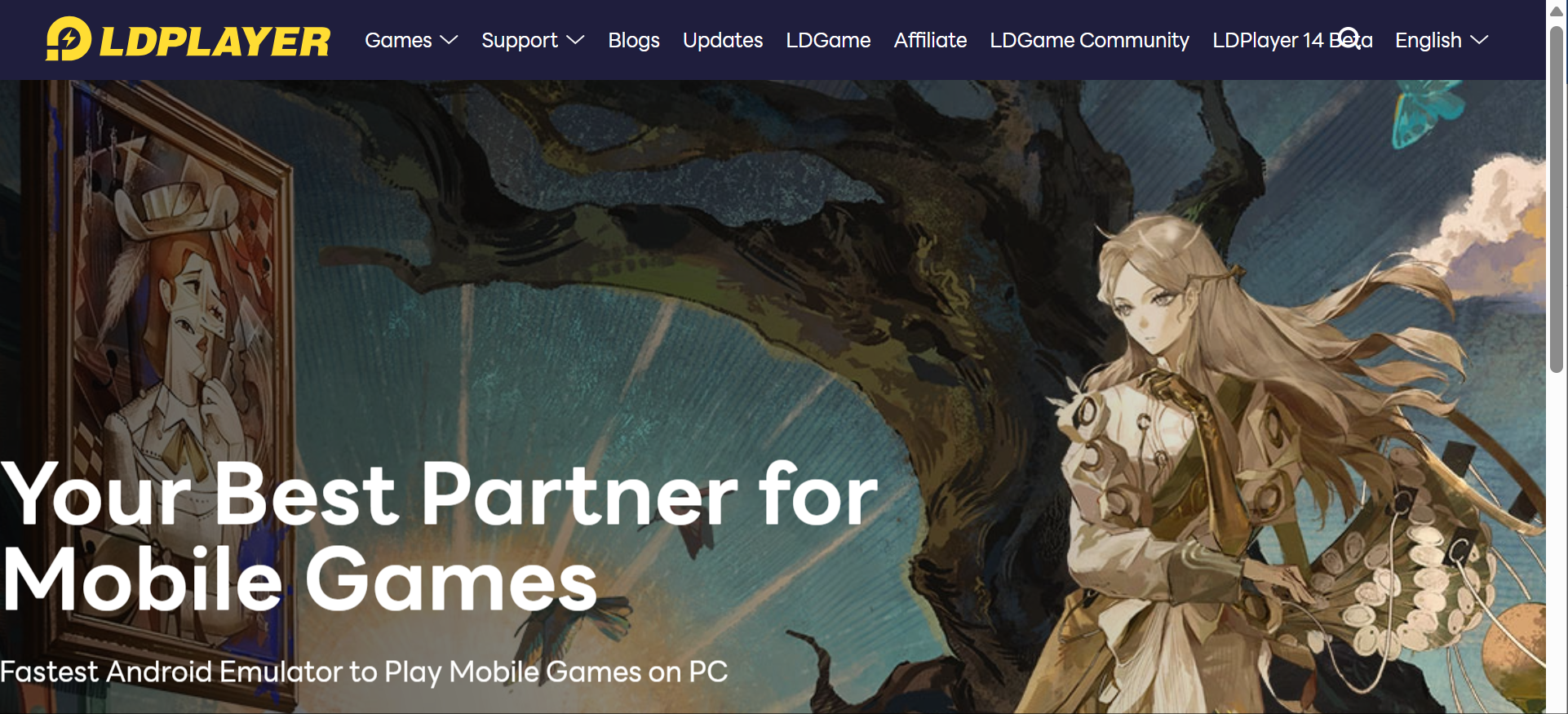
That setup gives users direct control over performance. A strong PC can deliver responsive graphics and low input delay. Users can assign processor cores and memory to each instance, change the resolution, adjust frame rates, and enable keyboard controls.
The tradeoff appears during multi-instance use. Every active instance competes for the same hardware.
LDPlayer explains in its multi-instance optimization guide that instance capacity depends on the operating system, CPU, memory, graphics memory, and other running programs. Reducing the resources assigned to each instance can increase the number of instances, but some apps will become slower.
This is a normal limit of local emulation. Anyone unfamiliar with the underlying setup can first look at how an Android emulator works.
MoreLogin does not ask the local PC to run every Android workload. Its ARM-based Android environments run remotely and are managed through the MoreLogin workspace.
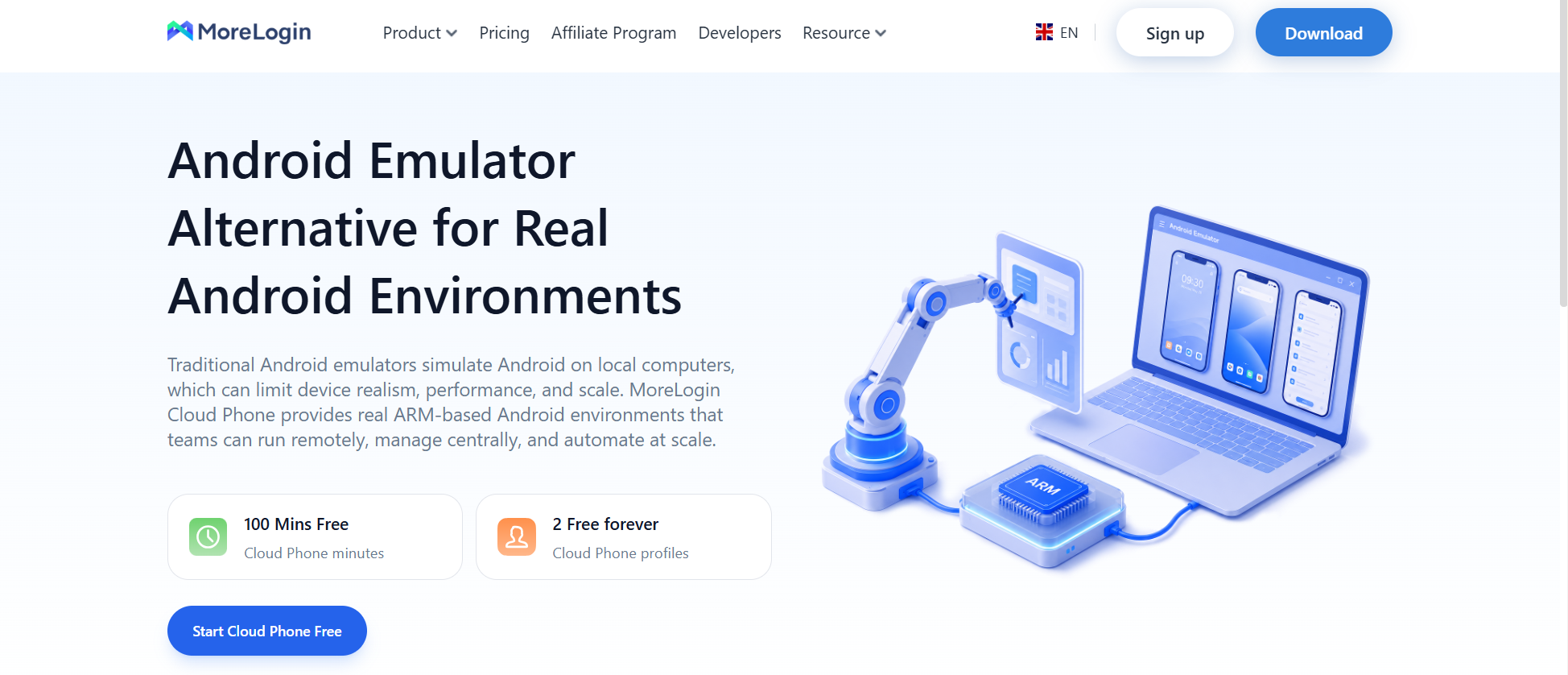
Each environment can retain its apps, data, and configuration. Users can keep environments separate, assign network settings, and control who can access them.
The local computer still needs a stable connection. Poor network quality can affect responsiveness. The difference is that adding another Android environment does not place the full workload on the same local CPU and memory.
This model is useful when Android access is part of a larger process. A team may need to divide environments between operators, apply the same actions to several environments, or connect Android tasks to an automated workflow.
LDPlayer has a clear advantage when local graphics performance matters. It is designed for games and includes features such as high frame rates, keyboard mapping, and gamepad support.
Performance depends on the host computer. One game may run smoothly while several instances of the same game overload the machine. Heavy apps also use more memory and graphics resources than simple utility apps.
Users can lower the resolution, frame rate, and allocated memory to fit more instances on one computer. That approach works until the reduced settings begin to affect the app itself.
MoreLogin avoids much of this local resource pressure because the Android environments run remotely. It is a useful option when a laptop or office computer should not carry every Android instance.
That does not make MoreLogin the faster choice in every case. A local emulator on a powerful PC may feel more responsive, especially during gaming. MoreLogin depends more on network quality and the configuration of the remote environment.
Graphics-heavy games favor LDPlayer.
A growing collection of work environments favors MoreLogin.
Tasks that require very low input delay should be tested on both.
Users focused on local performance can compare other Android emulators for Windows before deciding.
LDPlayer manages multiple instances through LDMultiPlayer. Users can create an instance, clone an existing one, change its settings, and launch several windows.
This is convenient for a small setup. One operator can see every instance on the same screen and keep the files on the same computer.
The setup becomes harder to maintain as it grows. More instances mean more local storage, more windows, more settings, and more pressure on the host machine. Backup and recovery also become more important because the environments are tied to that computer.
MoreLogin treats Android environments as managed workspace items. They can be named, organized, configured, and assigned to team members.
This makes more sense when environments belong to different projects or operators. The main benefit is not a larger theoretical instance count. It is the ability to keep environments usable after the setup grows beyond one person and one PC.
The hardware limits and management issues involved in running multiple Android emulator instances should be considered before expanding a local setup.
Neither platform should be judged by whether an app installs once. A useful compatibility check must cover the full task.
Android apps may depend on:
A specific Android version
ARM or x86 architecture
Google Play Services
Location permissions
Camera or microphone access
Push notifications
File uploads
Hardware sensors
The app’s own security rules
LDPlayer offers versions designed for different Android and app requirements. Its gaming focus also means that popular games often receive dedicated settings and troubleshooting material.
MoreLogin uses ARM-based Android environments. That architecture is common across mobile apps, but it does not guarantee that every app will work. Apps with strict device checks or hardware requirements may still behave differently.
Before adopting either product, test the actual workflow:
Install the app.
Complete the required permissions.
Sign in and finish any verification.
Test camera, location, notification, and file functions if needed.
Close and reopen the environment.
Confirm that the session and app data remain available.
Repeat the test after an app update.
Banking apps, games with strict integrity checks, DRM-protected services, and apps that depend on physical sensors deserve extra attention. A physical Android device may still be necessary.
Proxy configuration is easier to manage when it is planned at the environment level.
LDPlayer users can configure a proxy inside Android or install a proxy application. This works, but each instance may need to be configured and checked separately.
MoreLogin lets users associate proxy settings with individual Android environments. That approach is easier to maintain when different environments require different network routes.
A proxy changes the network connection. It does not automatically align every location signal.
Users should also check:
DNS routing
Time zone
System language
Android location settings
App permissions
Connection speed
Proxy stability
These values should make sense together. A proxy in one country combined with an unrelated time zone and system language may lead to additional verification.
Proxy separation also does not guarantee account safety. Platforms may consider login history, payment information, app activity, account relationships, and user behavior. Network configuration is only one part of the environment.
LDPlayer’s Synchronizer copies actions from one instance to other active instances. According to the official Synchronizer guide, it can repeat clicks, dragging, and typing.
The feature works best when every instance uses the same resolution and DPI. If screen layouts differ, the same click may land on different controls.
LDPlayer also provides macros, operation recording, scripts, ADB access, and command line tools. These are useful for local tasks such as repeating game actions or launching instances in a set order.
MoreLogin also supports synchronized actions across selected Android environments. An operator can work in one control window while the other environments follow the same input.
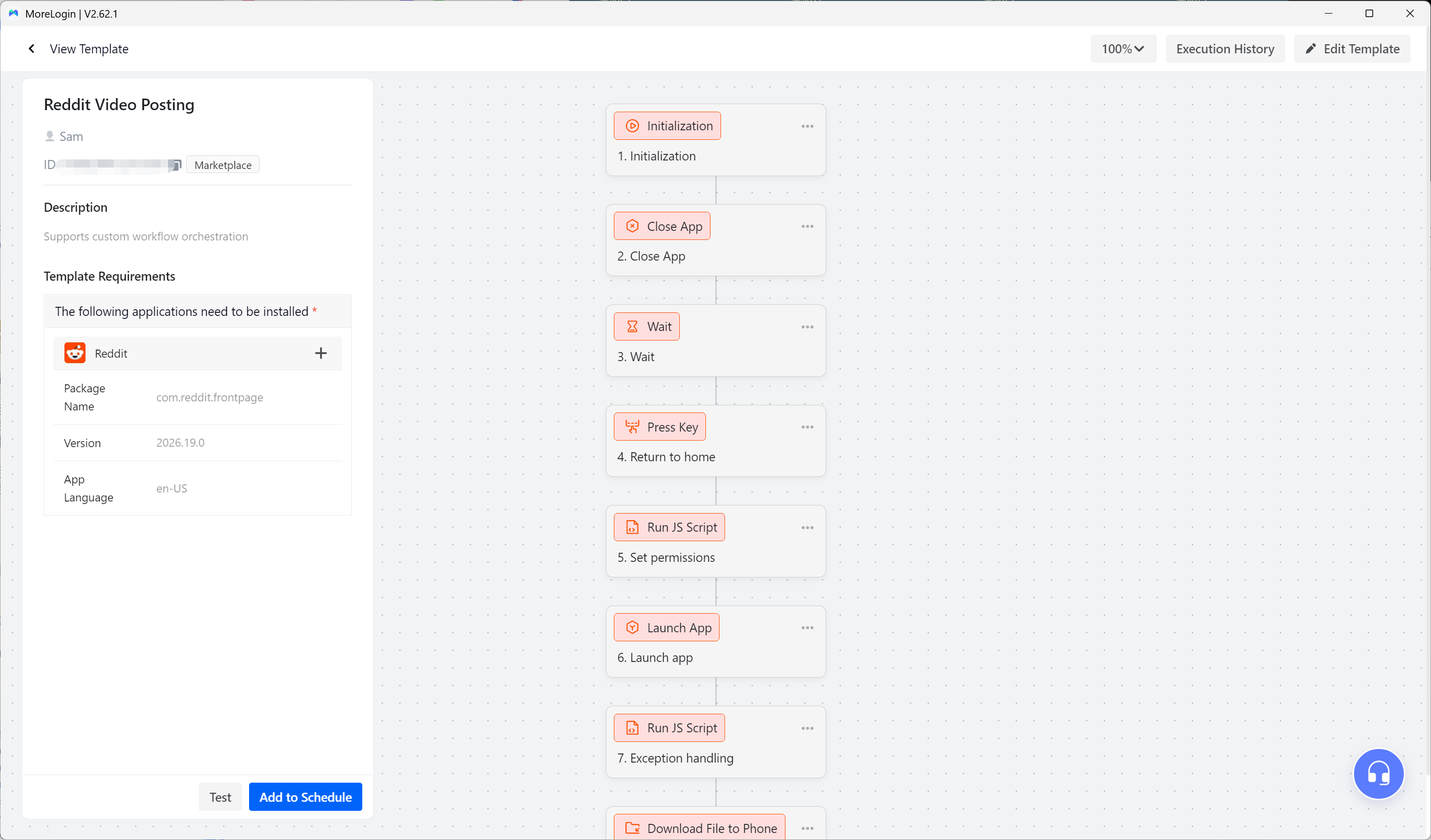
For longer processes, MoreLogin includes RPA tools and developer options such as API and CLI access. It can also connect with automation platforms such as n8n, Make, and Zapier.
The tools serve different levels of automation:
Synchronization repeats direct input.
RPA follows a defined sequence of steps.
API access connects Android environments with another system.
None of these methods should be left unmonitored from the start. Pop-ups, slow loading, layout changes, and verification requests can interrupt a sequence. Test a workflow on a small group before applying it more widely.
LDPlayer is primarily a single-user product. Its instances live on a Windows computer and are normally controlled by the person using that computer.
A team can share the setup through remote desktop software. This adds another access layer and often leaves the original computer as the main point of failure.
MoreLogin includes members and permissions in the workspace. Environments can be made available to selected operators without giving every user control over the entire setup.
This is useful when responsibilities are divided. One person may prepare an environment, another may operate it, and a manager may control access.
The system does not replace internal processes. Teams still need rules for credentials, task ownership, approvals, and activity records. MoreLogin provides the access structure, but the team must decide how to use it.
For one local operator, this structure may be unnecessary. For a distributed team, it can remove a large amount of manual coordination.
LDPlayer may look cheaper because users do not pay for each local instance. That comparison is fair for a small setup on hardware they already own.
The calculation changes when the setup needs a more powerful computer, additional storage, remote access, or regular maintenance.
LDPlayer costs may include:
Hardware upgrades
Electricity
Local storage
Backup space
Setup time
Instance maintenance
Remote desktop tools
Recovery work after a local failure
MoreLogin uses a service-based pricing model. The final cost depends on the selected service, usage, team size, proxy resources, and automation requirements.
It can reduce local hardware costs, but it introduces an ongoing service cost. A user who only needs one gaming instance may get little value from that trade.
A team that spends hours maintaining local instances should include that time in the comparison. Cheap software can become expensive when every change requires manual work.
Current service details are listed on the MoreLogin Android emulator alternative page.
Choose LDPlayer when most of the following are true:
Gaming is the main use case.
Low input delay matters.
You need keyboard or gamepad controls.
One person manages the setup.
You only need a limited number of instances.
Your PC has enough processing and graphics capacity.
You want direct control over local files and settings.
There is no need to add a remote management layer when one computer already handles the task well.
Choose MoreLogin when the work has moved beyond a simple local setup:
Several Android environments need to stay organized.
Each environment needs its own proxy settings.
Team members work from different locations.
Access should be limited by role or responsibility.
Repeated actions need synchronization.
Longer processes need RPA.
Internal tools need API or CLI access.
One local computer has become a bottleneck.
The strongest reason to use MoreLogin is operational control. It gives users a more structured way to manage Android environments over time.
Readers comparing local alternatives can also see how MoreLogin and BlueStacks differ under similar workloads.
Android Studio Emulator is usually more suitable for app development. It includes debugging, logging, SDK integration, and detailed virtual device settings.
Physical devices are still necessary when testing depends on:
NFC
Biometrics
Bluetooth hardware
Mobile network behavior
Manufacturer-specific Android features
Precise sensor data
Camera performance
Real battery conditions
Virtual and remote environments are useful tools. They should not be treated as proof that an app will behave the same way on every physical phone.
LDPlayer remains a strong choice for Android gaming and light multi-instance use on Windows. It gives users direct control over local performance, input settings, macros, and instance configuration.
MoreLogin is the better fit when the work involves several Android environments, individual network settings, repeated processes, remote access, or multiple team members. Its main advantage is not gaming performance. It is the ability to manage Android work without building the whole system around one computer.
Choose LDPlayer if the priority is local performance.
Choose MoreLogin if the priority is environment management.
Whichever option looks better on paper, test the apps and workflow that matter before expanding the setup.
Is MoreLogin the same as LDPlayer?
No. LDPlayer is a local Android emulator for Windows. MoreLogin provides remote, ARM-based Android environments with management, synchronization, automation, and team access features.
Can MoreLogin replace LDPlayer?
It can replace LDPlayer for workflows that need remote environments, proxy separation, team access, or automation. It is not a direct replacement for high frame rate gaming or LDPlayer’s gaming controls.
Which option is better for multiple Android environments?
LDPlayer works well for a small number of local instances on a capable computer. MoreLogin is more suitable when the environments need long-term organization, separate network settings, or access by several operators.
Which product uses fewer local computer resources?
MoreLogin places the main Android workload on remote infrastructure. LDPlayer uses the local CPU, memory, graphics card, and storage for every running instance.
Will every Android app work?
No. Compatibility depends on Android version, processor architecture, Google services, permissions, hardware requirements, and the app’s own policies. Important apps should be tested through the complete workflow.
Is MoreLogin suitable for Android gaming?
MoreLogin can run supported Android apps, but it is not designed as a gaming-first product. LDPlayer is the more suitable option when keyboard mapping, gamepad controls, and high frame rates are the priority.

 EN
EN