



Connect Your AI Agent
Connect your AI agent through tools and interfaces

 EN
ENUse MCP, CLI, or Agent Skills to connect AI agents to MoreLogin and turn prompts into browser and mobile actions in the right account environment, locally or in the cloud
Connect your AI agent through tools and interfaces
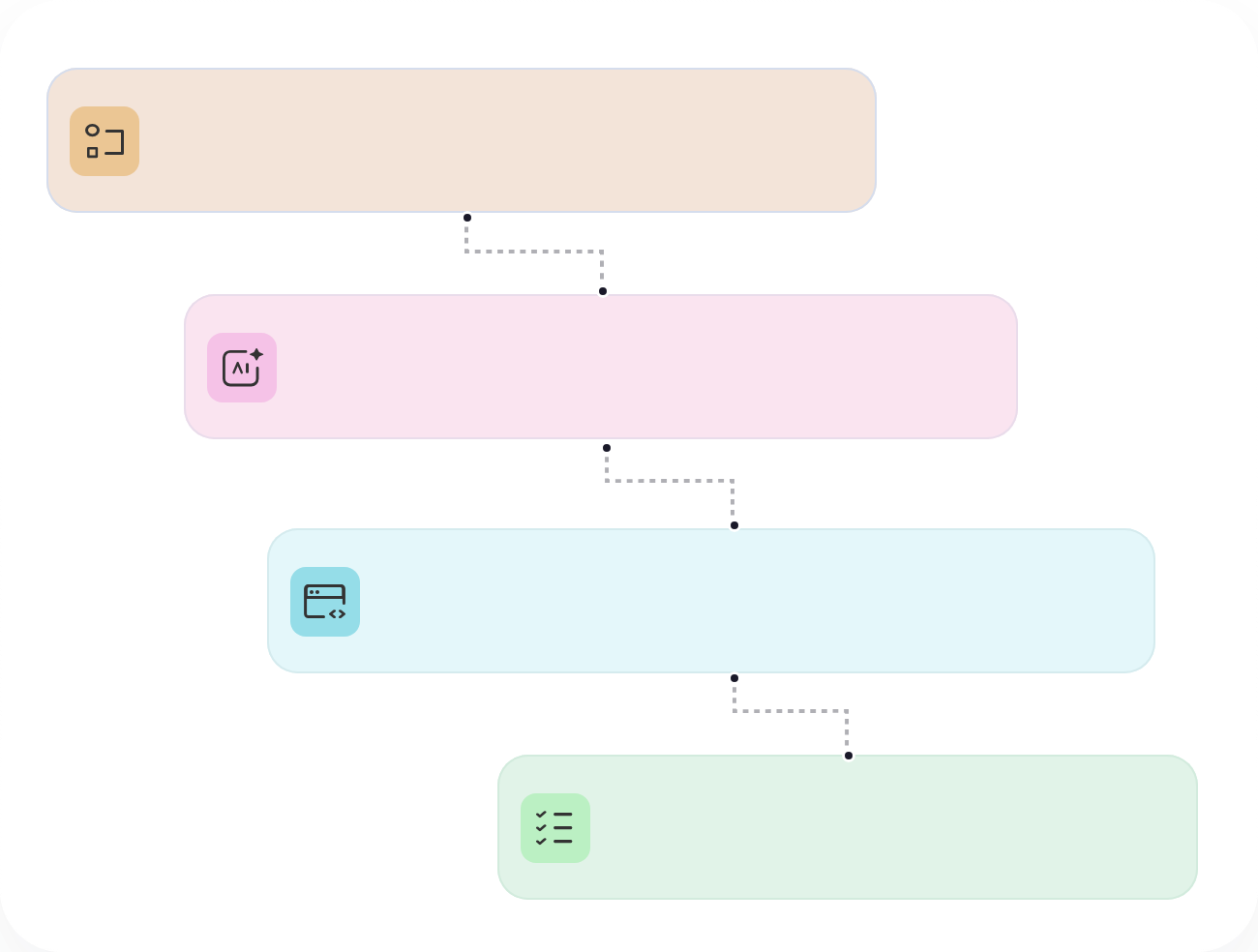
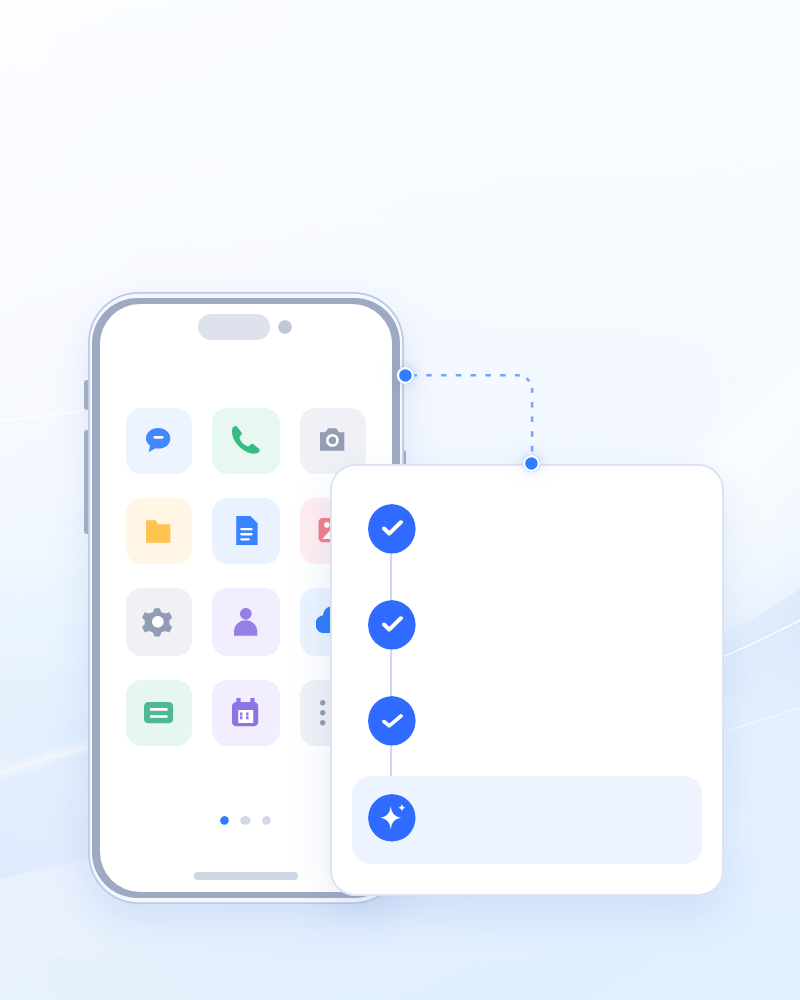
Tell your AI agent what you want it to do
Matched your request to the right browser or cloud phone
Actions according to your instructions
Find and manage isolated browser profiles, cloud browser sessions, and cloud phones, from configuration through launch and shutdown
Browser ProfileCloud BrowserCloud PhoneOpen URLs, enter text, click page elements, and capture screenshots inside active browser sessions
example.comHello therePower cloud Android devices on or off, open apps, manage files, and run supported mobile workflows
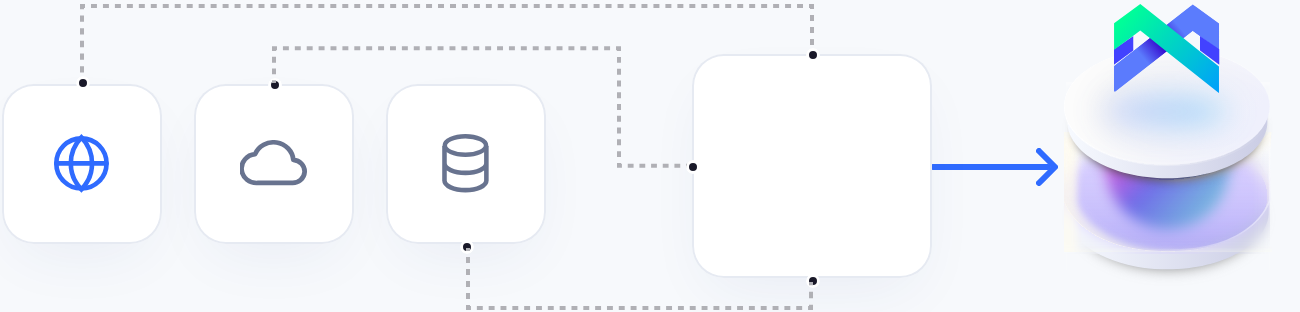
Bring supported MoreLogin operations into your existing workflows through MCP, CLI, Agent skills
Use the CLI for browser profile and cloud phone operations
Connect an MCP-compatible AI tool to MoreLogin
Use packaged MoreLogin skills for agent frameworks such as OpenClaw and Hermes
Connect your AI agent to MoreLogin through MCP, CLI, or Agent Skills, give an instruction, and let MoreLogin carry out the task
Set up MCP or CLI so your agent can call MoreLogin
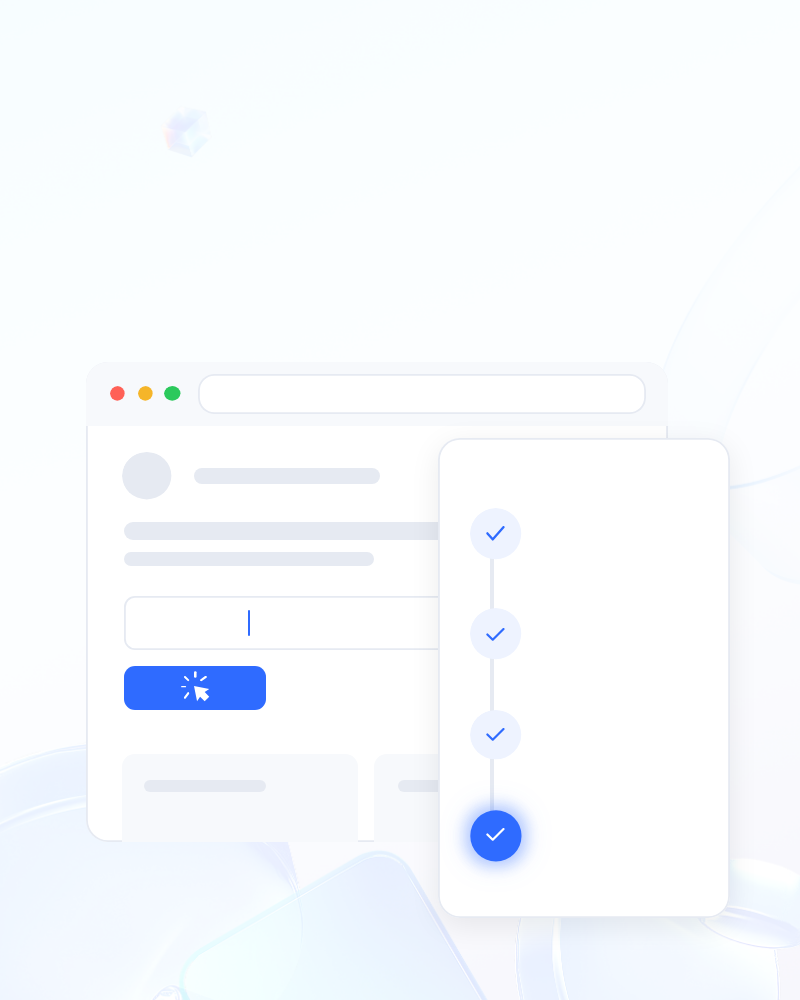
Give a clear instruction, such as “Open the P-1 profile.”

MoreLogin carries out the request. In this example, profile P-1 opens
Connect AI agents to plan tasks, take action, and return results through MCP, CLI, or Agent Skills.
Ask your AI assistant how MoreLogin fits your workflow.
Compare CLI, MCP, Agent Skills, and developer tools for running supported operations
Yes. Any AI coding assistant that can run shell commands can use MoreLogin through the setup prompt and ml-cli. MCP-capable AI tools can connect through MoreLogin MCP, while OpenClaw and Hermes can use Agent Skills
An AI agent can search MoreLogin browser profiles by profile name, group, tag, or remark. With ml-cli, a keyword search returns matching candidates without requiring an internal profile ID. If several profiles match, the open command does not choose one automatically. It returns the candidates so the agent or user can select the intended environment
Yes. MoreLogin Local API supports Selenium, Puppeteer, and Playwright for automating local browser profiles and cloud phones. Developers can start a profile and connect existing automation code through the connection details returned by MoreLogin
Paste the official MoreLogin setup prompt into a shell-capable AI coding assistant. The prompt directs the assistant to follow the installation guide, configure and verify ml-cli, and load the built-in agent guide
Yes. A MoreLogin cloud browser runs the browser remotely, reducing local resource use and allowing the session to continue without keeping MoreLogin logged in on the local device. The browser kernel, page rendering, and network requests run on MoreLogin’s cloud servers
Only for local connection methods. MoreLogin Desktop must be running and signed in when the agent uses MCP, CLI, or Local API because these methods connect through the local client. Open API and cloud browser workflows do not require MoreLogin to remain logged in locally, making them better suited to tasks that need to run remotely
Yes. MoreLogin CLI, MCP, and Agent Skills let AI agents manage browser profiles and cloud phones. You can use tags to open environments, trigger automated tasks, and even check task execution status

 EN
EN












 Ask ChatGPT
 Ask Claude
 Ask Perplexity