




Connect From the Automation Platforms
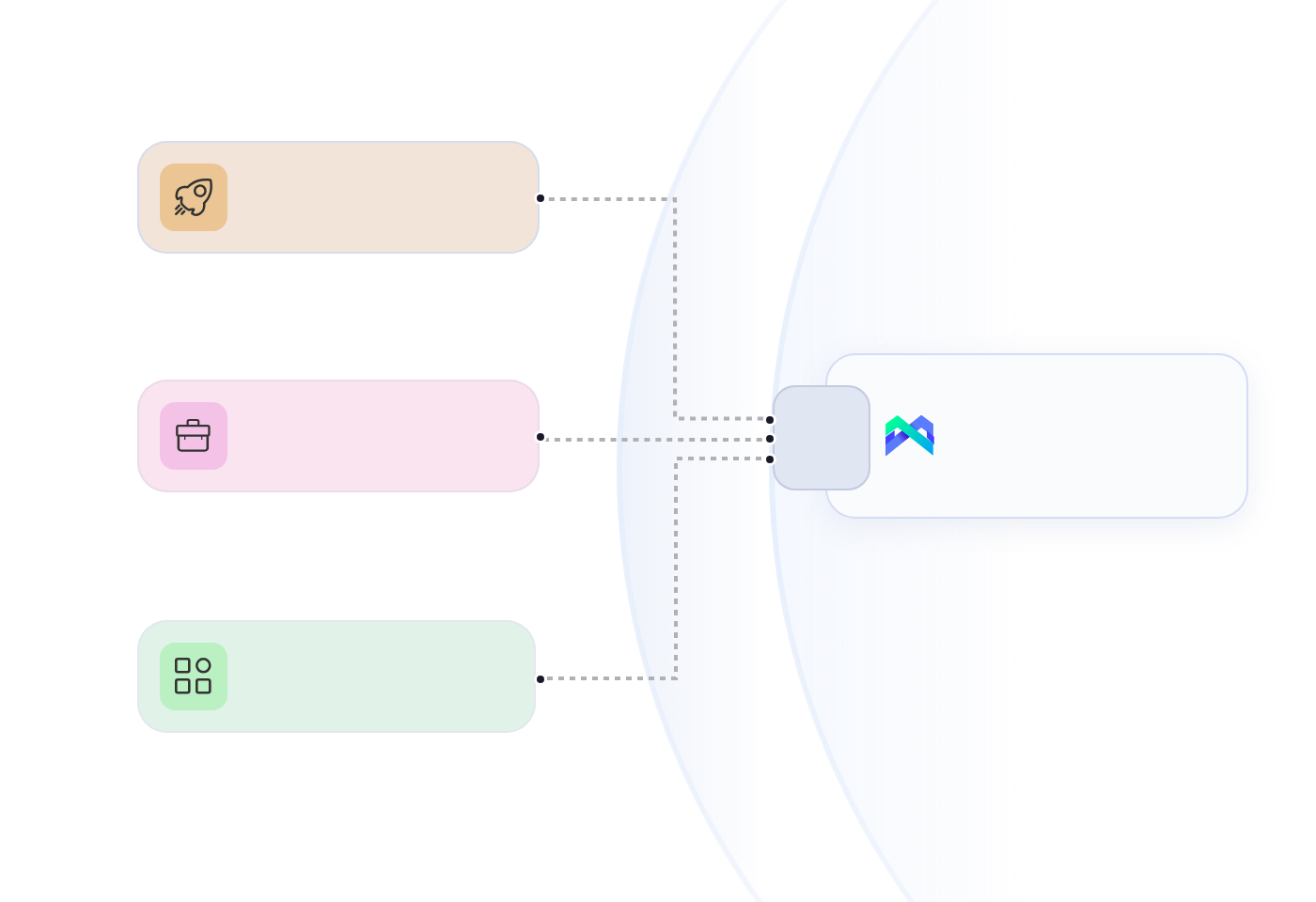
Connect MoreLogin to automation platforms such as Make, Zapier, and n8n. Setup methods and available actions vary by platform

 Zapier
 n8n
n8n
 EN
ENUse MoreLogin APIs to trigger supported browser and cloud phone operations from your internal tools and automation platforms. It keeps your current workflow and reduces manual handoffs between systems
Your systems can manage MoreLogin browser and cloud phone resources, trigger supported automation, and track operation status through the appropriate API
Create, update, and query browser profiles. Start local browsers with the Local API, or run supported profiles in the cloud
Create, start, stop, and manage cloud phones, including their apps, files, proxies, groups, and tags. Use ADB for supported remote Android debugging and command execution
Trigger supported cloud phone RPA tasks from your system, either once or on a schedule
Query operation status through the API. For supported cloud phone and cloud browser events, webhooks send final results to your endpoint
Bring supported MoreLogin operations into your existing workflows through automation platforms, APIs, and webhooks
Connect MoreLogin to automation platforms such as Make, Zapier, and n8n. Setup methods and available actions vary by platform
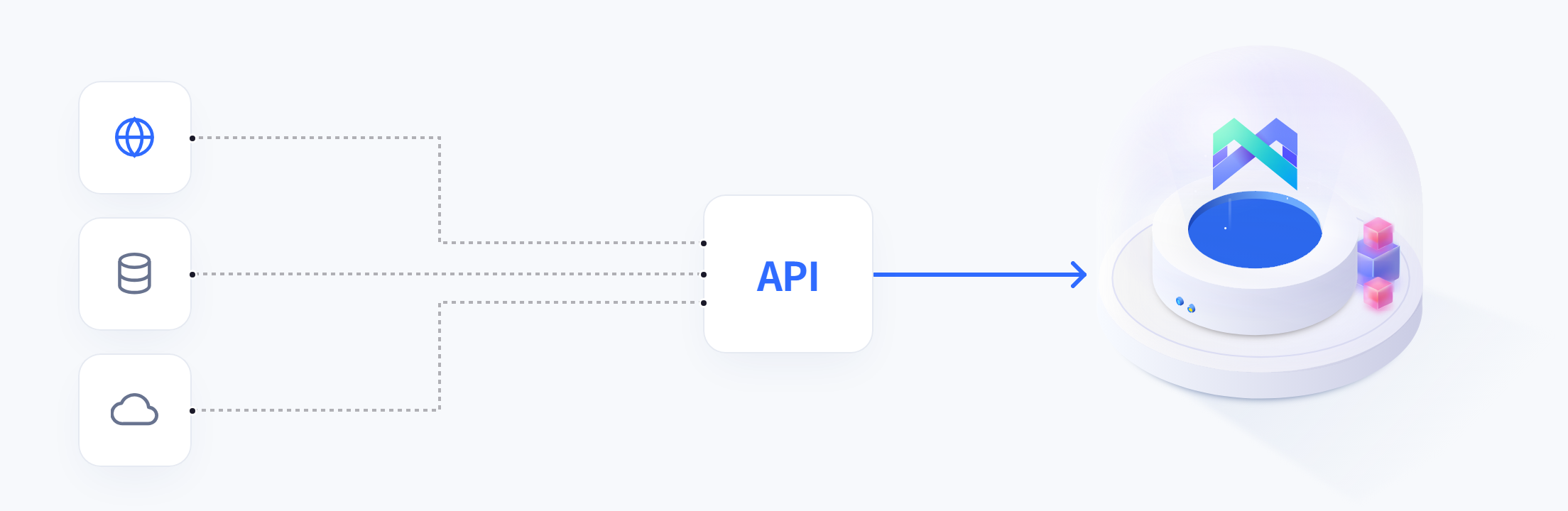
Zapiern8nUse the Local API or Open API to connect business systems and scripts. Receive final results for supported Cloud Phone and cloud browser operations through webhooks
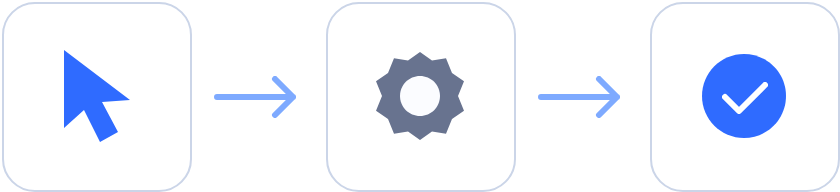
Send a request through the appropriate MoreLogin API, run a supported operation, and then check its status or receive a Webhook event. Your existing system stays in control of when work starts and what happens next
Apps, internal tools, or automation platforms
Supported operations
Start with an event, schedule, or user action in your existing system.
Send the target resource, requested operation, and required parameters.
MoreLogin runs an operation supported by the selected API and resource.
Check the current status through the API.
Use the returned status or event to continue your workflow.
API status / supported Webhook event
Bring browser environments, cloud phones, and supported automation into the systems your team already uses to run daily operations
Manage supported browser environments, cloud phones, and automation from your own dashboard
When a new client or project is added, use your existing workflow to create a dedicated environment for every account
Let schedules, approvals, or business events start supported automation in MoreLogin
Connect MoreLogin with the systems different teams use to manage accounts and projects
APIs · Automation Platforms
Ask the AI assistant you already use to show you why the MoreLogin API could fit your workflow. Explore how your existing systems or automation platforms could trigger supported operations and check task status to continue the process
MoreLogin API integration lets your software, internal tools, or automation platforms work with MoreLogin API resources. A workflow can send API requests, store returned IDs, check operation status, and react to supported webhook events
Use the Local API when your workflow runs on the same computer as the MoreLogin desktop app. Use the Open API for remote workflows involving supported cloud resources
You can use MoreLogin APIs to manage browser profiles, cloud browser sessions, and cloud phones from your own workflow. Depending on the endpoint, you can create or start resources, install apps from your team library, and trigger an existing RPA template on a supported cloud phone
Yes. You can use the API request tools in Make, Zapier, or n8n to call documented MoreLogin endpoints, send the required parameters, and pass the response to the next step in your workflow
Not always. Developers can call MoreLogin APIs from code, while operations teams can configure HTTP requests in automation platforms. You still need to understand the selected endpoint, authentication method, required parameters, response structure, and completion state
MoreLogin can send a webhook when a cloud phone or cloud browser operation finishes. Your system receives the result and can continue the workflow, send a notification, or handle a failure
Start by choosing the API that fits where your workflow runs, set up the required credentials, and test one documented endpoint. If the operation takes time to finish, check its status or wait for a webhook event before starting the next step

 EN
EN




 Ask ChatGPT
 Ask Claude
 Ask Perplexity