
No-Code RPA for Repetitive Mobile Tasks

With a built-in no-code workflow, MoreLogin RPA helps you automate repetitive tasks across multiple cloud phones. Choose a ready-made template or build a custom workflow to improve your task efficiency.

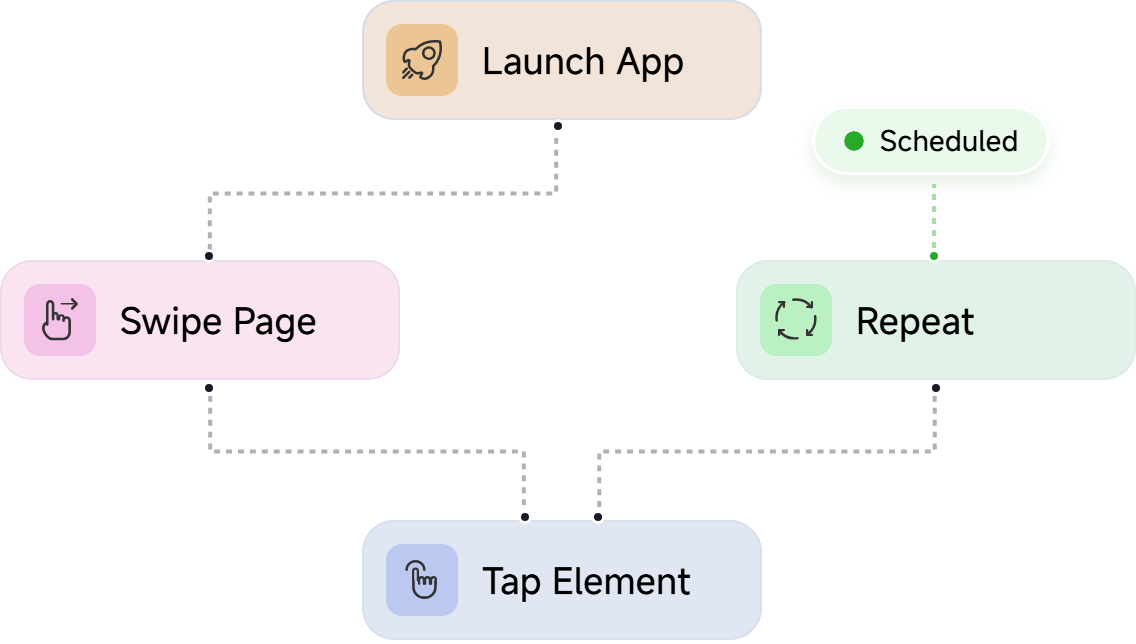
No-code RPA workflow with launch, swipe, tap, repeat, and schedule steps

Automate Routine Work Without Starting From Scratch

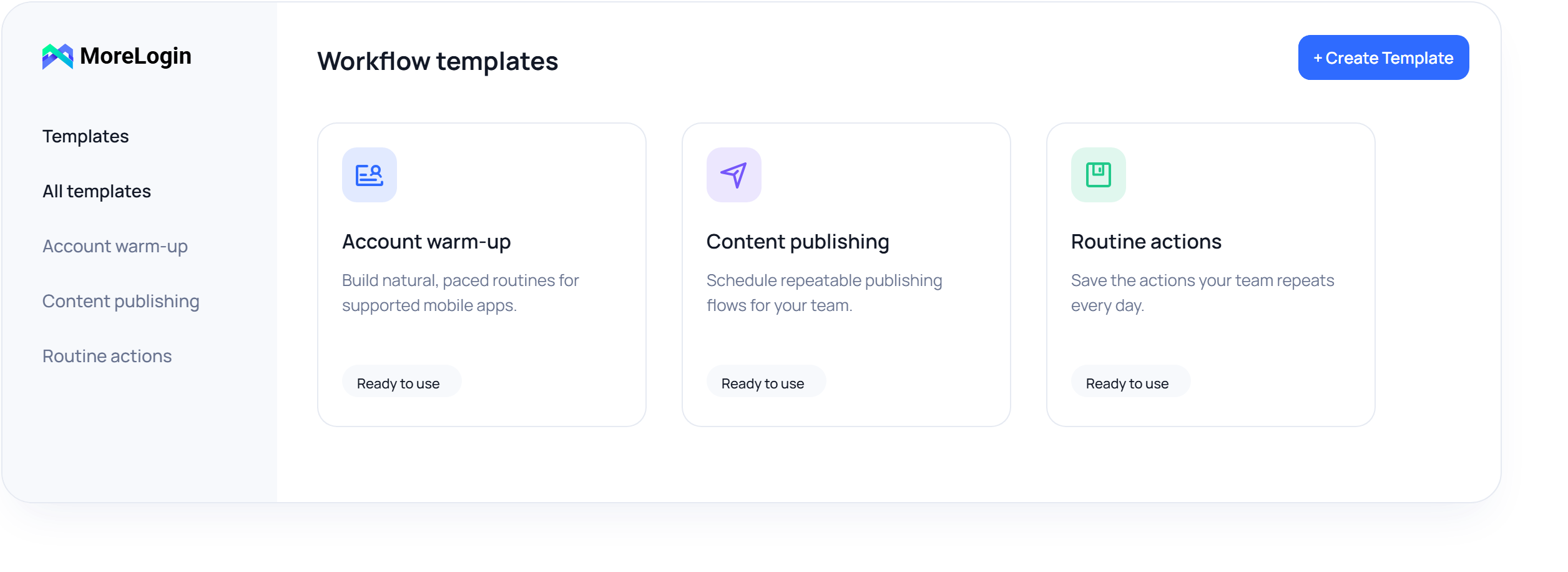
MoreLogin offers ready-made automation templates for performing actions on TikTok, Instagram, and YouTube, such as account warm-up, liking, posting videos, and commenting. You can also create your own visual workflows. Set it all up visually, with no coding required.

MoreLogin ready-made workflow template dashboard

Make Your Mobile Automation Feel More Natural

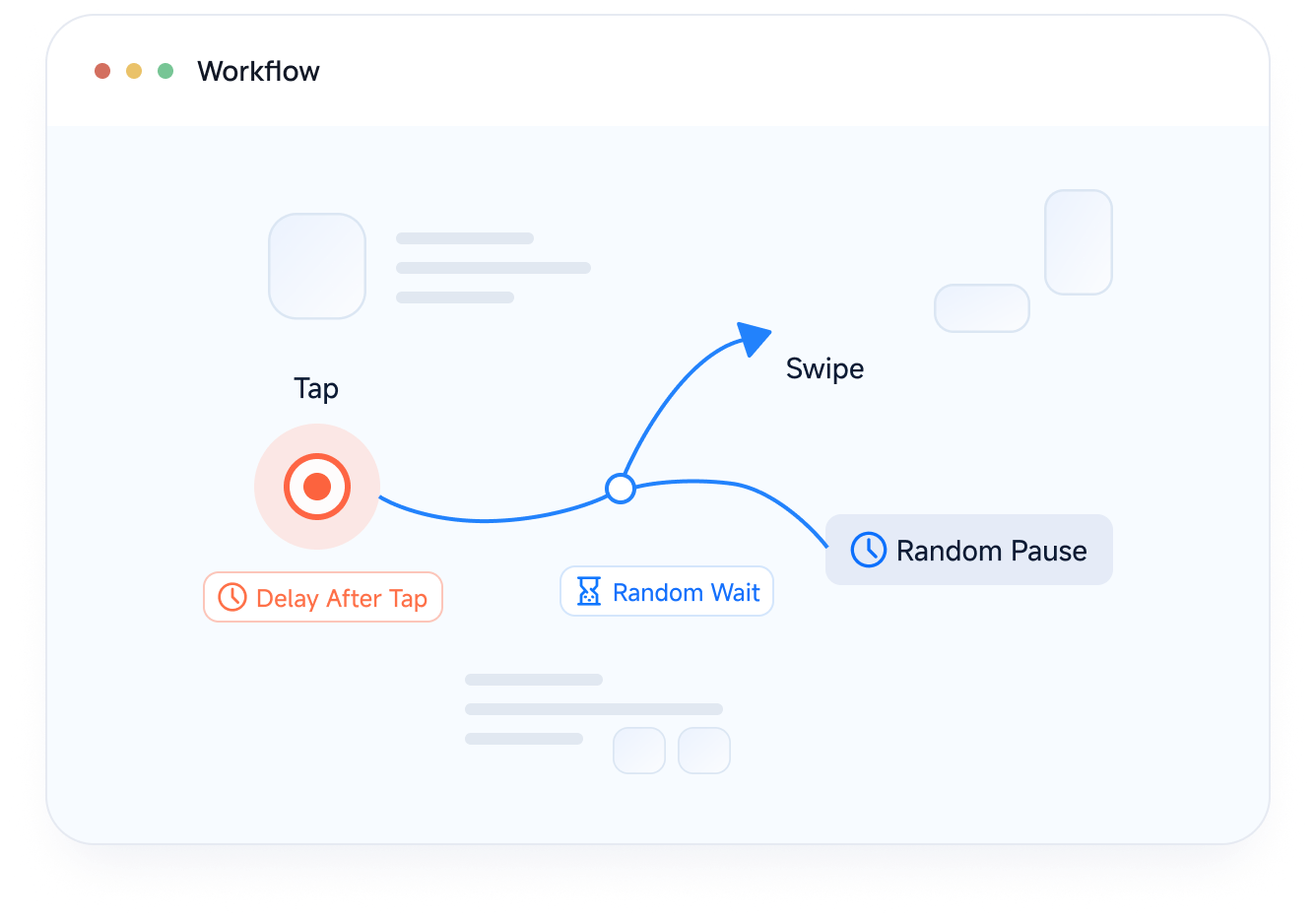
Let your automated tasks tap, swipe, and pause at a more natural pace, so every workflow feels less robotic.

Workflow showing natural tap, swipe, delay, and random wait actions

Keep Repetitive Tasks Running on Time

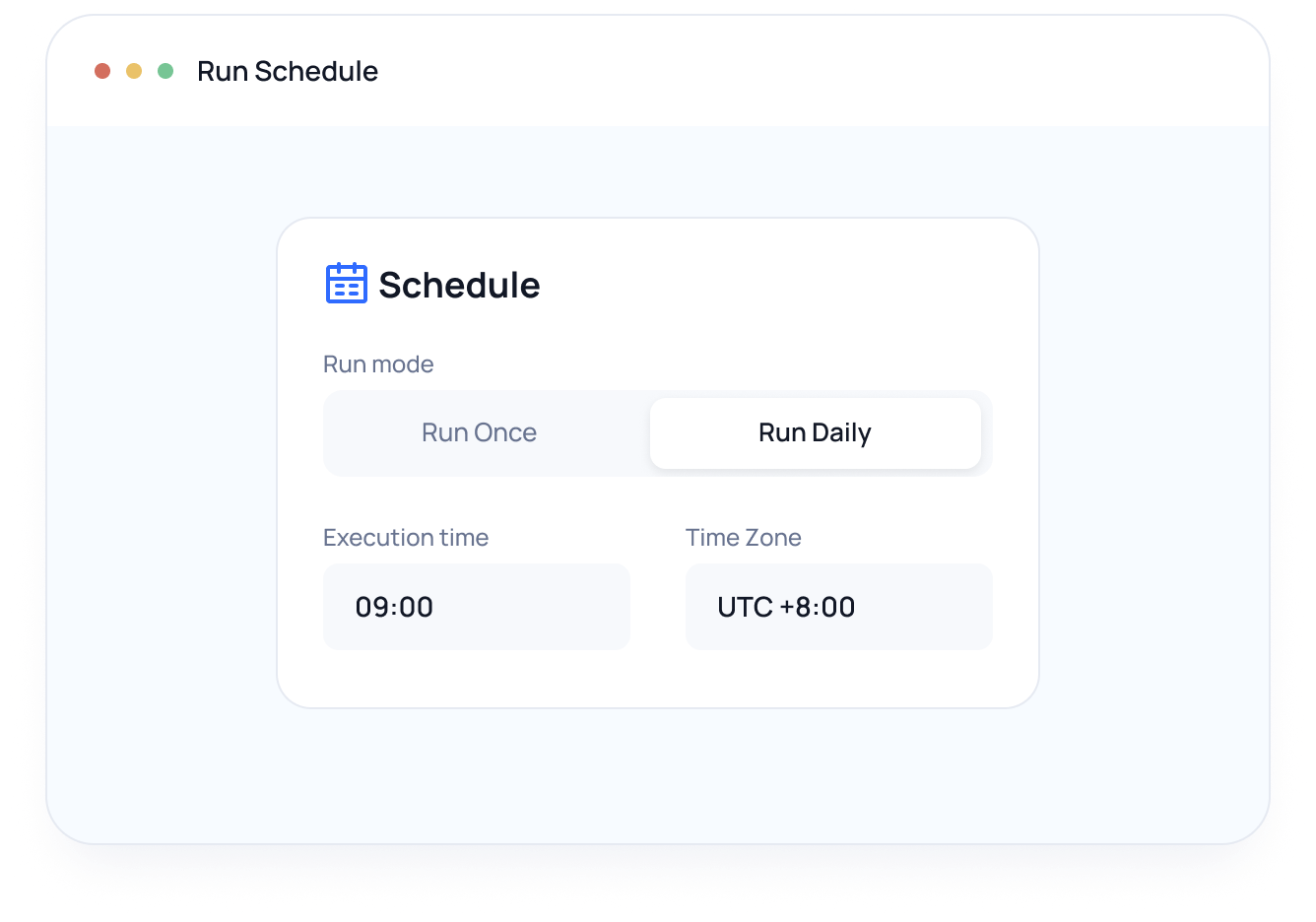
Scheduled RPA means fewer routine tasks to start by hand. Workflows can run once or daily at the time and time zone that fit your operation.

RPA run schedule configuration panel

Clear Records, Less Guesswork

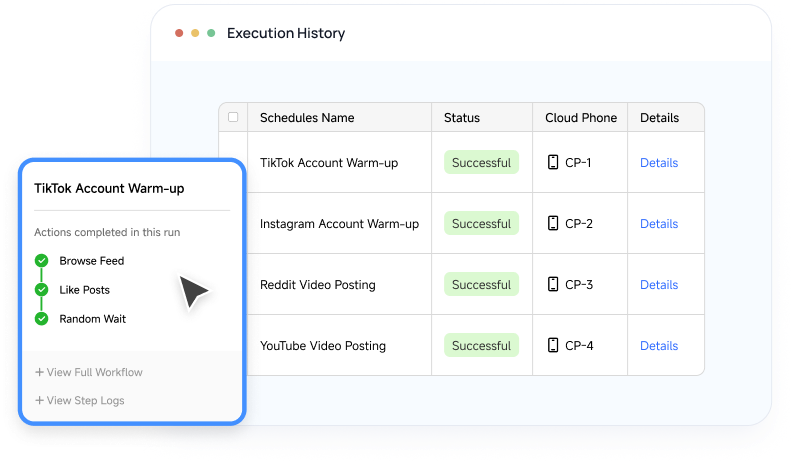
The execution history lets you know whether your RPA tasks ran as planned. Clear run records and step-level logs help you spot issues sooner, understand what happened, and keep your automation on track.

RPA execution history with successful runs and step-level details

Configure RPA Tasks Across Multiple Cloud Phones

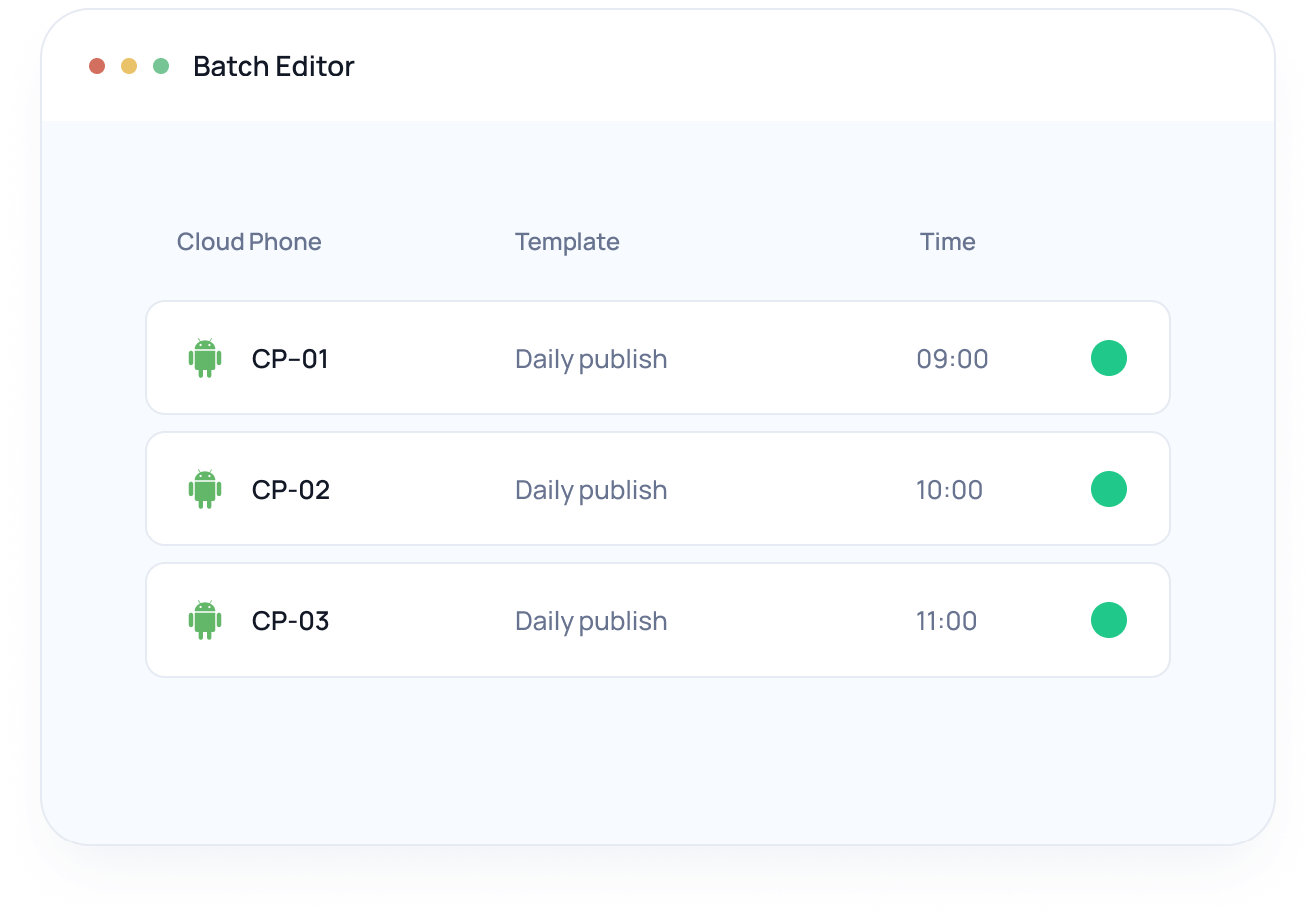
Spend less time switching among multiple cloud phones when preparing automation at scale. When one workflow needs to run across multiple cloud phones, you can review and configure each phone’s task inputs with the Batch Edit function.

Batch editor for RPA tasks across multiple cloud phones

Automate More of Your Everyday Mobile Work

Account Warm-up

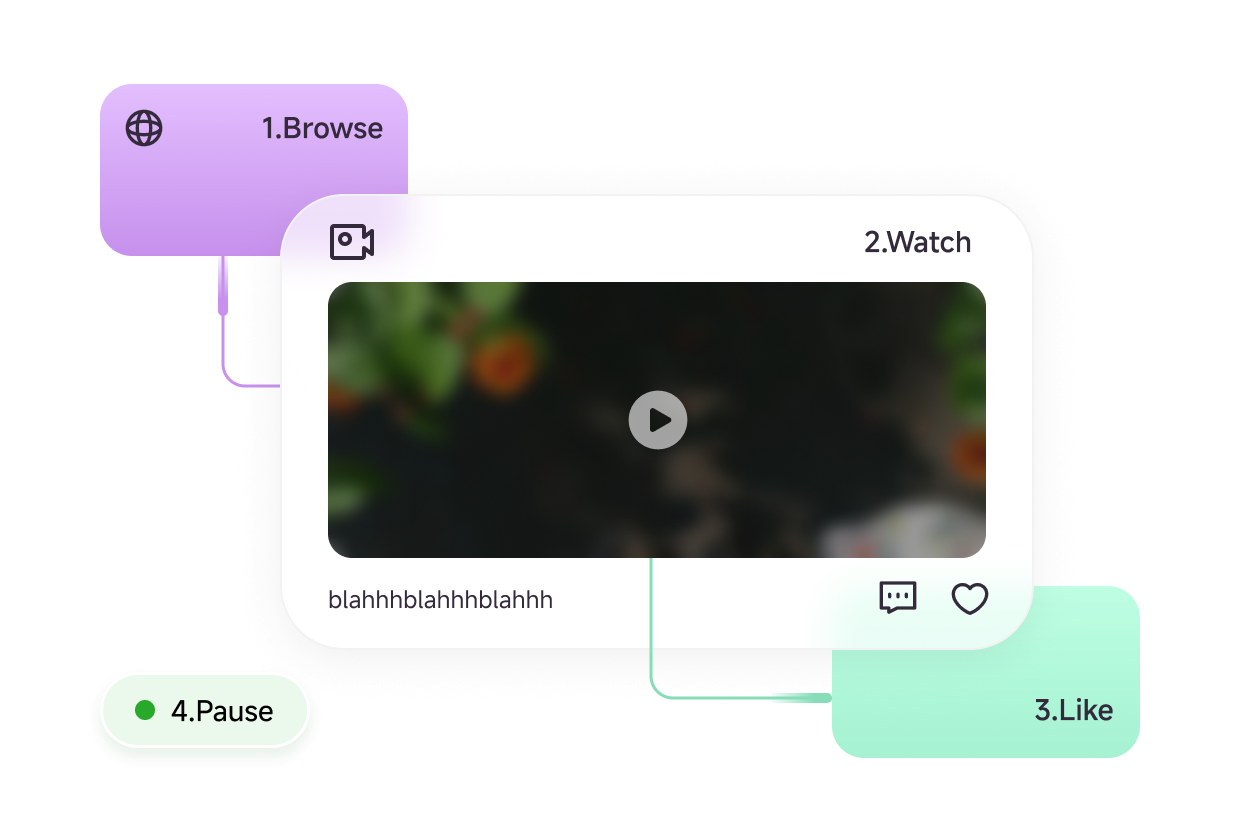
Build social media automation for account warm-up to browse feeds, watch content, like posts, and vary the timing between interactions

Account warm-up workflow with browse, watch, like, and pause actions

Still Not Sure That MoreLogin Is Right for You?

Ask the AI assistant to show you why MoreLogin RPA could fit your workflow. See how ready-made templates, custom no-code automation, scheduling, and execution history can help automate repetitive mobile app tasks.

FAQs About MoreLogin RPA

What Is RPA Automation in MoreLogin?

RPA automation in MoreLogin uses reusable workflows to carry out supported mobile app actions on one or multiple Cloud Phones. You can start with a ready-made template or build a custom workflow around a repeatable task


Do I Need Coding Experience to Use MoreLogin RPA?

No. You can choose a ready-made template or arrange supported actions in the visual workflow builder. Advanced workflows can also include scripts when custom logic is needed

What Tasks Can I Automate with MoreLogin RPA?

You can automate supported mobile app tasks such as account warm-up, content publishing, and routine actions involving app launches, taps, swipes, and waits. Available actions and templates vary by app and current product support

Can One RPA Workflow Run Across Multiple Cloud Phones?

Yes. You can assign the same workflow to multiple Cloud Phones and use Batch Edit to review or configure each phone’s task inputs in one place

Can I Schedule RPA Workflows?

Yes. Add a workflow to Schedule, choose cloud phones, and set its execution time and time zone. MoreLogin currently supports one-time and daily runs.

How Can I Check Whether an RPA Task Ran Successfully?

Execution History records the status, run time, workflow, and Cloud Phone for each run. You can open a run to review its workflow steps and logs when you need to understand what happened or locate an issue.

What Is the Difference Between RPA and API Automation?

RPA follows a defined workflow to perform actions through an app interface, while API automation connects directly to supported system functions through code. MoreLogin RPA works well for repeatable cloud phone tasks that follow clear steps. APIs are a better fit for technical teams that need programmatic control or custom integrations.
