





Choose Sync When:
You need to repeat the same live actions across multiple browser profiles or cloud phones at once

 EN
ENMirror clicks, typing, scrolling, and swipes across multiple browser profiles or cloud phones. MoreLogin Synchronizer helps you handle repetitive multi-account work from one main window.
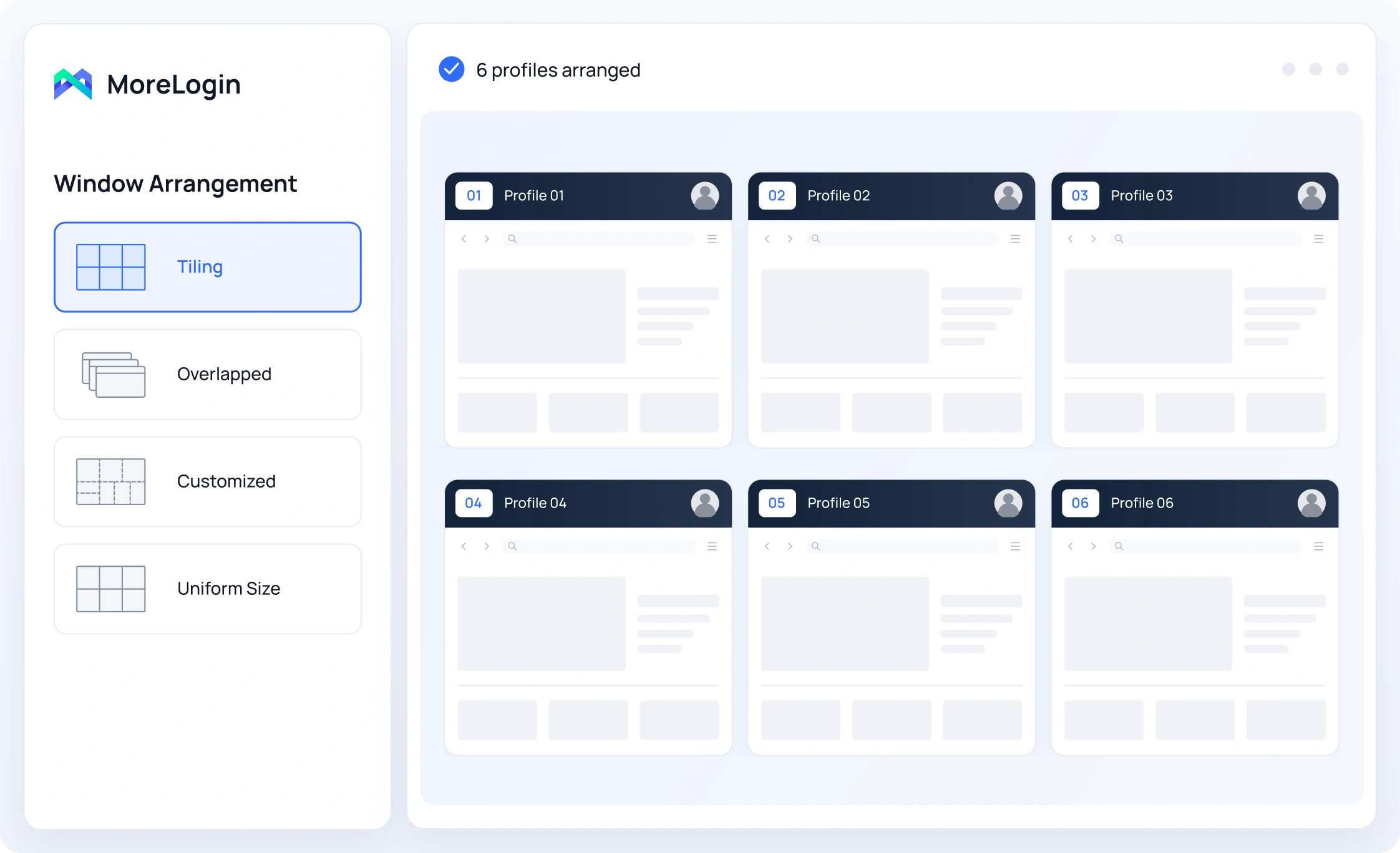
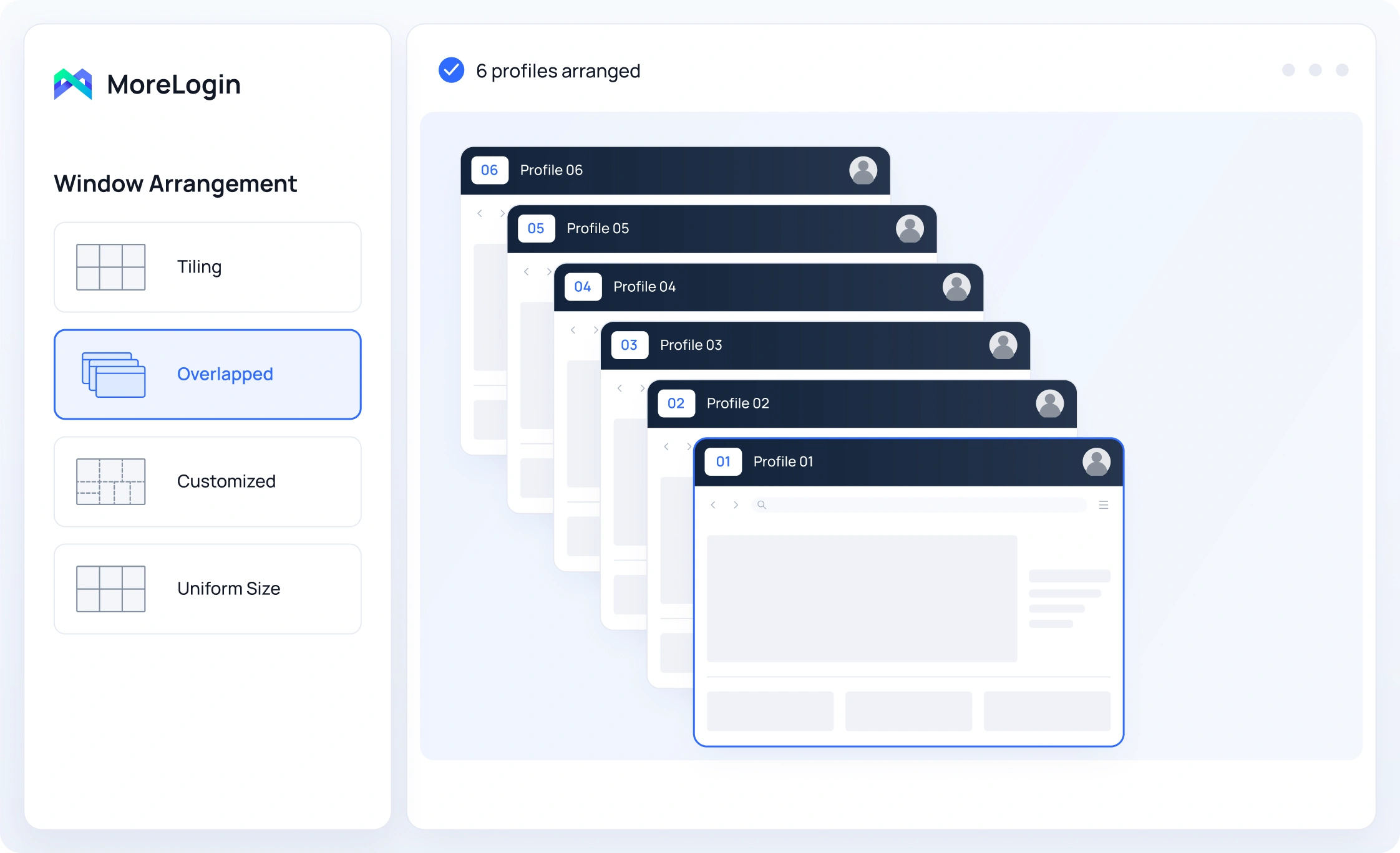
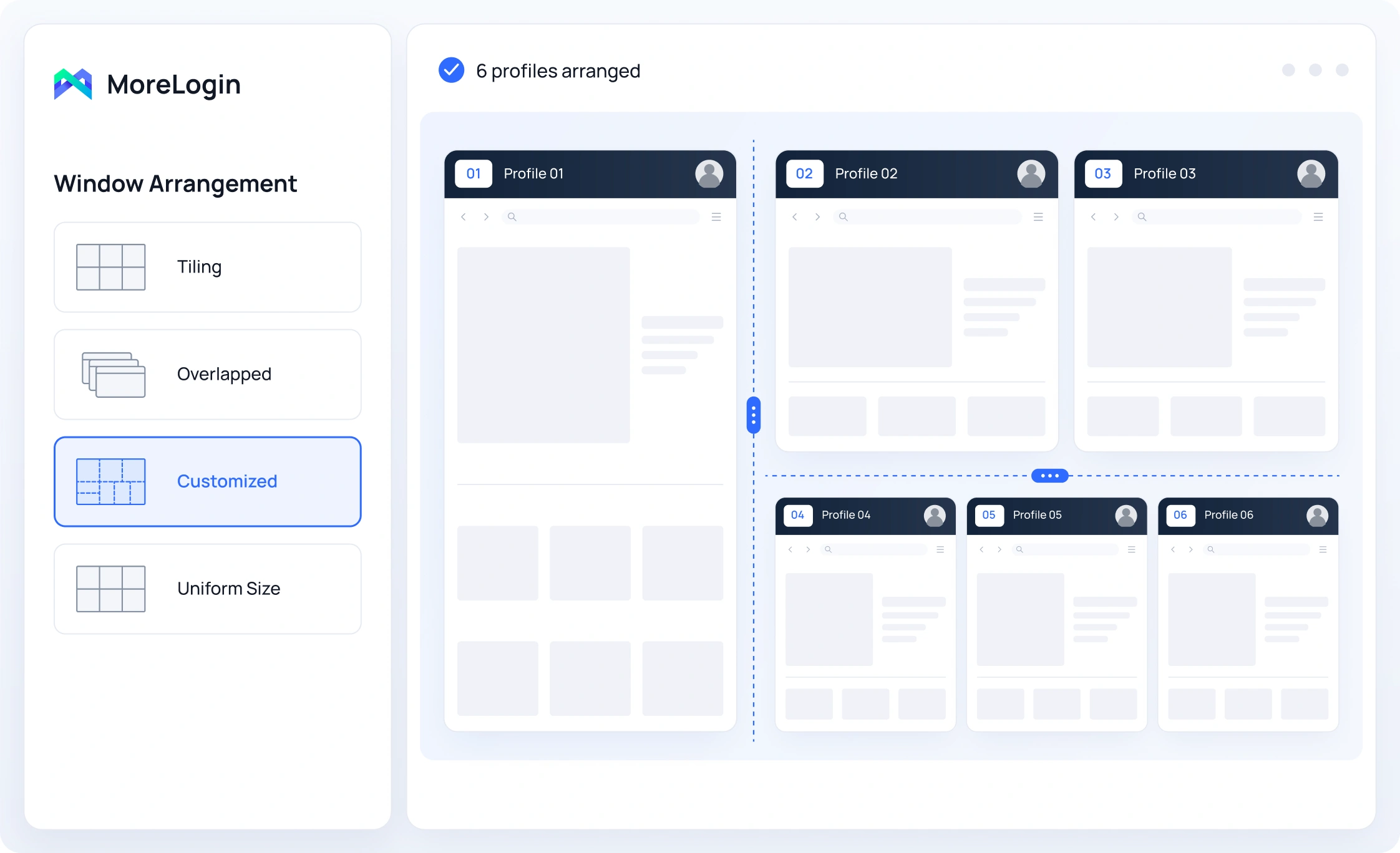
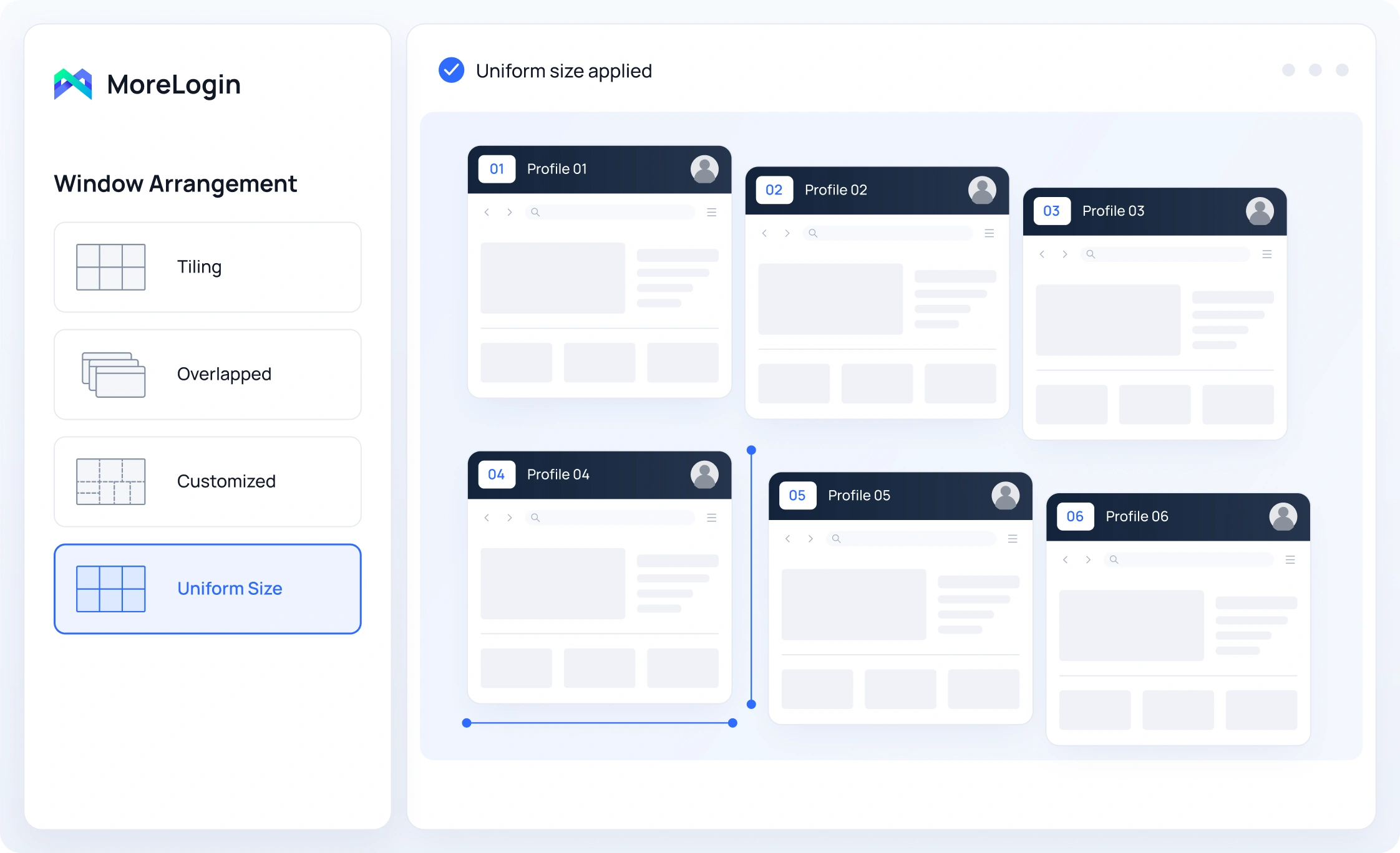
Use one Main Control while selected browser profiles or cloud phones follow your actions. Synchronize clicks, scrolling, mouse movements, and keyboard input across browser profiles and Cloud Phones. You can stay focused on one task instead of repeating it window by window.
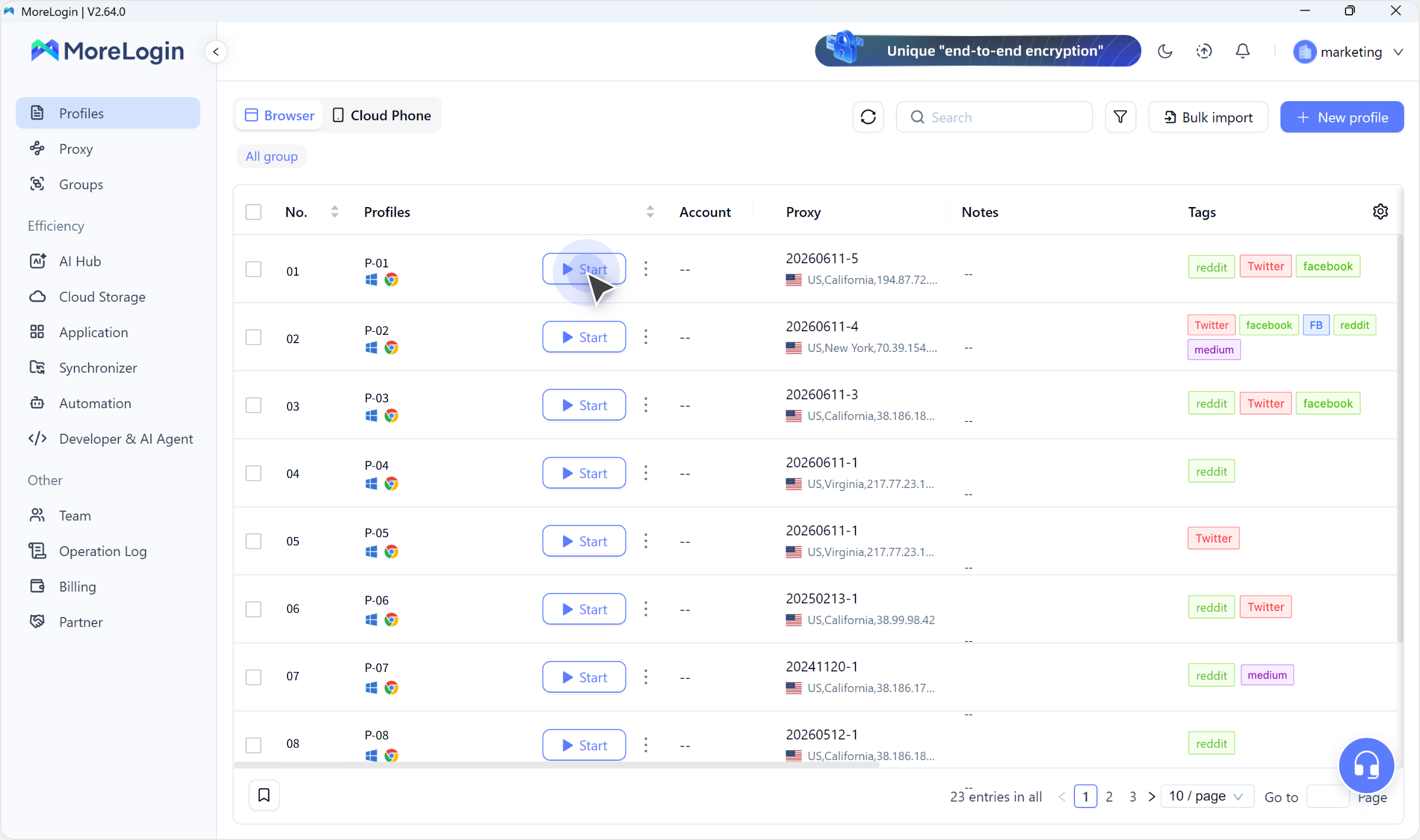
Open the browser profiles or cloud phones you need, choose your main control, and start the Synchronizer. You can begin without building a script or setting up a separate workflow.
Launch the browser profiles or cloud phones you want to include in your sync session.
| Comparison | Synchronizer | RPA | API | AI Agent |
|---|---|---|---|---|
| Control Style | Live action mirroring | No-code workflows | Programmatic calls | Natural-language instructions |
| Best For | The same actions across active environments | Repeatable tasks | Custom integrations and automation | Guided tasks |
| Active User | Required | Not required during execution | No manual control for each action | Needed for instructions and review |
| Scheduling | No | Yes | Through your system | Depending on your AI system |
| Custom Logic | No workflow building | Visual rules and steps | Written in code | Prompts and connected tools |
| Coding Required | No | No | Yes | No for supported AI system |
| Primary Use Case | Real-time multi-window control | Unattended automation | System-controlled workflows | Agent-assisted work |
You need to repeat the same live actions across multiple browser profiles or cloud phones at once
You need repeatable, multi-step cloud phone tasks to run automatically without controlling every action yourself
You want your own software to manage MoreLogin resources or trigger operations, and the workflow belongs inside your scripts, services, or internal tools
You want to describe a supported browser task in natural language with a compatible AI agent through MoreLogin MCP
Ask the AI assistant to show you why MoreLogin Synchronizer could fit your workflow. See how you can mirror clicks, typing, scrolling, and swipes across selected browser profiles or cloud phones from one main control as you work.
MoreLogin Synchronizer lets you control multiple running browser profiles or cloud phones from one main control. Your actions are repeated across the environments you select
Open the browser profiles or cloud phones you need, select them in Synchronizer, and choose your main control. Start syncing, and then work from the main control while the selected environments follow your actions
Yes, but they run in separate sessions. You can synchronize browser profiles with other browser profiles or cloud phones with other cloud phones
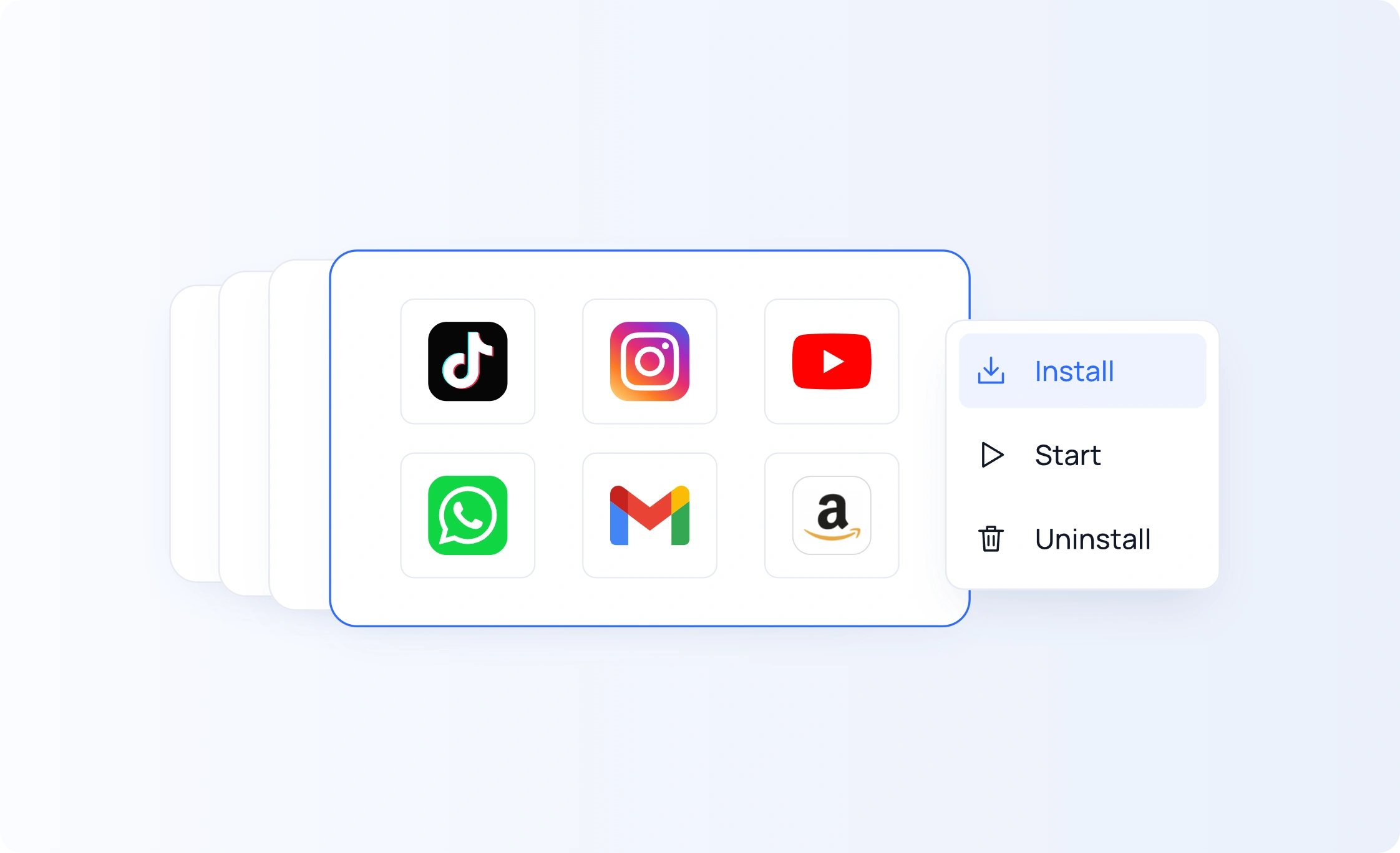
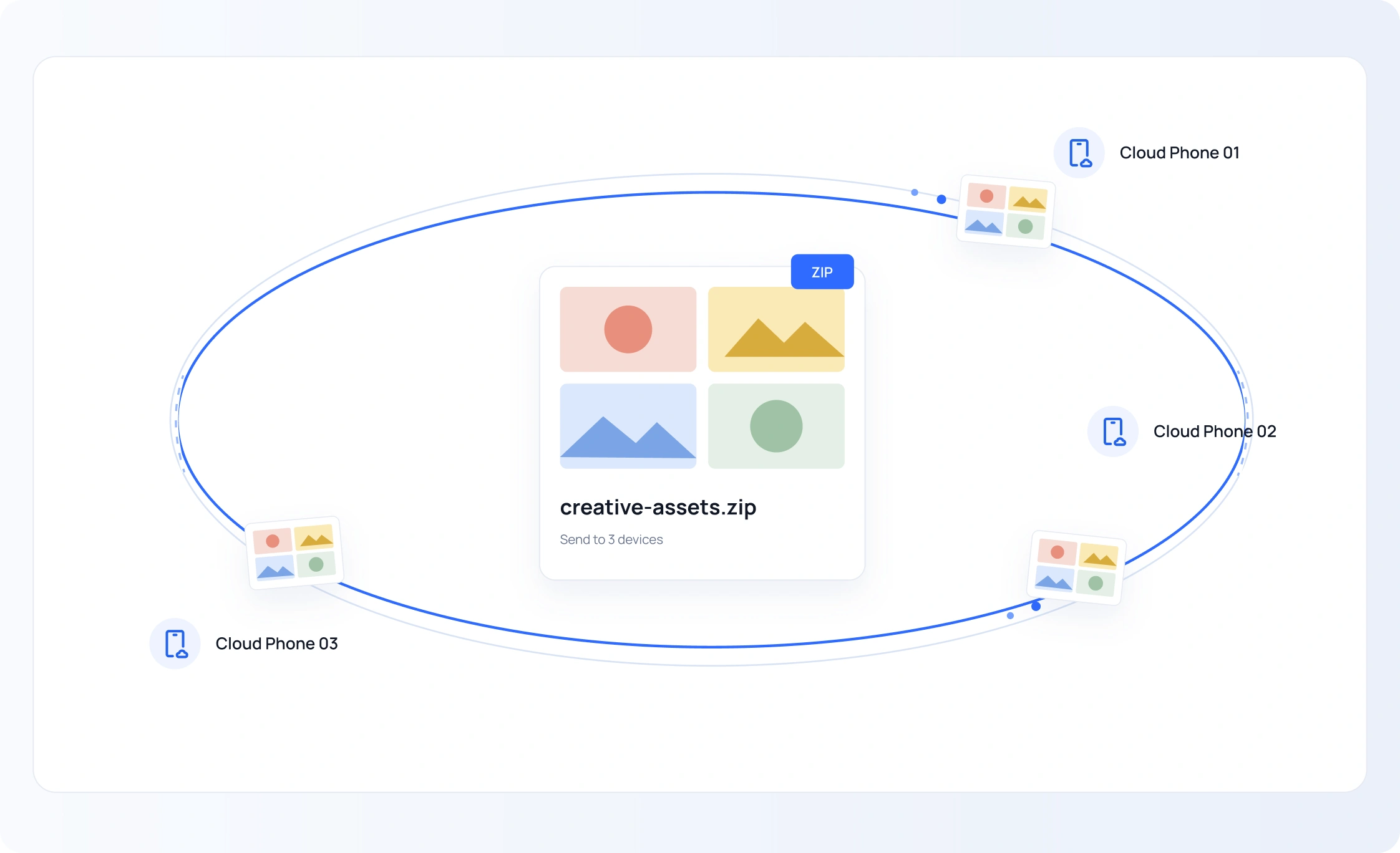
You can synchronize mouse and keyboard input, clicks or taps, scrolling, movement, and text entry. Browser profiles also support window layouts, tab management, and bulk text input. Cloud phones support batch app management and file uploads
Yes. You can prepare different text for individual browser profiles or cloud phones. You can also set an input delay to give each entry a more natural typing pace
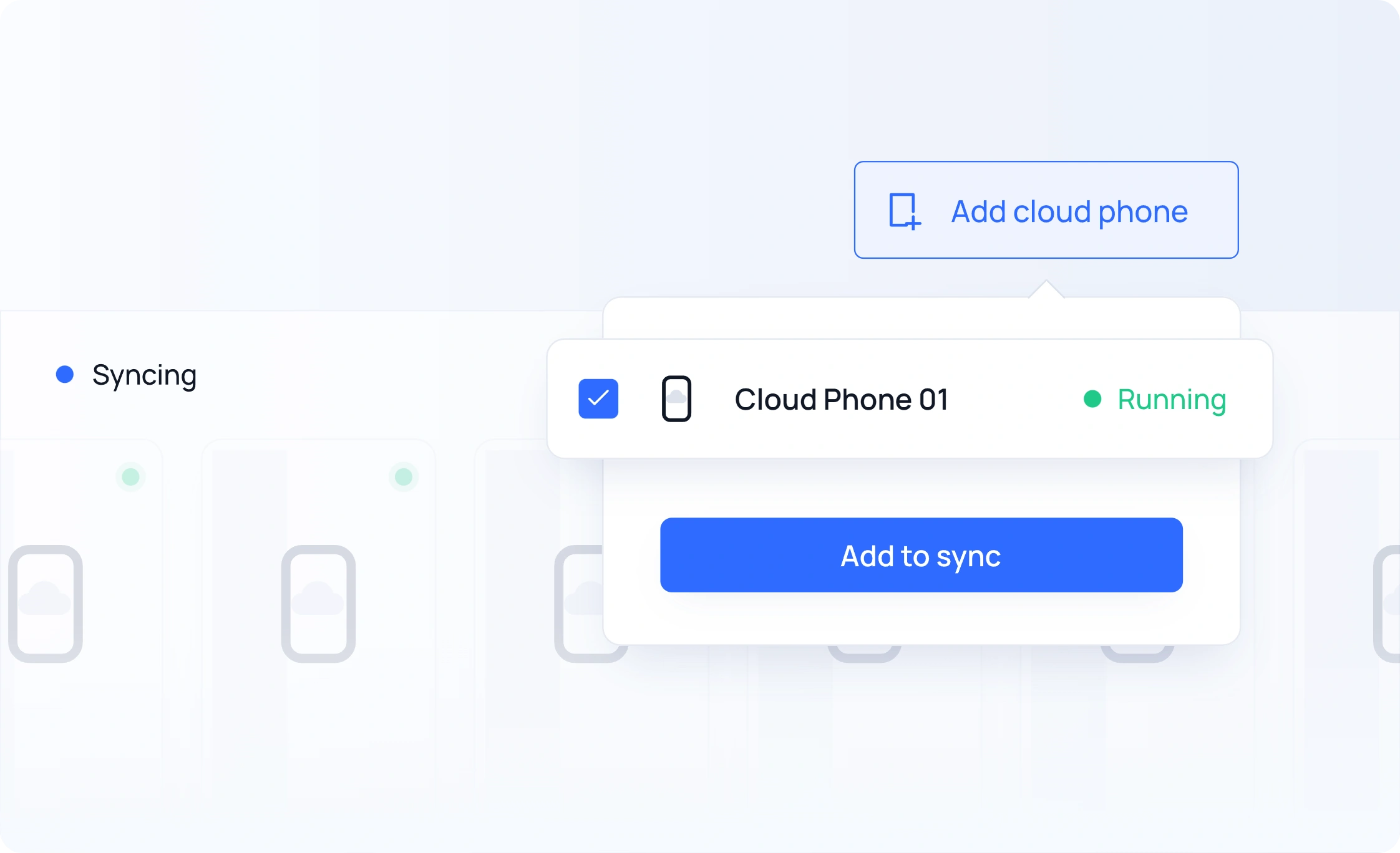
Yes. You can add a running Cloud Phone to your current synchronization group without stopping the session
Synchronizer repeats the actions you perform during a live session. RPA runs predefined workflows that you can save, reuse, or schedule. Use Synchronizer for hands-on control and RPA for automated tasks

 EN
EN


 Ask ChatGPT
 Ask Claude
 Ask Perplexity