EN
EN
Choosing a cloud phone is not difficult. Choosing the right one is. This article will help you make a smarter choice among available solutions by highlighting what really matters.
Most users compare price, number of devices, or surface features. These are visible, but they do not explain how the product behaves in real work. After a few days of use, the difference between providers becomes clear. Some remain stable. Others start to slow down, break workflows, or create extra manual work.
So the real question is not what features a product claims. The real question is how to choose cloud phone based on standards that still hold after repeated use.
From a practical point of view, four standards are enough to judge most products: performance, fingerprint consistency, sync capability, and API openness. If a cloud phone is weak in one of these areas, the problem usually appears quickly when tasks become repetitive.
If you are still at the early stage, it helps to first understand what a cloud phone is. After that, the next step is learning how to compare them in a structured way so you can identify the smarter choice among cloud phone solutions.
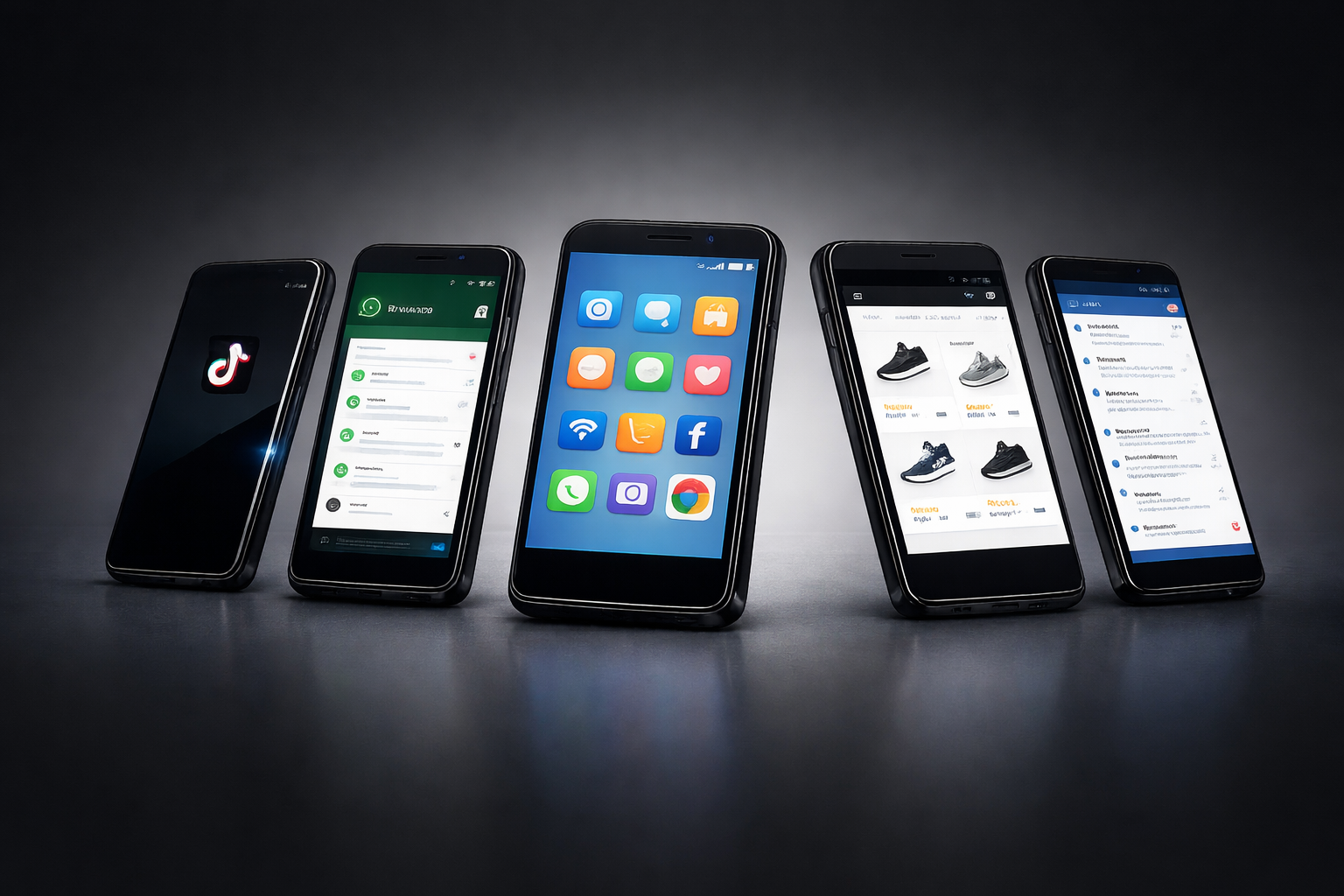
A cloud phone becomes part of your daily workflow, so selecting the right tool is crucial for ongoing business operations. It is not just a tool you open once. You log in, switch apps, repeat actions, and often run multiple devices at the same time.
If the system is unstable, each step takes longer. If the device environment is inconsistent, operations become less predictable. If multi-device control is weak, the workload increases. If the system is closed, you cannot extend it later.
That is why how to choose cloud phone should be based on how the system performs under repetition, not how it looks on a landing page. Choosing the right tool is essential for business efficiency and workflow stability.
Instead of reviewing each feature separately, it is more useful to evaluate cloud phone services through a single structured view. The best solutions integrate these four standards into one platform, providing users with streamlined access and convenience. The table below summarizes the four key standards and what you should look for in each one.
This table is the core of how to choose cloud phone in a practical sense. It removes most of the noise and focuses on how the product behaves under real conditions.
Performance is the easiest part to feel and the hardest part to hide.
When you open a cloud phone, you should look at more than loading speed. Try switching between apps, or running mobile gaming sessions, which demand high performance from cloud phones. Try repeating the same action several times. Try running more than one device. These actions reveal whether the system can handle actual work.
A system that feels slightly slow at the beginning usually becomes much slower when tasks repeat. For example, if each action is delayed by even one second, that delay multiplies across dozens of steps. Over time, it becomes a real cost.
Cloud phones can outperform traditional emulators on a computer for tasks like mobile gaming and app management, offering smoother performance and better resource allocation.
Performance is also linked to stability. A cloud phone that disconnects or freezes forces you to restart tasks. This breaks workflow continuity and increases error risk. Automation tools in cloud phone technology enable batch operations, such as bulk profile creation and synchronized control across multiple devices, improving efficiency in managing multiple accounts.
So when evaluating how to choose cloud phone, performance should not be treated as a feature. It should be treated as a baseline requirement.
Many users underestimate fingerprint consistency because it is less visible than speed. However, it plays a key role in how stable the overall environment feels.
A cloud phone is not just a screen. It is a device environment. That environment includes device identity, system signals, timezone, language, screen resolution, and behavioral patterns. If these elements do not align, the environment looks inconsistent.
Consistency is more important than complexity. A simple but stable setup is better than a complex but inconsistent one.
For example, if a device shows one region but behaves like another, the mismatch becomes noticeable. If device identity changes across sessions, continuity is lost. These issues do not always cause immediate failure, but they reduce reliability over time.
Browser fingerprinting is a technique that collects various data points, such as screen resolution and installed fonts, to create a unique identifier for users, which can lead to detection and tracking across websites. This is why fingerprint consistency is crucial.
When thinking about how to choose cloud phone, fingerprint quality should be treated as a core factor, not an advanced feature.
Single-device usage is simple. Multi-device usage is not.
As soon as tasks need to be repeated across devices, manual operations become inefficient. Opening each device, repeating each step, and tracking each result takes time and attention. For users managing large numbers of devices or accounts, cloud phones are essential for efficient, scalable operations.
Sync tools solve this problem by reducing repetition. They allow users to manage multiple devices in a more structured way. This improves both speed and consistency. Cloud phones provide isolated environments for each account, ensuring there is no overlap or interference between them.
This becomes important in real scenarios. For example, if you are handling onboarding flows such as registering TikTok accounts in a cloud phone environment, repeating the same steps across devices is unavoidable. Without proper sync support, the process becomes slow and error-prone.
So in the context of how to choose cloud phone, sync capability is not optional for users who plan to scale. Cloud phones enable users to scale operations to large numbers without needing physical devices, as each account can have its own virtual phone.
API openness does not always affect the first day of use. It affects everything after that.
At the beginning, many users work manually. Over time, tasks become repetitive. At that point, the ability to connect the cloud phone with external workflows becomes important. API openness enables automation of social media interactions, such as scrolling, liking, and commenting, by transforming text prompts into automated workflows—helping scale account management efficiently.
A closed system forces you to continue manual operations. An open system allows you to build structured processes. API openness also supports proxy management, letting you integrate proxies so each cloud phone can be assigned a unique IP address from a specific region, effectively hiding your real location and creating a consistent regional identity with dedicated residential or 4G mobile proxies. Additionally, API integration is valuable for app testing, as it allows seamless connection with testing workflows for managing and testing mobile apps at scale.
This is why how to choose cloud phone should include API evaluation, even for users who do not plan to automate immediately. A system that cannot grow with your workflow becomes a limitation later.
If you want a broader view of the market, you can compare different providers in this list of top cloud phone services. The difference between basic tools and scalable platforms becomes clearer when viewed side by side.
Once the four standards are clear, it becomes easier to evaluate specific products. MoreLogin stands out because it aligns with all four areas instead of focusing on one, making it the right tool for businesses operating at scale in the world of e-commerce, social media, and cross border e-commerce.
Performance: MoreLogin’s cloud phone is designed for repeated use and is ideal for mobile apps, mobile gaming, and app-based workflows. It operates as a real smartphone on remote hardware hosted in a secure data center, providing the authenticity and reliability of a physical device. Device startup is consistent, and interaction remains stable during longer sessions, even when managing multiple mobile devices and accounts. There is no client download required—everything runs in the browser for maximum convenience and scalability, all accessible from one dashboard.
Fingerprints: The platform follows a consistency-first approach. Each cloud phone operates as an independent device with its own unique device identity. Device environments are structured to remain stable across sessions, with regional settings and system signals aligned to reduce mismatch issues and improve continuity. This high-level stealth helps users avoid account linking and stay undetected.
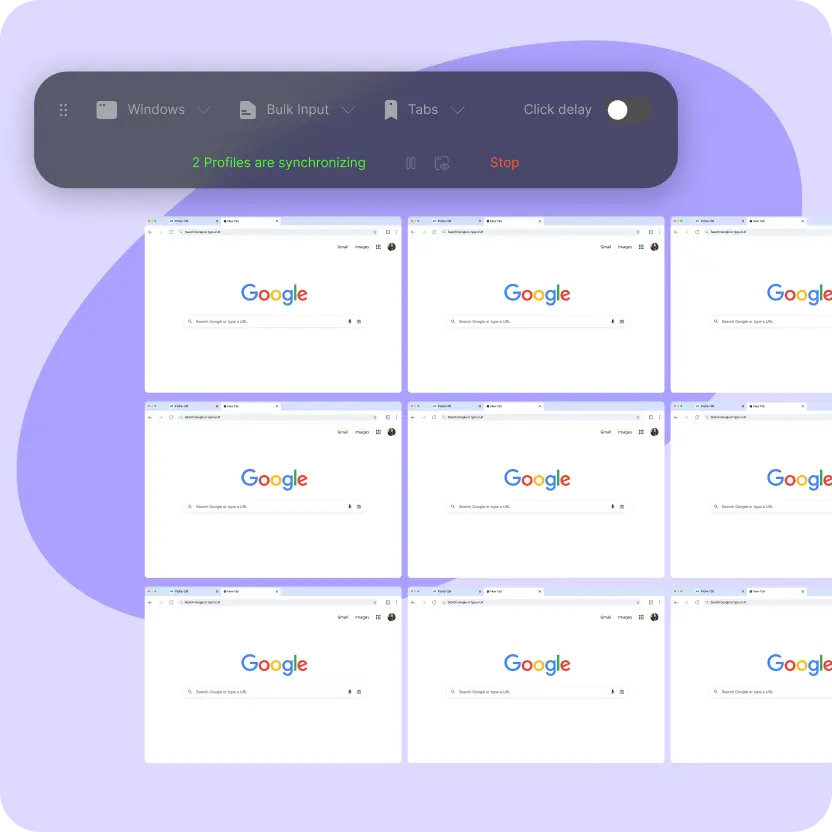
Sync Capability: MoreLogin supports more structured multi-device workflows, enabling social media managers, e-commerce sellers, and cross-border e-commerce operations to efficiently manage large numbers of mobile devices and multiple social media accounts. Instead of handling devices one by one, users can organize operations more efficiently, reducing manual repetition and keeping workflows cleaner as scale increases.
API Openness: The system is built with expansion in mind. Users can connect cloud phone operations with broader workflows and integrate proxy management, assigning dedicated proxies for each phone to ensure each profile appears as a unique real-world user.
These four points explain why MoreLogin is often considered closer to a best cloud phone service rather than a basic tool. It does not rely on a single advantage. It performs consistently across the areas that affect real usage.
For a direct product overview, you can explore MoreLogin’s cloud phone solution and see how these standards are implemented.
Different users prioritize different factors, but the same framework applies. Before comparing providers, understand the differences between a cloud phone and a local emulator, especially in hardware dependence, remote access, device scaling, team management, and automation.
Beginners should focus on performance and ease of use. A stable system is more important than advanced features at the start.
Users managing multiple accounts should pay more attention to fingerprint consistency and sync capability, as well as the importance of tools that help manage accounts efficiently. These directly affect efficiency and stability.
Teams and advanced users should look closely at API openness and robust account management features. The ability to build structured workflows and centralized account management solutions becomes more important as operations grow.
In all cases, the logic of how to choose cloud phone remains the same. The difference is only in which standard becomes the priority.
The process of how to choose cloud phone becomes clear once you focus on the right criteria.
Performance shows whether the system can handle real work. Fingerprints determine whether the environment remains consistent. Sync capability decides how efficient multi-device operations are. API openness defines whether the system can grow with your needs.
These four standards reveal more than any feature list.
A cloud phone should not only work once. It should work repeatedly, consistently, and at scale. That is the difference between a usable tool and a reliable system.
What is the most important factor when choosing a cloud phone?
Performance is usually the first filter. If the system is slow or unstable, other features lose value. After that, fingerprint consistency, sync tools, and API openness should be evaluated together.
Why is fingerprint consistency important in a cloud phone?
A cloud phone represents a device environment, not just a connection. Consistent device signals help maintain a stable setup across sessions. Inconsistent environments reduce reliability over time.
What defines the best cloud phone software?
The best cloud phone software combines smooth performance, stable device environments, efficient multi-device control, and the ability to scale workflows. These factors matter more than surface-level features.
How do I know if a cloud phone service is suitable for scaling?
Check whether it supports multi-device management, reduces manual repetition, and offers API access. These elements indicate whether the system can handle larger workloads.
Is API access necessary for beginners?
Not always at the beginning. However, choosing a platform with API support is safer in the long term. It allows the system to grow with your needs instead of becoming a limitation.

 EN
EN