- Product

- Pricing
- Affiliate Program
- Developers
- Resource
 EN
EN
Managing multiple online accounts in 2026 involves much more than switching IP addresses. Detection systems now evaluate a mix of signals, including browser fingerprints, device configurations, timezone alignment, language settings, and user behavior patterns.
That is why accounts can still be linked even when proxies are used. If several accounts share similar browser environments, or if important parameters do not match the network location, the risk of verification or restriction becomes higher. In practice, isolated profiles matter just as much as IP separation. If you want a broader explanation of how an anti detect browser works in real multi-account workflows, the key idea is environment isolation rather than proxy switching alone.
An anti detect browser addresses this by creating separate browser profiles. Each profile simulates an independent device environment, which helps users run multiple accounts with clearer separation. This is one reason the search for the Best anti detect Browser has become more relevant for agencies, affiliate teams, e-commerce operators, and automation-heavy workflows.
Still, tools in this category are not all built the same way. Some focus on automation and scripting. Others focus on fingerprint quality, team collaboration, or ease of use. Because of that, identifying the Best anti detect Browser depends less on brand popularity and more on how a product performs in real use cases.
This article compares 11 commonly used tools in 2026 and focuses on practical differences instead of ranking them by hype alone. If your main use case is campaign execution, this practical guide to the best anti detect browser for marketing is also worth reading because it looks at workflow fit, not just feature lists.
To keep this comparison consistent, each tool was reviewed through the same framework.
A strong profile should behave like a real device, not like a random set of changed values. That includes coherent hardware signals, matching timezone and proxy location, proper language settings, and stable rendering behavior over time.
Automation becomes increasingly important as the number of accounts grows. Tools were compared based on API support, compatibility with frameworks such as Selenium or Puppeteer, and built-in automation features.
Pricing models vary more than many users expect. Some tools charge based on profile volume, while others charge based on concurrency, features, or team size. Both entry price and long-term scaling cost matter when evaluating the Best anti detect Browser.
Running many browser profiles requires more than features on paper. Launch speed, memory usage, and reliability under load all affect daily operations, especially for teams managing repeatable workflows.
MoreLogin is built around a simple idea: browser environments should look consistent, not random. Instead of constantly changing fingerprint parameters, it focuses on creating stable profiles that stay aligned with proxy settings and remain coherent across sessions.
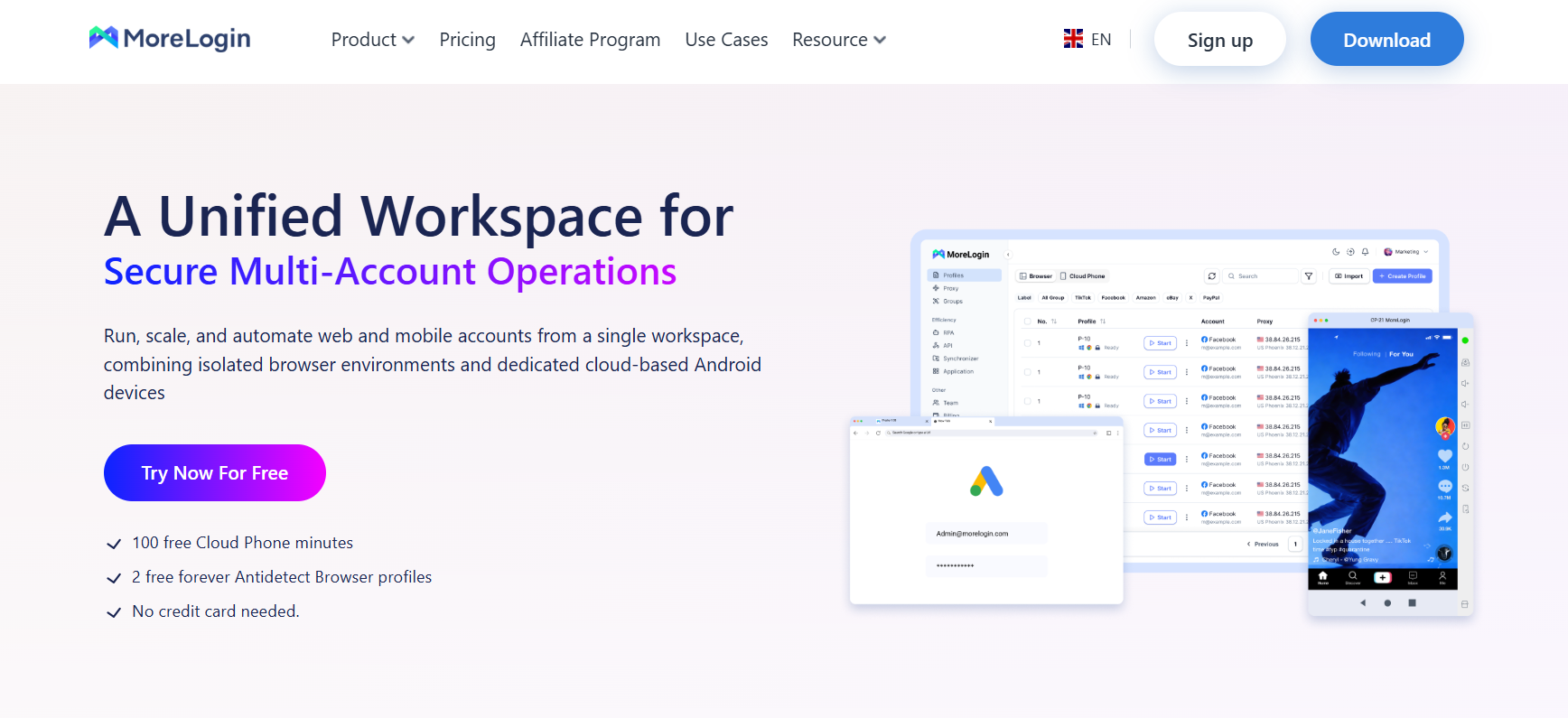
In practical use, this helps reduce mismatched signals. When a proxy is assigned to a profile, the browser environment can automatically align timezone, language, and related settings. That removes one of the most common setup mistakes in multi-account work.
Another advantage is usability. Many tools in this space require users to manually tune fingerprint settings. MoreLogin reduces that manual work, which makes it easier for users who want a cleaner setup process without losing control over core functions. For users comparing the Best anti detect Browser for everyday operations, this balance between simplicity and consistency is one of its strongest points.
Key Features:
AI-based fingerprint generation with internal consistency
Automatic proxy and environment alignment
API support for Selenium and Puppeteer
Multi-window synchronization for repetitive actions
Role-based team management
Pricing:
Free plan available, paid plans start at $9/month
Use Cases:
Social media account management, affiliate campaigns, small team workflows
Notes:
MoreLogin focuses on reducing setup complexity while keeping browser environments stable. That makes it a practical choice for workflows where consistency matters more than extreme fingerprint customization.
GoLogin combines browser fingerprinting with proxy management in one interface. This makes setup easier for users who prefer not to manage identity and network layers separately.
One of its strengths is flexibility. Users can customize fingerprint parameters or rely on existing templates, which makes the tool usable for both beginners and more experienced operators. It also supports multiple platforms, which is useful for workflows that move across different operating systems.
Key Features:
Independent browser identities
Built-in proxy integration
API with high request limits
Cross-platform compatibility
Pricing:
Starts at $9/month
Use Cases:
Agency workflows, multi-platform account management
Notes:
GoLogin offers a balance between control and convenience. It gives users room to customize, but it does not make customization mandatory.
AdsPower is designed with automation-heavy workflows in mind. It provides tools for managing large numbers of accounts through scripting, batch actions, and built-in automation.
Its built-in RPA system is one of its most noticeable strengths. Users can automate repetitive tasks without depending entirely on outside scripts. Combined with its synchronizer, this can make bulk operations faster and more structured.
The tradeoff is complexity. New users may need time to understand how its automation tools, profile management, and synchronization features work together.
Key Features:
Advanced fingerprint customization
Built-in RPA automation tools
Synchronizer for batch operations
API for external integration
Pricing:
Free plan available, paid plans start at $9/month
Use Cases:
Affiliate marketing, ad account management, automation workflows
Notes:
AdsPower is often a strong fit when the priority is scale and automation rather than simplicity.
Multilogin is one of the longest-established names in this category. It is often used in team and enterprise settings where long-term stability is more important than low entry cost.
Rather than focusing on simplicity, it focuses on reliability. Cloud-based profile storage also makes it easier for teams to access profiles from different locations without manually transferring data.
It supports automation frameworks as well, though its core appeal is still operational stability. For some businesses, that reliability is the reason it remains in the conversation around the Best anti detect Browser.
Key Features:
Advanced fingerprint simulation
Cloud-based profile storage
API support
Team collaboration tools
Pricing:
Starts around $10/month (trial available)
Use Cases:
Large teams, enterprise workflows
Notes:
Multilogin is usually chosen when long-term consistency and team access matter more than ease of onboarding.
Incogniton is positioned as a more accessible option for users who are newer to multi-account management. It covers the core needs, such as profile isolation and proxy management, without feeling too heavy at the start.
This simplicity makes it easier to learn than some more advanced alternatives. At the same time, users may still need manual adjustments to get the best possible fingerprint setup in more demanding workflows.
Key Features:
Profile isolation
Cookie and proxy management
Basic automation support
Free plan with multiple profiles
Pricing:
Starts at $13.99/month
Use Cases:
Beginners, small-scale operations
Notes:
Incogniton is a reasonable starting point for users who want a straightforward interface and do not need deep automation from day one.
Octo Browser focuses on fingerprint quality and operational stability. Its main goal is to simulate real device environments as closely as possible.
One of its more practical strengths is frequent browser kernel updating, which helps profiles stay closer to real Chrome environments. That can make the browser environment look more natural over time. It also includes a built-in proxy marketplace, which adds convenience for users who want a more connected setup.
Key Features:
Real-device fingerprint simulation
Built-in proxy marketplace
API access
Team management features
Pricing:
Starts around $11/month
Use Cases:
Long-term multi-account operations
Notes:
Octo Browser is often considered by users who prioritize fingerprint quality and stable sessions over beginner-friendly simplicity.
Undetectable.io is built for flexibility and large-scale profile management. It allows users to create and manage many profiles locally, which can be useful when bulk operations are the main priority.
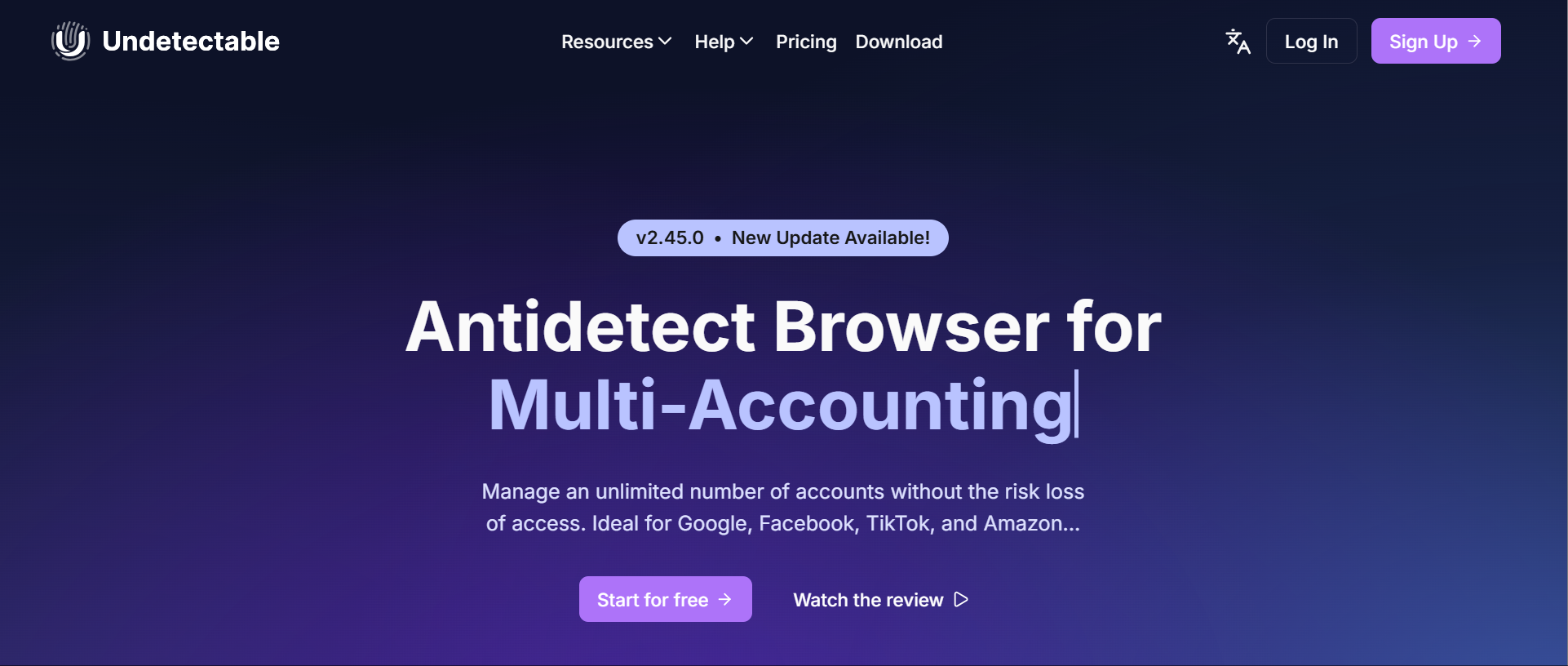
A local-first setup can improve speed when many profiles are active, but it also means users need to pay more attention to local resources, setup quality, and system maintenance.
Key Features:
Full fingerprint parameter control
Bulk profile creation
Automation tools
Cookie management
Pricing:
Starts at $49/month
Use Cases:
Bulk account operations
Notes:
Undetectable.io offers more freedom than some simpler tools, but it tends to suit users with stronger technical experience.
Dolphin Anty is widely used in affiliate marketing and other workflows that rely on repeated actions across many accounts. Its scenario-based approach is designed to reduce manual effort.
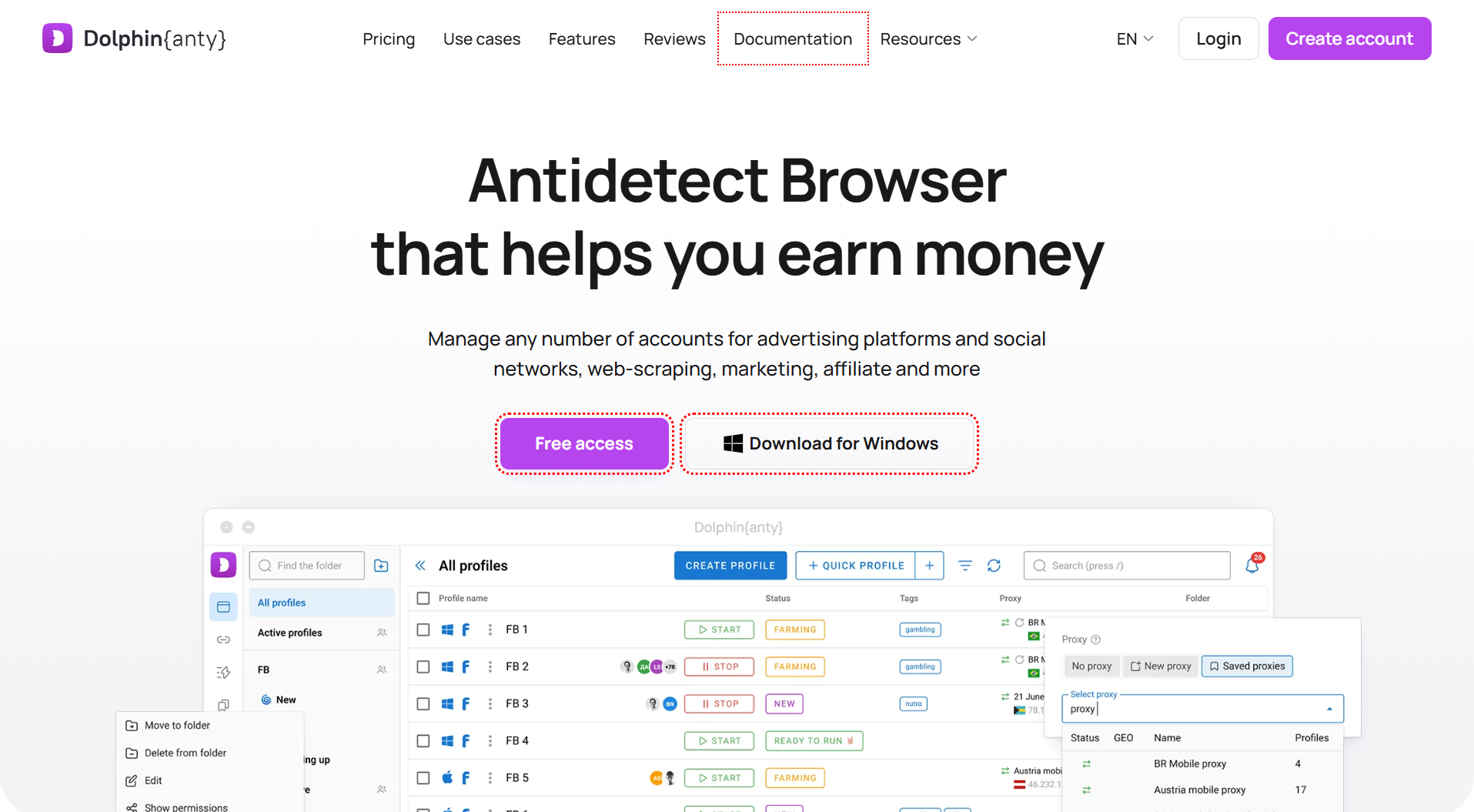
Users can define action sequences and apply them to multiple profiles, which helps standardize repeated processes. That can be useful in fast-moving campaign environments. However, like many automation-oriented tools, it requires careful configuration to avoid inconsistent setups.
Key Features:
Scenario-based automation
Profile synchronization
Fingerprint customization
Team collaboration
Pricing:
Free plan available, paid plans start at $10/month
Use Cases:
Affiliate campaigns, ad account management
Notes:
Dolphin Anty is suited to higher-volume operations where automation matters more than a minimal learning curve.
VMLogin focuses on core browser isolation and collaboration features. It supports large numbers of profiles and profile sharing, which can be useful in team-based workflows.
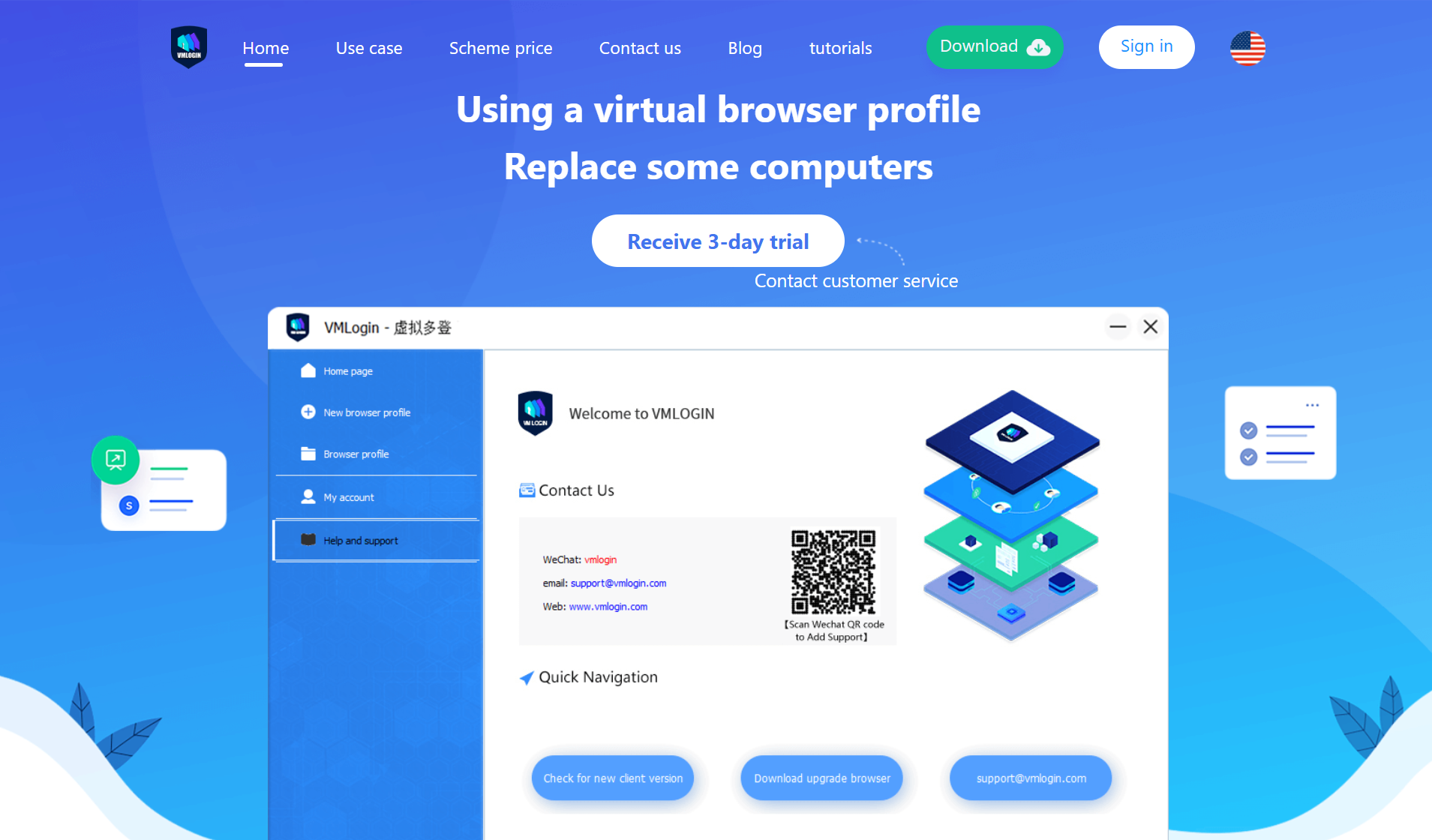
Compared with newer tools, its feature set is more basic. Still, for users who mainly need profile separation and shared access, it remains a functional option.
Key Features:
Multi-profile management
REST API support
Profile sharing
Pricing:
Starts around $98/month
Use Cases:
Basic multi-account operations
Notes:
VMLogin is more focused on core workflow support than on advanced automation or deeper fingerprint design.
Kameleo is more developer-oriented than many other entries on this list. It gives users deeper control over browser environments and integrates with major automation frameworks.
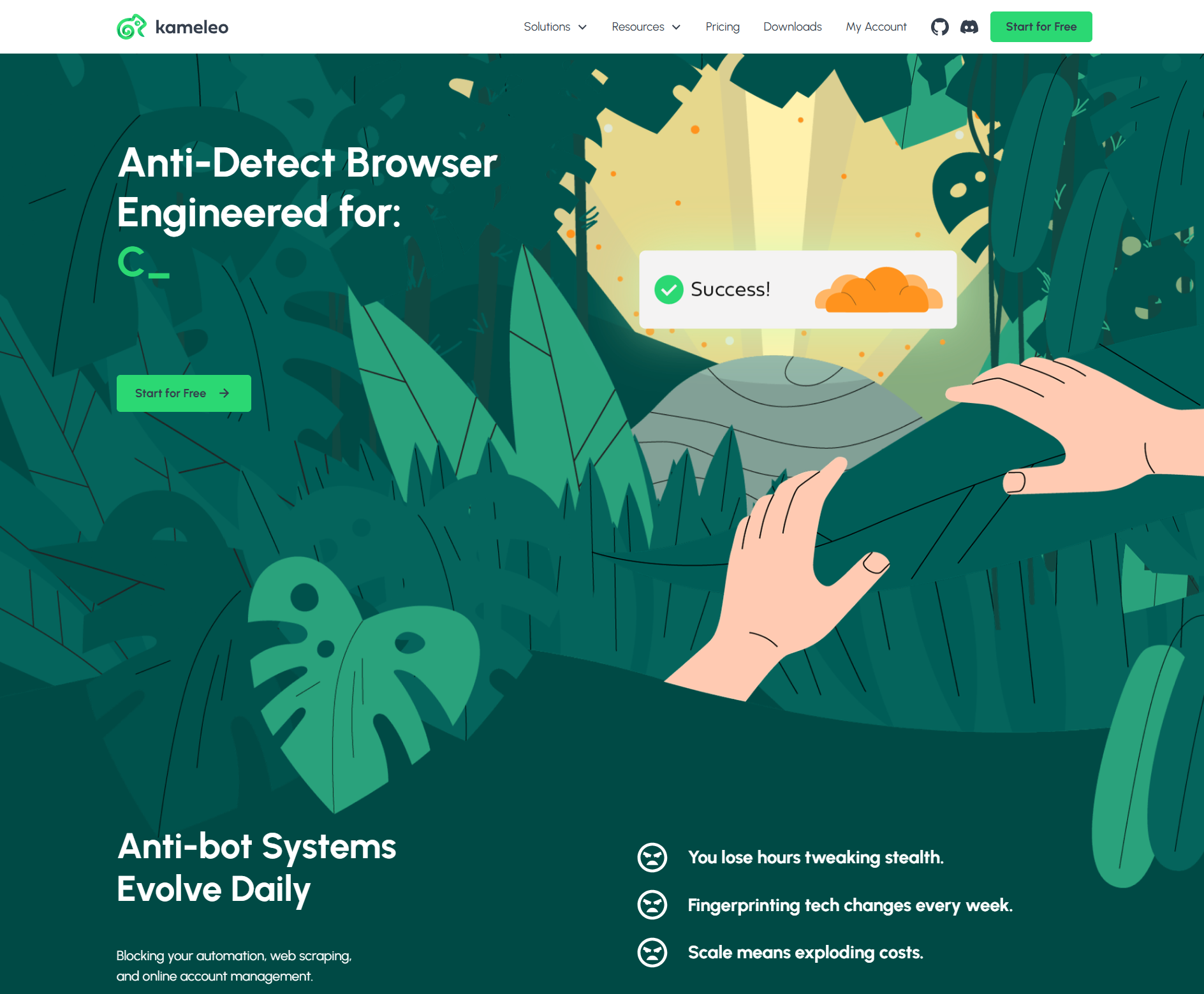
Its “human-like browsing” approach is especially relevant in scraping and automation-heavy setups where profile behavior and environment control matter. This makes it one of the more technical tools among the top anti detect browsers discussed here.
Key Features:
Advanced automation support
Framework compatibility
Deep fingerprint customization
Pricing:
Starts around $65/month
Use Cases:
Web scraping, automation workflows
Notes:
Kameleo has strong technical capabilities, but it is best suited to users who already know what level of control they need.
Linken Sphere emphasizes security and strong isolation between browser sessions. It is often discussed in privacy-focused use cases where strict separation matters more than interface simplicity.
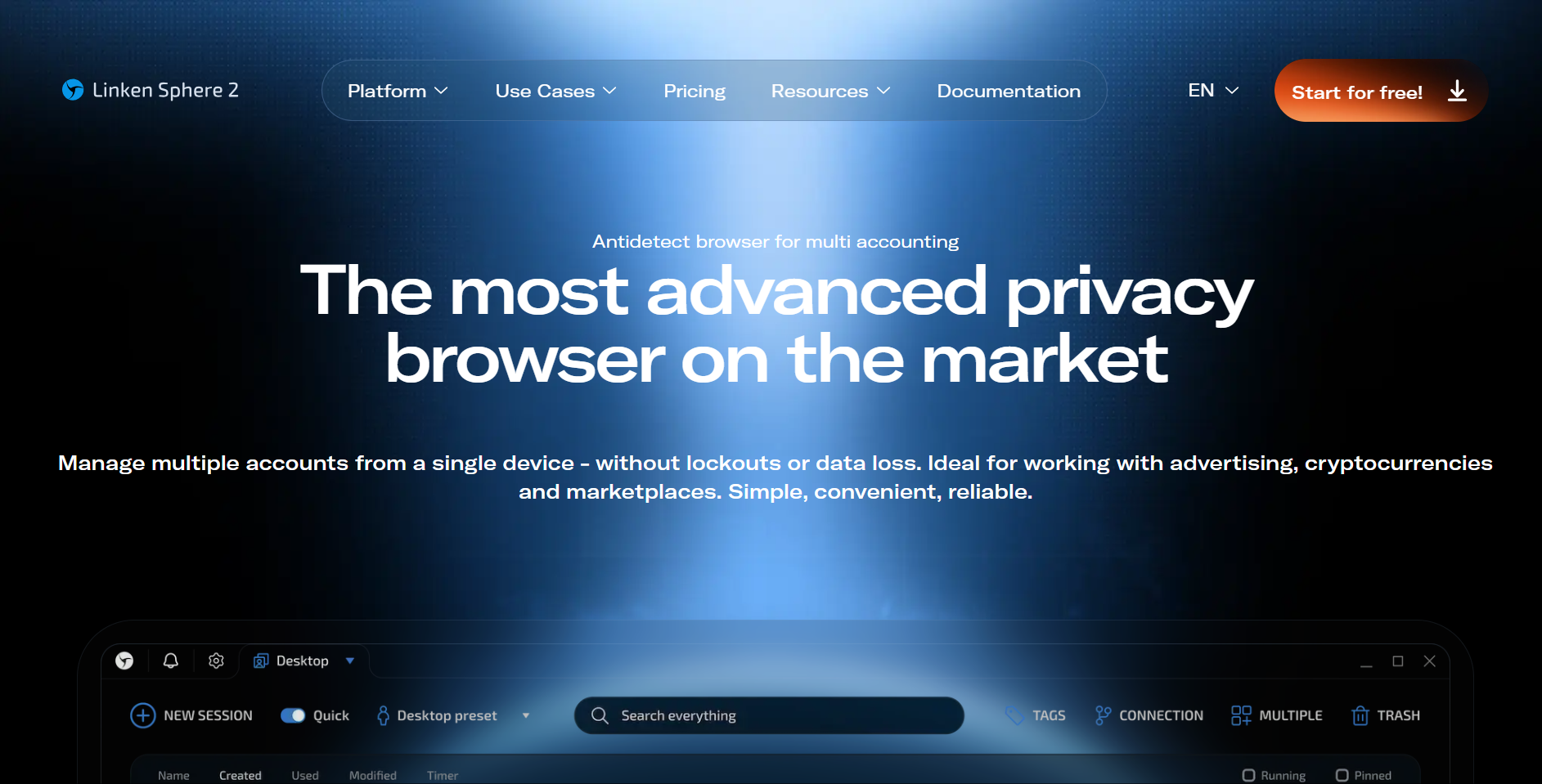
Its high level of fingerprint masking and session separation is appealing in security-sensitive environments, though the setup experience may feel less intuitive for newer users.
Key Features:
Advanced fingerprint masking
Encrypted sessions
Automation tools
Pricing:
Starts at $30/month
Use Cases:
Privacy-focused workflows
Notes:
Linken Sphere prioritizes separation and security first, which makes it more niche than some broader-use tools.
Pricing is one of the most important factors when choosing the Best anti detect Browser, but it is also one of the easiest areas to misread. The monthly price alone does not tell the full story. The real difference often comes from how a platform charges for profiles, concurrency, team seats, or advanced features.
One of the main differences between these tools is the logic behind the pricing. Some platforms, including MoreLogin, AdsPower, and Incogniton, start with lower entry pricing and scale mostly through profile limits. That structure usually works well for solo users or smaller teams.
Mid-range options such as GoLogin and Octo Browser often provide more room for scaling, along with stronger API access, better performance ceilings, or added integrations. The downside is that monthly cost can rise quickly when moving into higher tiers.
Higher-cost tools such as Multilogin and Kameleo are usually aimed at advanced workflows or enterprise use. In those cases, the higher price often reflects stability, deeper control, or developer-oriented infrastructure rather than a simple feature count.
Entry pricing rarely shows the full operational cost. As workflows grow, expenses can rise because of profile volume, added team members, or more intensive automation usage.
For example, a tool with a low monthly fee may still become expensive when you need hundreds of profiles or several team seats. On the other hand, a more expensive platform may reduce time spent on errors, maintenance, or manual setup. That tradeoff matters when comparing the best anti detect browsers 2026 for long-term use.
Resource usage is another factor that is often overlooked. Some tools depend heavily on local machine performance, which can create hardware costs. Others shift more of that burden into cloud-based subscriptions.
anti detect browsers are often used to manage multiple accounts with clearer separation between browser environments. This helps teams keep account sessions independent and reduce overlap in setup.
Affiliate workflows often involve campaign testing, repeated actions, and account segmentation. In those settings, profile isolation and automation support become more important.
For e-commerce teams handling multiple storefronts or regions, separate profiles can help keep workflows organized and reduce environment conflicts across accounts.
In scraping and automation tasks, isolated browser environments can help reduce interruptions and create more structured session management.
There is no single Best anti detect Browser for every workflow. Each tool on this list focuses on a different priority, whether that is automation, fingerprint quality, ease of use, pricing, or team collaboration.
That is why comparing real workflow fit is more useful than relying on simple rankings. Some users need a lightweight entry point. Others need stronger automation, better scaling, or deeper fingerprint control. The Best anti detect Browser is the one that matches your actual operational needs, not just the one with the most features on paper.
Among the best anti detect browsers 2026, the most practical choice depends on what matters most in your setup: stability, usability, cost control, or technical flexibility.
anti detect browsers themselves are legal software tools. They are essentially browsers designed for privacy, profile isolation, and environment separation. However, their use still has to follow the rules of each platform. Using any tool in a way that breaks platform policies can still result in restrictions.
Changing an IP alone is no longer enough because platforms compare multiple signals at the same time. If the browser fingerprint does not match the network location, timezone, language, or device profile, that mismatch can create risk signals. In many cases, consistency matters more than randomness.
No. No tool can guarantee complete protection because modern systems also evaluate behavior patterns, timing, login habits, and activity type. An anti detect browser can reduce technical inconsistencies, but it cannot replace safe and reasonable account operation.
Basic tools usually cover profile isolation, proxy setup, and simple fingerprint management. Advanced tools go further with deeper customization, automation support, team workflows, and better scaling options. The gap becomes much clearer when handling a large number of accounts.
Not always. For a small number of accounts, manual management may be enough. But as account volume increases, manual work becomes slower and more error-prone. At that stage, API access, synchronization, or automation tools can improve efficiency a lot.
Fingerprint consistency should usually come first because it directly affects how stable and coherent the browser environment looks. After that, automation, pricing structure, team features, and resource usage should be judged based on your real workflow.

 EN
EN