- Product

- Pricing
- Affiliate Program
- Developers
- Resource
 EN
EN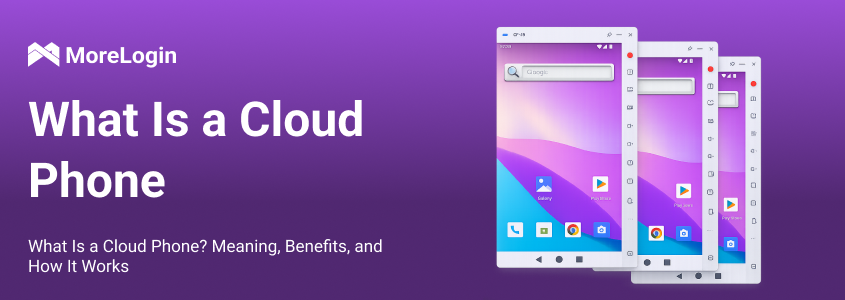
Many people hear the term cloud phone for the first time and assume it is just another Android emulator. That is not quite right. If you have been asking what is a cloud phone, the simplest answer is this: it is a mobile device environment that runs remotely in the cloud instead of running directly on your local computer or physical phone.
In practical terms, a cloud phone gives you access to a phone-like Android environment over the internet. You control it from your desktop or browser, but the heavy work happens elsewhere. This is the core of the meaning of cloud phone. It is not only about seeing a phone screen online. It is about using a remote mobile environment without depending too much on your own machine’s hardware.
This article explains what is a Cloud Phone, how it works, why people use it, and how it differs from a traditional local Android emulator such as BlueStacks. It also looks at why MoreLogin Cloud Phone stands out by emphasizing real physical device fingerprints rather than only a simulated Android environment.
A cloud phone is a remote mobile device environment hosted on cloud infrastructure. You connect to it through the internet and operate it as if you were using a phone, even though the device itself is not sitting in your hand or running on your local desktop.
That is the clearest way to understand what is a cloud phone. It is a phone environment delivered remotely.
Some people also describe it as a virtual Android phone or an online smartphone. Those terms are close, but “cloud phone” is usually the more precise term because it highlights where the device runs: in the cloud.
A normal smartphone runs on hardware you physically own. A local emulator runs on your computer. A cloud phone runs on remote infrastructure and is accessed through a network connection. That difference changes how it performs, how it scales, and how much pressure it puts on your own machine.
So when someone asks about cloud phone meaning, the real point is not just “a phone on the internet.” The deeper point is that computing, storage, and device operations are handled remotely, which makes the experience very different from running Android locally.
To understand what is a Cloud Phone, it helps to look at the basic setup behind it.
A cloud phone is hosted on remote servers or cloud-based mobile infrastructure. The Android environment, app processes, and device resources live there. You connect to that device through a client, dashboard, or browser-based control panel. Your clicks, typing, and commands are sent over the network, while the phone environment responds in real time.
This means your local device is mainly acting as the control point. It is not doing most of the heavy Android processing itself.
That is one reason many users prefer a cloud phone over local solutions. They do not need to rely on a high-performance PC just to keep multiple Android instances running. In many cases, they can access the device from different locations and keep their workflows more flexible.
This is also why terms like virtual Android phone and online smartphone often appear in the same conversation. They all point to the same general idea: using a phone environment remotely instead of depending on a single local machine.
This is the part many people confuse.
A traditional Android emulator such as BlueStacks runs on your local computer. Your CPU, memory, and sometimes GPU are responsible for supporting the Android environment. If you open several emulator instances, your computer usually feels the pressure very quickly. The machine gets hotter, slower, and less stable, especially if your hardware is not strong enough.
A cloud phone works differently. The Android environment runs remotely, so it does not depend heavily on your local CPU to do the actual workload. The device logic, rendering, and processing are primarily handled in the cloud. Your computer becomes more like a window into that remote device.
That is the core difference between what is a cloud phone and what people expect from a normal emulator
The cloud phone vs Android emulator decision also depends on app compatibility, multi-device management, automation, cost, and platform risk.
This difference matters because it changes the user experience in a very practical way. If you are using a local emulator, your computer is the engine. If you are using a cloud phone, the cloud is the engine.
That is why a cloud phone is often a better fit for users who want lighter local resource usage, remote access, or a cleaner way to manage multiple Android environments.
For a product-level example, the MoreLogin vs BlueStacks comparison shows how this architectural difference affects multiple instances, remote access, automation, cost, and team workflows.
The first major benefit is lower pressure on your local machine. When people ask what is a cloud phone, they are often really asking why they should care. One clear answer is that it avoids making your own computer do all the heavy lifting.
A second benefit is flexibility. Because the device runs remotely, you are not tied to one specific desk setup. A cloud phone can be accessed through a dashboard or remote control interface, which makes operations more convenient.
A third benefit is scalability. Managing one local emulator is simple enough. Managing many local emulators on one machine is much harder. A cloud phone can make multi-device workflows cleaner and easier to organize.
There is also a practical management advantage. A cloud phone setup usually reduces hardware clutter. Instead of relying on stacks of physical phones or pushing one desktop too hard with emulator instances, users can centralize access in a more streamlined way.
A cloud phone can be useful for different types of users.
It can help teams that need remote mobile access without distributing many physical devices. It can help people who test apps or mobile workflows but do not want to overload their laptops. It can help users who want cleaner device management or remote access to Android environments.
It is also useful for users who do not want their entire mobile workflow to depend on local hardware conditions. A weak laptop can struggle with traditional emulator-heavy work. A cloud phone reduces that bottleneck because the key processes run elsewhere.
That does not mean every person needs one. For basic one-off testing, a local emulator may still be enough. But once remote access, flexibility, or easier scaling becomes important, the answer to what is a Cloud Phone starts becoming more relevant.
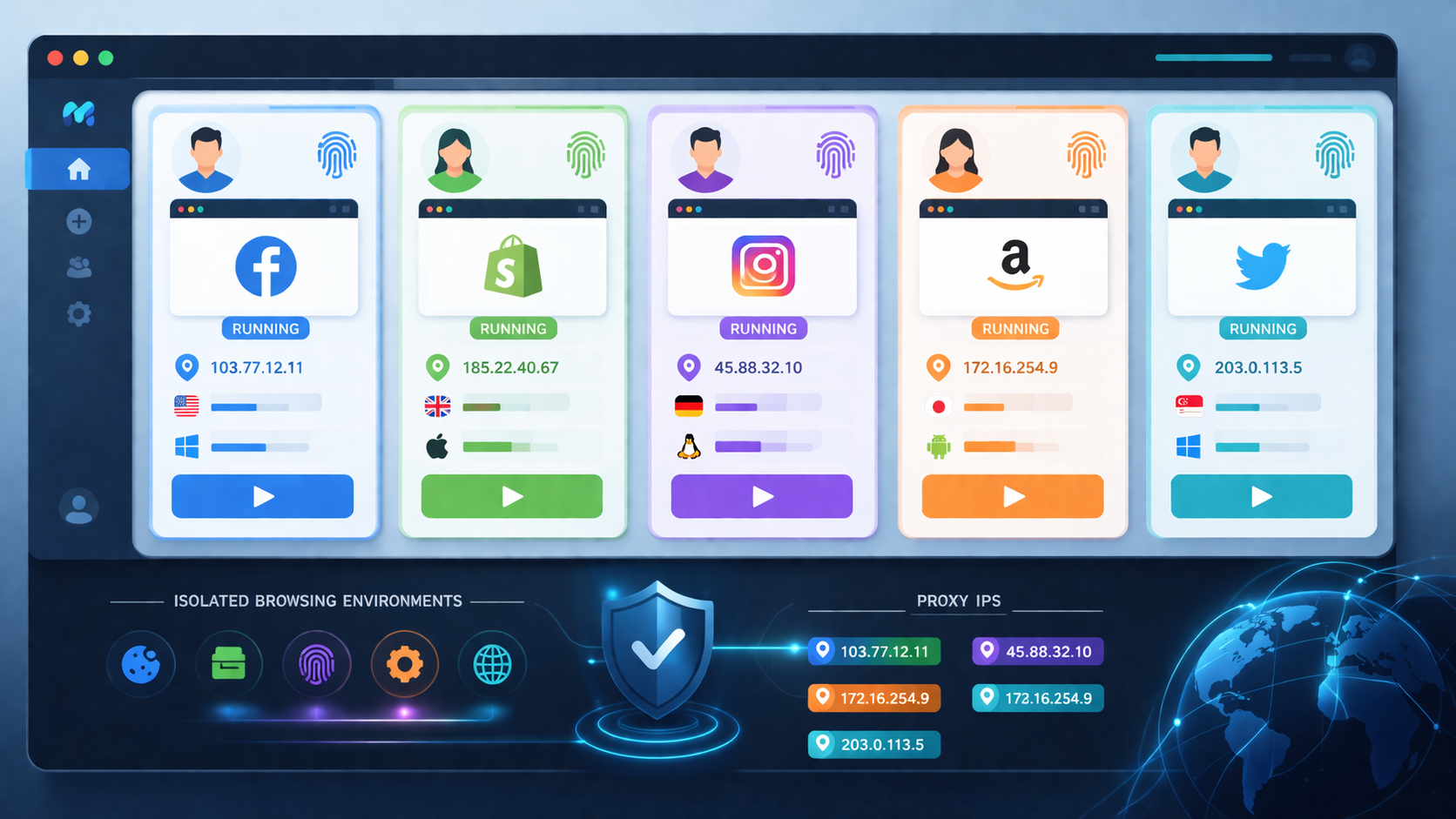
One of the most important points about MoreLogin Cloud Phone is that it emphasizes real physical device fingerprints.
That matters because not all Android environments are built the same way. A traditional emulator is usually a simulated system running on local hardware. In contrast, MoreLogin Cloud Phone is positioned as a cloud-based mobile solution that focuses on real device characteristics rather than only a software-level imitation.
This is a meaningful distinction. When people search for what is a cloud phone, they are not only looking for a remote Android screen. They also want to understand how close the environment is to real device conditions. The MoreLogin angle is that its cloud phone is not just about remote convenience. It is also about device-level authenticity.
Users who want to see how an android cloud phone works in practice can explore MoreLogin's ARM-based device environment, remote access, team management, synchronization, and automation features. For a broader market view, you can also compare other cloud phone services.
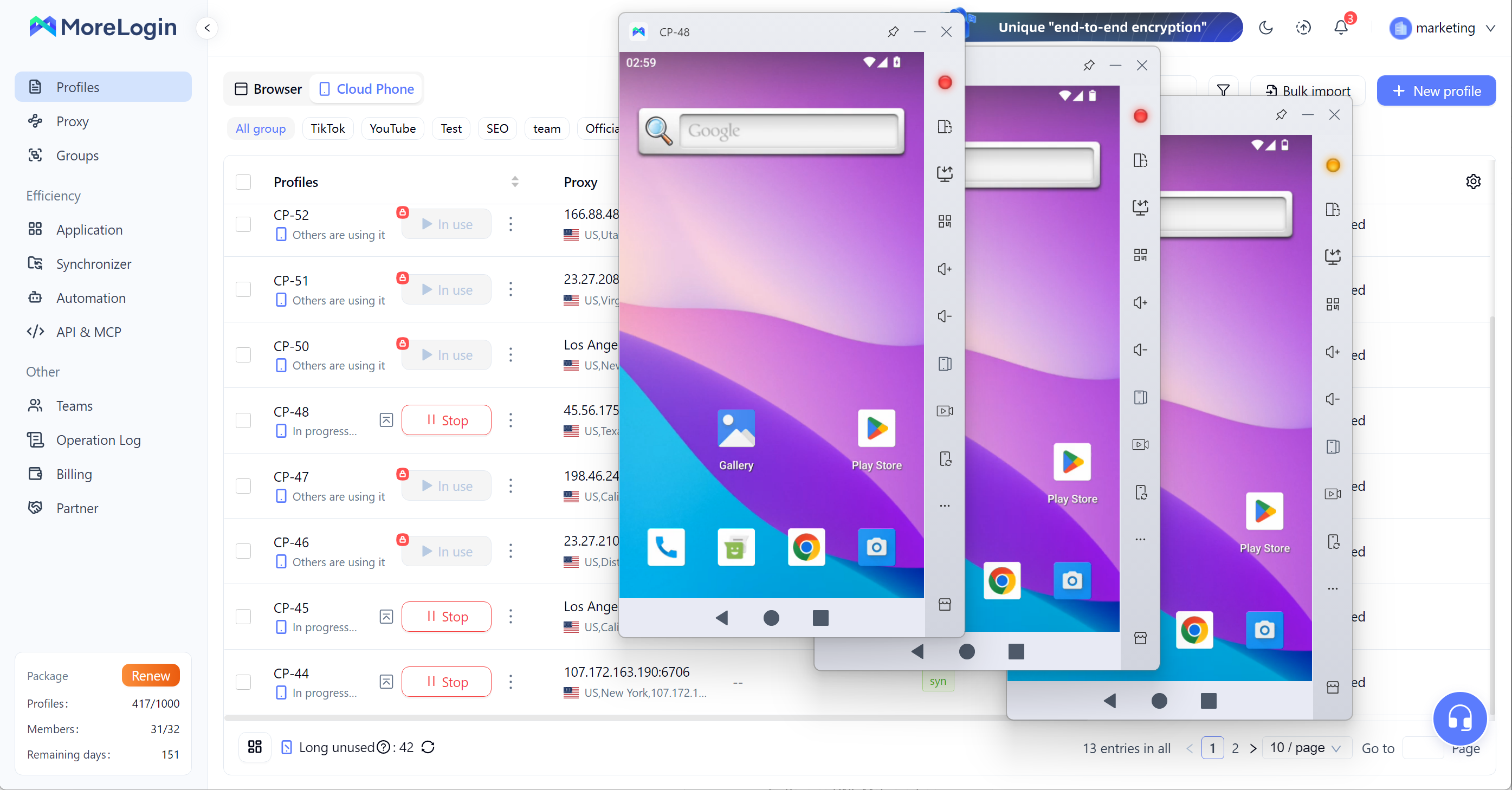
In short, MoreLogin Cloud Phone is not only framed as a way to reduce local hardware pressure. It is also presented as a way to access a more realistic mobile environment with real physical device fingerprints, which is a very different message from a standard emulator-based setup.
They are related, but not exactly identical in emphasis.
A virtual Android phone is a broad phrase. It usually describes any Android phone environment that is not tied to a normal physical handset in front of you. An online smartphone is an even more user-friendly phrase. It describes the experience in simple language.
A cloud phone is more specific. It highlights the architecture behind the experience. The device runs remotely in cloud infrastructure, and you access it through the internet.
So if you are comparing these phrases, the best way to think about them is this: “virtual Android phone” and “online smartphone” describe what it feels like, while “cloud phone” describes how it is actually delivered.
The best answer to what is a cloud phone is simple: it is a mobile device environment that runs remotely in the cloud and is accessed over the internet, rather than running directly on your local machine.
That single difference creates several practical benefits. A cloud phone usually puts much less pressure on your local CPU, supports remote access more naturally, and offers a cleaner way to manage mobile environments than traditional local emulators such as BlueStacks.
And when the discussion moves beyond convenience, the MoreLogin angle becomes more specific. MoreLogin Cloud Phone is positioned around real physical device fingerprints, which separates it from many purely simulated Android environments.
If you want a short definition to remember, use this one: a cloud phone is a remote Android device environment designed for access, flexibility, and lower dependence on local hardware.
A cloud phone is a phone environment that runs on remote cloud infrastructure instead of on your local device. You control it through the internet.
A cloud phone runs remotely, while an Android emulator runs on your own computer. The biggest difference is that a cloud phone usually does not rely heavily on your local CPU and memory.
They are similar, but “cloud phone” is more specific. It emphasizes that the Android device environment is hosted in the cloud.
It uses far less local CPU than a traditional emulator in most cases because the main Android workload runs remotely.
An online smartphone can reduce pressure on your local hardware, allow remote access, and make device management more flexible.
According to the positioning you provided, MoreLogin Cloud Phone emphasizes real physical device fingerprints, which sets it apart from many traditional simulated Android environments.

 EN
EN