- Product

- Pricing
- Affiliate Program
- Developers
- Resource
 EN
EN
Many users think one thing: if the IP changes, the risk goes away.
That sounds reasonable at first. You use a proxy. Or you turn on a VPN. Your traffic now comes from a different place. So the platform should treat you like a different user, right?
In many cases, that is not how it works.
A different IP can help, but it does not fully change how a platform sees your browser. That is why some users still get flagged, limited, or banned even after they switch IPs.
This is where the difference between a proxy browser and a VPN browser starts to matter.
In this article, we will look at how VPNs and proxies work, why changing IP alone often fails, and why a setup built around clean proxy IPs and isolated browser profiles usually makes more sense for multi-account work.
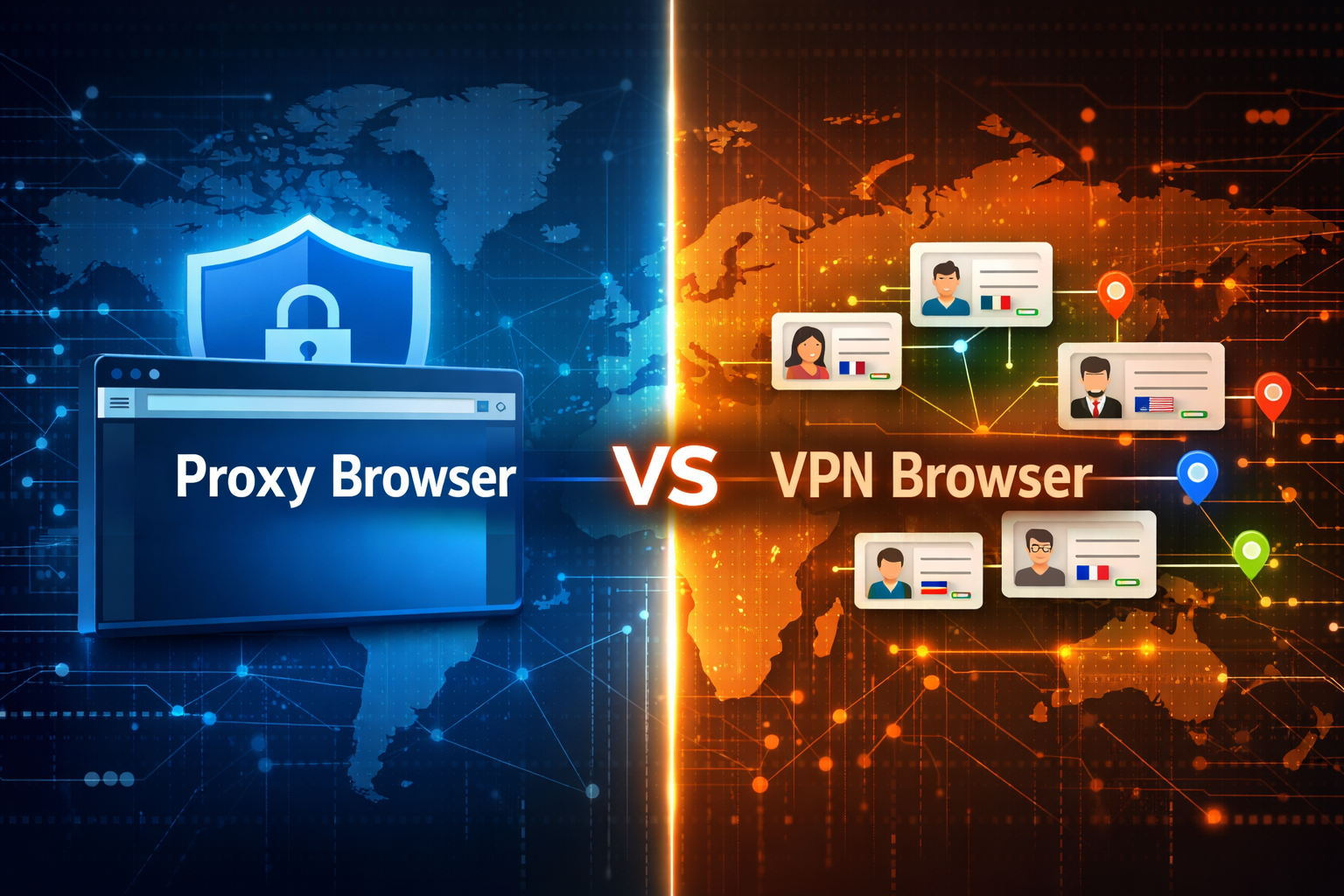
A VPN browser usually focuses on privacy at the network level. It hides your real IP and encrypts traffic. In many cases, it protects the whole device or the browser session, depending on how it is set up.
A proxy browser works in a different way. It is built around browser-level identity management. It lets you route traffic through a proxy, but it also helps separate browser environments.
That difference sounds small, but it changes the whole use case.
A VPN is often used for privacy, public Wi-Fi safety, or location switching. A proxy browser is more useful when you need separate account environments, separate sessions, and lower linking risk between profiles.
So this is not just about traffic. It is also about identity.
A VPN changes the route of your connection.
A proxy changes the route too, but when used inside a proxy web browser, it becomes part of a larger setup. That setup can include separate cookies, separate storage, separate browser fingerprints, and separate profile settings.
This is why many users feel confused.
They think:
I changed my IP
I used a different account
I still got flagged
The missing part is usually not the IP alone. The missing part is the browser environment.
Platforms do not rely on one signal.
They may look at your IP, but they also look at browser fingerprint, cookies, local storage, time zone, language, screen size, hardware signals, and behavior patterns.
That means one changed IP does not fully turn one browser into a new person.
If the browser still looks the same, the platform may still connect the activity.
This is why many users say, “I used a proxy and still got banned.”
In reality, the proxy may have changed only one layer. The account was still running inside the same browser identity.
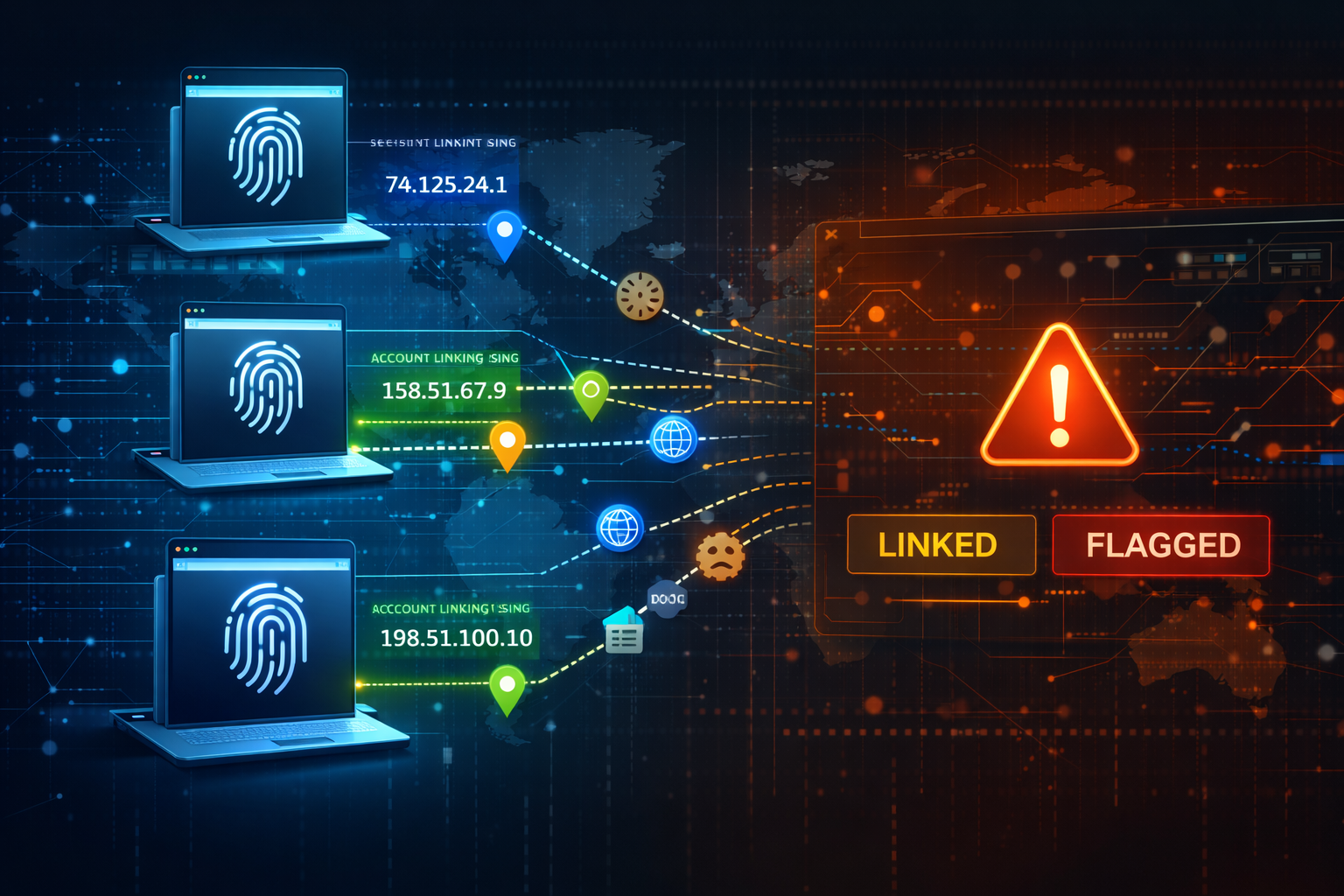
The same problem applies to a vpn browser. A VPN may hide your real IP, but it does not automatically create separate browser identities for each account. If you log into many accounts from one unchanged environment, the platform can still notice patterns.
IP masking helps. It has value. But it is only one part of the picture.
Think about it this way. If you wear a different jacket but keep the same face, voice, and habits, people may still know it is you.
That is close to what happens online.
A low-risk setup usually needs more than one change. It needs network separation and browser separation at the same time.
This is where a proxy browser is usually stronger than a vpn browser for account work.
A VPN is fine when the goal is privacy. A proxy browser is more suitable when the goal is profile separation.
This table does not mean VPNs are bad.
It simply shows that VPNs and proxy tools are built for different jobs.
There is no magic fix. No tool can promise zero bans.
But some setups are clearly more reasonable than others.
A more stable setup usually includes three parts:
clean proxy IPs
isolated browser profiles
consistent environment settings
Let’s look at each part.
Not every proxy is useful for account work.
Some IPs are heavily shared. Some were abused before. Some do not match the platform or region you want to use. Even if your browser setup is clean, a weak IP can still create problems.
That is why choosing the right provider matters. If you are comparing options, this guide to the best proxy sites is a good place to start.
Speed matters too. Slow or unstable proxies can cause session drops, repeated logins, and strange behavior during account activity. That can raise risk as well. If performance is part of your workflow, you can also review these 7 fastest proxy servers.
This is the part many users skip.
If multiple accounts run inside one browser environment, they can leave patterns behind. Shared cookies, shared storage, reused fingerprints, and repeated settings all make accounts look closer to each other.
A proxy browser helps by giving each account its own profile.
That profile can keep its own cookies, session data, and fingerprint settings. So instead of one browser holding many accounts, each account gets its own space.
This does not make you invisible. But it does make the setup cleaner and more controlled.
Consistency matters.
If your IP says one country, but your browser language, time zone, and other signals point somewhere else, the setup can look strange.
For example, a US proxy with a browser profile that shows another region, another language, and unusual settings may look less natural.
A good setup tries to keep these details aligned.
That is one reason a vpn proxy browser idea can sound attractive in theory, but in practice, stacking tools without planning can create more mismatch instead of less.
More tools do not always mean more safety.
If your goal is account isolation, you need more than a traffic mask.
You need a way to combine proxy IPs with separate browser environments. That is where MoreLogin fits better than a basic vpn browser workflow.
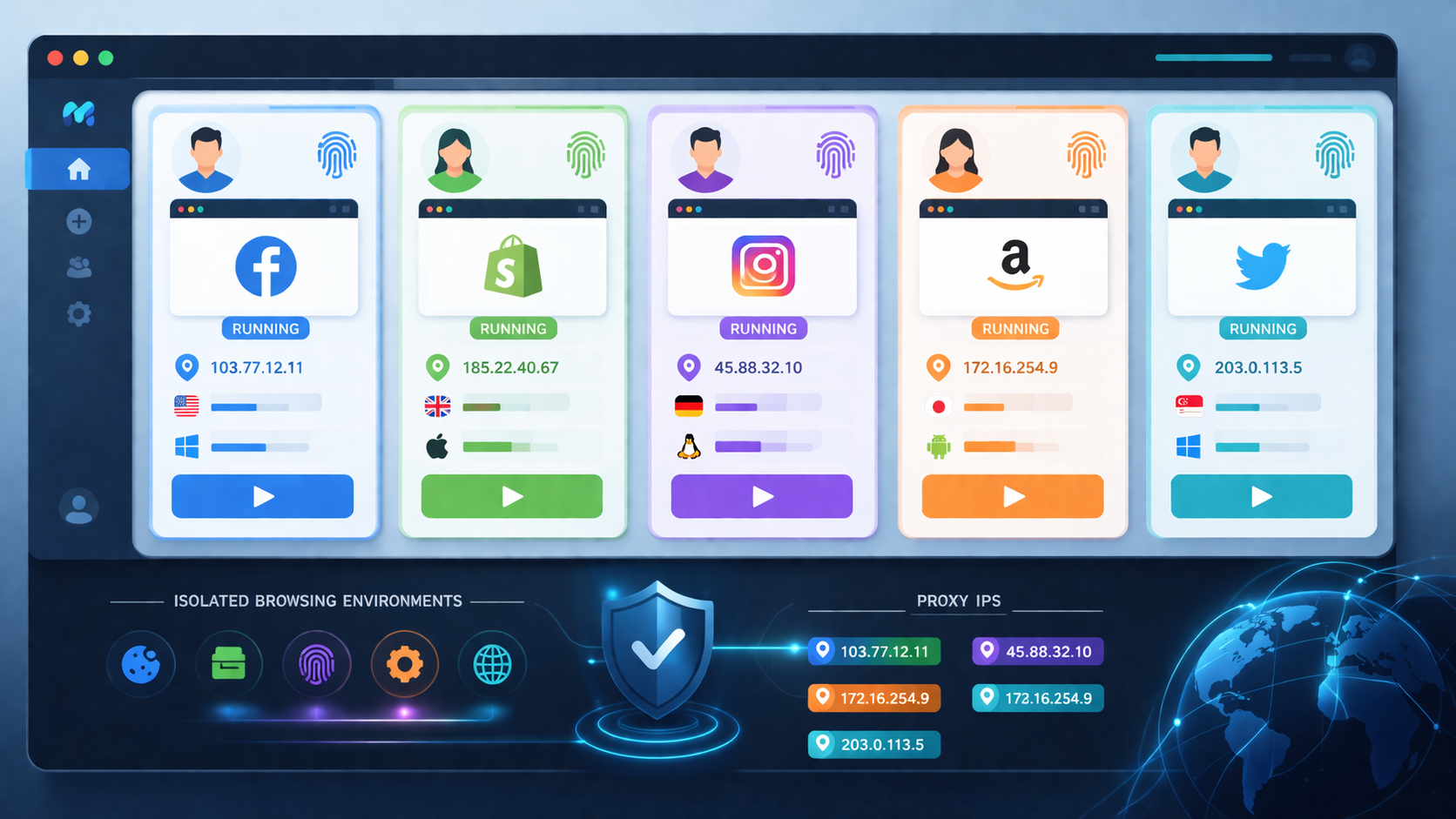
MoreLogin lets users manage isolated browser profiles and connect proxy settings inside those profiles. This helps turn one broad browser setup into many separate working environments.
So instead of asking only, “How do I change my IP?”
You start asking:
How does each account appear to the platform?
Does each profile have its own space?
Does the IP match the browser environment?
Are these sessions kept separate over time?
Those are better questions for long-term account work.
A VPN still has clear uses.
It makes sense when your goal is privacy, encrypted browsing, or safer internet access on public networks. It can also help when you only need to change location for simple browsing tasks.
If you are not doing multi-account work, a VPN may be enough for your daily use.
That is why this article is not “proxy vs VPN, one wins and one loses.”
The real point is this: the right tool depends on the job.
A proxy browser makes more sense when you need to manage multiple accounts with more control.
That includes:
social media operations
marketplace accounts
ad accounts
region-based testing
team workflows with separate profiles
In these cases, changing the IP is only part of the work.
The browser identity also needs to be separated. That is why a proxy browser usually fits better than a vpn browser for this type of setup.
If you only remember one idea from this article, let it be this:
A VPN changes your connection. A proxy browser changes how the browsing environment is managed.
That difference is why users still get banned after changing IPs.
Platforms do not only check where traffic comes from. They also check how the browser looks, how the session behaves, and whether multiple accounts seem connected.
So if the goal is fewer account bans, the better direction is usually not “VPN only.”
It is closer to this:
clean proxy IP + isolated browser profile + consistent environment
That is why a proxy browser setup is often a better fit for multi-account work than a simple vpn browser setup.
What is a proxy browser?
A proxy browser is a browser setup that routes traffic through proxies while keeping account environments more separate. It is often used for profile isolation and multi-account workflows.
Is a VPN browser enough to prevent account bans?
Usually not. A VPN can hide your IP and encrypt traffic, but it does not automatically separate browser fingerprints, cookies, or account environments.
Why do accounts still get banned after using a proxy?
Because platforms often look at more than IP. They may also check fingerprint signals, cookies, storage, time zone, language, and behavior patterns.
Is a proxy browser better than a VPN browser for multi-account work?
In most cases, yes. A proxy browser is usually better suited for multi-account work because it focuses on browser-level separation, not just connection masking.
What is the best setup for reducing account bans?
A more reasonable setup usually includes clean proxy IPs, isolated browser profiles, and environment settings that match each profile’s region and usage pattern.
Can I use MoreLogin with my own proxies?
Yes. MoreLogin can be used with proxy settings so each account runs inside a more separate and controlled browser environment.

 EN
EN