EN
EN
A Twitter viewer is usually used for one simple reason: people want to check public Twitter/X profiles, posts, media, hashtags, or trends without logging in. Some users only want to read a public thread. Some want to check a profile quickly. Others want to track hashtags or Twitter views for research.
But there is a limit that should be clear from the start. A Twitter viewer cannot legitimately open protected posts or bypass private Twitter/X accounts. If a site says it can “unlock” private profiles, asks for your X password, pushes a download, or sends you through endless verification pages, it is not a normal viewer anymore.
This article reviews five Twitter viewer tools for public content checks, profile browsing, trend research, and analytics. It also covers the privacy issues many users ignore, such as IP exposure, browser fingerprinting, redirects, and third-party data collection.
We looked at each tool from a normal user’s point of view. The question is not “which tool makes the biggest promise?” The question is “what can it actually help with?” Interest in these tools grew after x twitter restricted access for non-logged-in users.
Review criteria:
Public content access
No-login browsing experience
Privacy and tracking risks
Ads, redirects, and suspicious prompts
Ease of use
Tool reliability
Best-fit use case
The tools below should be understood as public Twitter/X viewing or research tools. They are not private account unlockers.
Tweetgoon is a simple browser-based Twitter viewer. It is made for quick public profile checks rather than deep analytics or campaign tracking.
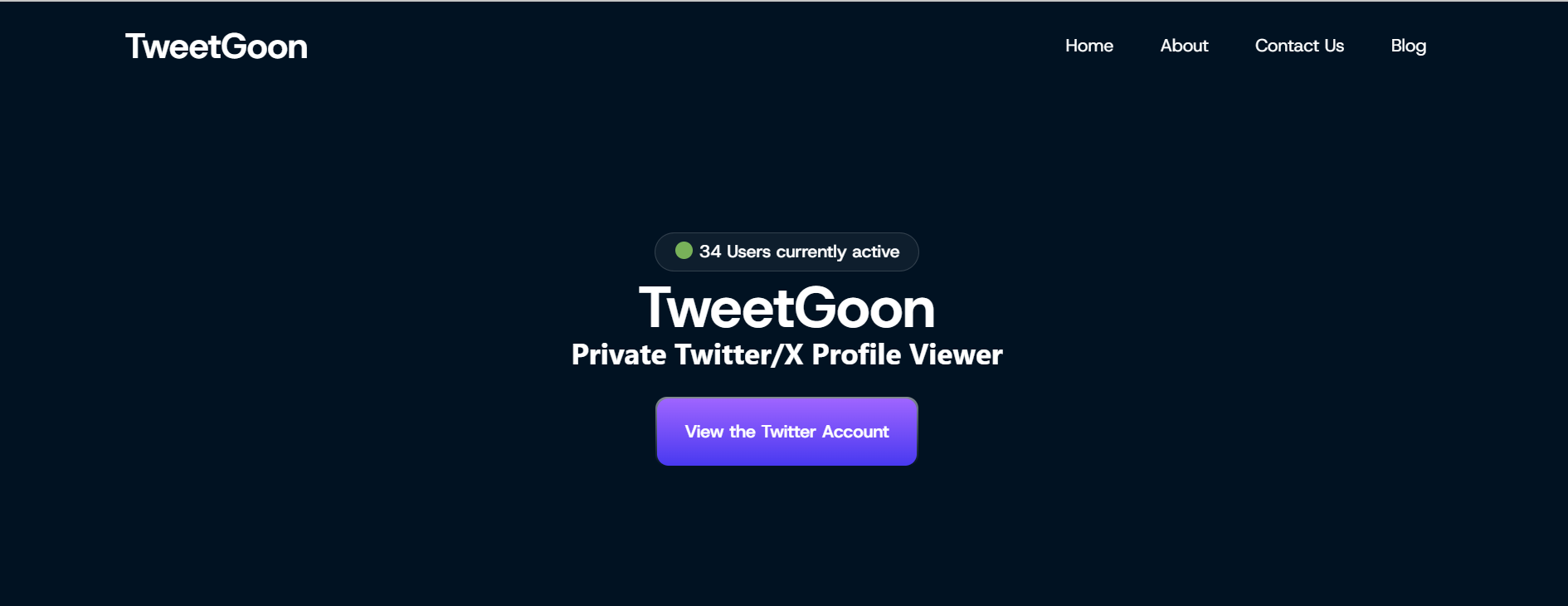
The workflow is straightforward. No registration or account needed is part of the appeal for quick checks. You enter a Twitter/X username, and the tool tries to show available public profile information, posts, or media previews. For someone who only wants anonymous access to a public twitter account without opening X directly, this is enough.
Tweetgoon’s value is speed. It does not need a complex setup, and it does not feel like a heavy analytics platform. The downside is also clear: it often pulls from public pages or cached data snapshots, so results may be limited, and similar fast-look-up tools like Rmobi get ultra-fast results by querying cached data sources.
Key Features:
Public profile lookup
No-login browsing
Basic profile and media preview
Fast search experience
Pros:
Easy to use
No installation required
Good for quick public checks
Works as a basic Twitter profile viewer
Limits:
Cannot show protected posts
May only show public or cached information
Not suitable for analytics
Should be avoided if any page asks for credentials, payment, or app installation
Best For:
Tweetgoon is best for users who need a fast Twitter viewer for basic public profile checks.
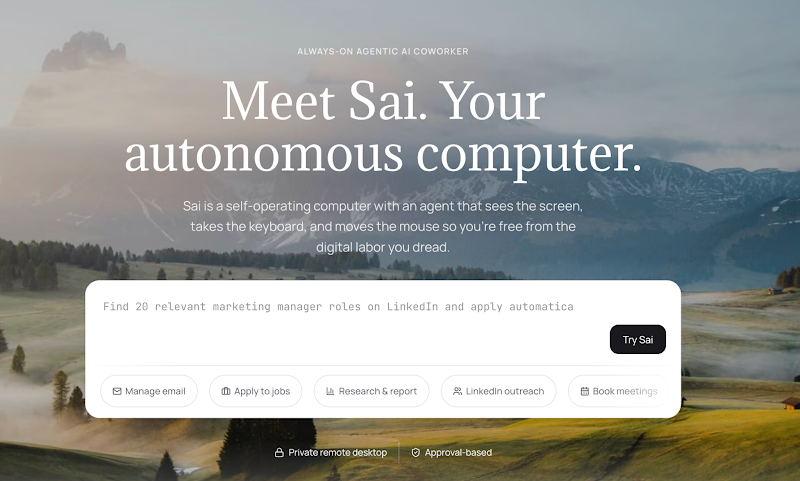
Sai by Simular is a different category from the viewer sites above. It is not a website you open to look up a username. It is a computer-use agent that runs on your own machine and operates your browser the way you would: it opens public Twitter/X profiles, reads through threads, follows the accounts you tell it to track, and returns what it found as a written summary.
The practical difference is who does the reading. A viewer tool shows you a profile and you scan it yourself. With Sai you describe the job once - track these ten accounts, tell me what shipped this week, flag anything about this keyword - and the agent does the passes and reports back. Because it works through your own browser session on your own computer, the pages you visit are not routed through a third-party viewer site, and there is no external service sitting between you and X collecting what you looked at.
The boundary is the same one this article draws elsewhere, and it is worth stating plainly. Sai does not unlock protected accounts, does not reveal who viewed a profile, and does not bypass anything X does not already show. It reads what is publicly visible, or what your own logged-in account can already see. It is an automation layer for research you are allowed to do, not a way to see more than you are allowed to see.
Key Features:
Agent-driven public profile, thread, and keyword research across Twitter/X
Runs locally in your own browser rather than on a third-party viewer site
Written summaries and recurring briefings instead of manual scrolling
Scheduled workflows for ongoing monitoring of accounts, topics, or hashtags
Pros:
Turns repetitive manual checking into a single instruction
No third-party viewer site sitting between you and the content you read
Handles multi-account and multi-topic tracking in one run
Extends past Twitter/X to the rest of the workflow - docs, sheets, email, reporting
Limits:
Cannot show protected posts or private accounts, the same as every tool on this list
Not an anonymous no-login viewer - it is an agent, not a privacy front-end
Requires a desktop install and a paid plan rather than a free web page
More setup than a quick one-off username lookup
Best For:
Sai is best for marketers, researchers, and founders who track Twitter/X regularly and want the monitoring handled for them, rather than users who only need a single quick public profile check.
Nitter is different from many Twitter viewer websites because it is an open-source alternative front-end for Twitter/X. Its main appeal is a cleaner reading experience with an ad free interface, fewer scripts, and less clutter.
When a working Nitter instance is available, it can be a better reading option for users who do not want the full native X interface. It is especially useful for reading public posts and threads in a lighter environment.
Some users also use Nitter to open a direct link to individual tweets or read threads, and on compatible setups export tweets and threads directly to their device.
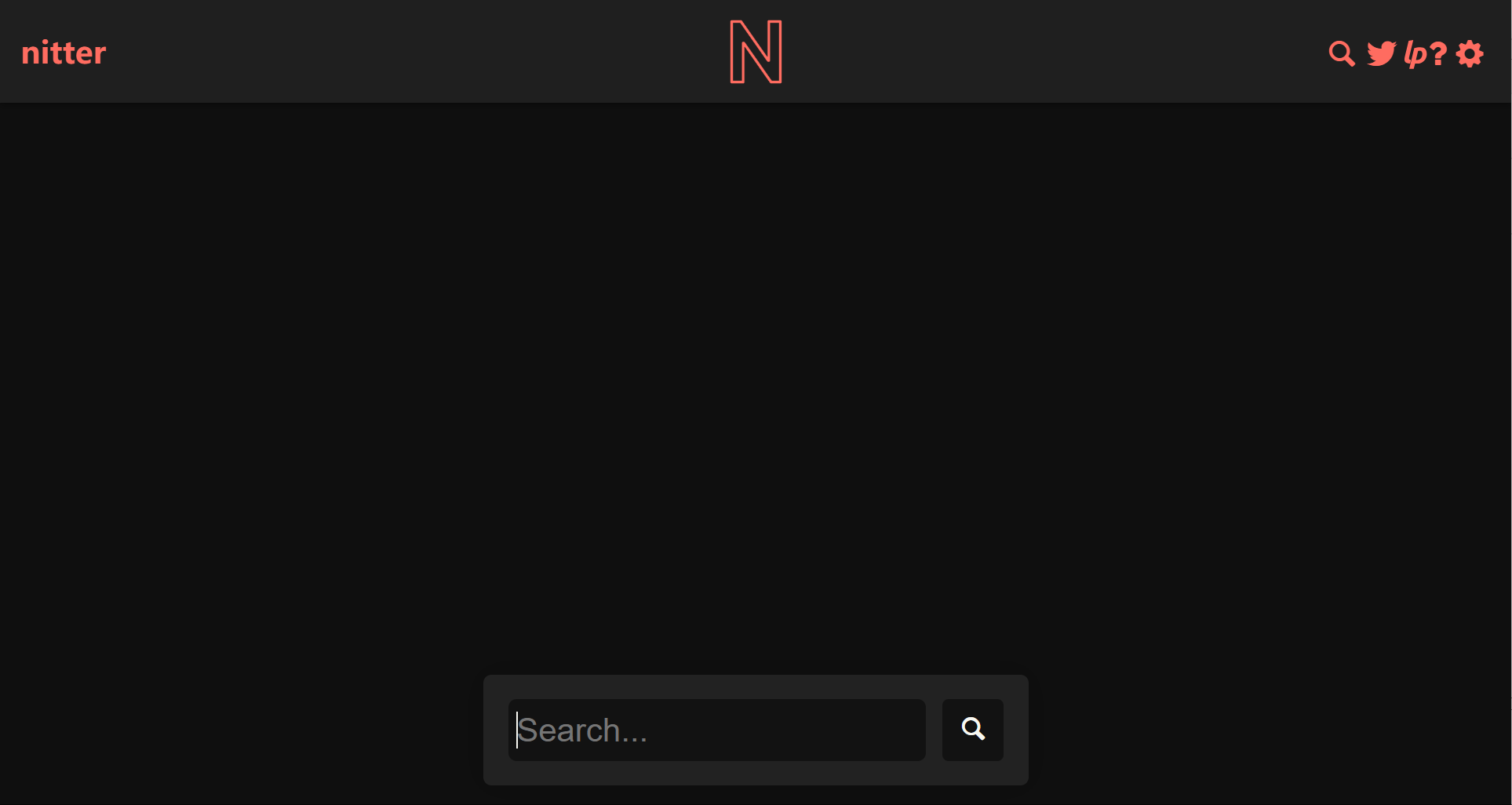
The problem is reliability. Nitter has become less stable over time because Twitter/X has changed how public access works. Some instances may stop working, load slowly, or disappear completely. So Nitter is worth knowing, but it should not be the only tool you rely on.
Key Features:
Open-source Twitter/X front-end
Cleaner interface for public posts
Less clutter than the native X experience
Focus on public content reading
Pros:
Better privacy positioning than many viewer sites
Simple reading experience
Good for full access to public reading of tweets and threads
No need to use the standard X interface
Limits:
Instance availability is unstable
Some instances may stop working
Cannot access protected accounts
Does not solve every privacy issue by itself
Best For:
Nitter is best for users who want a cleaner way to read public Twitter/X posts when a working instance is available.
Sotwe is a lightweight, free online service for public twitter content viewing across tweets, hashtags, trends, and media. It is not built for advanced reports. It is more suitable for quick browsing.
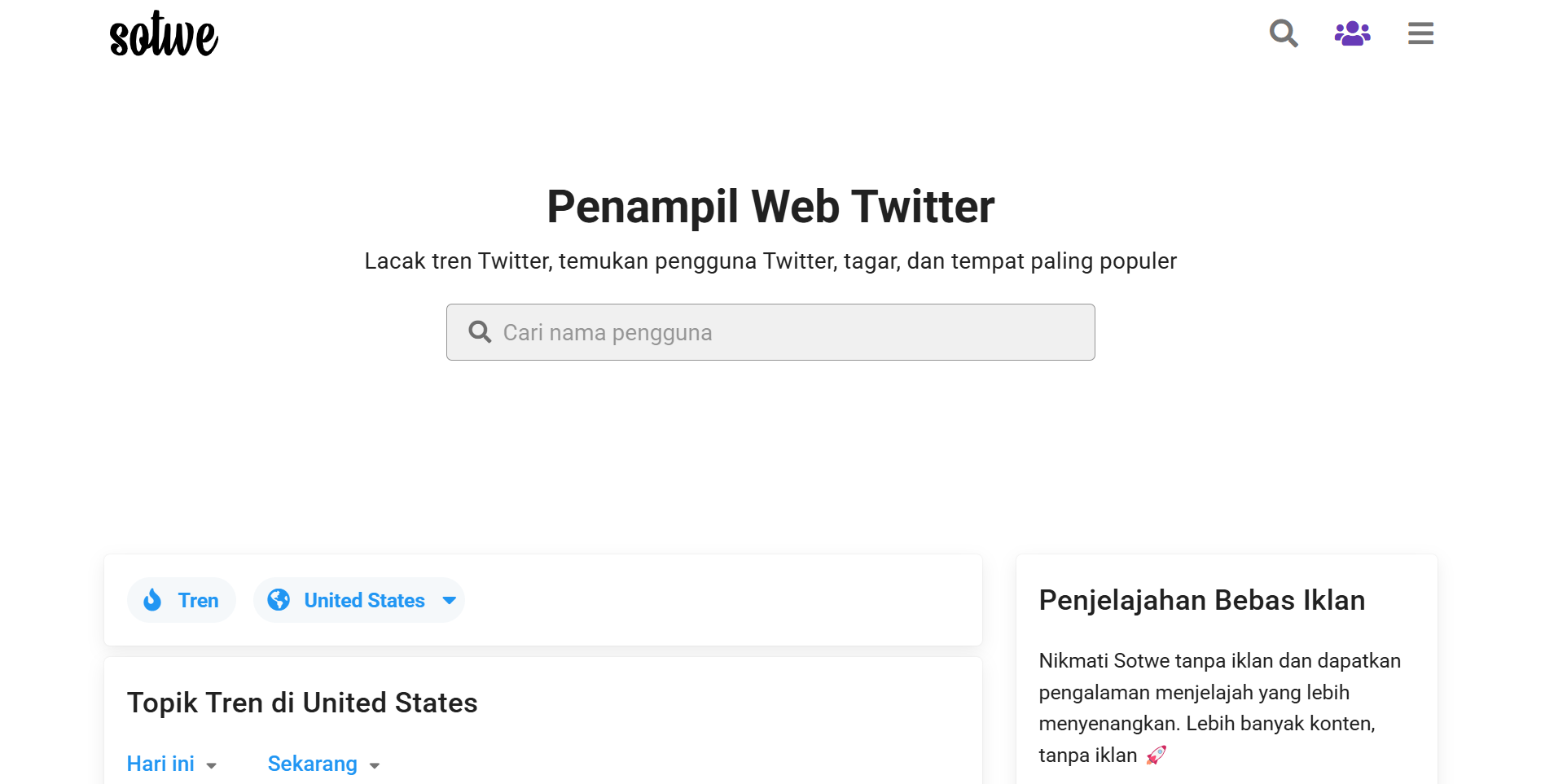
This makes it useful when you want to check a public topic, scan a hashtag, or view public media without opening X directly. Users can explore public Twitter content, including media such as videos, without login. The interface is simple enough for casual use, and users do not need to spend time learning the tool.
Still, Sotwe has limits. It may not show complete data, and it cannot open protected timelines. As a twitter viewer free option for casual use, it is still limited to publicly available information. Users should also watch out for suspicious redirects or prompts, especially on third-party viewer sites.
Key Features:
Public tweet browsing
Hashtag viewing
Trend and media checks
No-login access to public content
Pros:
Simple to use
Good for quick public browsing
Works for basic hashtag and media checks
Suitable for lightweight research
Limits:
Cannot unlock private profiles
Data may be incomplete
Not designed for deep analytics
Users should avoid suspicious popups or redirects
Best For:
Sotwe is best for users who need a simple Twitter viewer for public posts, hashtags, trends, and media.
Tweet Binder is not the same type of tool as Tweetgoon, TwStalker, Nitter, or Sotwe. It is closer to a comprehensive Twitter viewer for analytics-focused use, but it still differs from simple no-login browsing tools because it is built for reporting and deeper stats.
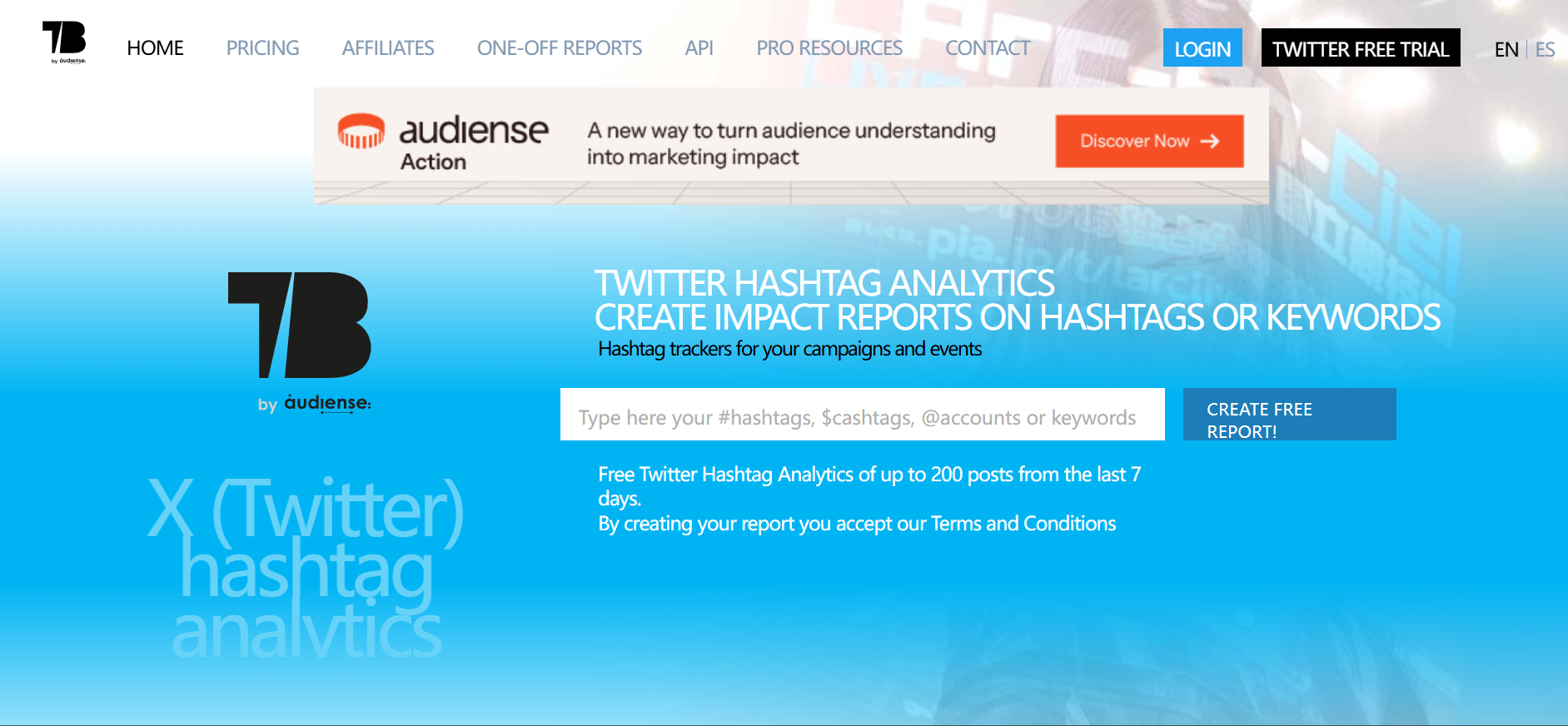
Instead of only helping users browse public profiles, Tweet Binder is used for hashtag tracking, campaign reports, engagement analysis, and public conversation research, including structured monitoring of keywords, mention activity, comments, retweets, and followers. This makes it more suitable for marketers, agencies, researchers, and brands.
Some tracking tools can scrape and filter real-time mentions for keyword and hashtag monitoring.
If your goal is to understand Twitter views, engagement, reach, or hashtag performance, Tweet Binder gives more structure than a normal viewer. Its reports also organize profile and post metadata for easier analysis. If you only want to read a public profile quickly, it may feel heavier than necessary.
Some analytics tools also show when followers are most active to help with posting decisions.
Key Features:
Hashtag tracking
Twitter/X report generation
Engagement analysis
Campaign and trend research
Pros:
Better for structured research
Useful for brands and marketers
Good for hashtag and campaign reports
More valuable for analytics than casual browsing
Sprout Social and Twitonomy are other third-party analytics platforms for similar research needs.
Limits:
Not a simple no-login profile viewer
Some features may require payment
Better for reports than quick profile checks
Cannot show the exact identity of every person behind Twitter views
Best For:
Tweet Binder is best for brands, marketers, and researchers who need Twitter analytics, hashtag reports, engagement insights, and stronger audience community tracking across browser-based tools and related apps. Tweet Binder offers access to 200 tweets from the last 7 days for free.
The right tool depends on the job. For quick profile checks, a basic viewer is enough. For public media and hashtags, TwStalker or Sotwe may be more useful. For analytics, Tweet Binder is the better fit. Some users compare platforms through an official site review process, while others prefer simpler browser-based viewers.
A Twitter viewer may help you avoid logging into X, but that does not mean your browsing is private. Third-party sites can still collect technical signals, search behavior, access logs, and other metadata. User privacy depends on what the service collects and how it handles publicly available information.
A public Twitter viewer should not need your X password. If a site asks you to log in, connect your account through a strange page, or complete several verification steps, leave the page.
This is one of the easiest ways users lose accounts. Fake login pages often look normal at first glance. The safest rule is simple: do not enter your X credentials into a third-party viewer.
Even without login, websites can still read browser fingerprint signals. These may include browser version, device type, screen size, system language, timezone, WebRTC, Canvas, fonts, and other technical details.
This matters because fingerprinting can connect different browsing sessions. Clearing cookies does not always remove every trace if the browser environment stays the same.
A no-login viewer does not automatically hide your IP address. The website can still see your IP, approximate location, access time, device type, and browser information.
For casual browsing, this may not matter much. For research, account management, or team workflows, it can become a problem if everything happens from the same browser and IP environment.
Low-quality viewer sites often use aggressive ads, fake buttons, survey pages, browser notification prompts, or download requests.
A normal public viewer should not need an app install, browser extension, payment verification, or personal details. If the page keeps pushing you into another step, close it.
Some viewer websites may collect searched usernames, viewed profiles, profile-level stats, cookies, IP logs, and device signals. This is why “no login” should not be confused with “no tracking.”
Before using any viewer, check whether the tool behaves like a simple public browser or like a lead capture page. These tools should only surface publicly available information, not private account data.
A normal Twitter viewer helps users check public Twitter/X content. It does not control the browser environment behind that activity. Your IP address, browser fingerprint, cookies, and session history can still overlap across different tasks.
This is where MoreLogin fits better. MoreLogin is not a Twitter viewer. It is a browser environment and multi-account management tool for users who need stronger separation between accounts, projects, or research workflows.
MoreLogin lets users create separate browser profiles for different Twitter/X accounts, clients, markets, or research tasks. Each profile can keep its own cookies, sessions, local storage, and environment settings.
This is cleaner than opening everything in one normal browser. It also reduces the chance of mixing personal browsing, research work, and account operations in the same environment.
A regular viewer does not solve browser fingerprint exposure. An antidetect browser like MoreLogin helps users manage fingerprint settings and separate browser environments.
This is useful for users who care about browser identity, account separation, and cleaner workflow control. It does not mean users can ignore platform rules. It means they are not putting every task into one exposed browser setup.
MoreLogin supports proxy settings for different browser profiles. Users can match different profiles with different IP environments based on account, region, or project needs.
For example, a team doing Twitter/X research for different markets can separate profiles instead of running all checks from one local browser.
For teams working on Twitter/X research, content checks, social media operations, or account management, MoreLogin gives a more organized workspace.
A multi-account browser helps teams manage browser profiles, assign access, and reduce session overlap. This is more reliable than sharing one browser, one device, or one set of cookies across the whole team.
A twitter viewer makes it easier to explore public profiles, posts, hashtags, media, and specific tweets. It may help users browse public profiles, posts, hashtags, media, trends, or analytics.
MoreLogin does something else. It does not show Twitter/X content by itself. It helps users create separated browser environments for browsing, research, and account workflows.
The difference is simple:
Use a Twitter viewer to check public content.
Use Tweet Binder when you need hashtag or campaign analytics.
Use MoreLogin when you need separate browser profiles, proxy settings, fingerprint control, and team account workflows.
Snaplytics, for example, offers Profile, Search, and Tweet viewing modes.
This is why MoreLogin should not be treated as one of the five Twitter viewer tools. It works better as a privacy and environment-control layer around Twitter/X research and account operations.
Choose Tweetgoon if you need a quick public profile check. The best choice depends on whether you want to browse profiles, view tweets, or get analytics. Choose TwStalker if you want to browse public profiles, media, and hashtags. Choose Nitter if you prefer a cleaner reading experience and can find a working instance. Choose Sotwe if you need lightweight public browsing. Choose Tweet Binder if you care about hashtags, Twitter views, campaign reports, and engagement analysis.
The most important point is this: a Twitter viewer should be used for public content. It should not be treated as a way to bypass protected Twitter/X accounts.
If you only need to view public content once in a while, a completely free viewer may be enough for occasional checks. If you handle Twitter/X research, multi-account work, or privacy-sensitive browsing, MoreLogin is a better fit for deeper research workflows as a separate browser environment tool.
What is the best Twitter viewer?
There is no single best Twitter viewer for every user. The best choice depends on whether you want to browse profiles, view tweets, or review stats. Tweetgoon is good for quick profile checks, TwStalker is better for public profiles and media, Nitter is useful for cleaner reading when available, Sotwe is good for lightweight browsing, and Tweet Binder is stronger for analytics.
Can I view Twitter without an account?
Yes. Some tools can help users view public Twitter/X content without logging in, and some public viewers require no twitter account or registration. Access may still be limited, and protected posts cannot be viewed without approval.
How to view Twitter without an account safely?
Use public-only tools, avoid login prompts, avoid unknown downloads, and close any page that asks for payment verification or personal information. Safer tools offer anonymous access only to publicly available information. For more separation, use a dedicated browser profile instead of your everyday browser.
Can a Twitter viewer access private Twitter accounts?
No legitimate Twitter viewer can reliably access protected Twitter/X posts without approval from the account owner. Tools that promise full private access should be treated as risky.
Are Twitter viewer tools safe?
Some public-only tools may be low risk for casual browsing, but not every viewer site is safe. Avoid tools that ask for passwords, downloads, browser extensions, payments, or fake verification steps.
Can I see who viewed my Twitter profile?
Twitter/X does not normally show individual profile viewers. Analytics tools may show impressions, engagement, or reach, but they cannot reliably list every person who viewed a profile.
What is the difference between a Twitter viewer and Twitter analytics?
A Twitter viewer is usually for browsing public content. Twitter analytics tools focus on impressions, engagement, hashtags, campaign performance, and reports, including keywords, mention activity, comments, retweets, and followers.
Why use MoreLogin with Twitter viewer tools?
MoreLogin is not a Twitter viewer. It helps users create isolated browser profiles, manage fingerprints, configure proxies, and separate browsing environments. It complements the official platform and third-party analytics apps rather than replacing them. It is useful when privacy, account separation, or multi-account management matters.

 EN
EN