EN
EN
Finding a useful YouTube Shorts downloader can take longer than expected. Many websites look almost identical. Some hide the real download button between ads. Others promise HD quality but give you few choices once you paste the link.
We researched five popular tools to make that choice easier. The list includes browser tools, desktop software, and an Android app. We compared their documented features, supported platforms, formats, costs, and limitations.
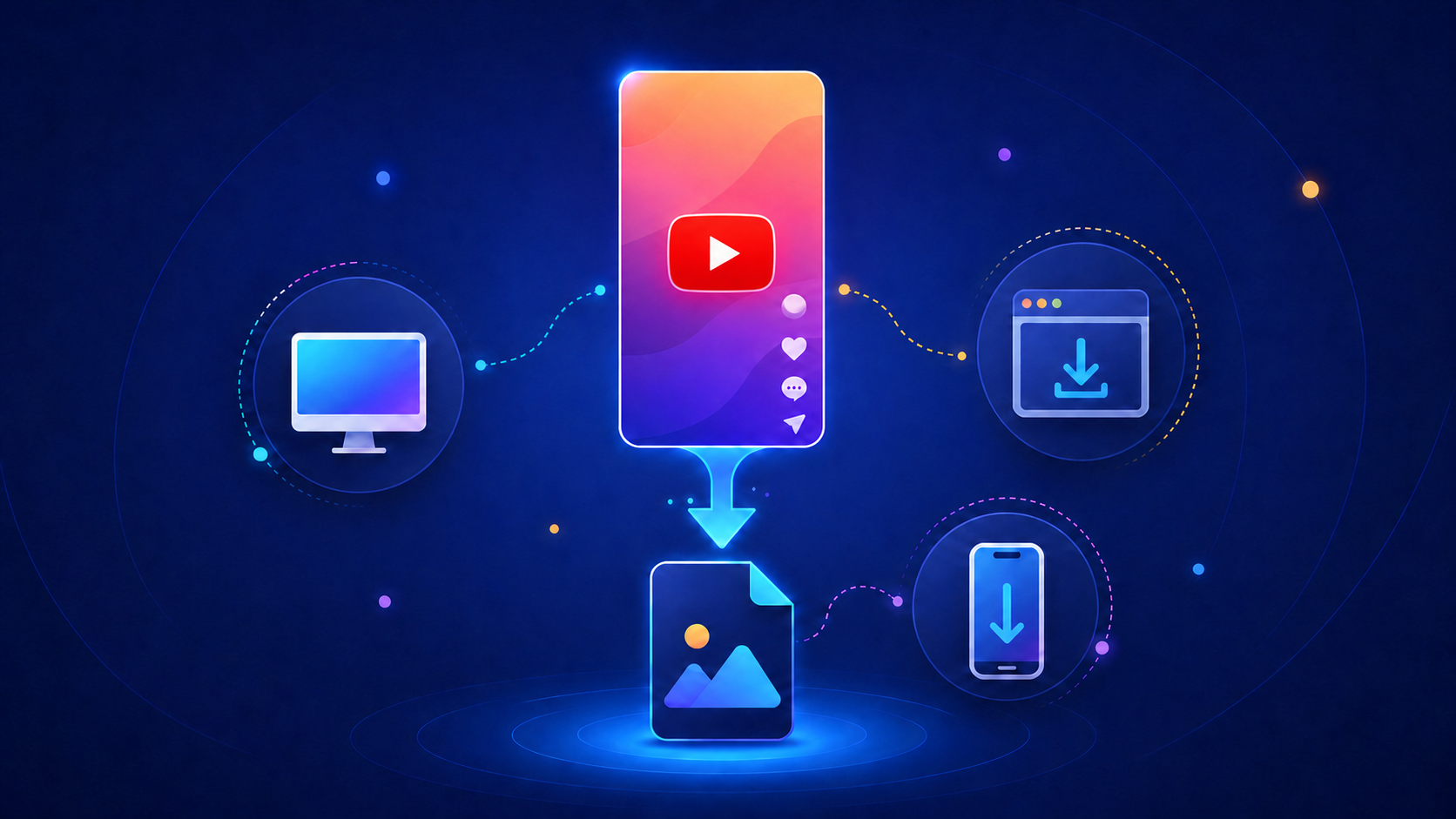
A YouTube Shorts downloader is a website or app that saves a Short as a local media file. Most tools ask you to copy the video URL and paste it into a search box. You can then choose an available format and download the file.
MP4 is the most common video format. Some tools also offer MP3 extraction. This can be useful when you own the content or have permission to save it.
There are three main types of downloader. Browser tools require no installation. Desktop programs offer more settings. Android apps save files directly to a phone.
This is an editorial comparison rather than a hands on test. We reviewed official product pages, help documents, platform support, and current feature information.
We focused on details that matter during normal use:
Ease of use
Supported devices
Available formats
Advertised video quality
Installation requirements
Batch download supported formats
Free plan limits
Advertising and safety concerns
Quality claims in this guide come from the tool providers. The final resolution still depends on the source video and the options available at download time.
4K Video Downloader Plus is the most feature rich option in this list. It works on Windows, macOS, and Linux. Its official product page lists support for YouTube Shorts, regular videos, playlists, channels, subtitles, and audio tracks.
The basic process is familiar. Copy a Short URL, paste it into the app, and choose the available quality and format. Smart Mode lets frequent users save their preferred settings. This removes a few clicks from later downloads.
The main advantage is control. A basic online YouTube Shorts downloader may only show one MP4 button. This desktop app provides more choices. It can also handle larger groups of videos.
That extra control comes with a tradeoff. You need to install the software. Some playlist, private content, and unlimited download features may also require a paid plan. It can feel excessive if you only save one Short every few months.
Pros
Supports several desktop systems
Offers multiple formats and quality options
Supports playlists, channels, and subtitles
Useful for repeated download tasks
Cons
Requires installation
Some features require payment
More complex than a basic browser tool
This option suits creators and desktop users who want more than a single download button.
YTShortsDL focuses on one task. It converts YouTube Shorts into MP4 files. There is no desktop program to install, and the service works through a web browser.
Its help page says it accepts standard YouTube watch links and Shorts links. It supports Shorts up to three minutes long. Videos that require a login are not supported.
The narrow focus makes the website easy to understand. Paste a valid link, wait for the conversion, and save the file. This is helpful when you do not want to search through format menus.
The same simplicity creates limits. MP4 is the only listed output format. There is no batch mode for several Shorts. It is also less useful for long videos or users who want audio extraction.
Pros
No installation required
Designed specifically for Shorts
Simple process for single videos
Works on desktop and mobile browsers
Cons
Only supports MP4
Does not offer batch downloads
Cannot process videos that require a login
Limited control over output settings
YTShortsDL is a practical choice for an occasional download. Users who need more formats should consider a broader YouTube short video downloader.
Publer is known as a social media management platform. It also offers a browser based media downloader. According to the Publer help center, the tool supports YouTube and several other social platforms.
You copy the media link, paste it into the downloader, and save the available file. There is no desktop installation. Publer also says that only one media file can be downloaded at a time.
The clean workflow is the main appeal. Some free downloader pages surround users with popups and several buttons that look the same. Publer feels more connected to a wider social media product.
It is not designed for complex download jobs. You get fewer quality controls than with desktop software. There is no playlist support, and audio extraction is not its main focus.
Pros
Runs in a browser
Supports several social platforms
Simple interface
Suitable for occasional use
Cons
Processes one file at a time
Limited format controls
No playlist download feature
Not intended for advanced conversion
Publer makes sense for users who want a straightforward YouTube Shorts video downloader without adding another program to their computer.
ClipGrab is a free downloader and converter for Windows, macOS, and Linux. It supports YouTube and other video websites. Available output formats include MPEG4, MP3, OGG Vorbis, OGG Theora, and WMV.
This format support is the reason to consider ClipGrab. You can save the original media or convert it during the download process. That is useful when a video needs to work with an older player or when you only need the audio.
The interface is more traditional than a browser tool. You need to install the app, paste the link, select a format, and choose a save location. New users may need a moment to learn where each option sits.
It is also wise to read every installation screen. Software offers and installation packages can change. Download the app from its official site and decline anything you do not need.
Pros
Supports three major desktop systems
Offers several conversion formats
Can extract audio
Free core functionality
Cons
Requires installation
The interface can feel dated
Not focused only on Shorts
Installation screens require attention
ClipGrab is a useful option when YouTube short video downloading is only part of the job. Its stronger feature is file conversion.
TubeMate is an Android downloader. It can save video and audio files to a mobile device. Users can choose from available formats and quality levels before starting a download.
The biggest benefit is convenience. You do not need to download a file on a computer and move it to your phone later. This can save time when most of your video work already happens on Android.
TubeMate is usually distributed as an APK rather than through Google Play. That means the download source matters. Check the site address carefully. Review the permissions before installing the app. Avoid unofficial copies from random APK pages.
The Android focus is also its main limitation. iPhone users will need another option. People who dislike installing apps from outside an official store may prefer YTShortsDL or Publer.
Pros
Designed for Android
Saves files directly to a phone
Supports video and audio formats
Suitable for mobile workflows
Cons
Requires an APK installation
Not designed for iPhone
May include advertising
Users must verify the download source
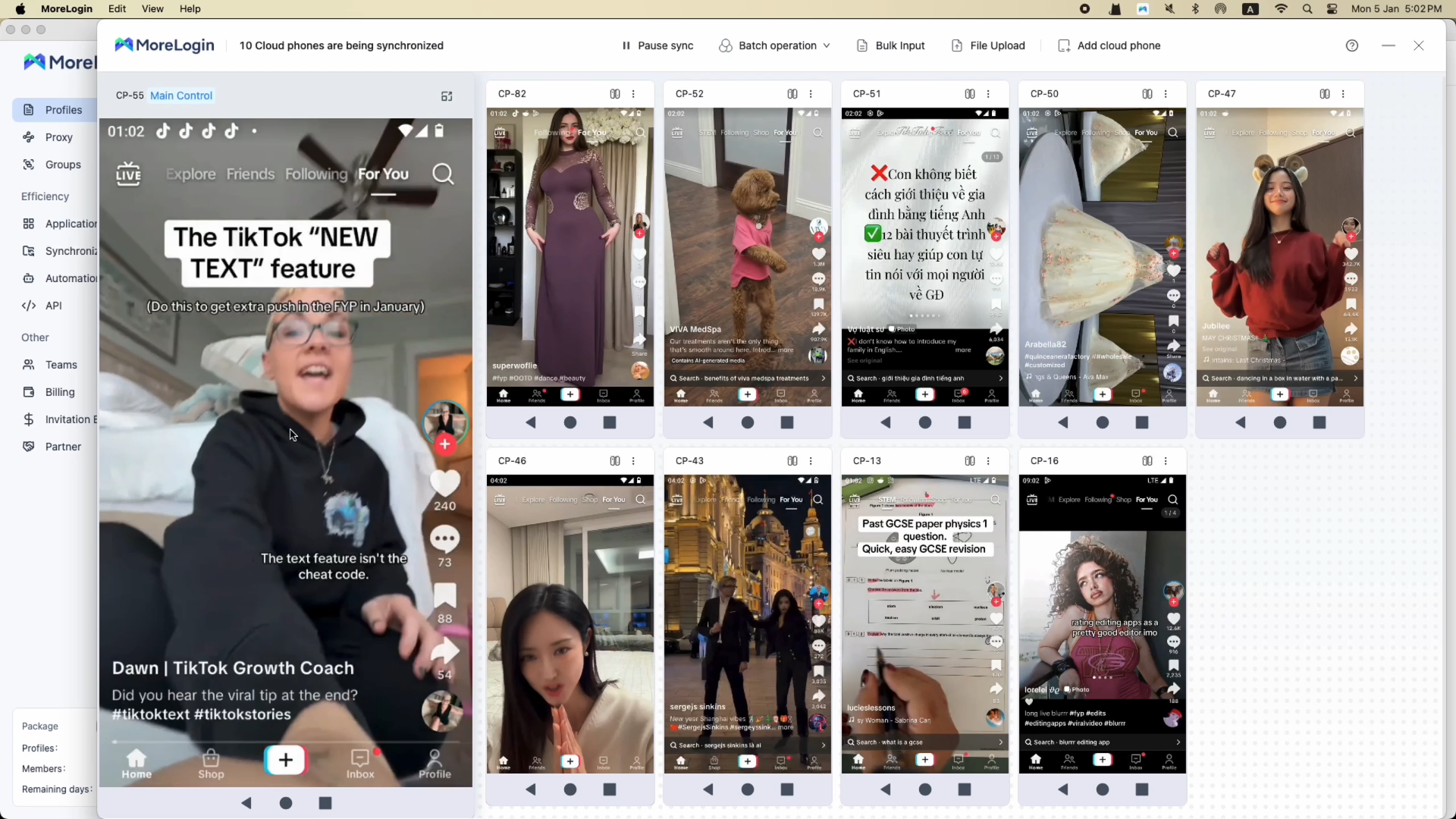
Some teams need a separate Android environment for account or mobile work. In that case, a cloud phone can provide remote access to an Android device. It is not a downloader by itself, but it can support a wider mobile workflow.
Most tools follow a similar process.
Open YouTube and locate the Short you want to save. Tap the share button and choose Copy link to copy the link. On desktop, you can also copy the YouTube Shorts URL from the browser's address bar.
Open the selected tool. Simply paste the copied YouTube Shorts URL into the downloader’s input box or input field. Most tools detect the shorts URL automatically once the URL is into the input, regardless of the youtube shorts url format. Check that you are using the real website before continuing.
Choose MP4 if you want the video, with common choices such as 360p, 720p, or 1080p. Some tools also list 480p among the available quality options. Select MP3 if the tool supports audio extraction and you have permission to save the audio; audio from a Short may be available as MP3 at 320 kbps when supported. Pick a resolution based on the available source quality and your storage space, since the highest option depends on how the Short was originally uploaded.
Select the download button—or on mobile, tap download or click download—and choose a save location. Open the finished file to check that the video and audio play correctly.
Saved Shorts can be rewatch without using data. Downloading also makes it easier to save shorts and share clips outside of YouTube when you have permission.
If YouTube itself does not open on your network, solve that problem first. This guide explains common ways to access YouTube when it is blocked.
An online downloader is convenient for occasional use. It opens in a browser, with no app installation required, and for typical use you do not need to sign up, with no account needed. It is a good fit when you want one MP4 file and do not need many settings.
The downside is limited control. Some sites contain intrusive ads or confusing buttons. Browser tools may also struggle when YouTube changes how video links work.
Desktop software takes longer to set up, especially on windows pcs. In return, it can provide more formats, quality choices, subtitles, and batch features. This is useful for frequent users.
Android apps offer direct mobile downloads on android phones. They can save a step, but APK installation requires care, and some users prefer browser tools when they want no app installation. Choose the format that matches your device and comfort level.
A downloader is not automatically safe because it is free or appears near the top of a search page. Avoid tools that ask for your YouTube password. Be careful with unexpected browser notifications, extensions, popups, and extra software.
The legal question also deserves a clear answer. The YouTube Terms of Service restrict downloading unless the service allows it or the user has the required permission, and using third-party downloaders may violate youtube's terms. Copyright rules may create separate limits.
The safer approach is to download your own Shorts, content you have permission to use, or media released under a suitable licence. Personal use does not automatically remove copyright or platform restrictions.
YouTube Premium provides an official offline viewing option for eligible content. Those downloads remain inside the YouTube service rather than becoming ordinary MP4 files.
Choose based on what you need, not the longest feature list. 4K Video Downloader Plus fits regular desktop use. YTShortsDL and Publer are easier for occasional browser downloads. ClipGrab offers more conversion formats. TubeMate serves Android users.
For teams working with multiple accounts and separate browser or mobile environments, MoreLogin offers tools for organizing those workflows. Whichever downloader you choose, use it carefully. Save content you own or have permission to download.
What is the best YouTube Shorts downloader in 2026?
The answer depends on your device and workflow. 4K Video Downloader Plus offers broad desktop features. YTShortsDL is easier for a quick browser download. TubeMate is aimed at Android users.
Can I download YouTube Shorts in HD quality?
Some tools support high quality downloads in up to 1080p. The actual result depends on the source video, the formats YouTube makes available, and source limits, so there is no quality loss beyond the resolution you choose. A downloader cannot create genuine detail that is missing from the original Short.
Can I download YouTube Shorts without a watermark?
Many tools say they do not add a new watermark. Many also preserve the original vertical format when saving Shorts. They will not necessarily remove a logo or text already included in the original video. Removing ownership marks may also create copyright concerns.
Are free YouTube short downloaders safe?
Safety varies between services. Prefer official websites and completely free tools only when they come from reputable sources and offer clear product information. Some safer options also have a clean interface and clearer details than ad-heavy alternatives. Avoid pages that request account passwords or force several unrelated downloads.
Can I download Shorts on iPhone or Android?
Android users can choose a browser tool or a downloader app, and some browser tools work smoothly on android phones without requiring app installation. iPhone users can try a browser based option, but iOS may limit where the file is saved. On Android, downloaded files often show up in the downloads folder. YouTube Premium is the simpler official option for offline viewing.
Why is my YouTube Shorts downloader not working?
The Short may be private, restricted, removed, or available only after login. The URL may also be incorrect, so check that you pasted the copied YouTube Shorts link correctly. Sometimes a tool stops working after YouTube changes its video delivery system. Trying another reputable tool may solve the problem, and if it does not, some users switch to command-line or browser-based options depending on the issue.

 EN
EN