- Product

- Pricing
- Affiliate Program
- Developers
- Resource
 EN
EN
When managing multiple accounts, collecting data, or protecting online privacy, choosing a stable residential proxy is essential. LokiProxy has recently gained attention for its excellent performance, global IP coverage, and competitive pricing. It also offers an easy-to-use control panel and seamless integration with tools like MoreLogin.
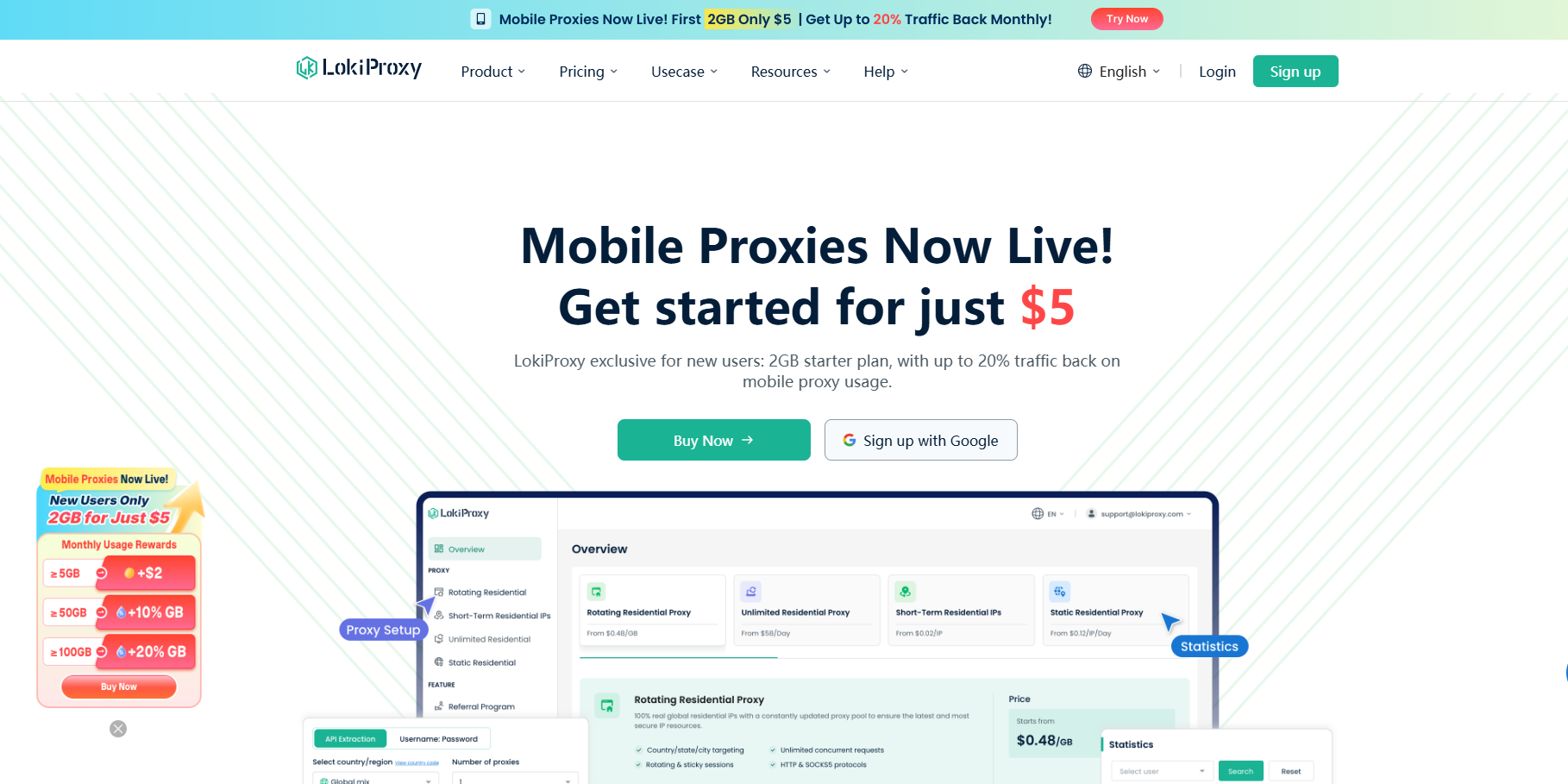
LokiProxy is a global residential proxy service provider with over 35 million real residential IPs covering 190+ countries and regions. Whether for e-commerce store management, social media account operations, or automation tasks, LokiProxy delivers a 99.9% connection success rate and millisecond-level response times.
The platform mainly offers five types of proxies:
Rotating Residential Proxies: Priced as low as $0.48/GB, supporting automatic IP rotation. Suitable for scenarios requiring frequent IP changes, such as web scraping and data collection.
Mobile Proxies: Real mobile device IPs starting at $1.3/GB. Support high-concurrency requests and cover real 3G/4G/5G networks, with a success rate of up to 99.9%.
Static Residential Proxies: Starting at $1.99, providing stable, high-purity IPs. Ideal for long-session scenarios like social media or store management.
Unlimited Proxies: Starting at $58/day, with $12/hour trial options. Designed for high-traffic users, with no need to monitor data usage. Supports partial country customization and is suitable for long-duration stable connections.
Short-Term IP Packages: Starting at $0.02/IP, supporting country/state/city-level targeting with unlimited traffic usage. IPs can be flexibly called via client, ideal for tasks requiring precise geo-targeting.
In terms of pricing, LokiProxy is typically about 30% lower than the market average, achieving a strong balance between cost and stability.
If you use MoreLogin for account management, connecting it with LokiProxy is straightforward. Here’s a quick guide:
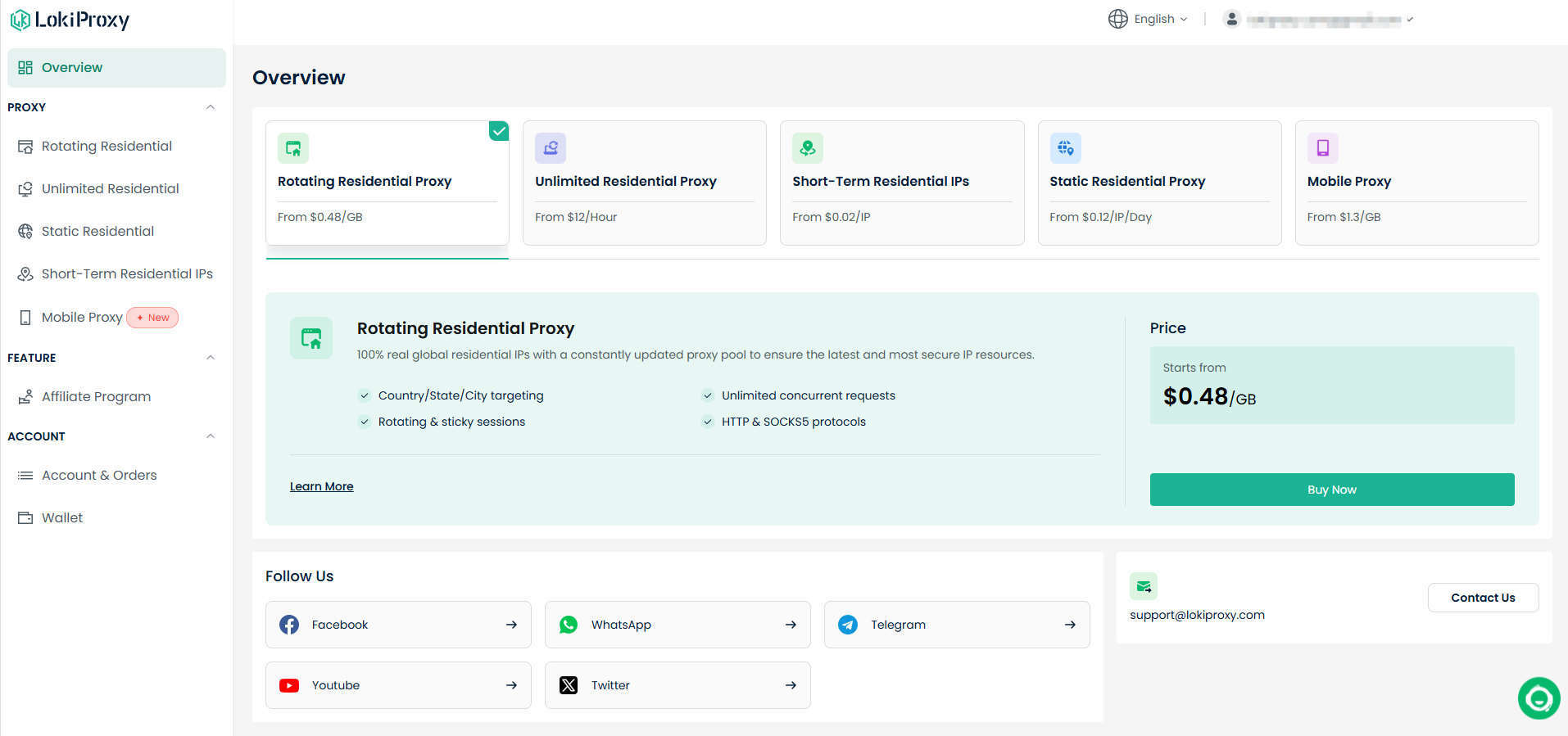
Step 1: Get Proxy Information
Log in to the LokiProxy dashboard
Go to “Residential Proxies” and select configuration parameters
Copy the proxy details (Host, Port, Username, Password)
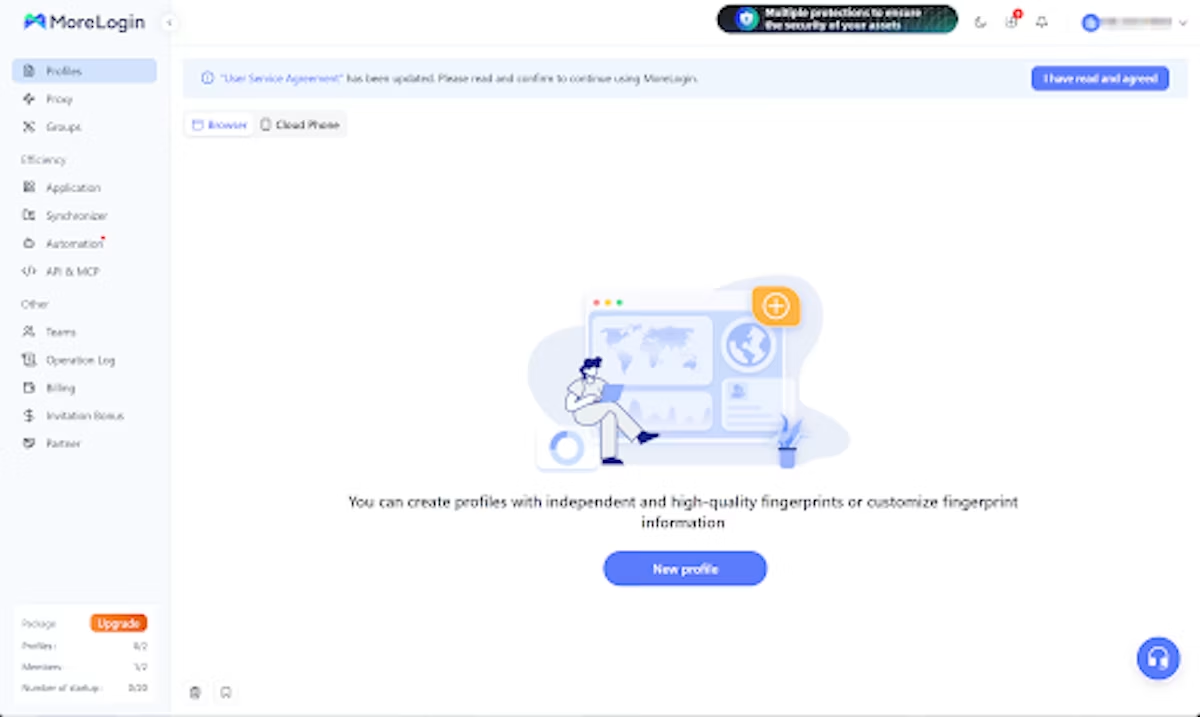
Step 2: Open MoreLogin
Launch MoreLogin and go to the Profile list
Click “New Profile” or edit an existing one
In proxy settings, choose HTTP or SOCKS5 based on the LokiProxy type
Step 3: Enter Proxy Details
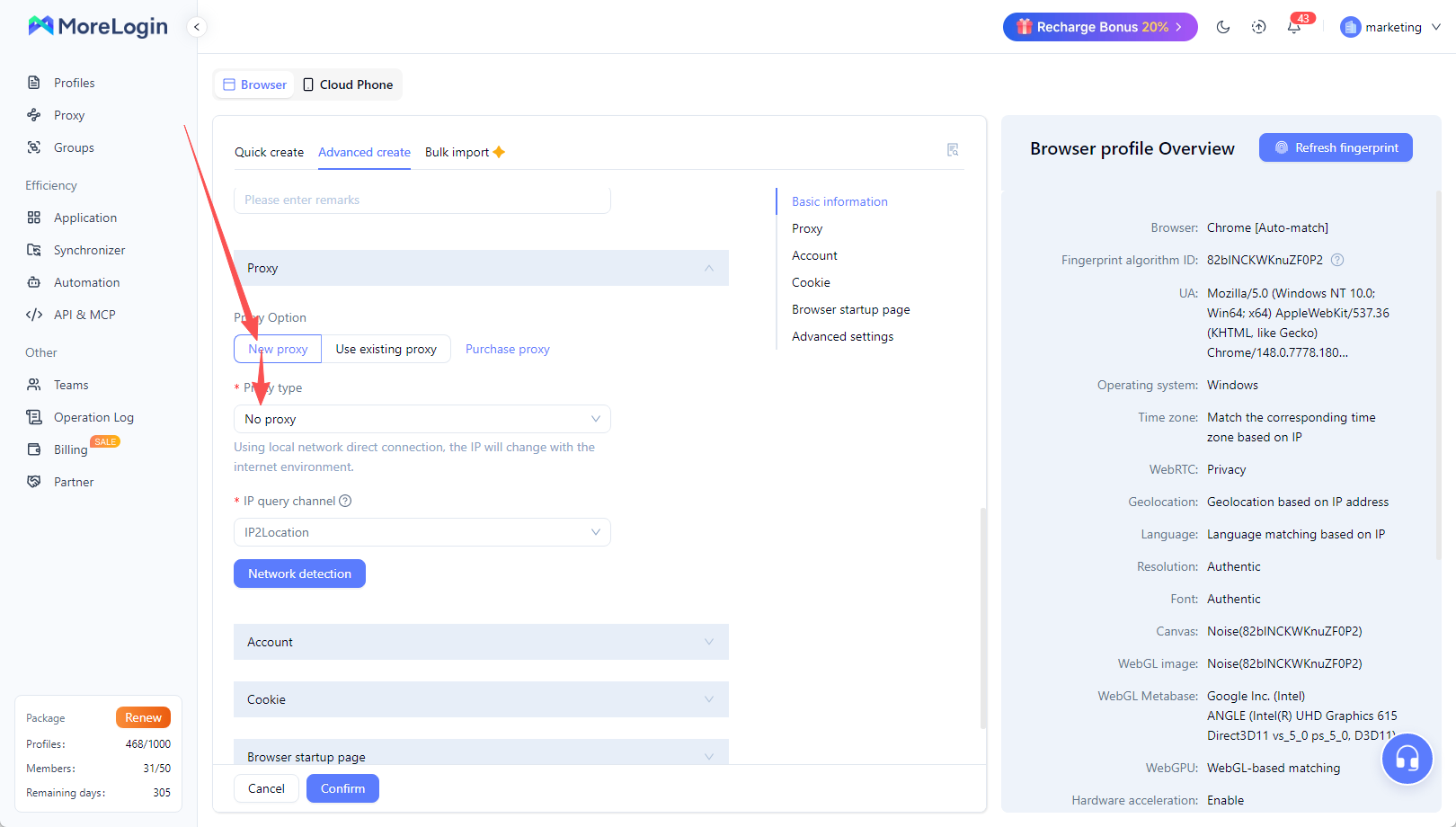
Host: Provided by LokiProxy
Port: Proxy port
Username: Your username
Password: Your password
Click “Test Proxy” , If the displayed location matches the proxy region, the connection is successful.
Step 4: Save and Start Using
After verification, confirm and launch the profile
You are now browsing via LokiProxy’s real residential IPs with stable, fast, and secure connections
Provides real residential IPs instead of datacenter IPs, ideal for account management
Global coverage suitable for cross-border business
Stable connections with fast switching
Fully compatible with MoreLogin and various anti-detect browsers
Affordable pricing with free trials for new users
New users can get 1GB of free trial traffic (valid for 7 days). You can test it with MoreLogin before making a purchase decision.
If you’re looking for a cost-effective, high-performance residential proxy compatible with MoreLogin, LokiProxy is worth trying. It excels in global coverage, speed, and stability, helping you manage accounts more efficiently and securely.
👉 Visit the official website: https://lokiproxy.com

 EN
EN