- Product

- Pricing
- Affiliate Program
- Developers
- Resource
 EN
EN
An antidetect browser and a proxy solve two different halves of the same problem. The browser isolates the fingerprint, giving each profile its own cookies, storage, and device signals. The proxy isolates the network, giving each profile its own IP. Run several profiles on one IP and the fingerprint work is undone, because the accounts are still linked at the network layer.
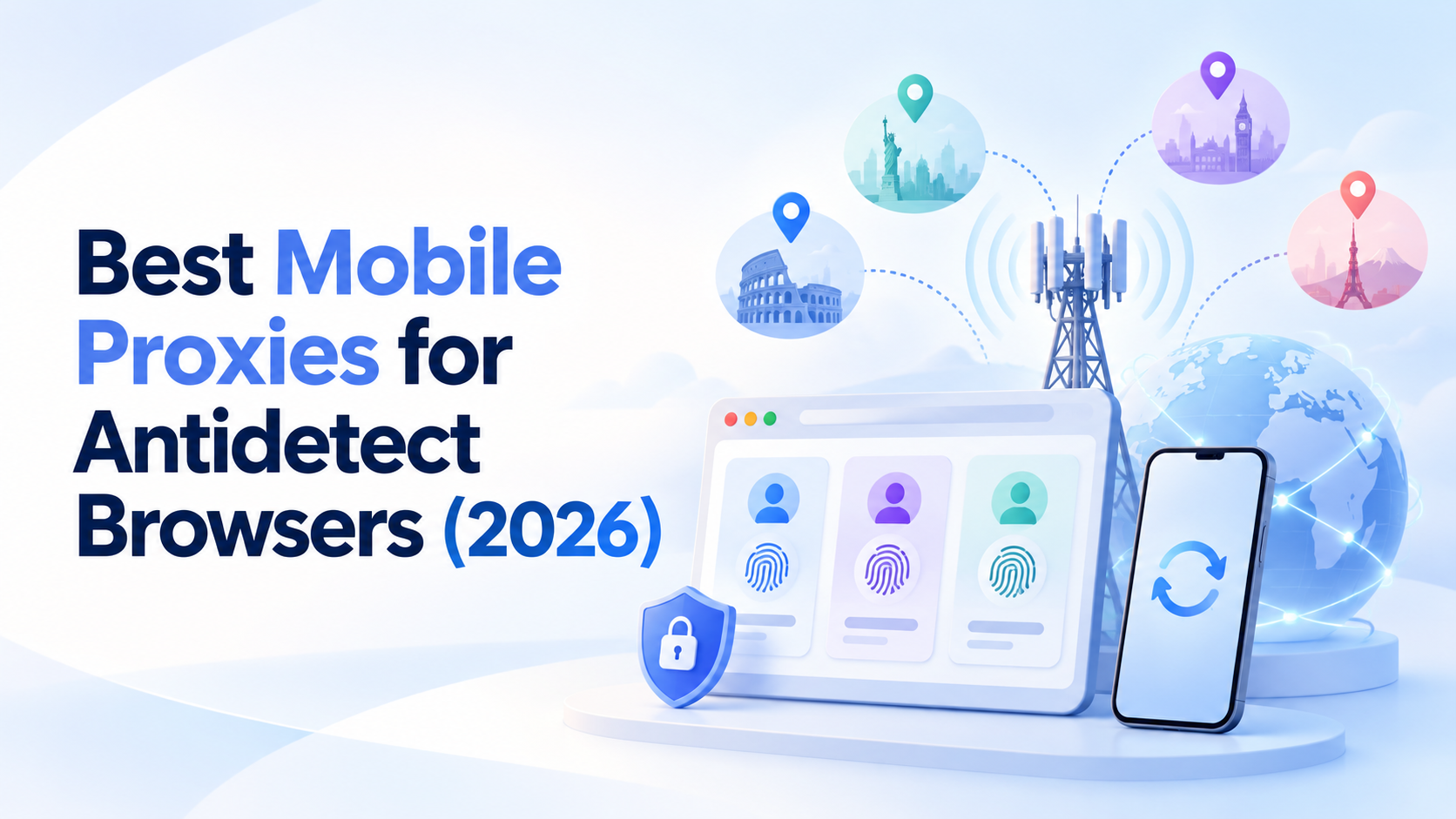
That is why the proxy you pair with an antidetect browser matters as much as the browser itself. This guide covers the proxy types, why mobile proxies are the strongest option for the hardest tasks, how to choose one, and how to set it up per profile.
An antidetect browser creates separate environments, but it does not change your network route on its own. Every profile still exits through whatever IP the machine uses unless you assign a proxy to it.
If two profiles share an IP, a platform can associate them regardless of how clean their fingerprints are. Sharing an IP across many unrelated accounts is one of the most common causes of linked-account restrictions. Assigning a distinct proxy per profile is what makes the browser’s isolation hold at the network level.
The proxy also controls location. A profile meant to look like a user in one country needs an IP that resolves there, with the browser timezone and language aligned to match.
Datacenter proxies come from hosting providers. They are cheap and fast, but their ranges are recognized as server traffic and flagged quickly on protected sites. Useful for low-risk research, not for account work.
Residential proxies use IP addresses from consumer internet connections, so they pass the basic checks that catch datacenter IPs and cover a wide range of locations. Quality varies between providers, and shared pools can carry overused addresses, so the provider and sourcing matter.
ISP proxies, also called static residential, keep the same residential-class IP for long periods. That stability suits profiles that need to return to the same environment each day.
Mobile proxies route through cellular networks on 4G and 5G. They carry the highest trust of any type, and for demanding antidetect work they are the strongest choice.
The advantage comes from how mobile networks assign addresses. Carriers use carrier-grade NAT (CGNAT), where many real subscribers share one public IP at the same time. Cloudflare has documented how this makes those addresses risky to block, because doing so would affect real customers. That shared structure gives mobile IPs a level of trust residential and datacenter cannot match.
For an antidetect browser, that translates into a few concrete wins:
• Account creation and warming. New accounts are most fragile at signup, and a mobile carrier IP reads as an ordinary person on their phone, which is the connection platforms trust most.
• Hard, well-defended targets. On sites with aggressive detection, mobile IPs are flagged far less than residential or datacenter.
• Mobile-first platforms. For apps and services where most real traffic is mobile, a mobile IP matches the expected environment.
• Clean, accurate geo. Carrier-assigned IPs resolve to a real region, which matters when a profile needs to look local.
Services also read the connection type. Tools like MaxMind classify each IP as residential, mobile, hosting, or other, and a genuine mobile classification is the hardest to flag. This is not a claim that mobile is fastest, ISP proxies are often quicker for pure speed, but for trust and account safety in an antidetect browser, mobile leads.
Judge a mobile proxy on the things that actually affect profiles:
• Real carrier IPs, on genuine 4G and 5G networks, not datacenter addresses relabelled as mobile.
• Accurate geo-targeting to the country and, where needed, the carrier and city.
• Clean reputation and a low fraud score, so the IP is not already flagged before a profile loads.
• Session control, sticky sessions to hold one identity across a session, and rotation when you need fresh IPs.
• One clean IP per profile, so accounts stay independent.
• Dedicated options for the profiles you cannot afford to lose, alongside a shared pool for volume.
VoidMob provides mobile proxies on real 4G and 5G carrier infrastructure, with a shared pool for high-volume work and dedicated mobile IPs for important, long-term profiles. Because the IPs are genuine carrier addresses, they carry clean reputations and accurate geo, which is what keeps an antidetect profile from being flagged at the network layer.
The setup is per profile, and the principle is one profile, one IP.
1. Get the proxy details. Collect the protocol (HTTP or SOCKS5), host, port, and credentials from your provider, or set up IP authentication.
2. Create the browser profile. In your antidetect browser, create a profile and name it by client, brand, or market so it stays organized.
3. Assign the proxy to that profile. Enter the proxy in the profile’s network settings, and keep it assigned to that one profile.
4. Align the environment. Match the profile timezone and language to the proxy’s region so the signals agree.
5. Verify before use. Check the profile’s public IP, country, and connection type before opening any account.
For account creation, the number matters as much as the IP. Many platforms reject VoIP numbers at signup, so a real non-VoIP number is what passes verification. VoidMob non-VoIP numbers verify cleanly and can be kept as dedicated numbers for accounts that need ongoing re-verification. For teams automating provisioning across many profiles, VoidMob also exposes proxies and numbers through an MCP server, so a script or AI agent can request them as tool calls rather than through a dashboard.
• One IP per profile. Do not share a proxy across unrelated profiles, since it links them.
• Match geo, timezone, and language. A profile on a US IP reporting another timezone is an obvious mismatch.
• Use sticky sessions for account work. Hold one IP through a session rather than rotating mid-task.
• Use dedicated IPs for important profiles. Reserve the shared pool for volume and testing.
• Verify the IP before opening accounts. Catch a flagged or mislocated IP before a profile signs in, not after.
• Keep behavior human. A clean IP does not excuse robotic timing or spam, which platforms flag regardless.
• Datacenter proxies on protected accounts. Cheap, but flagged fast. Use them only for low-risk research.
• Sharing one IP across many profiles. The fastest way to link accounts, even with perfect fingerprints.
• Ignoring geo alignment. The IP, timezone, and language have to agree.
• Rotating when you should be sticky. Constant IP changes on an account profile look unnatural.
• Verifying with VoIP numbers. They get rejected, so the account never completes signup.
1. What is the best mobile proxy for an antidetect browser? The best mobile proxy is one on real 4G or 5G carrier IPs with accurate geo, a clean reputation, session control, and a dedicated option for important profiles. Mobile carries the highest trust, which is why it suits account creation and hard targets in an antidetect browser.
2. Do you need a proxy for an antidetect browser? For multi-account work, yes. The browser isolates the fingerprint, but without a separate proxy per profile the accounts still share one IP and can be linked. A proxy gives each profile its own network identity.
3. Are mobile proxies better than residential for antidetect browsers? For account creation, mobile-first platforms, and heavily defended targets, mobile is stronger because carrier IPs are the hardest to flag. Residential is fine for broad, lower-risk volume, and ISP suits stable long-term profiles. Match the type to the task.
4. How many proxies do you need for an antidetect browser? As a rule, one clean IP per profile so nothing is linked. The exact number depends on how many profiles you run, but sharing an IP across unrelated profiles defeats the isolation.
5. Can you use one proxy for multiple profiles? Technically yes, but it links those profiles through the shared IP and raises restriction risk. Reserve a shared arrangement for related, low-stakes profiles, and give important accounts their own dedicated IP.
6. Do mobile proxies work with any antidetect browser? Yes. Mobile proxies use standard HTTP and SOCKS5, so they integrate with any antidetect browser at the profile level, the same way residential or ISP proxies do.
7. Why do accounts get linked even with an antidetect browser? Usually a shared IP, or an IP whose location does not match the profile’s timezone and language. The browser handles the fingerprint, but the network and its consistency are handled by the proxy.
An antidetect browser and a mobile proxy are two layers of the same setup. The browser keeps each profile’s fingerprint separate, and the proxy keeps each profile’s network separate. For account creation, mobile-first platforms, and the targets that flag everything else, mobile carrier IPs are the strongest network layer, because they are the hardest to detect and resolve to a real location.
Pair your antidetect browser with mobile proxies from VoidMob, dedicated for the profiles that matter and a shared pool for volume, and account isolation holds at both the fingerprint and the network level.

 EN
EN