EN
EN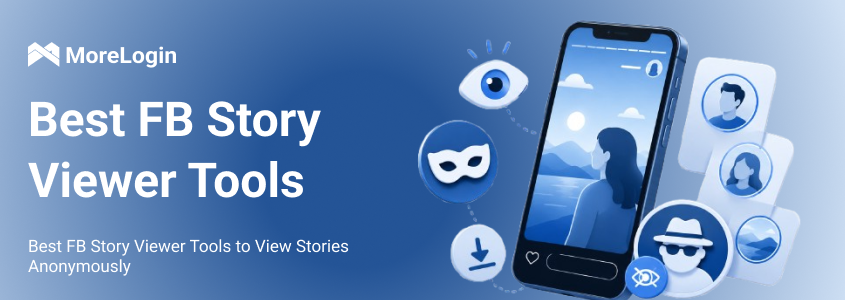
People search for an fb story viewer for a simple reason. They want to check Facebook Stories without opening them from their main account. Some want to view public Stories. Some want to save videos. Some want to research what brands, creators, or competitors are posting.
But this topic is messy. Many tools promise anonymous viewing, but not every tool works well. Some only support public Stories. Some fail often. Some push ads, extensions, or login requests. This guide compares common FB Story Viewer tools and explains what they can actually do.
A good Facebook Story Viewer should be easy to use. It should not ask for your Facebook password. It should work on mobile and desktop. It should also make its limits clear.
That last part matters. No tool can view every Facebook Story. If a Story is private, friends-only, expired, or restricted, most online tools will not be able to load it.
How we compared these FB Story Viewer tools:
Public Story access
Ease of use
No-login access
Viewing or download options
Mobile and desktop support
Privacy and security risks
Stability during repeated use
FBTake is one of the better-known names in this space. It works as a browser-based Facebook Story Viewer. The basic process is simple. You copy a Facebook profile or page link, paste it into the search box, and wait for the tool to load available Stories.
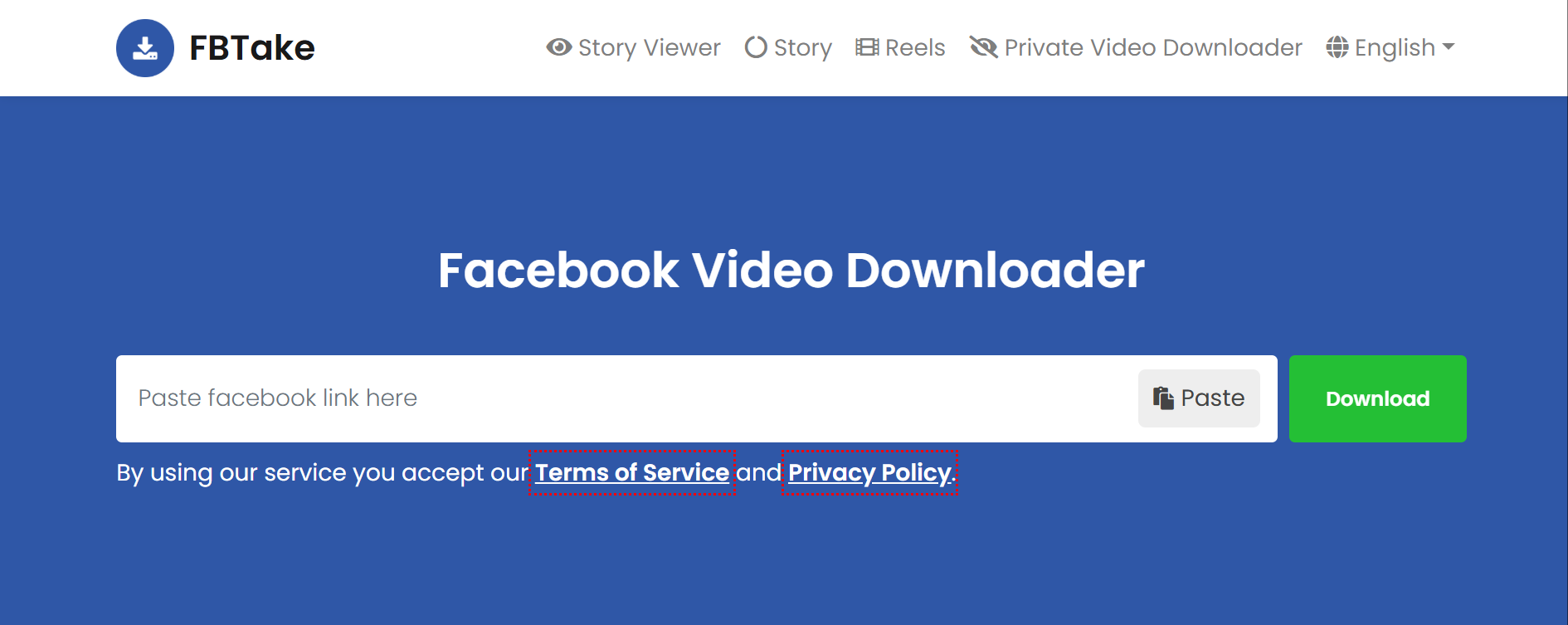
Its biggest advantage is ease of use. You do not need to install an app. You do not need to set up an account. For quick checks of public Facebook Stories, that is enough for many users.
The problem is consistency. FBTake may not always find the Story you expect. It may show partial results, or it may say there is no Story available. That does not always mean the profile has no Story. It may mean the tool cannot access it.
Best for: Quick public Story viewing
Main limit: Results can be inconsistent
BraveDown is a useful option if you want to view and download public Facebook Stories. It is more download-focused than some other tools. Users usually paste a Story or profile link, complete a captcha if needed, and then choose the available download option.
The tool is helpful when you want to save a public Story for later. For example, marketers may use it to keep examples of public content for research. It can also be useful when you want a local copy instead of watching the Story online every time.
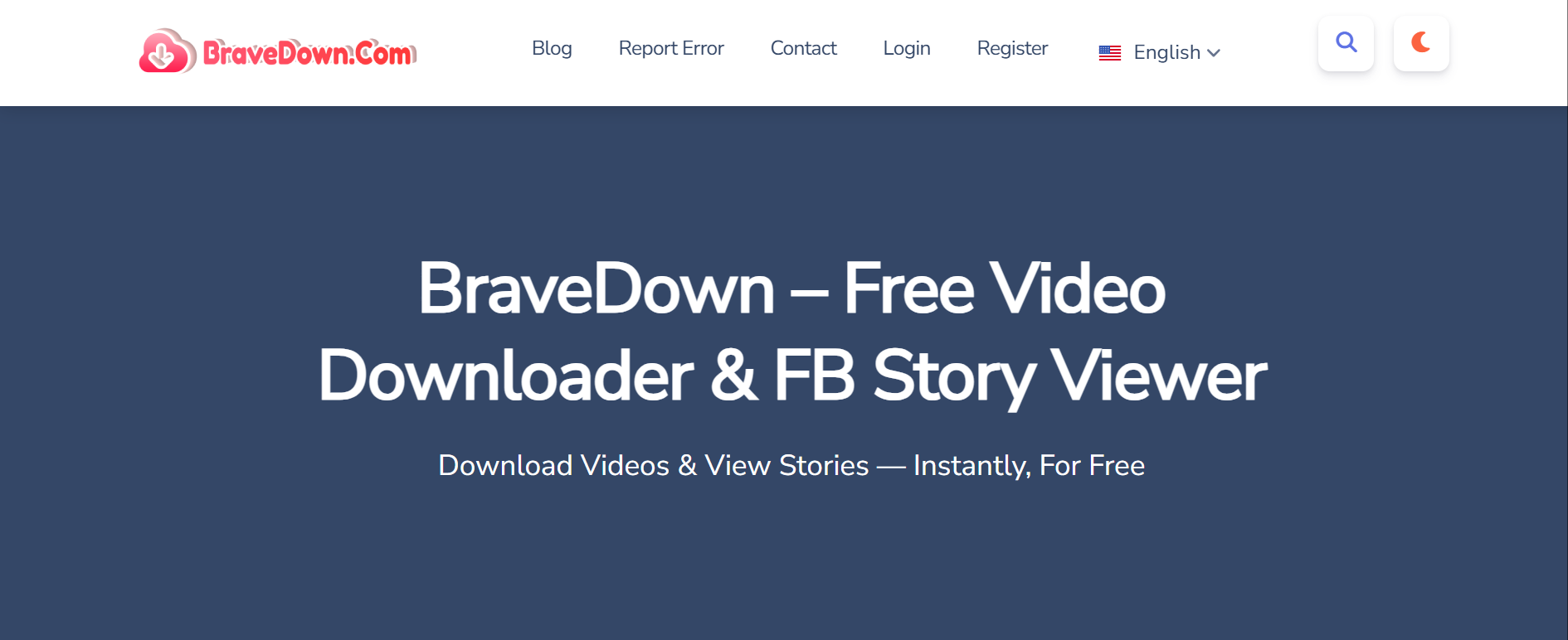
The downside is the flow. Captchas can slow things down. Some results may appear in sections. That can make the experience feel less smooth, especially if you only want to check one Story quickly.
Best for: Viewing and downloading public Facebook Stories
Main limit: Captcha and navigation can feel annoying
Hitube is built for speed. It keeps the process simple. Paste the link, wait for the result, then view or download the available content.
This makes it a good choice for users who want a fast FB Story Viewer without many extra steps. It is not packed with advanced options, and that is partly the point. For basic public Story viewing, simple can be better.
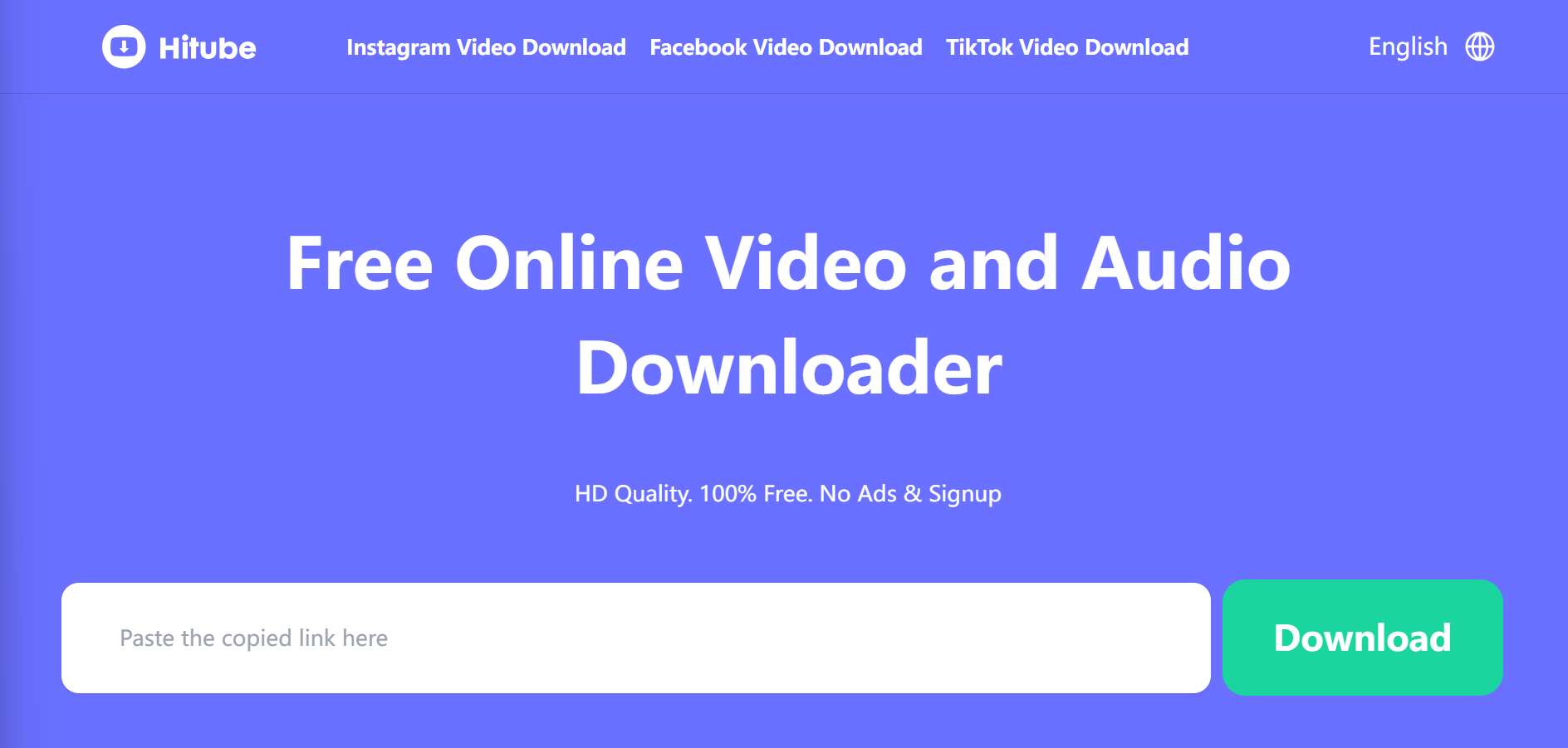
Still, there are limits. Hitube may not give you many format choices. Story quality may vary. Some visual details may not display in the same way as they do inside Facebook. If the Story has text, stickers, or overlays, the final view may not feel perfect.
Best for: Fast public Story viewing
Main limit: Fewer format and quality controls
FDownloader is better described as a Facebook downloader than a pure viewer. It can work well when your main goal is to save a public Facebook Story video.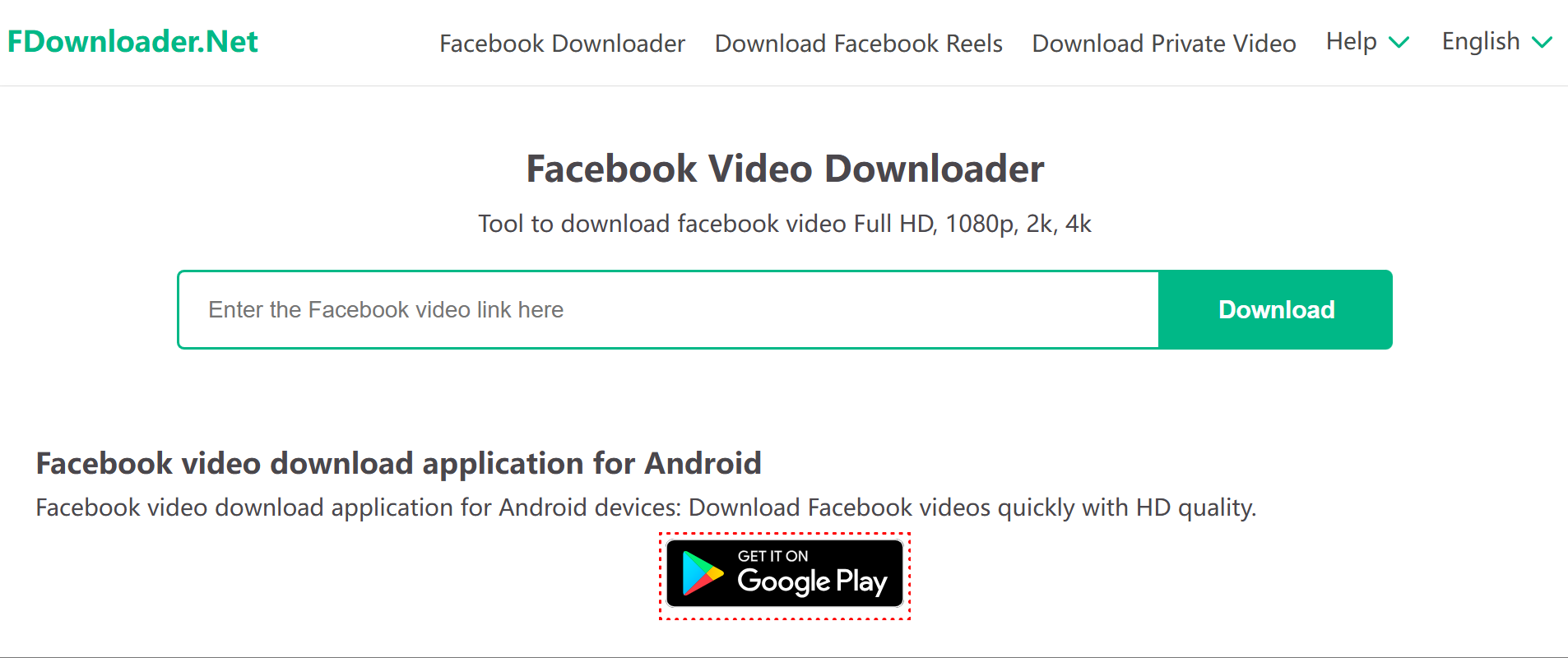
The useful part is quality control. In some cases, users can choose different download resolutions. This is helpful if you want to keep a cleaner copy for content research or internal review.
It is not always the fastest option. Higher-quality files may take longer to process. Also, like other tools, it will not help with private or restricted Stories. If the Story is not publicly accessible, FDownloader may fail or show an error.
Best for: Downloading public Story videos
Main limit: Processing time can vary
FDown often appears in Facebook downloader lists. Some users try it for Stories because they already know the tool from downloading Facebook videos.
It can be useful for general Facebook media. But Story access is less predictable. A link may work in another tool and fail here. That is frustrating, but it is common with Facebook Story tools.
Be careful if the site asks you to install a browser extension. A simple Story viewing task should not require broad browser permissions. Unknown extensions can read more data than users expect. That risk is not worth it for casual viewing.
Best for: Users who already use Facebook download tools
Main limit: Story support may fail
Publer is not really a dedicated FB Story Viewer. It is better known for social media workflows. Some users may find it while looking for tools to manage, schedule, or handle public social content.
That does not make Publer useless. It can still fit broader social media work. But if your only goal is to view Facebook Stories online, a dedicated viewer or downloader is usually more direct.
This is where many tool lists become confusing. They mix viewers, downloaders, schedulers, and monitoring tools into one list. That may help SEO, but it does not always help the reader. Publer belongs more in the social media workflow category.
Best for: Broader social content workflows
Main limit: Not a dedicated Facebook Story Viewer
The table makes one thing clear. Every fb story viewer has limits. These tools are mainly useful for public content. They are not a magic way to open private, friends-only, restricted, or expired Stories.
Yes, but only in a limited way.
Some FB Story Viewer tools may load public Facebook Stories without opening them from your main Facebook account. In that case, your name may not appear in the same way it would if you watched the Story directly on Facebook.
But that does not mean every Story can be viewed anonymously. Facebook Story visibility depends on the publisher’s privacy settings. A public Page Story is very different from a Story shared only with friends.
So if you are searching for an anonymous fb story viewer, keep expectations realistic. It may work for public content. It should not be treated as a way to access private Stories.
The same applies if you are wondering how to view fb story anonymously. Most methods only work in narrow cases. If a tool asks for your password, cookies, browser extension access, or app installation, stop and think twice.
Most tools work best with public Facebook Stories. This usually means public Pages, public creator profiles, or content that Facebook allows non-friends to access.
That is why results can feel random. One profile may load. Another may not. One Story may appear. Another may show an error. The tool may not be broken. It may simply be blocked by the account’s privacy setting.
For marketers, this can still be useful. Public brand Stories, creator Stories, and competitor posts can give you content ideas. But that is different from viewing personal or restricted Stories.
Private Stories are a hard limit. Friends-only Stories are also a hard limit.
A third-party viewer should not be seen as a way around Facebook privacy. If a site claims it can open locked or private Stories, treat that as a warning sign.
Some sites may ask you to log in. Some may ask for a direct Story link. Some may suggest an extension. None of that changes the basic point. If the Story is not public, a normal viewer should not be able to access it.
Facebook Stories are temporary. Once they expire, most fb stories viewer tools cannot bring them back.
The only exception is when the content exists somewhere else. The creator may save it as a highlight. They may repost it. They may upload the same video as a normal post. But if the Story is gone and not saved publicly, a viewer usually cannot recover it.
This matters for content research. If a public Story is important, save it while it is still active.
This is the annoying part. A tool can work today and fail next week.
Facebook changes how content loads. It also changes access rules, page structures, and media links. Online viewer tools are not official Facebook features, so they can break fast.
That is why you should not rely on one tool only. Try a tool with public content first. If it fails, do not assume the content does not exist. The tool may simply not support it anymore.
The biggest red flag is a login request. If an FB Story Viewer asks for your Facebook username and password, avoid it.
Your Facebook account may contain personal messages, business pages, ad accounts, payment settings, contacts, and connected apps. Giving that access to an unknown site is not a small risk.
Some tools may ask for session cookies instead of a password. That is also risky. A cookie can act like a live login. You should not paste it into a random website.
A basic public viewer should not need your Facebook password. If it does, the risk is too high.
Many free viewer sites use ads. That is not always dangerous, but it often creates a messy experience.
You may see pop-ups, redirects, fake download buttons, or fake system warnings. Some buttons look like the real download button. They are not. This is where users get tricked into downloading the wrong file.
Slow down before clicking. Check the page. If a site keeps redirecting you before showing the Story, close it and use another option.
Some tools push browser extensions when the web version fails. Be careful here.
A browser extension can request access to the pages you visit. It may also access cookies, page content, or browsing activity. That is a lot of permission for a simple Story viewing task.
If you manage work accounts, client accounts, or ad accounts in the same browser, the risk is even higher. One bad extension can create problems across multiple accounts.
Even a safe tool can become useless after Facebook updates. This happens often.
You may see errors like no media found, private video, unsupported link, or failed processing. These errors do not always mean you made a mistake. They may simply mean the tool cannot read the current Facebook format.
For casual use, this is just annoying. For business use, it wastes time. Teams that work with Facebook every day need a cleaner workflow than random viewer sites.
The safest option is still Facebook itself. If you follow a public Page, you can view its posts and Stories directly. You can also turn on notifications for Pages or creators you track often.
For market research, public Page content is usually enough. For personal content, the right answer is simple. Respect the visibility setting.
Native tools will not make you anonymous. But they are stable. They also do not ask for your password through a third-party site.
If your goal is to save public Facebook videos, use a tool made for that job. A dedicated Facebook video downloader is more direct than trying to force a Story Viewer to do everything.
This is useful for public video research, campaign review, or content reference. Keep the boundary clear. Public videos are one thing. Private or restricted content is another.
A downloader is not the same as a Story Viewer. It helps save accessible media. It does not bypass Story privacy.
A lot of Facebook workflow problems come from one bad habit. People mix everything in one browser.
Personal Facebook. Client Pages. Ad accounts. Research tools. Viewer sites. Everything sits in the same browser session. It is easy to post from the wrong account or trigger login confusion.
A cleaner setup helps. Use separate browser profiles for personal and work tasks. Keep client accounts apart. Do not run every account through the same local session if your work depends on Facebook every day.
FB Story Viewer tools are mainly for checking or saving public content. But marketers, agencies, and e-commerce teams often need more than that.
They may need to manage several Facebook accounts. They may need to test mobile content. They may need to check Stories, Reels, and page views before publishing. They may also need different team members to work without mixing sessions.
This is where cloud phone environments can help. They are not Facebook Story Viewer tools. They are built for Facebook account workflows.
A cloud phone environment can help teams run Facebook-related work in separate mobile spaces. This is much cleaner than switching many accounts on one local phone.
Facebook is heavily mobile-based. Stories, Reels, notifications, and app layouts often behave differently on mobile. If your team only checks things on desktop, you may miss problems.
With separate mobile environments, each account can have its own space. Teams can test content, review mobile display, manage logins, and reduce daily account confusion.
Session conflict is common in Facebook work. It happens when many accounts share the same browser, cookies, login state, or device.
The result is messy. Wrong-account posting. Extra verification. Login loops. Team members opening the wrong profile. It sounds small, but it wastes a lot of time.
Separate environments make the workflow easier to control. Each account can stay in its own space. This does not remove every platform risk. But it does make daily work much cleaner.
Cloud phone environments make the most sense when Facebook work is repeated and team-based.
An agency may manage several client accounts. A social team may test Story and Reel content before posting. An e-commerce team may run regional accounts. In these cases, using one physical phone or one shared browser is not enough.
This is a different use case from an anonymous viewer. Viewer tools help users check public content. Cloud phone environments help teams manage Facebook mobile workflows with less chaos.
An fb story viewer can be useful for checking or saving public Facebook Stories. But it has clear limits. It usually will not work for private Stories, friends-only Stories, or expired Stories.
The safest way to use these tools is to keep expectations low. Use them for public content only. Avoid any site that asks for your Facebook password, cookies, unknown extensions, or unnecessary downloads.
For teams that need more than simple viewing, MoreLogin offers separated browser and cloud phone environments for account management, mobile workflows, and team operations.
Can you see who views your FB stories?
Yes. Facebook normally lets Story owners see who viewed their Stories. This is one reason people search for FB Story Viewer tools. They want to know if there is a way to view Stories without showing their name.
Does FB show who viewed your story?
Yes. Facebook shows Story viewer information based on its own rules and privacy settings. If someone watches your Story directly on Facebook, you may be able to see that view.
Is there a real anonymous FB story viewer?
Some tools may work for public Stories. But none should be treated as a guaranteed anonymous viewer for every Facebook Story. Be careful with any tool that claims it can open private or restricted content.
Can I use an FB stories viewer without logging in?
Some browser-based tools claim to work without login. This is usually safer than giving a tool your Facebook password. Avoid sites that ask for login details, cookies, or account authorization.
Are FB story viewer tools safe?
It depends on the tool. A simple no-login viewer for public content may be lower risk. But pop-ups, redirects, fake buttons, extensions, and login requests can make these tools unsafe.
What is the best way to manage multiple Facebook accounts safely?
Keep accounts separated. Use different browser or mobile environments. Do not mix personal accounts, work accounts, and client accounts in one shared session.

 EN
EN