- Product

- Pricing
- Affiliate Program
- Developers
- Resource
 EN
EN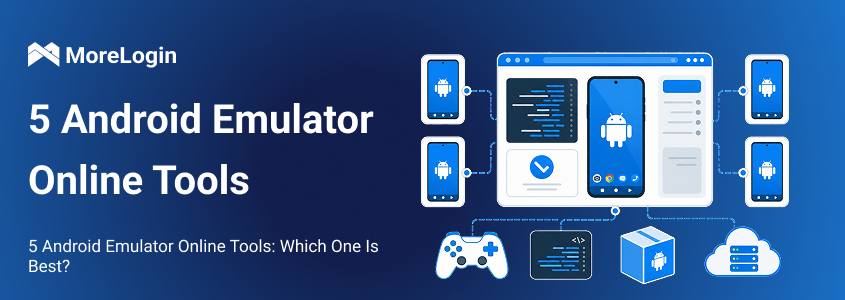
An android emulator online provides remote access to an Android environment. You usually open it through a browser instead of installing a large program on your computer.
The term covers several types of services. Some platforms let developers upload APK files and test their apps. Others provide temporary app demonstrations or access to selected mobile games. Cloud phones also appear in the same search results, although they are built for longer and more persistent mobile work.
This difference matters. A developer may need Android version controls and debugging tools. A customer support team may only need to show one app screen. A marketing team may need saved sessions, separate device environments, and automation.
Before choosing a tool, it helps to understand what an Android emulator is and how it differs from a cloud Android environment. The five options below cover testing, demonstrations, development, gaming, and long term mobile operations.
This list does not treat every product as if it solves the same problem. Each tool has a clear area where it makes sense. It also has limits that become obvious outside that area.
MoreLogin Cloud Phone is not a traditional emulator. It is a cloud based Android environment designed for repeated mobile operations.
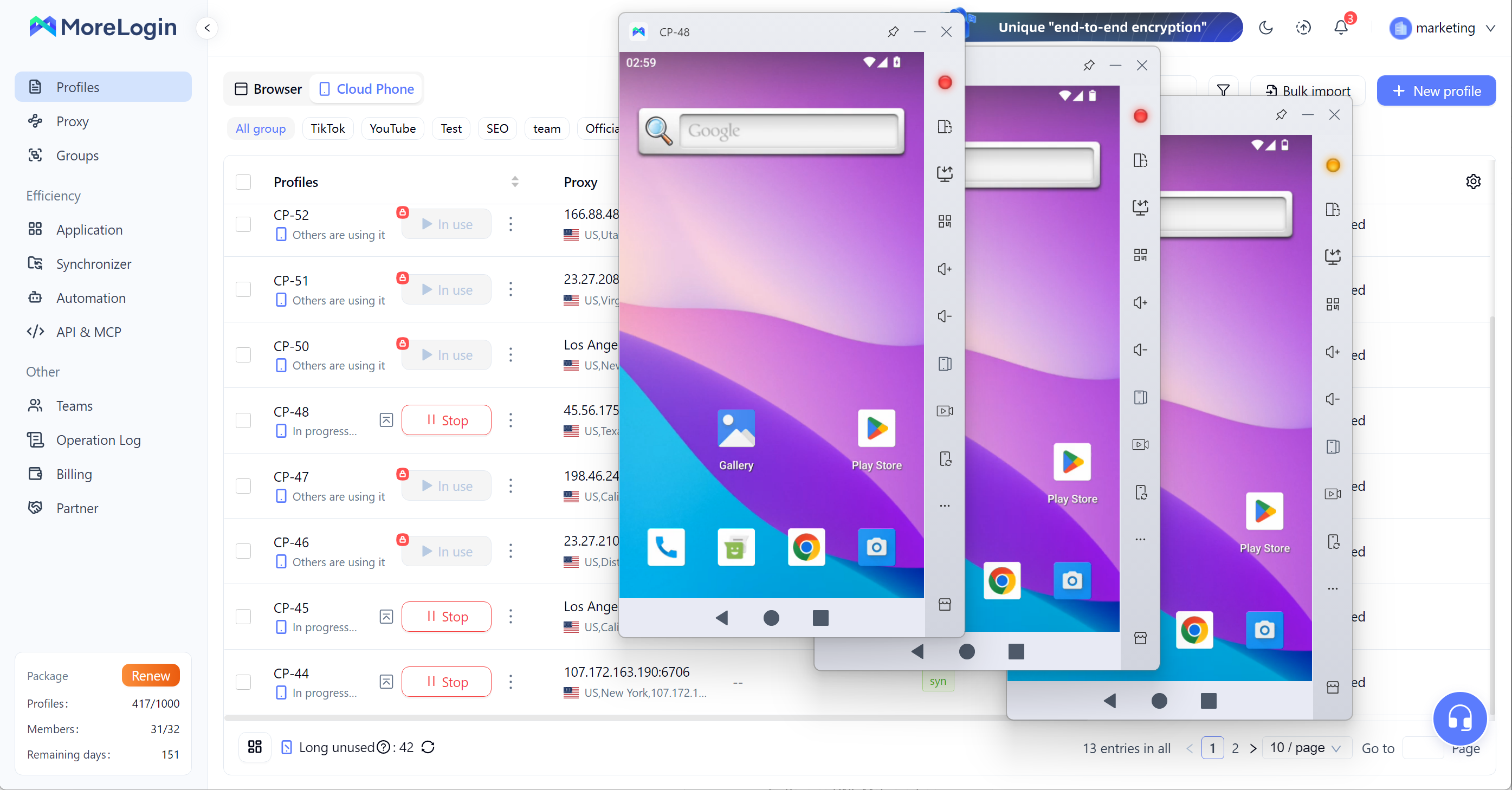
Its Android environments run remotely on ARM based infrastructure. Users can install apps, save login sessions, configure proxies, and return to the same environment later. This is useful when a mobile task lasts longer than a single testing session.
Each cloud phone has an independent environment. Cookies, app data, device information, and account sessions do not need to share one local emulator instance. Teams can also assign individual devices to different members through permission controls.
MoreLogin includes a synchronizer for repeated actions. A user can operate one cloud phone and apply the same actions to other selected phones. This is useful for app installation, text entry, and basic setup work.
RPA tools and API access support more structured automation. These features are relevant to teams that manage social media, ecommerce, advertising, or other mobile workflows at scale.
Local hardware is less of a concern because the Android environments do not run on the user’s computer. Adding more devices does not place the same pressure on local memory and processing power as running many desktop emulator windows.
This makes MoreLogin a practical Android emulator alternative for persistent work. It is less relevant to people who want game controls or detailed Android debugging tools.
Key features
ARM based Android environments
Independent cloud phone profiles
App installation and saved sessions
Individual proxy settings
Synchronized device operations
RPA and API support
Team roles and permissions
Central device management
Best for
Long term mobile work, multi account management, automation, and team operations.
Main limitation
It is not built primarily for gaming or Android software development.
TestMu AI focuses on mobile application and website testing. Developers and QA teams can open Android environments through a browser and check how their products behave across different configurations.
Users can upload an APK and run it inside a cloud hosted Android emulator. They can inspect the interface, test navigation, and check whether core functions work as expected. The platform also supports different Android versions and device setups.
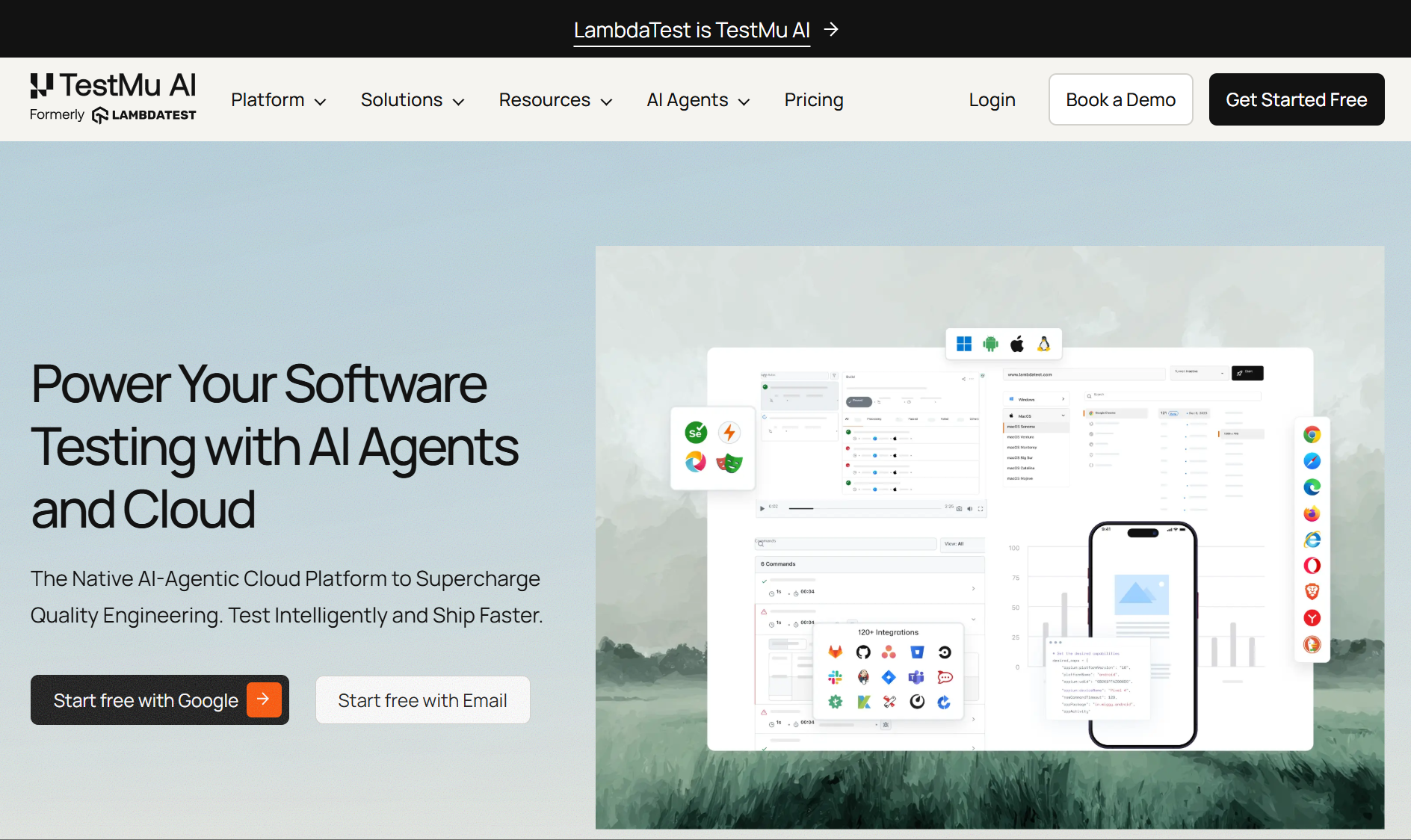
Its testing controls go beyond simple app access. Teams can check location based functions, simulate different network conditions, and run tests in parallel. Support for mobile testing frameworks also makes it suitable for automated QA work.
This type of online Android emulator is useful during development. It gives teams a quick way to find layout problems, broken flows, and basic compatibility issues.
It does not remove the need for real device testing. Cameras, sensors, biometric systems, battery behavior, and manufacturer changes may behave differently on physical hardware. Final release checks should still include suitable real devices when these functions matter.
TestMu AI is a focused professional product. Someone who only wants to open a mobile game or maintain a long term app session may find its testing features unnecessary.
Key features
APK uploads
Several Android versions
Mobile website testing
Manual app testing
Automated testing frameworks
Location controls
Network condition testing
Parallel test execution
Best for
Application testing, mobile website checks, QA work, and compatibility reviews.
Main limitation
It is designed around software testing rather than general Android use.
Appetize.io lets companies run Android apps inside a web browser. Its main strength is not broad Android access. It is the ability to present a specific app to another person with little setup.
A company can upload an app and share it through a link. The app can also be embedded on a website. Customers, employees, or sales prospects can then interact with it without installing the app on their own phones.
This approach works well for product demonstrations. A salesperson can show a real app flow during a call. A training team can give new employees access to the same mobile interface. A support agent can guide a customer through a problem while viewing a consistent app version.
Appetize.io also supports prepared actions and app states. A demonstration can begin on a specific screen instead of asking every user to complete the full setup process.
The service is less suitable for maintaining a permanent Android workspace. Available minutes, session length, and concurrent devices depend on the plan. Teams should review those limits before using it for frequent training or support sessions.
Key features
Android apps in a browser
APK uploads
Shareable app links
Website embedding
Prepared app states
Automation support
Central app version management
Best for
Product demonstrations, customer support, employee training, and sales presentations.
Main limitation
Session time and device access depend on the selected plan.
Genymotion Cloud gives developers access to configurable Android virtual devices. It is a better fit for technical work than for casual app access.
Users can choose Android versions and create device profiles for different projects. ADB access allows developers to install applications, collect logs, and work with familiar Android development tools.
Genymotion also connects with continuous integration and delivery systems. Development teams can run automated checks after code changes. Parallel virtual devices can help reduce the time required for larger test suites.
The platform supports development, debugging, regression testing, and security research. It can also run within several public cloud environments.
These features come with a learning curve. A user may need to understand ADB, virtual device settings, and automated testing tools. Running several devices for long periods may also increase costs.
Genymotion is a serious development platform. Readers who need a broader overview can compare it with other Android emulator tools.
Key features
Cloud Android virtual devices
Android version selection
Configurable device profiles
ADB access
Development pipeline integrations
Parallel virtual devices
Automation framework support
Public cloud deployment
Best for
Android development, debugging, regression testing, and automated development workflows.
Main limitation
Its technical features may be difficult for general users to configure.
now.gg takes a different approach. It is a mobile cloud gaming service rather than a general Android emulator online.
Users can open supported games and apps in a browser. The processing happens in the cloud, so there is no need to install a large game package or a desktop emulator.
This can help people who use a computer with limited storage or modest hardware. It also makes it easier to move between compatible devices.
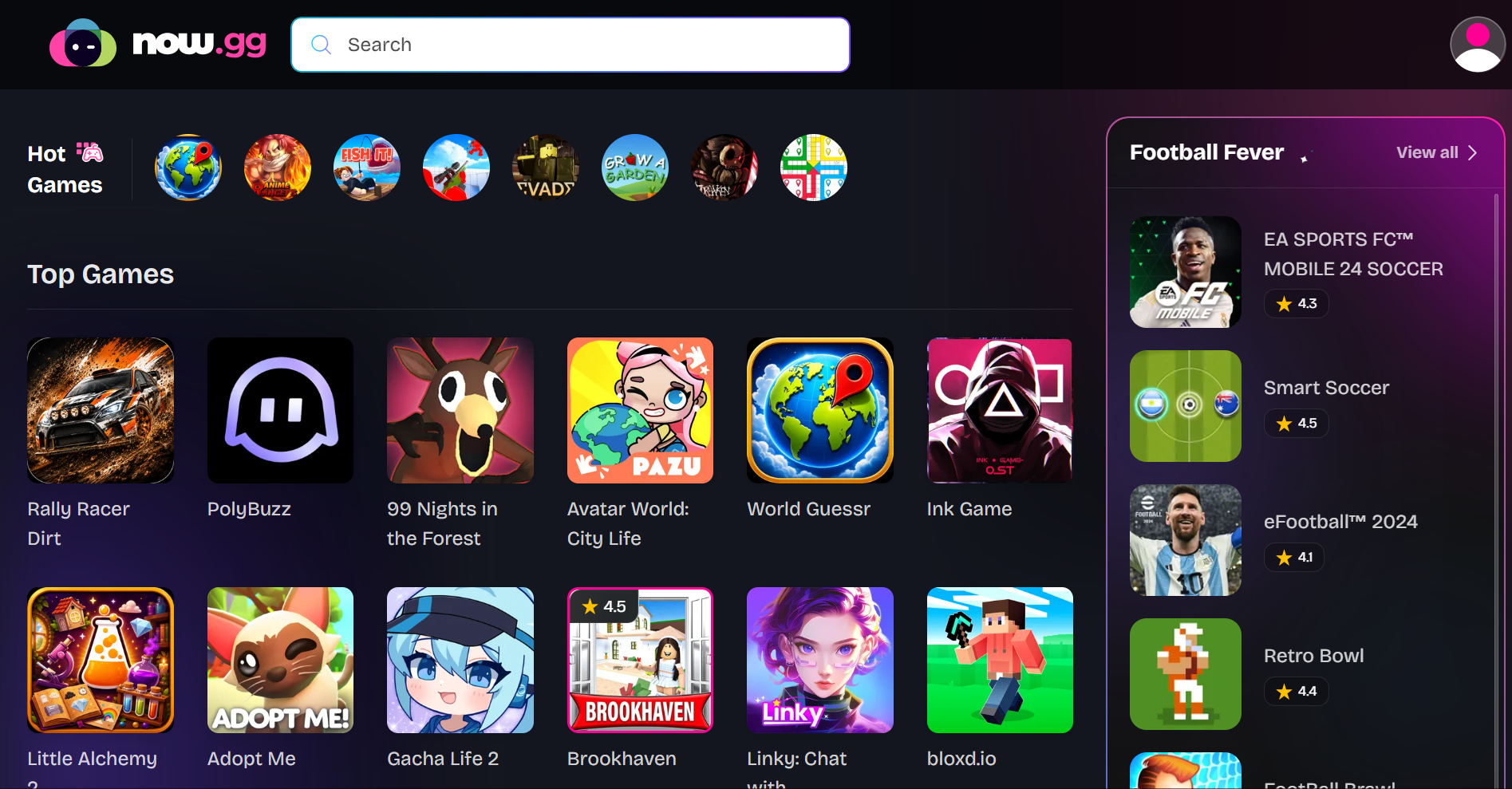
The main restriction is the content library. Users cannot upload any APK they choose. They can only open games and apps that the platform supports. Availability may also vary by location.
A stable connection is important. Cloud gaming sends user input to a remote server and streams the result back to the browser. Network delays can affect games that require fast reactions.
now.gg is a sensible option for supported mobile games. It should not be treated as an open Android device for development, testing, or account management.
Key features
Browser based cloud gaming
No large local game installation
Access from several device types
Simple launch process
Library of supported games and apps
Best for
Playing supported Android games without installing a desktop emulator.
Main limitation
Users cannot upload custom APK files or access a complete Android environment.
The products below may appear in the same search results, but they solve different problems. A useful Android emulator for a QA team may be a poor choice for gaming or long term mobile work.
MoreLogin is the strongest fit for saved environments and multi device work. TestMu AI is built around compatibility testing. Appetize.io makes apps easier to demonstrate and share. Genymotion gives developers deeper control. now.gg offers the simplest path to supported mobile games.
MoreLogin Cloud Phone is the most suitable option when Android environments need to remain available between sessions.
Separate environments help teams keep app data and account sessions organized. Synchronization, permissions, and automation also become useful as the number of devices grows.
These tools do not remove account risk. Proxy quality, location consistency, account history, and user behavior still matter.
TestMu AI is a practical choice for developers and QA teams. It supports APK files, Android version checks, mobile websites, and automated tests.
It is most useful during development and regression testing. Teams should still use real devices when hardware behavior affects the final result.
Appetize.io is a better match when another person needs quick access to a specific app.
A shareable link or embedded app is easier to manage than a full emulator installation. This makes the platform useful for sales, support, and training.
Genymotion Cloud suits developers who need device controls, ADB access, and automated pipeline support.
Its value comes from technical flexibility. That same flexibility makes it less attractive to people with a simple or temporary task.
now.gg is the most direct choice for playing supported Android games in a browser.
It removes much of the local setup. However, the user is limited to the content and regions supported by the service.
Start with the task
Write down what the Android environment needs to do. Testing an APK is different from running a saved social media session. Playing a game is different from demonstrating an app to a customer.
Check the environment type
A browser emulator often provides temporary access. It can be easy to access via a browser on Windows or Mac. A cloud virtual device provides development controls. A cloud phone supports persistent mobile work. A cloud gaming service only runs selected content.
Review APK support
Check whether you can upload your own APK. Some tools let you test a mobile app build, while some only let you open content from a supported library or store. Others are designed for private builds.
Check Android versions and controls
Confirm that the tool supports the Android version you need. A developer may also want ADB, SDK Manager access, or support for the latest release from Google. Look at screen sizes, app permissions, location settings, device parameters, and network controls. Common checks also include click or tap input, permission prompts, and navigation behavior in the Android system and its operating system.
Consider connection quality
Every android emulator online relies on the internet. Slow or unstable connections can cause delayed input, lower image quality, and interrupted sessions.
Check what happens after logout
Temporary sessions are fine for demonstrations and basic tests. Regular work usually needs saved apps, files, login states, and device settings.
Review automation support
Teams managing several environments should look for APIs, RPA, synchronized actions, parallel devices, and permission controls.
Calculate the real cost
Check free minutes, concurrent device limits, storage charges, and automation fees. Estimate the cost based on expected monthly use rather than the entry price.
Compare online and local tools
Local tools may load faster, while browser tools are easier to get started with on various computers via the web. Browser-based checks can also help compare Android with iOS behavior, especially for website testing in Chrome or a Chrome-based environment. Local tools may offer better offline support or game controls, like setups that would run outside the browser. Users who prefer local software can review these Android emulators for Windows.
There is no useful answer to this comparison without first defining the task.
TestMu AI suits application and website testing. Appetize.io is useful for app demonstrations and training. Genymotion supports development and automated pipelines. now.gg provides browser access to supported Android games.
MoreLogin is the more relevant choice for persistent Android environments, multi device management, team access, and automation. It is not a traditional emulator, which is precisely why it fits longer mobile workflows.
Before choosing an android emulator online, check its environment type, APK support, session storage, automation features, and actual usage cost.
What is an android emulator online?
It is a service that provides access to an Android environment through a browser or remote server. It may support mobile apps, APK files, websites, testing tools, or games. Some emulators can also simulate incoming calls and text messages.
Is there any online Android emulator available for free?
Some platforms offer free access, limited minutes, or a trial. These options may restrict session length, device choice, features, or available apps.
Can I upload an APK to an online Android emulator?
Some services accept custom APK files. TestMu AI, Appetize.io, and Genymotion support APK based workflows. now.gg only provides content available on its platform.
Can I use an online Android emulator without downloading software?
Most browser based services do not require a traditional emulator installation. You may still need an account and a suitable app file. This setup is useful if you want to get started quickly without local installation.
What is the difference between an online Android emulator and a cloud phone?
An online emulator usually focuses on testing or temporary app access. A cloud phone is better suited to saved sessions, remote management, separate environments, and repeated mobile work.
Which android emulator online is best for my needs?
Choose MoreLogin for long term mobile work. Choose TestMu AI for testing. Appetize.io is an easy choice for demonstrations and training. Genymotion fits development. now.gg fits supported mobile games.

 EN
EN