EN
EN
Do you know what an Android emulator is? It refers to a tool that simulates the Android operating system on a PC or Mac, enabling people to run mobile apps and games without an actual Android device. Since it works well for mobile gaming, application testing, multi-instance testing, automation, etc., it is popular among a large group of people. Just like an AI generator can help a small online influencer create realistic visuals, the right emulator lets people maximize productivity and creativity.

In this guide, we’ll discuss the top 10 Android emulator tools for PC, helping you find the perfect solution for gaming, testing, and other tasks. Whether you’re a developer checking app performance, a gamer looking to play mobile hits on a bigger screen, or a content creator managing multiple accounts, you can find a satisfying option here.
Here are some key points when choosing the right emulator of Android:
Compatibility: Supports your operating system (Windows, macOS, or Linux) and the latest Android version for optimal app compatibility.
Performance: Fast startup, smooth gameplay, and minimal lag, especially for resource-intensive mobile games.
Functional Features: Options like root access, keyboard and mouse mapping, and multi-instance operation for running multiple apps at once.
Interface and User Experience: Intuitive and easy-to-navigate interface for seamless control and configuration.
Stability & Resource Usage: Efficient use of CPU, RAM, and GPU to prevent crashes or system slowdown.
Advertising/Bundled Software: Minimal ads or unwanted software included to avoid interruptions.
Finding the right Android simulation tool can be overwhelming with numerous options available. To make your choice easier, we’ve compiled a list of the top 10 emulators that strike a balance between performance, features, and usability, enabling you to run Android on an emulator smoothly for gaming, testing, or automation.
MoreLogin Cloud Phone is a powerful cloud-based solution that goes beyond a traditional Android emulator. Unlike local emulators, it runs entirely on a remote cloud server, allowing you to control multiple accounts from your own computer, without relying on your hardware. It supports any browser through a control panel compatible with Windows and macOS, and runs Android versions 12 to 15, depending on configuration.
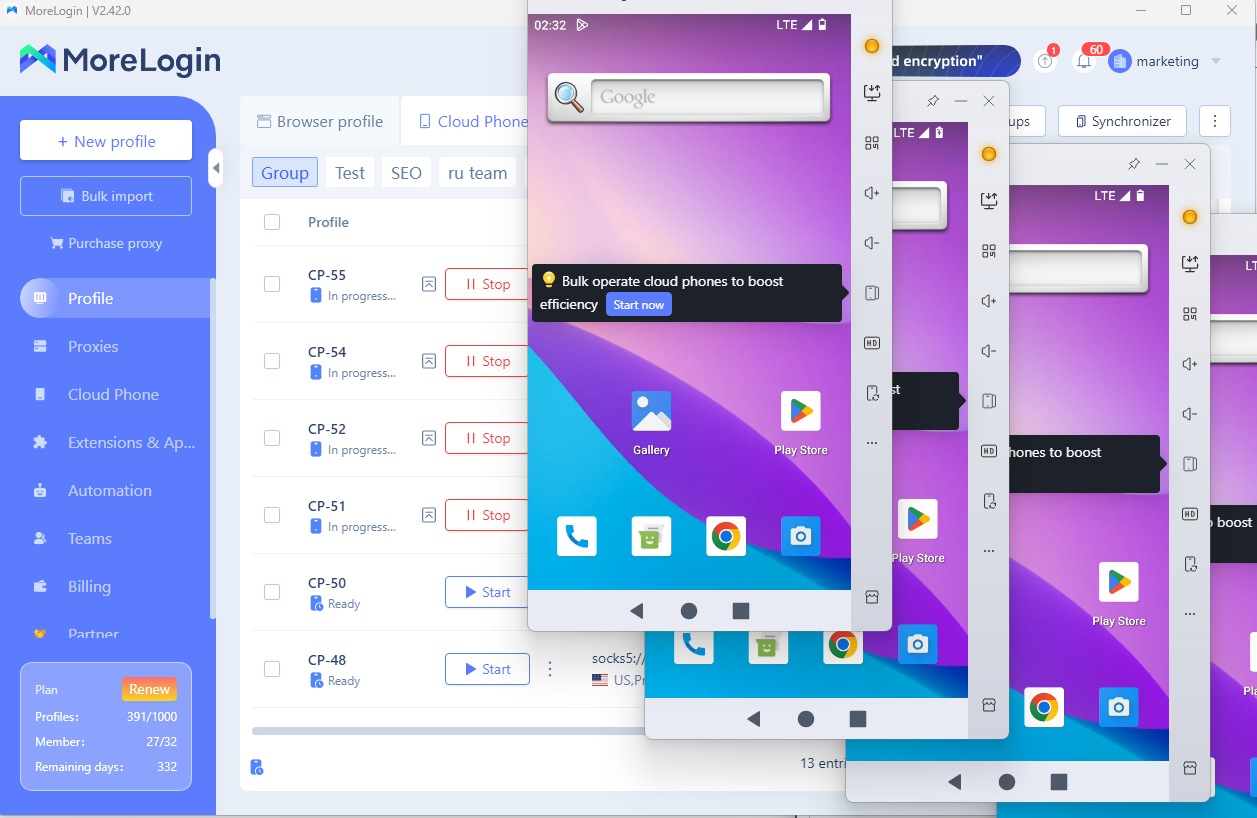
Its anti-detection design protects accounts while enabling safe, efficient, and scalable operations, making it far more flexible and secure than traditional emulators.
Main Features
Does not rely on local hardware and has extremely low resource consumption.
Open multiple accounts to manage, prevent fingerprints, and anti-detection.
Suitable for batch content handling, social media operations, and e-commerce scenarios.
Support script automation and cloud continuous operation.
Suitable for: Social media marketers, e-commerce operators, content studios, and automation users, offering a multi-account solution without the need to purchase multiple physical phones.
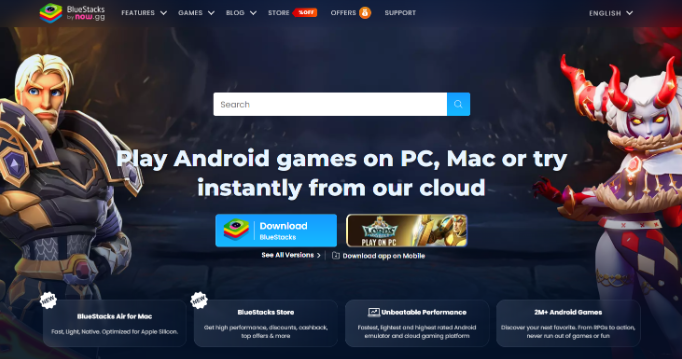
Known for its stability and extensive gaming features for professional gamers, BlueStacks 5 has become one of the most popular emulators of Android for PC. It supports Windows and macOS, offering optimized performance for both casual apps and resource-intensive mobile games on Android 7.1 and above.、
Main Features
High performance with low RAM and CPU usage compared to previous versions.
Multi-instance support to run multiple apps and games simultaneously.
Key mapping for keyboard and mouse to enhance gameplay.
Integrated script and macro support for automation.
Suitable for: Mobile gamers, app testers, and users who need multi-instance functionality or enhanced performance for Android on emulator tasks.
BlueStacks fits gaming and local app use, but it serves a different workflow from a cloud phone. See MoreLogin vs BlueStacks for a direct comparison of local resources, remote access, proxy configuration, automation, and team management.
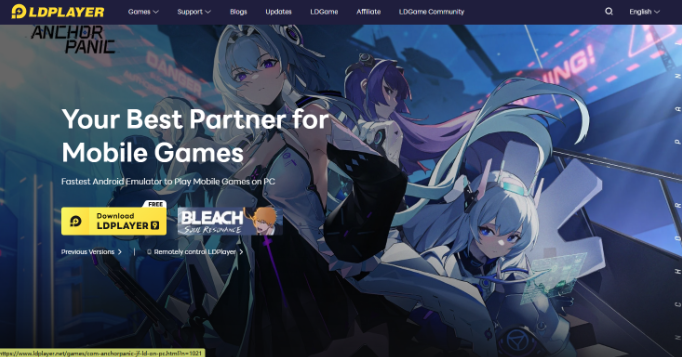
With the fast and high-quality optimization, LDPlayer 9 has drawn extensive attention. It is a high-performance Android simulation tool designed primarily for gamers and power users, offering them a smooth and high-FPS experience while maintaining the lowest resource cost. It supports Windows 7, 8, 10, and 11, as well as Android 7.1 and above, with options to customize system performance according to your specific needs.
Main Features
Smooth gameplay with excellent FPS optimization and graphics support.
Multi-instance management for running several apps or games simultaneously.
Key mapping and mouse/keyboard integration for precise control.
Lightweight and efficient, minimizing resource consumption on your PC.
Suitable for: Mobile gamers, developers testing apps, and users who want stable Android on emulator performance with multi-instance capabilities.
LDPlayer works well when gaming performance and local control come first. The MoreLogin vs LDPlayer guide explains what changes when the priority shifts to remote Android environments, proxy management, automation, and team access.
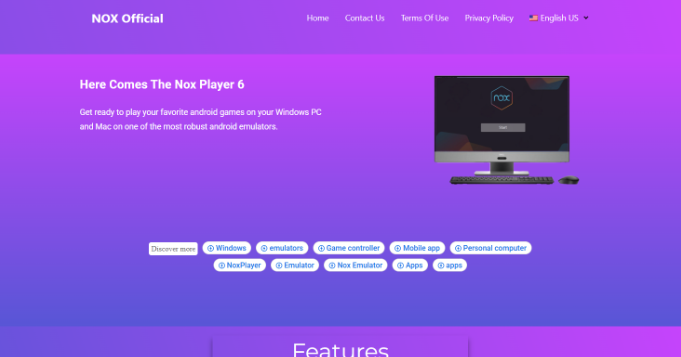
NoxPlayer is a versatile and mature Android emulator for PC, which is popular among gamers and app testers alike. It supports Windows and macOS, with Android versions ranging from 7.1 to 9, providing a balance of compatibility and performance for various applications.
Main Features
Smooth and stable gameplay with high FPS support.
Multi-instance functionality allows users to run multiple apps or games simultaneously.
Keyboard, mouse, and gamepad mapping for precise controls.
Script recording and automation for repetitive tasks.
Suitable for: Gamers, app developers, and users who need efficient Android performance on an emulator, combined with multi-instance and automation features.
MEmu Play, a powerful Android simulation tool that excels in both gaming and app testing. It supports Windows 7, 8, 10, and 11, offering Android 5.1, 7.1, and 9.0 versions, allowing users to choose the best system configuration for their own needs. Since it can sometimes work on Intel and AMD devices, the tool is loved by some users.
Main Features
High performance with excellent FPS and graphics rendering.
Multi-instance support to run multiple apps or games simultaneously.
Key mapping and controller support for precise input.
Lightweight and optimized for low CPU and RAM usage.
Suitable for: Gamers, developers, and users looking for stable Android on emulator performance with flexibility in system versions and multi-instance capabilities.
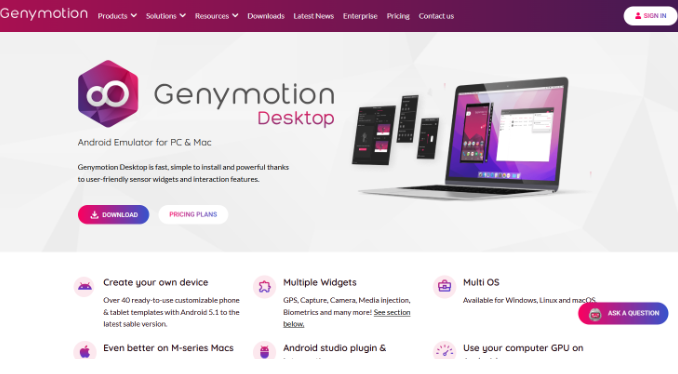
As a professional Android emulator, Genymotion Desktop is designed for developers and testers. With its user-friendly UI and easy-to-follow guidance, the Android simulation tool offers users a seamless experience. It supports Windows, macOS, and Linux, offering Android versions from 6.0 up to the latest releases, with options to simulate various devices and screen sizes.
Main Features
Device simulation with customizable screen resolution and hardware configurations.
Cloud and local deployment options for flexible testing environments.
High performance with support for OpenGL and hardware acceleration.
Automated testing and integration with development tools like Android Studio.
Suitable for: App developers, QA testers, and anyone needing precise Android on emulator simulations for testing, debugging, or development purposes.
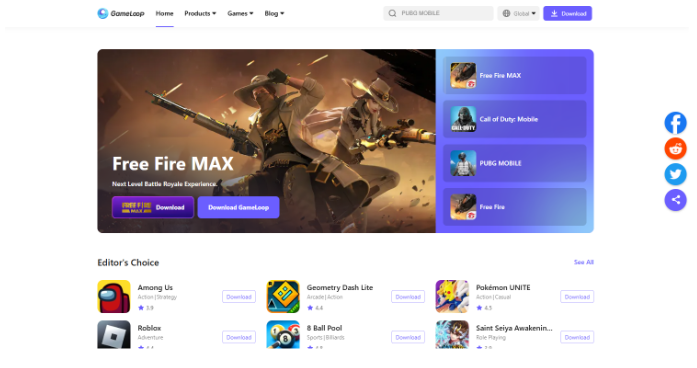
GameLoop is a specialized emulator optimized for mobile gaming, particularly popular titles like PUBG Mobile and Call of Duty Mobile, allowing users to play these games on their PCs. It supports Windows 7, 8, 10, and 11, as well as Android 7.1 and above, with configurations tailored for high-performance gaming.
Main Features
Smooth gameplay with high FPS and low latency.
Keyboard and mouse mapping for precise controls.
Multi-instance support to run multiple games or accounts simultaneously.
Lightweight design that minimizes CPU and RAM usage during extended gaming sessions.
Suitable for: Mobile gamers, esports enthusiasts, and users seeking stable emulator performance for high-demand Android games.
The Android Studio Emulator is the official Android emulating tool for PC, designed for developers to test apps and simulate Android devices. It supports Windows, macOS, and Linux, and can run the latest Android versions, providing accurate device emulation for testing purposes.
Main Features
Full device simulation with customizable screen sizes and hardware configurations.
Integration with Android Studio for seamless app development and debugging.
High performance with hardware acceleration and OpenGL support.
Supports snapshots, multi-device testing, and automated testing scripts.
Suitable for: App developers, QA testers, and users who need precise Android simulation tool functionality for development, debugging, and testing Android applications.
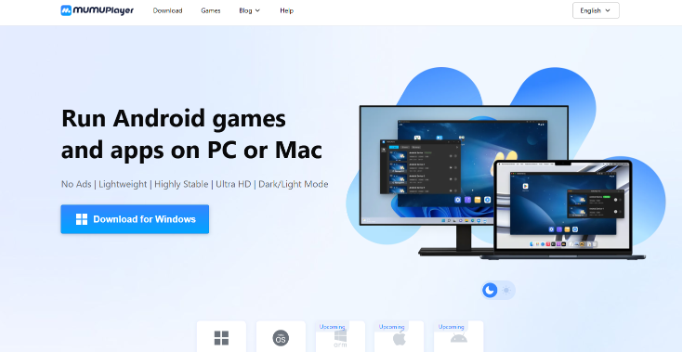
MuMu Player is a lightweight and efficient Android suitable for both gaming and app testing. It supports Windows 7, 8, 10, and 11, and offers Android versions ranging from 5.1 to 7.1, providing flexibility for various apps and games.
Main Features
Smooth gameplay with optimized FPS and graphics rendering.
Multi-instance support for running several apps or games simultaneously.
Keyboard and mouse mapping for precise control.
Low resource consumption for minimal impact on system performance.
Suitable for: Gamers, developers, and users who need a stable Android on an emulator with multi-instance and resource-efficient operation.
PrimeOS is a unique Android emulator that functions like a full Android operating system on your desktop. It supports Windows and can be installed on a separate partition or as a dual-boot setup, running Android 7.0 and above.
Main Features
Full Android desktop experience with taskbar, start menu, and multi-window support.
Optimized for gaming with key mapping and GPU acceleration.
Multi-instance support for running several apps simultaneously.
Lightweight and efficient, offering smooth performance even on modest hardware.
Suitable for: Gamers, power users, and developers who want a complete emulator for Android experience integrated directly into their PC environment.
After reviewing and comparing the top 10 Android emulators, MoreLogin Cloud Phone emerges as the most versatile and efficient option. Unlike traditional emulators for Windows and other OS, it runs entirely in the cloud, so it doesn’t rely on your local hardware and consumes minimal system resources.
MoreLogin excels in stability, multi-account management, and automation capabilities, making it ideal for social media marketers, e-commerce operators, content studios, and users who require batch processing or multi-account management. While other emulators such as BlueStacks, LDPlayer, and NoxPlayer excel in gaming and app testing, they can strain local resources and lack the cloud-based advantages.
For anyone looking to streamline operations, maximize Android on emulator performance, and manage multiple accounts safely, MoreLogin Cloud Phone is the recommended solution.
From MoreLogin Cloud Phone to BlueStacks, each emulator has its strengths, but the ideal choice depends on your goals, whether it’s gaming, app testing, or automation. For users seeking maximum flexibility, cloud-based solutions like MoreLogin Cloud Phone offer significant advantages, including low local resource usage, multi-account management, and automation support. Start using MoreLogin today to simplify operations and boost efficiency.

 EN
EN