EN
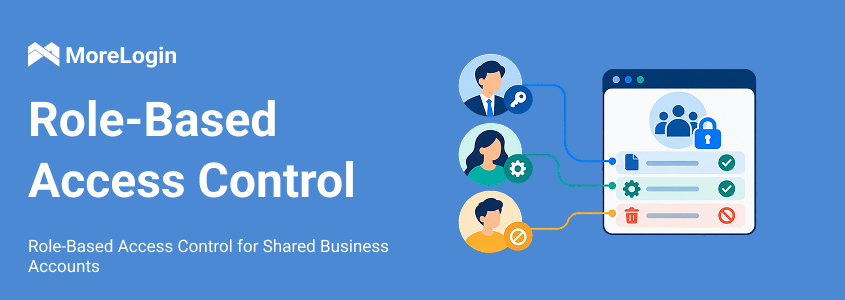
A store's support team needs order details. Finance needs settlement reports. An agency employee needs access to one client's account, not every account the agency manages.
Yet a single login may expose all of them. Customer contact details, payout information, and account settings can sit beside the pages employees use every day.
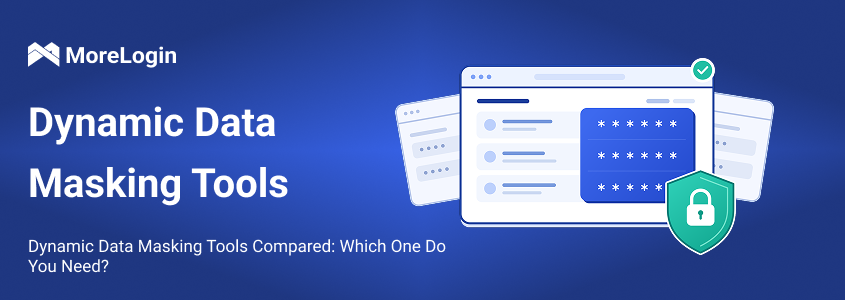
This guide compares database dynamic data masking tools with browser controls for sensitive information. MoreLogin and Island address what appears in business websites. SQL Server, Snowflake, and DataSunrise control values returned through database access.
An agency working inside a client's store dashboard usually cannot change the platform's database policies. It can manage the platform's user permissions and the browser environment assigned to staff.
Shopify's roles and permissions, for example, assign access around staff responsibilities. Those roles govern access within the store. Browser rules can add restrictions to the pages and content presented during work.
A business that maintains its own customer database can act earlier. It can mask values before query results reach an analyst or application. One user might receive an obscured customer email while an authorized colleague receives the original value.
The location of the data determines which controls are available. Staff responsibilities determine how those controls should be applied.
MoreLogin suits teams working inside store dashboards, client accounts, and other business websites. Its controls apply to selected members and browser profiles. A support employee's restrictions can therefore differ from those assigned to finance.
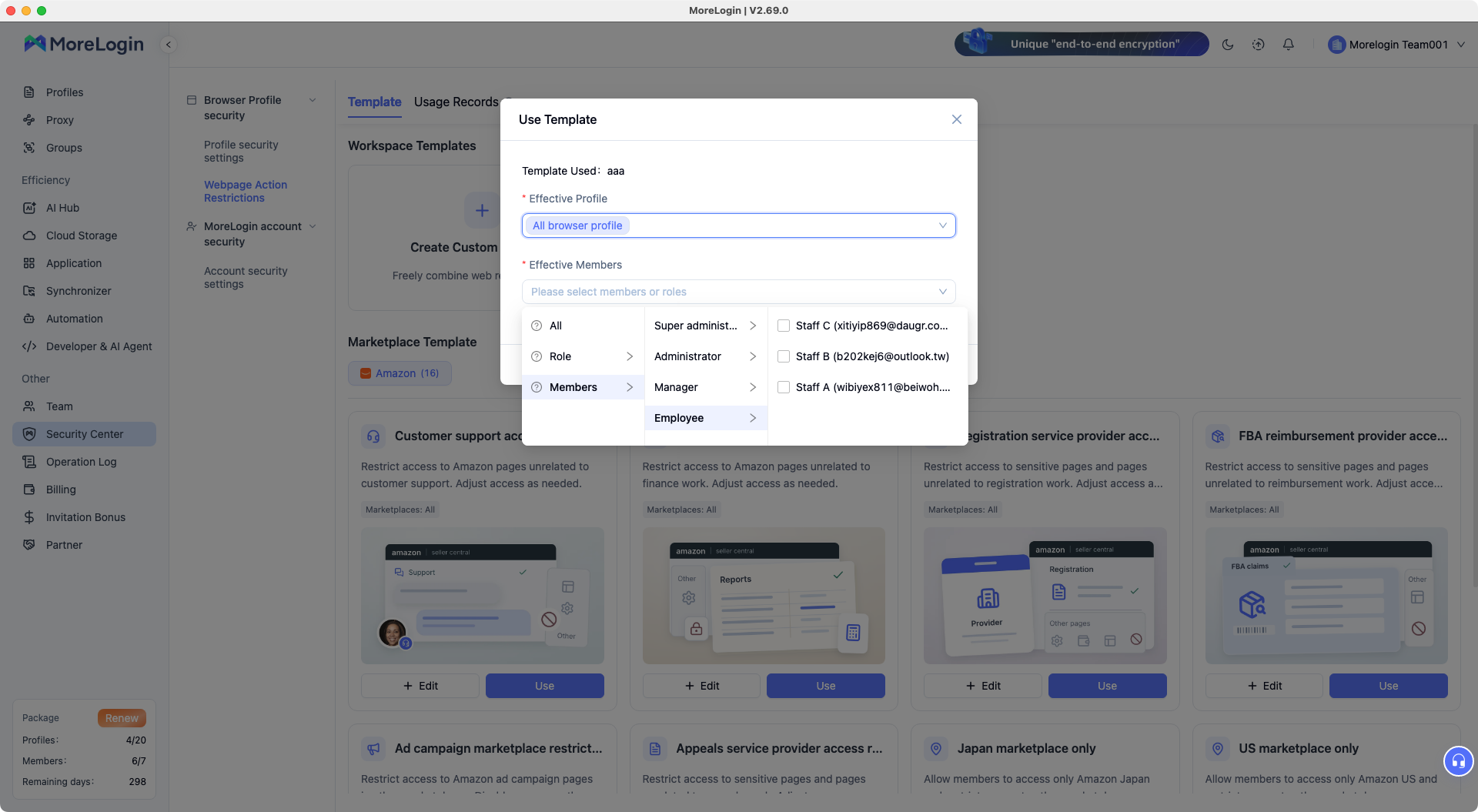

For example, support may need order and message pages while settlement reports remain unavailable. Finance can retain access to those reports without receiving unrelated product management access.
MoreLogin combines several controls around these assignments:
Element hiding removes selected content from the webpage view, such as a phone number, email address, or account detail.
URL blocking prevents access to listed pages while leaving other pages available.
An allowlist permits only listed URLs and blocks other pages.
Member and profile selection determines which people and account environments receive the rules.
In the webpage restriction settings, an administrator selects the page elements to hide. Related rules can be organized into a template and applied to the intended members and profiles. The template library includes Amazon scenarios for customer support and finance.
The two URL modes serve different assignments. A blocklist can exclude settlement and administration pages while preserving broader store navigation. An allowlist can confine a narrow task to a defined set of pages, including any required login pages and redirects.
These controls are available on Free and included with Pro, with no separate feature fee. Paid plans become relevant as the business needs more profiles or team members.
Island's credit card masking case illustrates a task where an identifier needs to remain partly visible.
A retailer's employees processed refunds through an older payment application. Finding the correct transaction exposed full credit card numbers across the transaction list.

Island masked the numbers in the browser and retained the last four digits. Employees could still match a transaction without seeing every complete card number. Island also describes the option to reveal one record at a time.
The masking ran locally in the browser, so the retailer did not rewrite the payment application.
This approach fits work where employees need a recognizable reference. A refund agent may need the final card digits to distinguish two transactions. Hiding the entire field would remove that reference along with the sensitive information.
Island uses an enterprise browser setup. Pricing for the relevant deployment is obtained through a quote request.
SQL Server Dynamic Data Masking changes returned column values while leaving stored data intact.
Its email function keeps the first letter and supplies a fixed masked ending, such as aXXX@XXXX.com. A partial string function can preserve selected characters, such as an identifier's final digits. These masks are configured on database columns.
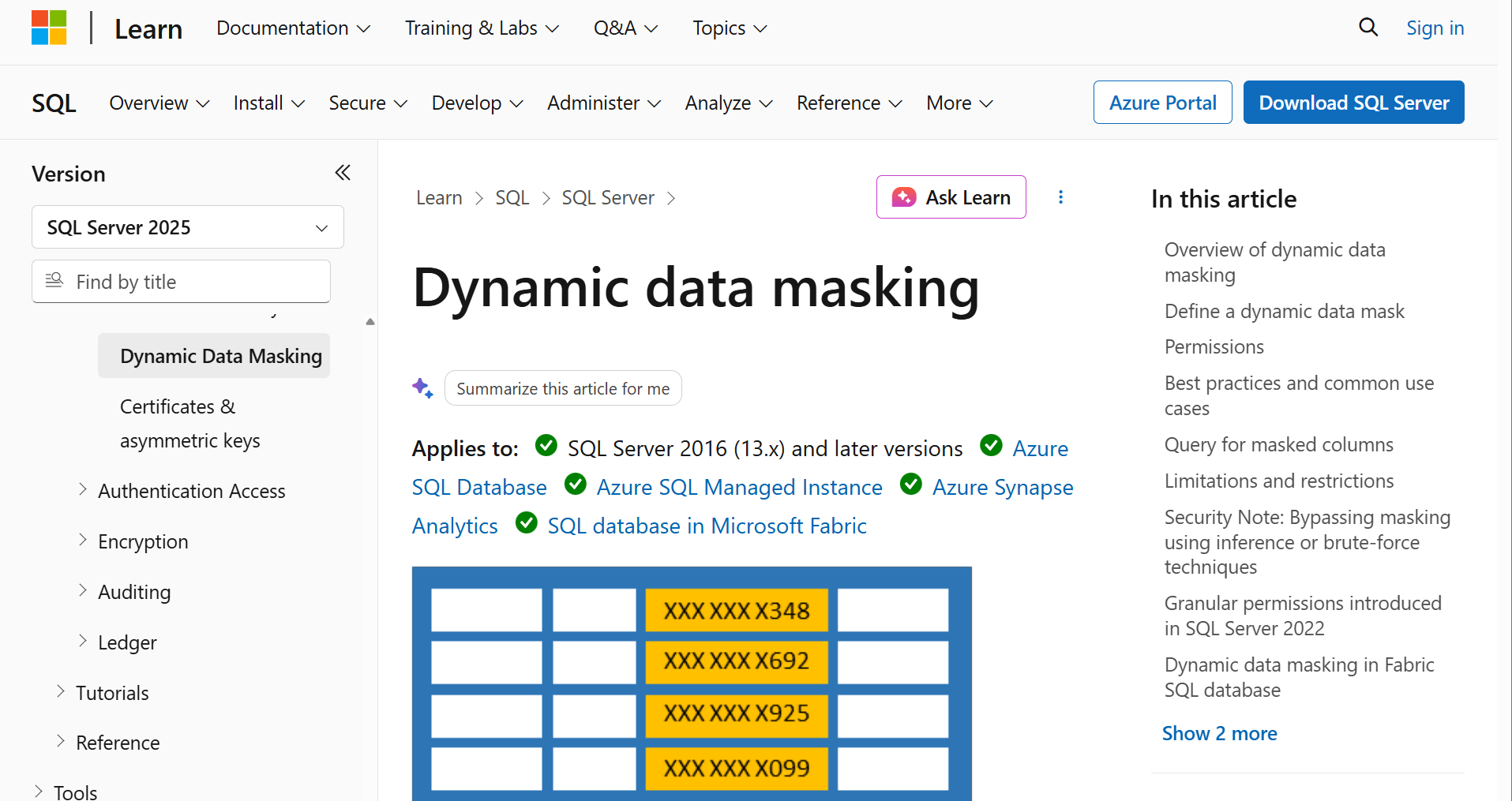
A reporting user can therefore read a transaction record without receiving every original customer detail. Someone authorized to see the original values needs both access to the data and the relevant unmask permission.
Masking leaves write permissions unchanged. A person who can edit a field can still update it, even if the value appears masked. Users with unrestricted query access may also infer hidden values.
Those properties make SQL Server DDM useful for controlling routine access to database records. Read access, write access, and permission to see original values remain separate decisions.
Snowflake applies masking policies to columns in tables and views. During a query, a policy can return an original, partly masked, or fully masked value. The result depends on policy conditions and role context.
For an ecommerce reporting team, the task might be analyzing purchases across stores. Analysts need transaction dates, products, and revenue. Their role can receive masked customer identifiers while an authorized role retains the original values.
One policy can serve many columns across databases and schemas. This matters when customer information appears in several datasets. The team can maintain a common rule instead of creating a separate version for every table.
Changing that policy can update its behavior without reattaching it to every protected column.
Dynamic masking requires Enterprise Edition or higher. Configuration sits with the team responsible for Snowflake tables, roles, and data policies.
DataSunrise supports masking across systems including PostgreSQL, MySQL, SQL Server, and Snowflake. In its proxy workflow, requests pass through a separate layer that applies masking rules before protected results reach the user or application.
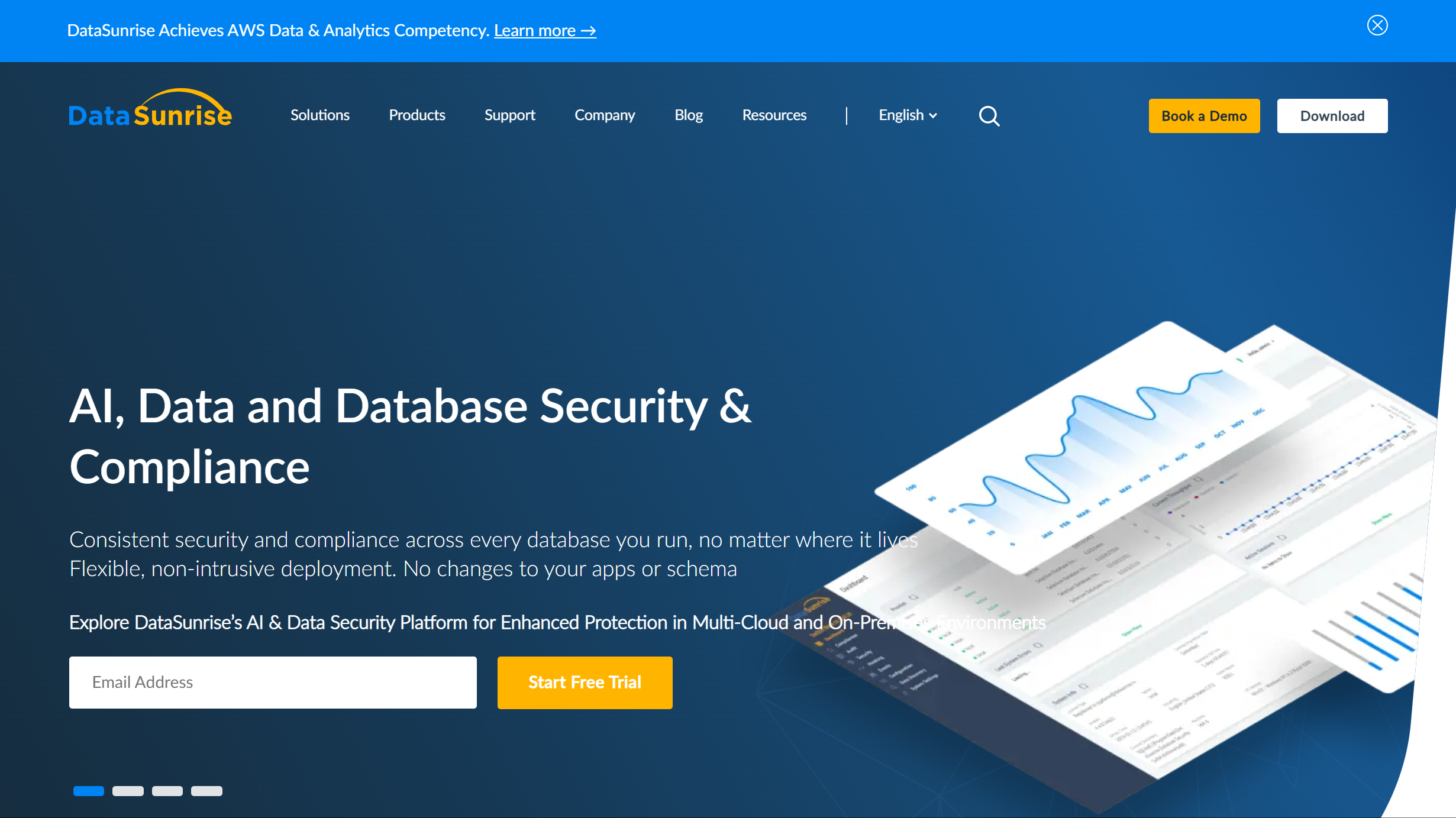
Rules can use database, session, application, operation, and field information. Available methods include fixed replacements, partial masks, and format-preserving transformations.
A shared database login introduces a specific issue. If several employees use that login, the database identity alone does not distinguish them. DataSunrise can apply individual policies when the application passes the employee's identity through its application-user attribution mechanism.
The proxy's rules apply to connections routed through it. That gives the business a common control point across supported systems.
DataSunrise also separates masking from operation blocking. Changing a returned value is a masking task. Blocking a database operation belongs to its Database Firewall.
For a team that needs both restricted visibility and limits on database actions, those requirements involve different controls within the product.
A store with support, finance, and product operations has three sets of access requirements. A role and permission table makes those differences explicit.
The information employees retain matters as much as the information hidden from them.
A support employee investigating a billing problem may need the order amount. Someone handling a delivery complaint may need the address. Hiding both would force employees to ask a manager for information during routine cases.
For a MoreLogin setup, the assignment can follow this sequence:
Select the store profile. Choose the account environment used for the assignment.
Choose the member or role. Apply the template to the people handling that work.
Set the URL mode. Use Block Access for prohibited pages. Use Allow Access Only when the assignment should be limited to specified pages.
Select the elements to hide. Configure page content separately from the URL rules.
Restart the affected profile. URL and element policy changes require a restart before verification.
Complete the task through the employee's access. Follow the normal order lookup, message, or report workflow.
Finance needs a separate run through its report workflow. A support restriction should not remove a report finance needs to reconcile payments.
Saved passwords are another permission decision. An employee who needs to use an account does not automatically need to retrieve its password. Managing shared account credentials covers that part of access alongside the page rules.
MoreLogin's Free plan includes two browser profiles and two users. Page controls have no separate feature fee. A small team can use those allowances for an initial member and profile assignment.
Larger agencies choose MoreLogin plans around their required profiles, members, and billing term.
Island prices the relevant enterprise deployment through a quote request.
Snowflake has a clear edition requirement. Dynamic masking requires Enterprise Edition or higher, alongside normal platform usage costs. SQL Server DDM is configured within the database system, so its cost sits within the underlying SQL Server deployment.
These are different purchase conditions. A browser team plan buys working environments and member capacity. Database masking depends on the data platform or protection layer the business operates.
For ecommerce and agency teams, the choice usually follows one of four situations:
Staff need different pages and visible content within shared business accounts. MoreLogin provides member and profile assignments, element hiding, and URL rules in one setup.
Employees need part of an identifier to remain visible during browser work. Island's partial masking approach fits tasks such as matching payment transactions by the final card digits.
Your team works directly with data in SQL Server or Snowflake. Their native masking features apply to the records and columns already held in those systems.
Several supported database connections need a common masking layer. DataSunrise provides a separate point for applying rules across those connections.
For a store owner or agency manager working mainly in hosted dashboards, MoreLogin and Island are the closer comparison. The deciding detail is whether the job calls for member-specific page restrictions, partial value masking, or both.
Which options work without access to the platform's database?
MoreLogin and Island operate in the browser. They address information displayed during managed browsing. SQL Server, Snowflake, and DataSunrise require control over the relevant data system or its connections.
Can a field remain partly visible?
Some tools support partial masking. Island's retail example retains the last four card digits. SQL Server has a partial string function, and Snowflake policies can return partially masked values. MoreLogin's element restrictions hide selected webpage elements.
Does hiding information also stop editing or downloading?
Visibility and action permissions are separate. In SQL Server, masking a field does not remove write access. For browser work, clicking, copying, downloads, and page visibility need the relevant rules for those actions.
Can these controls help a business with only one store account?
Yes. Support, finance, and operations can need different access within one account. MoreLogin can scope rules to members and profiles, so separate views can be useful even when everyone works with the same store.
For teams sharing store or client accounts, MoreLogin browser profiles provide the working environments where those member-specific rules can be applied.

 EN