EN
EN
Since users lack access to the information due to restrictions, an unblocked web browser will help them access it easily. Therefore, users can access their learning materials, research, and other major websites without restrictions or interruptions. Within this post, we will discuss the top 5 unblocked web browsers that can assist people with their browsing.
When network restrictions prohibit people's access to some websites, the best unblocked web browser may be required. Here are the 5 recommended choices you can try.
The best unblocked web browser for one's needs depends on several critical factors. For ease of comparison, the table below puts together a summary of the advantages and disadvantages of the top 5 unblocked web browsers discussed:
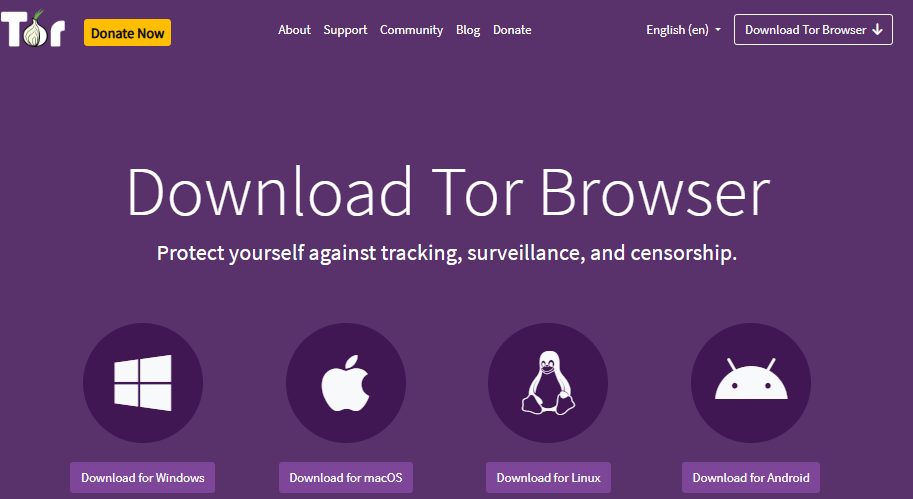
How to unblock web pages? Tor Browser can be used as a web browser to ensure privacy by surfing the internet anonymously, thus avoiding network restrictions. It runs all the Internet traffic through different servers, which cannot track Internet activity. Hence, it can be used to unblock web pages without compromising internet security or personal data.
Pros:
Strong anonymity and privacy protection.
Can bypass most network restrictions and firewalls.
Open-source and free to use.
Cons:
Slower browsing speed due to traffic routing.
Some websites may not allow Tor connections.
Slightly complex setup for beginners.
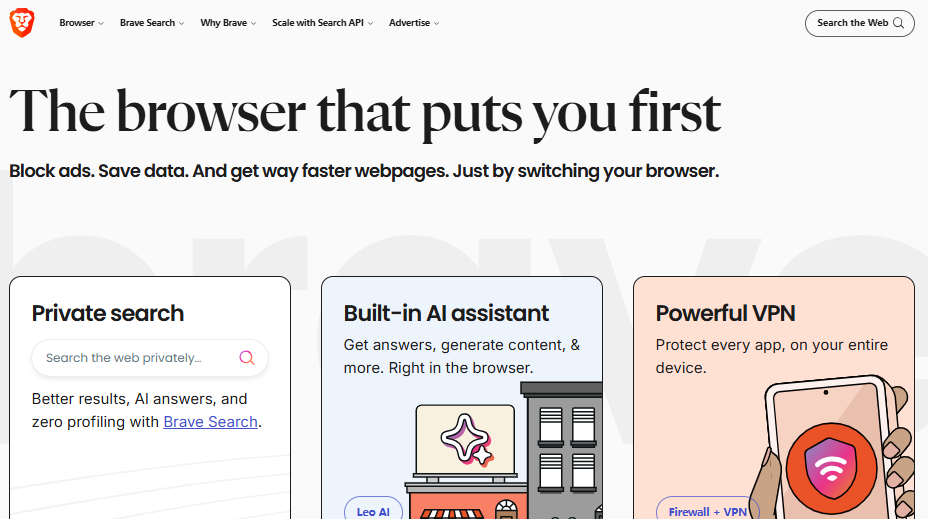
Brave Browser is one such fast and secure browser that ensures maximum privacy by disabling ads, trackers, and scripts. It offers users a secure experience without compromising speed. Brave Browser offers users an unbeatable unblocked experience. It makes sense, especially when the user gets the best speed coupled with the best privacy tools. Also, this web unblocker supports HTTPS Everywhere, Tor, and other features that help users stay private.
Pros:
Blocks ads and trackers automatically for faster loading.
Strong privacy features, including optional Tor integration.
User-friendly interface with customizable settings.
Cons:
Some websites may not display correctly due to aggressive ad blocking.
Limited extensions compared to Chrome or Firefox.
Occasional compatibility issues with certain web apps.
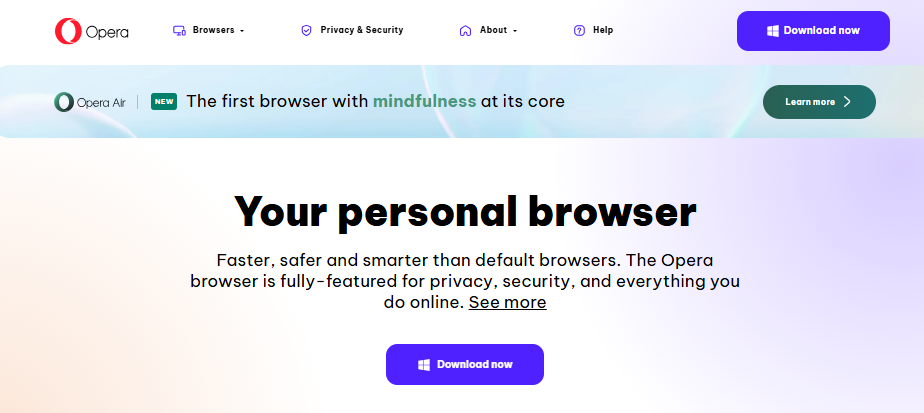
The Opera browser is an extremely flexible and portable Internet browser that comes with a VPN and ad blocker. This browser, therefore, comes in handy when accessing unblocked websites. The VPN in this browser allows one to transcend Internet barriers without installing an application. This is taking an inroad into its enhancements, which include optimization in its performance. Therefore, when you use this browser, you will have a perfect experience regardless of a poor Internet connection.
Pros:
Built-in VPN for secure, unrestricted access.
Lightweight and fast, ideal for restricted networks.
Integrated ad blocker and social media tools.
Cons:
Not all websites are fully compatible with Opera.
Fewer extensions compared to major browsers like Chrome.
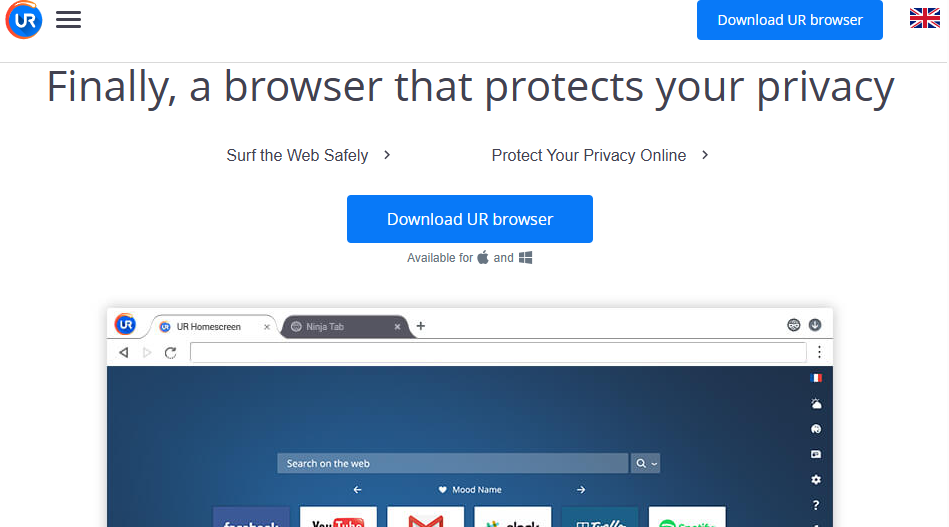
How to unblock a website? As a privacy-oriented browser, UR Browser is focused on giving users a wonderful experience, especially concerning security and unhindered access to the unblocked web. Features such as a built-in VPN, ad blocker, and anti-tracking make it a good tool for interested browser users. UR Browser also has a simple and intuitive design for users to follow easily.
Pros:
Built-in VPN for accessing blocked websites securely.
Strong privacy and anti-tracking tools.
Lightweight and fast with a clean interface.
Cons:
Limited extension support compared to mainstream browsers.
VPN may reduce browsing speed in high-traffic areas.
The DuckDuckGo Privacy Browser is considered to be an effective browser for visiting unblocked websites while ensuring online privacy. The DuckDuckGo browser is designed with the capability to avoid tracking, utilize HTTPS, and have no browser history to ensure that the user is able to visit blocked websites anonymously.
Pros:
Blocks trackers and protects user privacy automatically.
Lightweight and fast, ideal for restricted networks.
Cons:
Limited customization options compared to mainstream browsers.
Fewer extensions and add-ons are available.
Not suitable for heavy multitasking or advanced web applications.
You can also enjoy flexibility and control with an unblocked web browser by combining it with MoreLogin. MoreLogin, within browsers like Tor, Brave, or Opera, supports the handling of multiple proxy settings and browsing identities. This makes using an unblocked web browser more stable in restricted environments like those found in schools or corporate networks.
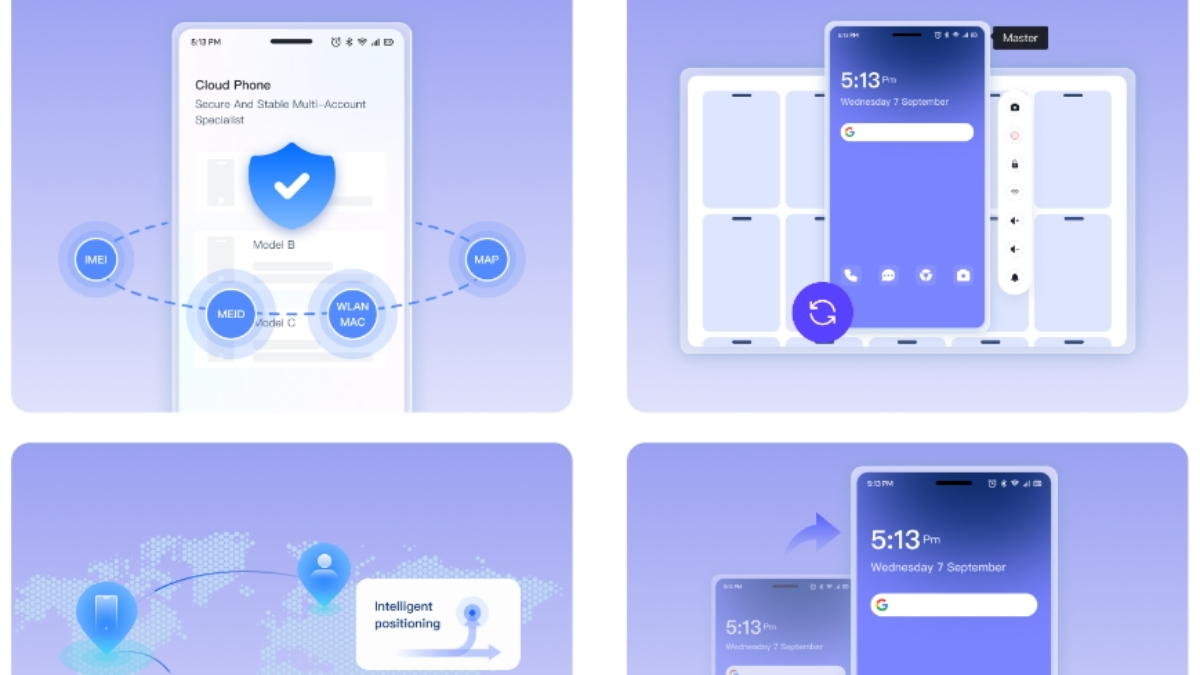
With this tool, one may easily set up SOCKS or HTTP proxies to enhance anonymity and reduce the risk of network monitoring. Each browser profile can be run in an isolated setup with no data spillover, enhancing privacy protection.
When working with an unblocked web browser, people should always consider the legal and ethical implications. Please adhere to the laws of the land and avoid misuse of the tools that could result in serious criminal implications.
Cybersecurity risks are another important issue to be considered. Navigation of restricted networks may also involve risks of exposing personal data in case insufficient measures are taken. It is strongly recommended to use privacy protection tools such as antidetect browser or a VPN for the protection of identity and activities.
In summary, selecting an unblocked web browser is essential for ensuring the safe surfing of blocked websites on school, work, or public network premises. Popular unblocked web browsers, including Tor, Brave, Opera, UR, and DuckDuckGo, all provide different browser benefits. For better security, anonymity, and smooth management of multiple sessions, MoreLogin anti detect browser can be used in conjunction with the stated web browsers.
What is an unblocked web browser?
An unblocked web browser is a browser that helps users access websites more freely on restricted networks. Some browsers do this through privacy tools, tracker blocking, built-in VPN features, or anonymous routing. However, an unblocked browser does not mean every website can always be opened. Access still depends on the network rules, website settings, and local restrictions.
Which browser is best for accessing blocked websites?
Tor, Brave, Opera, UR Browser, and DuckDuckGo Privacy Browser are common choices. Tor is stronger for anonymity, Brave is better for daily private browsing, Opera offers a built-in VPN, UR Browser focuses on privacy tools, and DuckDuckGo is simple for tracker protection. The best choice depends on whether you care more about privacy, speed, ease of use, or compatibility.
Are unblocked browsers safe and legal?
Unblocked browsers can be safe and legal when used for privacy, research, or normal browsing. The risk comes from how they are used. Users should not use them to break school rules, workplace policies, platform terms, or local laws. It is also important to avoid unknown browser downloads, free proxy sites, and unsafe extensions, because they may collect personal data.
Can unblocked browsers work on school or work networks?
They may work in some cases, but not always. Schools and companies often use firewalls, DNS filters, device controls, or account-based restrictions. If a website is blocked but needed for study or work, the safest option is to ask the teacher, manager, or IT team for access. This avoids policy issues and reduces security risks.
How should I choose an unblocked web browser?
Start with the actual use case. If privacy is the priority, Tor or Brave may be better. If speed and simple setup matter more, Opera or DuckDuckGo may be easier. Also check whether the browser supports extensions, built-in protection, proxy or VPN settings, and stable website compatibility. A good browser should balance access, privacy, speed, and safety.
How does MoreLogin help with unblocked browsing workflows?
MoreLogin is not just an unblocked browser. It helps users create separate browser profiles with independent cookies, proxies, fingerprints, time zones, and session data. This is useful for users who need to manage different browsing environments without mixing account data. When combined with secure proxies and privacy-focused browsers, MoreLogin can make multi-session browsing more organized and controlled.

 EN
EN