






Use the Native Instagram App
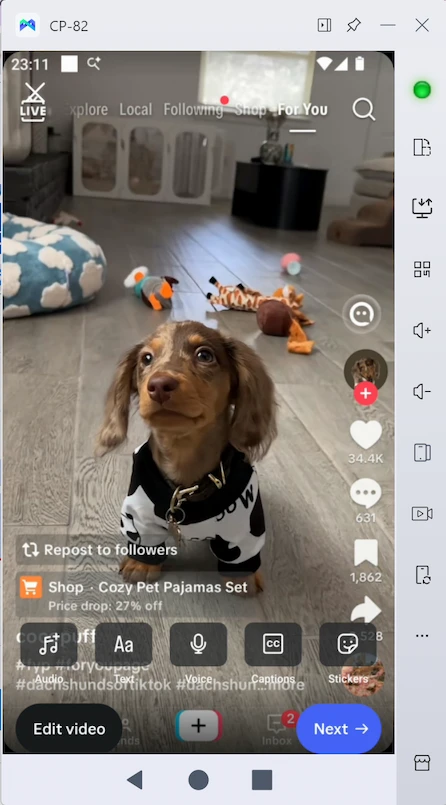
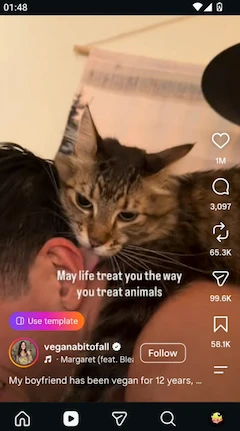
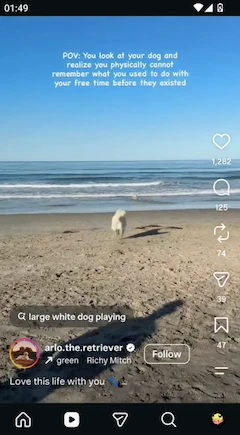
Each MoreLogin cloud phone runs a full Android system, so you can use Instagram’s native app just as you would on an Android phone. Publish a Reel or reply to a follower’s message directly in the app

 EN
Give each Instagram account its own persistent Android cloud phone, or use an isolated browser profile for Instagram web. Keep accounts separate and save time with AI content creation, automated posting, and account warm-up
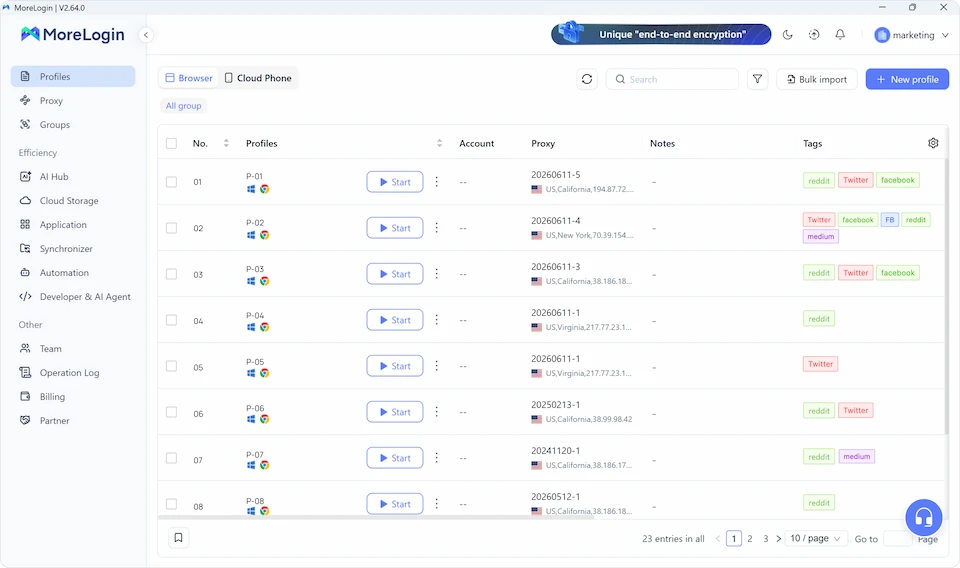
Get Started for FreeMany Instagram tasks are still built around the mobile app. Instead of running multiple accounts on the same phone, you can keep each one in a separate Android cloud phone and prevent their app data, IP settings, and login sessions from mixing
Each MoreLogin cloud phone runs a full Android system, so you can use Instagram’s native app just as you would on an Android phone. Publish a Reel or reply to a follower’s message directly in the app
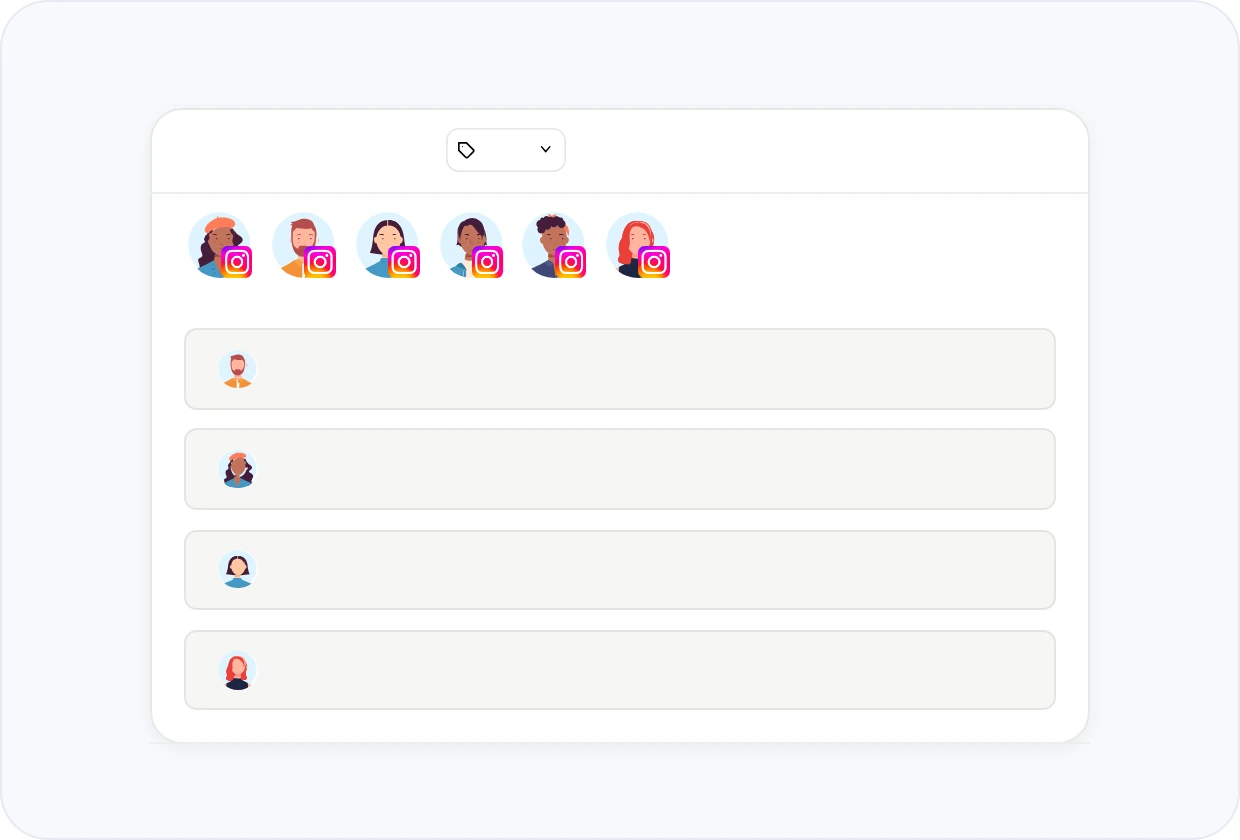
Each Instagram account runs on its own cloud phone, with app data and device settings kept separate from your other accounts. This helps reduce the risk of accounts being linked through a shared device environment
Frequently changing an account’s IP can make activity look unusual to Instagram. When you run Instagram campaigns for different markets, assign a dedicated proxy to each cloud phone so every account keeps a more consistent IP for its target region and is less likely to be connected
MoreLogin preserves each Instagram account’s login session on its cloud phone, helping reduce repeated identity checks and two-factor authentication prompts when you return. That means fewer interruptions to retrieve and enter verification codes during your daily work
Managing multiple Instagram accounts can take a lot of time when dealing with the same tasks. With Synchronizer, RPA, and AI Automation, these tasks can be mirrored, automated, or scheduled across multiple Instagram accounts with less manual work
Speed up bulk Instagram account login with MoreLogin Synchronizer. Enter a different email address or phone number for each Instagram account across selected cloud phones, reducing repetitive typing
With a dedicated proxy and an isolated Android environment for each cloud phone, multiple Instagram accounts are less likely to be linked through shared IP addresses or device data
Speed up warmup for new Instagram accounts with MoreLogin RPA templates. Run routine early account activity across selected cloud phones, such as browsing Reels, watching content, liking posts, and following relevant accounts
AI Automation can take Instagram content from creation to publishing in one workflow. Generate images or short videos with AI, choose the Instagram accounts you want to publish to, and let the built-in AI Agent handle the posting on a schedule
When several Instagram accounts receive DM messages, use Synchronizer to reply to your customers. You can enter different reply text for each account and add delays between inputs, so messages do not all follow the exact same wording and timing
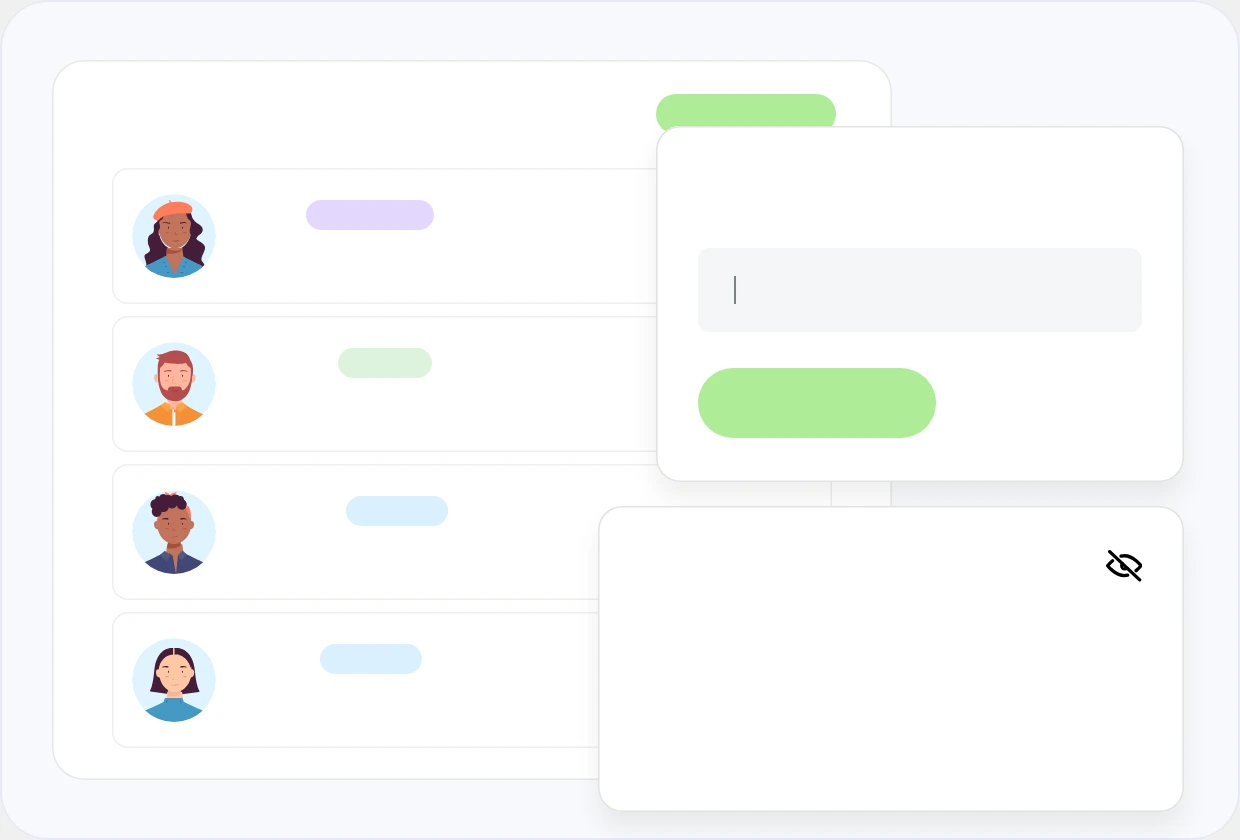
Assign each member the corresponding cloud phone environments based on the clients or brands they handle, so they can work on the right Instagram accounts. You can also keep passwords, cookies, and other sensitive information restricted
There are several ways to work with more than one Instagram account, from Instagram’s built-in account switcher to physical phones, Android emulators, and dedicated multi-account tools. But if you frequently manage multiple accounts through the native Instagram app, MoreLogin Cloud Phone is the place you go
| Solution | Best For | Considerations |
|---|---|---|
| Instagram Account Switcher | Managing a few accounts on one phone | Shared device environment, not good for team operations |
| Multiple Physical Phones | Small-scale operations with only a few accounts | Higher device cost and maintenance |
| Android Emulators | Lightweight work, testing and gaming | Consumes Local resources, not good for long-term operations |
| Social Media Management Tools | Content planning and scheduling | Limited native app workflows |
| MoreLogin Multi-Account Browser | Multiple Instagram Web accounts | Pair with Cloud Phone for native app tasks |
| MoreLogin Cloud Phone | Native app multi-account operations | Environment setup based on account needs |
Discover practical guides for managing Instagram accounts and growing your business reach
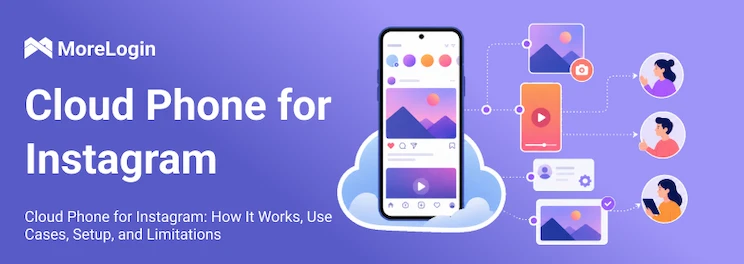
Learn how to set up Instagram on a cloud phone and manage native app workflows across accounts and teams
Understand Instagram’s account limits across devices, emails, and phone numbers, plus your options beyond five accounts
Identify common Instagram access problems and compare options for network, device, and account-related issues
Explore account separation, profile setup, and daily workflows for managing multiple Instagram accounts with MoreLogin.
Learn how to create, export, and upload ultra-wide horizontal Reels for a different visual approach to Instagram content.
Explore Instagram account preparation, Reels creatives, and content workflows for attracting traffic.
Compare tools for browsing public Instagram profiles, Stories, and Reels, with their features and limitations explained.
Explore the differences between IP blocks and account restrictions, along with troubleshooting approaches.
Learn how to recognize unauthorized access, respond to changed recovery details, and begin recovering your Instagram account.
Explore temporary deactivation, permanent deletion, data backups, and recovery options for disabled accounts.
Explore common visibility problems, possible triggers, and checks for Instagram and other social platforms.
Review account quality, ownership history, recovery access, and other considerations when evaluating an Instagram account purchase.

Explore an account creation and resale use case, including the multi-account browser features discussed in the guide.
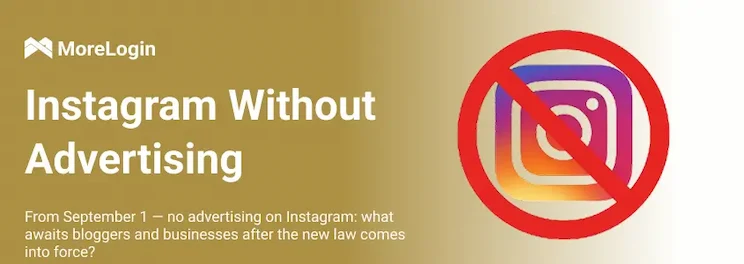
Read a regional overview of advertising changes affecting Instagram creators, marketers, and businesses connected to Russia.
Explore how isolated cloud phones, Instagram automation, and team access work together to help you create, manage, and operate multiple Instagram accounts with less repetitive work.
Yes. Instagram supports multiple accounts for different brands, clients, or projects. If you want to keep those accounts more independent, MoreLogin can run them in separate cloud phone or browser environments
Instagram currently lets you keep up to 10 accounts logged in at one time. The more accounts you run in the same device environment, the more device and network signals they share. MoreLogin isolates each account’s app data, device environment, and proxy settings to reduce cross-account linking risks
Start with separate registration details for each account and complete Instagram’s required verification. Once they are ready, you can create them across separate MoreLogin cloud phones and use Synchronizer to repeat shared setup actions
It depends on your workflow. Instagram’s account switcher works for simple switching, while MoreLogin is better suited to users who need isolated environments, native app access, automation, and team access across multiple accounts
Yes. Instagram uses automated systems to identify related accounts, and if one account is flagged, other accounts connected through shared device or network signals may also be reviewed or restricted. MoreLogin separates these environments to reduce unnecessary links between accounts
Yes. Use MoreLogin Cloud Phone for the native Instagram app, or Multi-Account Browser for Instagram Web. Both let you operate multiple accounts from one computer while keeping their environments separate
MoreLogin can automate tasks such as account warmup, content creation and publishing, and repeated actions across accounts. RPA, AI Automation, and Synchronizer support different parts of these workflows
 EN