Create AI Content and Automate Workflows Across Browsers and Cloud Phones

Get your next campaign moving without taking every step yourself. Let MoreLogin’s built-in AI Automation help you create content and automate the scheduling of routine tasks across browser profiles, cloud browsers, and cloud phones

AI-generated product images and video, with a cloud asset ready for browser profile and cloud phone workflows

Moisturizer.png

2.3 MB

Browser Profile
Cloud Phone

What Can You Do with AI Automation?

Create, Upload, and Publish Content

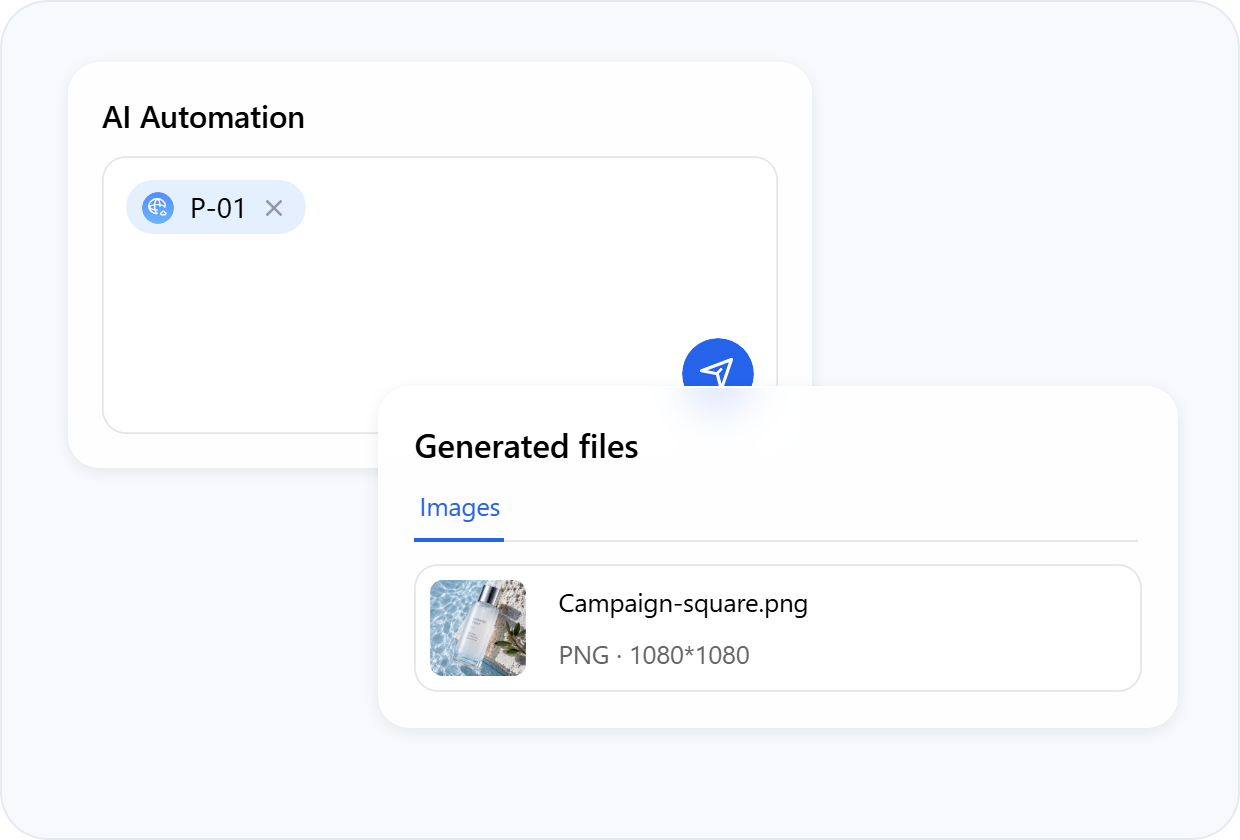
Generate images or short videos from a prompt and reference files. Then select the finished asset for an upload or publishing task

AI Automation content creation and generated files previewOpen the P-01 browser profile, go to Reddit, and randomly like five posts on the home page.
AI AutomationP-01CP-08Research cloud phone discussions across browser and cloud phone.Browser ProfileP-01Open RedditFind relevant discussions5 posts collectedCloud PhoneCP-08Cloud Phone startedSearch completedResults saved

Run Browser and Cloud Phone Tasks

Apart from publishing, you can also use browser profiles or cloud phones via AI Automation to manage multiple accounts, browse pages, collect information, interact with posts, and complete supported store or account tasks

Work Across Multiple Environments

Need the same task done across several browser profiles or cloud phones? Run them at the same time, or let AI automation handle them one by one

Browser ProfilesTaskWarm up selected accountsP-01RunningP-02RunningP-03RunningP-04Running
Create Schedule
Local Browser · P-01
Instructions
Publish today’s prepared post.Run time
Mon–Fri
09:00

Schedule AI Tasks

Schedule your tasks to run repeatedly at the times you choose. AI Automation starts the work for you, so you don’t have to come back just to send the instructions

Turn an Idea Into Content, Then Put It to Work

Your next post starts with an idea, but getting it published takes a few more steps. MoreLogin helps you create the visuals and lets AI Automation handle the upload and publishing that follow. Here’s how it works

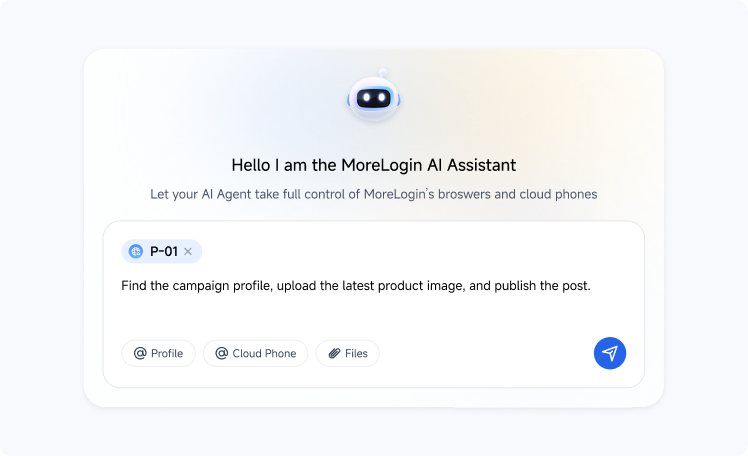
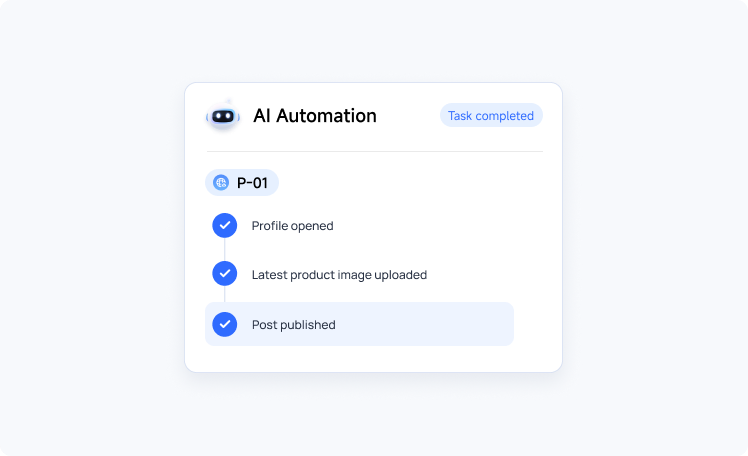
Describe the GoalFind the campaign profile, upload the latest product image, and publish the post.

Tell the AI assistant what you want to accomplish. Choose the relevant browser profile or cloud phone, and add files when the task needs them

Create AI Images and Videos in Creator Center

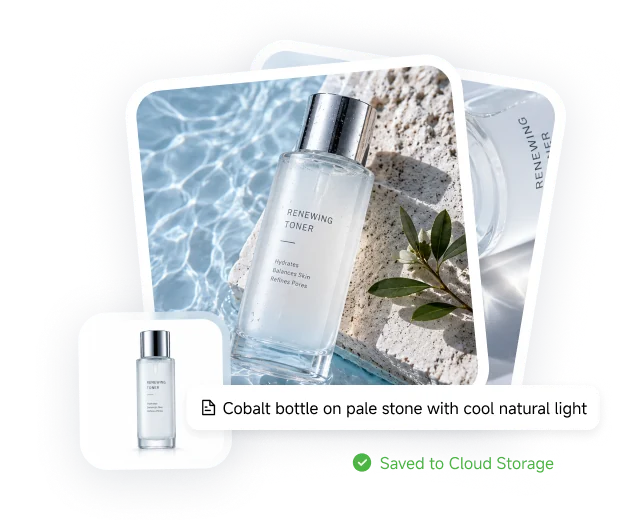
Place Your Product in a New Setting

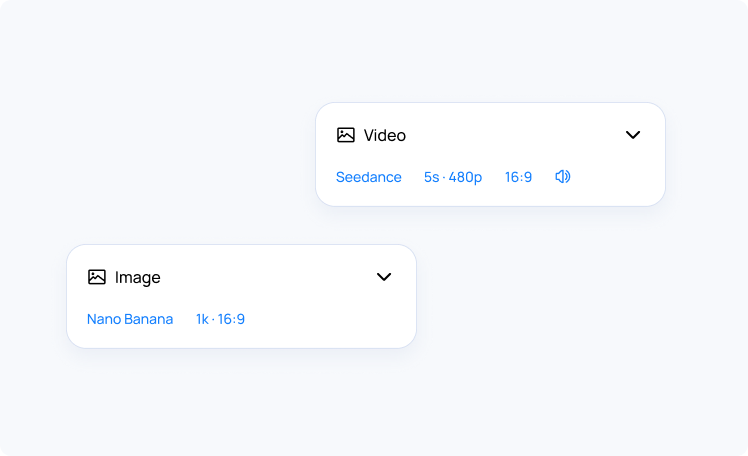
Add a product photo and describe the scene you want. Creator Center generates a new image with the model and output settings you select

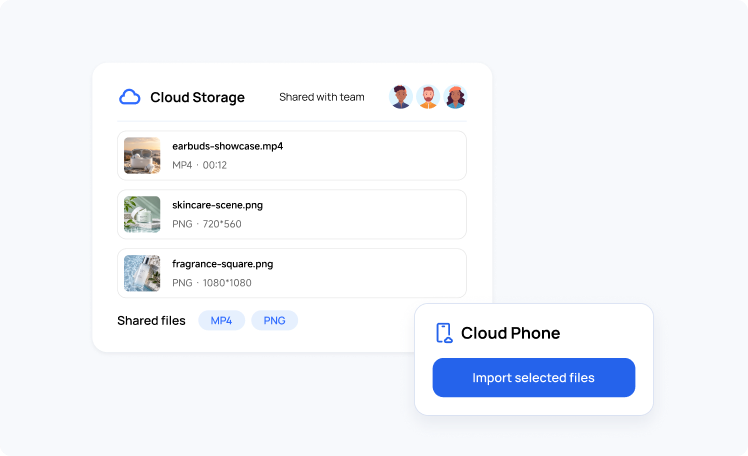
Product photo transformed into a skincare scene and saved to Cloud Storage

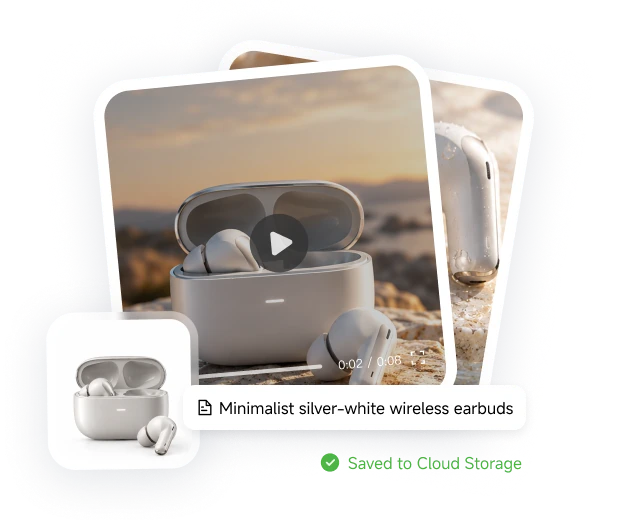
Turn a Product Image Into a Short Video

Use a reference image and describe how the scene should move. Creator Center generates the clip with the video model and settings you select

Wireless earbuds product image transformed into a short video and saved to Cloud Storage

Still Not Sure That MoreLogin Is Right for You?

See how MoreLogin AI automation fits into your workflow. Explore how Creator Center, Cloud Storage, and automation work together to connect content creation with tasks in browser profiles or cloud phones

Ready to Put AI Automation to Work?

Create the visuals in Creator Center and let AI Automation handle routine browser and cloud phone tasks. Schedule work ahead of time, so you don’t have to come back just to start it

Get 2 Free Browser Profiles, Forever

Get 100 Free Cloud Phone Minutes

Get Started Free

FAQs About AI Automation

What Is MoreLogin AI Automation?

AI Automation is MoreLogin’s built-in AI for carrying out tasks in Browser Profiles and Cloud Phones. Describe what you need in plain language, and it follows your instructions in the selected environments, using files when the task needs them

How Are Creator Center and AI Automation Different?

Creator Center generates images and short videos from prompts and reference files. AI Automation handles browser and Cloud Phone tasks, such as uploading or publishing the content you’ve prepared. You can use them together when your work involves both creating content and putting it to use

What Tasks Can AI Automation Perform?

AI Automation can browse pages, collect information, upload or publish content, interact with posts, and carry out supported store or account workflows. These tasks can run in your selected Browser Profiles or Cloud Phones

Can AI Automation Run Tasks Across Multiple Environments?

Yes. You can run a task across multiple Browser Profiles or multiple Cloud Phones, either at the same time or one environment at a time. This saves you from starting the same work separately in each profile or phone

Can I Schedule AI Tasks to Run Automatically?

Yes. With Schedules, browser tasks can run once or repeat hourly, daily, weekly, monthly, or yearly. AI Automation starts following your instructions at the scheduled time, so you don’t have to return to start the task manually

Does My Computer Need to Stay On for Scheduled Tasks?

For Local Browser schedules, yes. Your computer must be powered on, with the MoreLogin client running and your account signed in when the task starts and throughout its execution

Where Are My Generated Files Saved, and Can I Reuse Them?

Images and videos created in Creator Center are automatically saved to your personal Cloud Storage. You can add these files to an RPA workflow without uploading the same asset again. You can also ask AI Automation to use a saved file by specifying it in your instructions