- Product

- Pricing
- Affiliate Program
- Developers
- Resource
 EN
EN
Managing multiple online identities today requires more than just browser fingerprint isolation — it demands stable, authentic residential IPs that platforms trust. That’s exactly where B2Proxy stands out.
In this guide, we’ll explain how B2Proxy integrates with MoreLogin, why this combination is widely used by professionals, and how you can set it up in minutes.
Whether you’re running e-commerce stores, social media accounts, automation workflows, web scraping projects, or large-scale marketing operations, the combination of MoreLogin + B2Proxy helps you stay secure, organized, and scalable.
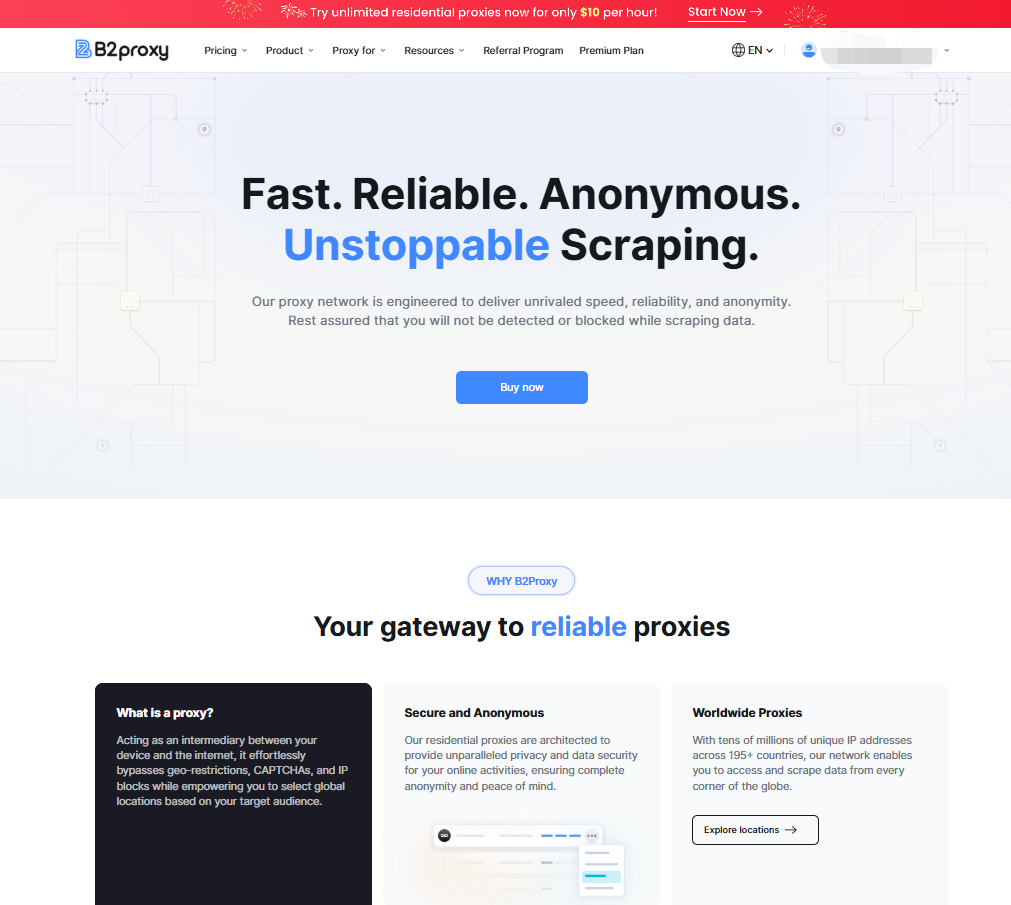
B2Proxy is a professional global residential proxy provider specializing in real ISP household IP resources. All IPs originate from genuine residential broadband networks, forming a compliant, ethical, and high-trust proxy ecosystem.
By routing traffic through authentic residential exit nodes, B2Proxy enables users to simulate real local user behavior when accessing e-commerce platforms, social networks, search engines, and geo-restricted websites. This significantly reduces detection risks, improves access success rates, and enhances overall operational stability.
To support different business scales and use cases, B2Proxy offers a comprehensive residential proxy solution with the following advantages:
Real residential IPs balancing anonymity and high success rates
Dynamic, unlimited, and static (ISP) residential proxy options
Coverage across 195+ regions with an 80M+ IP pool
Support for HTTP and SOCKS5 protocols
Free trials and enterprise-level customization
24/7 professional customer support
With authentic IP resources, flexible product structures, and competitive pricing, B2Proxy strikes an ideal balance between stability, scalability, and cost control, serving both small teams and enterprise users.
MoreLogin allows you to create isolated browser profiles with independent fingerprints, cookies, and system environments. B2Proxy supplies the clean residential IPs that make each profile appear as a real, organic user from a specific location.
Together, they deliver:
Higher account trust and realism
Reduced risk of bans, checkpoints, and verification triggers
Accurate geo-targeting across global regions
Smooth automation, crawling, and verification workflows
Efficient large-scale account and profile management
This setup is particularly effective for cross-border e-commerce sellers, social media managers, affiliate teams, data analysts, and growth marketers managing multiple identities simultaneously.
Compared with other residential proxy providers in the same tier, B2Proxy offers clearer pricing, flexible billing models, and strong cost efficiency, allowing teams to scale operations without unpredictable expenses.
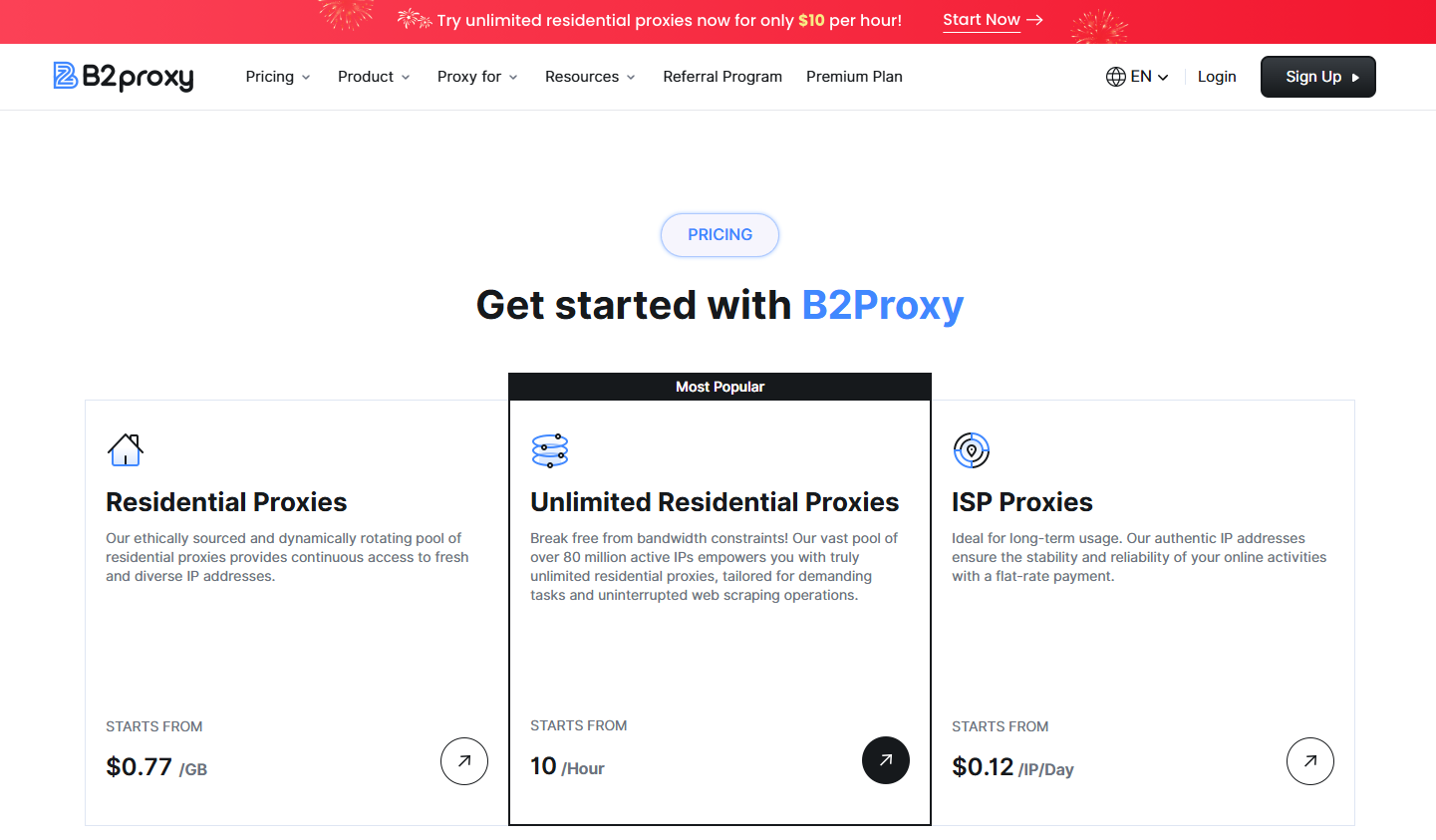
Starting at $0.77/GB, billed by traffic with automatic rotation of real residential IPs. Traffic never expires, supports high request frequency with up to 99.95% success rate, and significantly reduces bans and CAPTCHA triggers. Ideal for web scraping, SEO monitoring, ad verification, and market research.
Starting at $10/hour, billed by time with unlimited traffic and unlimited IP usage. Supports hourly, daily, or monthly plans with coverage across 100+ regions, and customizable bandwidth and server configurations. Perfect for continuous automation, large-scale crawlers, and high-frequency multi-account operations.
Starting at $2/IP, offering long-term fixed residential IPs directly sourced from real ISPs. Available in 30+ countries and regions, delivering high stability and reduced account linkage risks. Suitable for account registration, long-term logins, store management, and other sensitive platform operations.
Integrating B2Proxy with MoreLogin is fast and straightforward. Follow the steps below.
Start by visiting the official B2Proxy website to create an account. Click the “Sign Up” button, enter your email address and password, or create a new account via Google. Once registration is complete, you can log in to your B2Prox dashboard. After logging in, select the proxy service that best fits your business requirements.
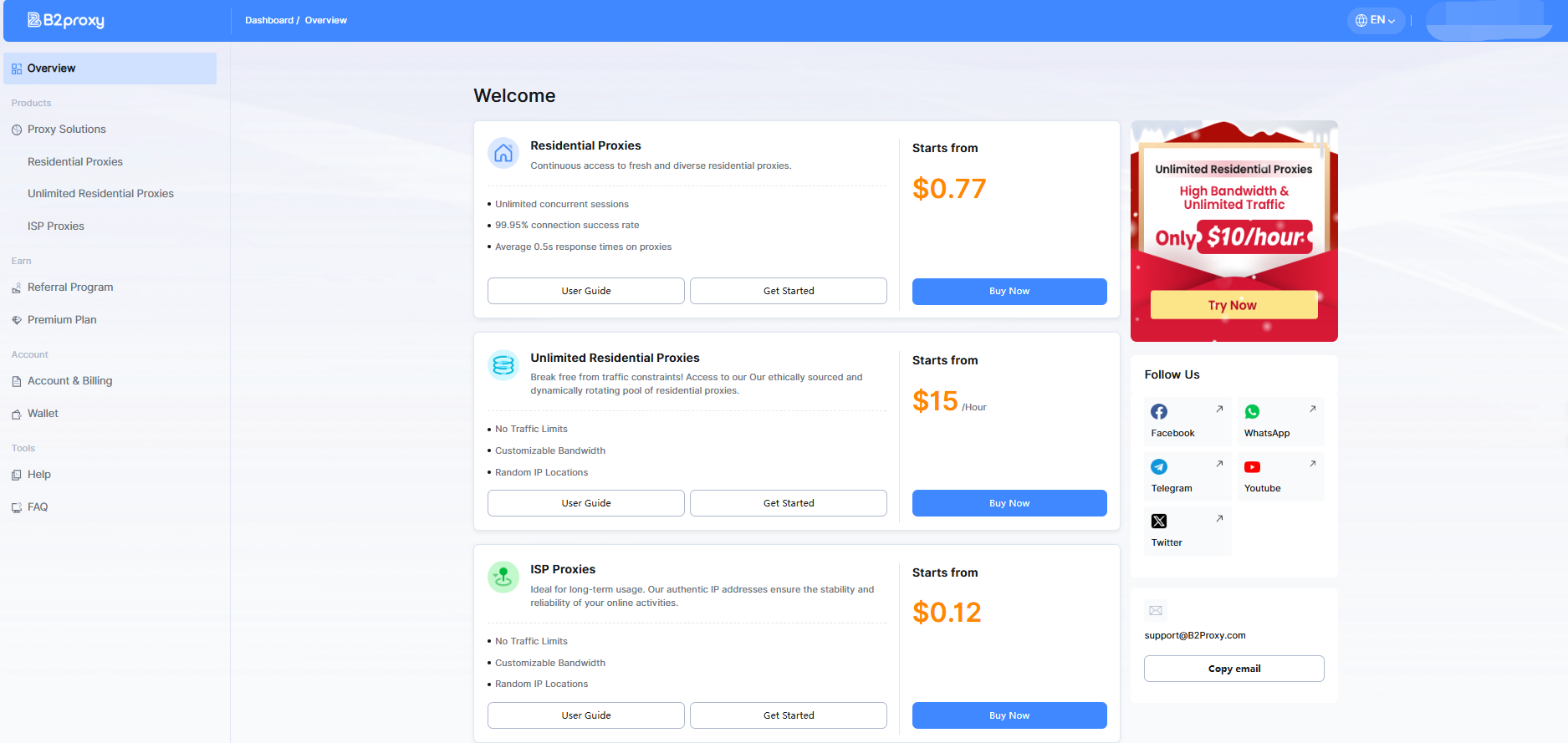
After purchasing a plan, navigate to the corresponding proxy product section in your dashboard to view the status of the proxies you’ve acquired. Below is an example using Residential Proxies.
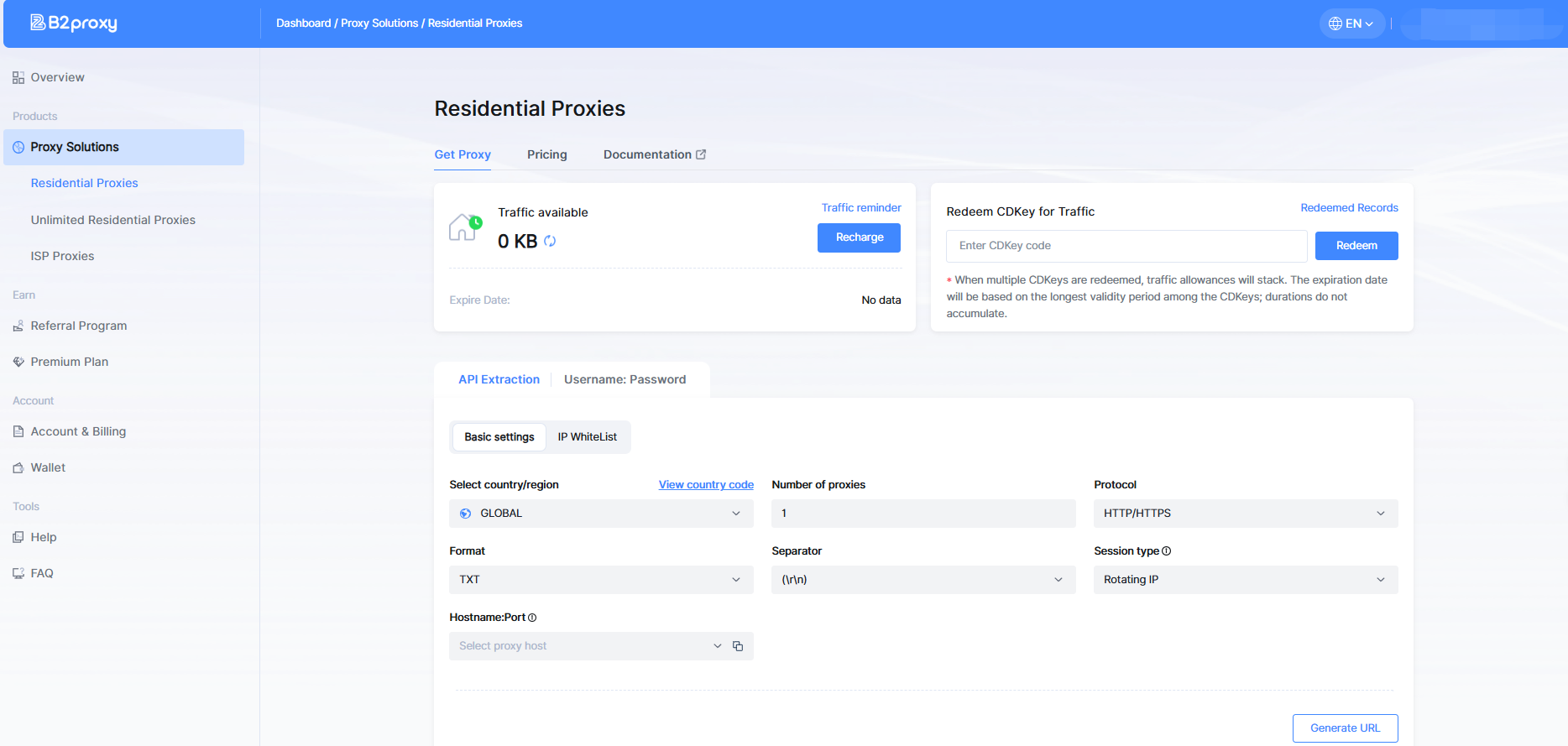
Under “Get Proxy,” you can view your available traffic and set remaining-traffic alerts. You can obtain proxies through either API extraction or username/password extraction. These methods require adding your IP to the whitelist or creating sub-accounts, respectively.
Using username/password extraction as an example:
Select the country/region, state/province or city, session type, host port, and other parameters you need. Click Generate, and you will receive proxy details in the list, including Host, Port, Username, and Password.
Open MoreLogin, click “Create Profile”, and configure:
Profile name
Browser and OS settings
Fingerprint parameters
Scroll to the Proxy section.
In the proxy settings, select HTTP or SOCKS5, then enter:
Host: Proxy host address
Port: Proxy port
Username: Proxy username
Password: Proxy password
Click “Test Proxy”. Once the connection is successful, your MoreLogin profile will browse the internet through a B2Proxy residential IP.
That’s it — the setup takes just a few minutes.
MoreLogin and B2Proxy are a powerful combination for anyone who needs secure, stable, and clean browsing environments across multiple online platforms. With B2Proxy’s flexible proxy types and MoreLogin’s advanced profile management, you get a setup that’s both reliable and efficient.
Whether you're managing ads, running stores, handling automation, or scaling your business operations, this integration helps ensure smooth performance and higher trust rates. Start here: https://www.b2proxy.com/.

 EN
EN