- Product

- Pricing
- Affiliate Program
- Use Cases
- Resource
 EN
EN
MoreLogin is the company that pioneered the cloud phone solution in the anti-detection industry. MoreLogin also offers a more secure and efficient anti-detection browser, which makes protecting your account easier and also facilitates a more straightforward increase in revenue, achieving true independent traffic arbitration and native fingerprint recognition functions for affiliate marketing.
Log in to the 1024proxy official website and select the package type you want to purchase according to your needs (long-term static, dynamic traffic, unlimited package - bandwidth, unlimited package - port)
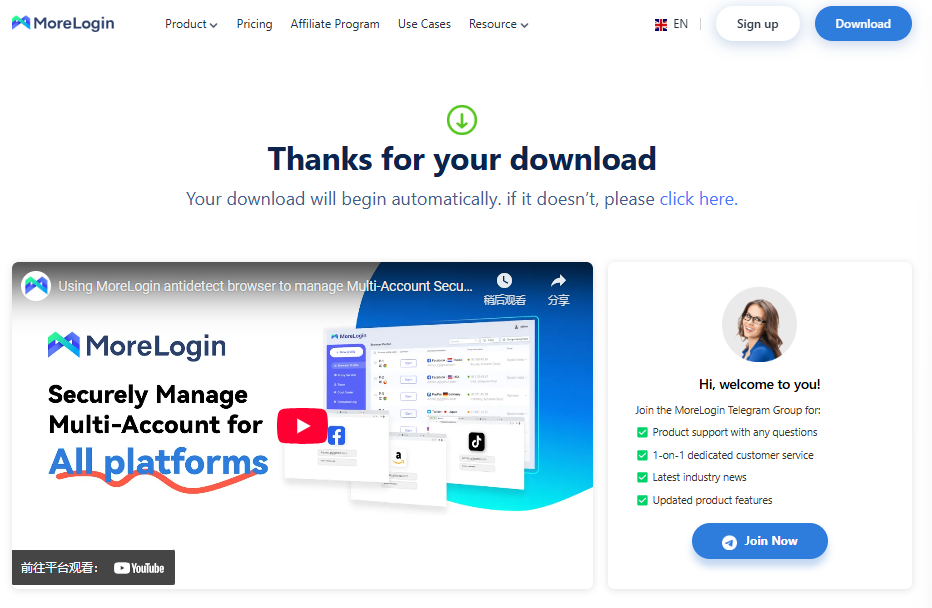
Download MoreLogin and install it.
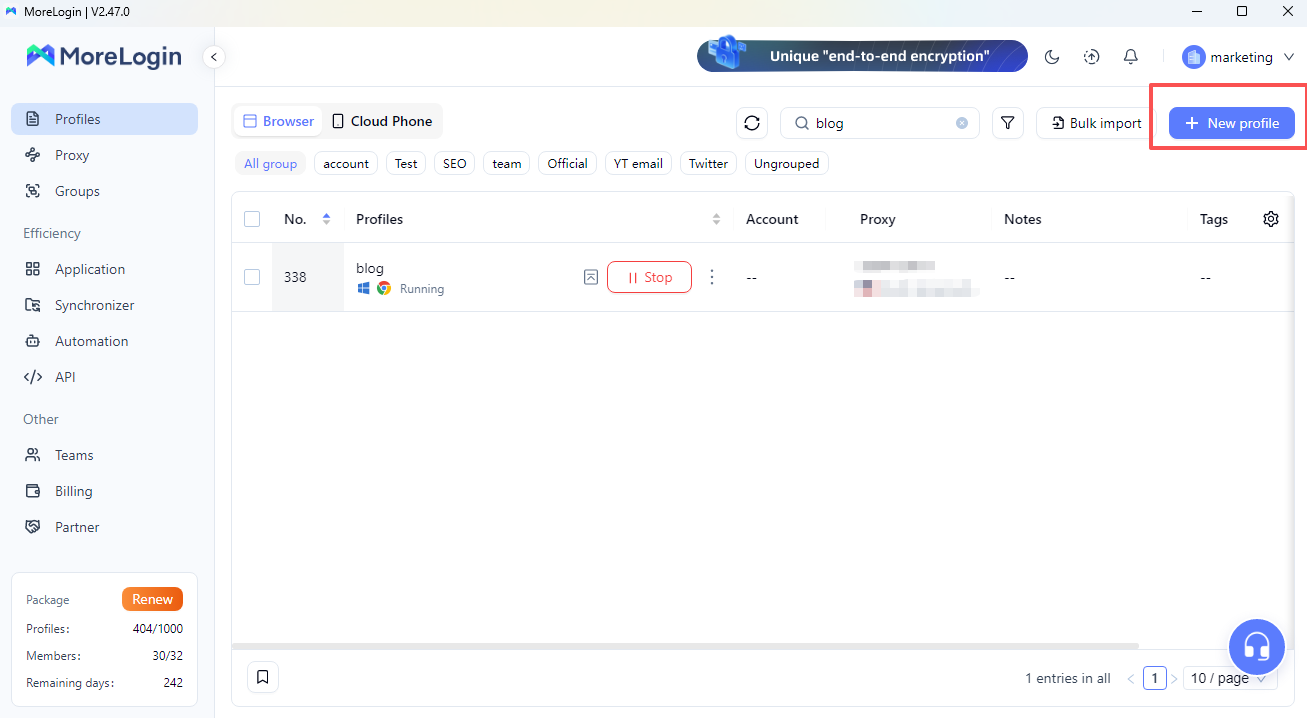
Once you open the MoreLogin client page, you will be able to see the following configuration as shown in the picture. Alternatively, you can click "New profile" to continue creating.
Select the network environment you have added, choose "Edit Environment" next to "Start", select "Proxy" and "HTTP", and then copy and paste the relevant information of the IP purchased from 1024proxy.
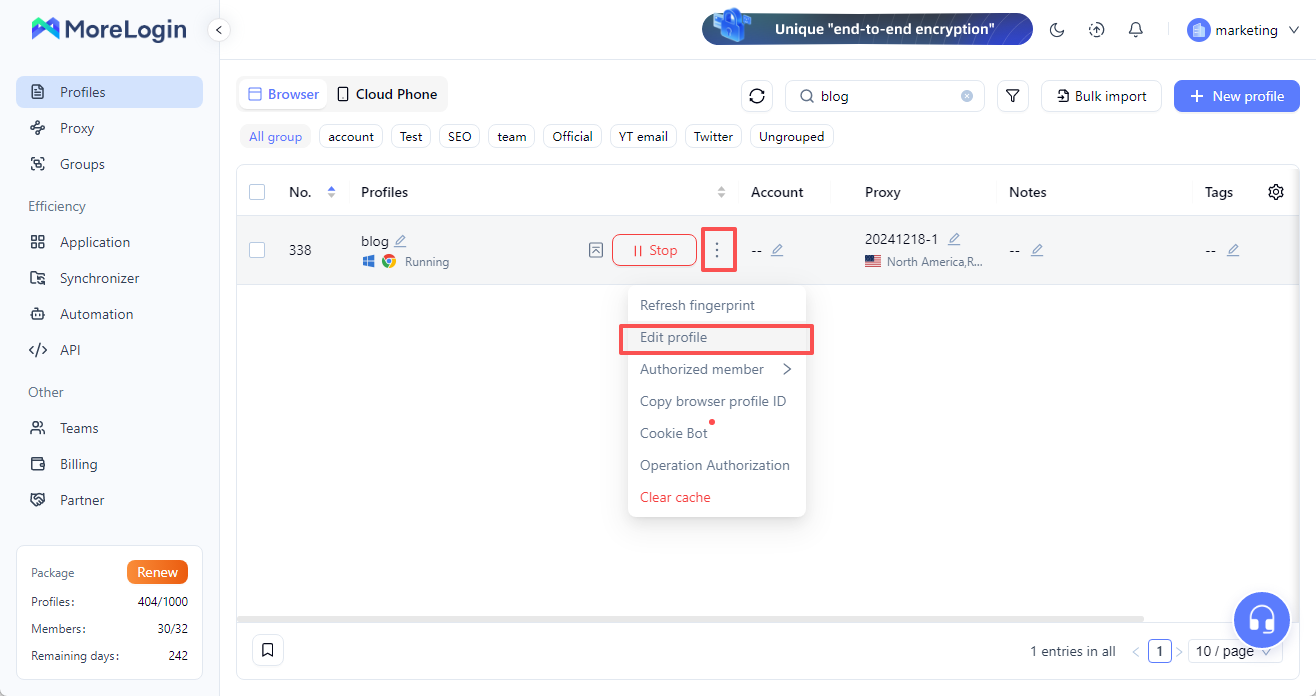
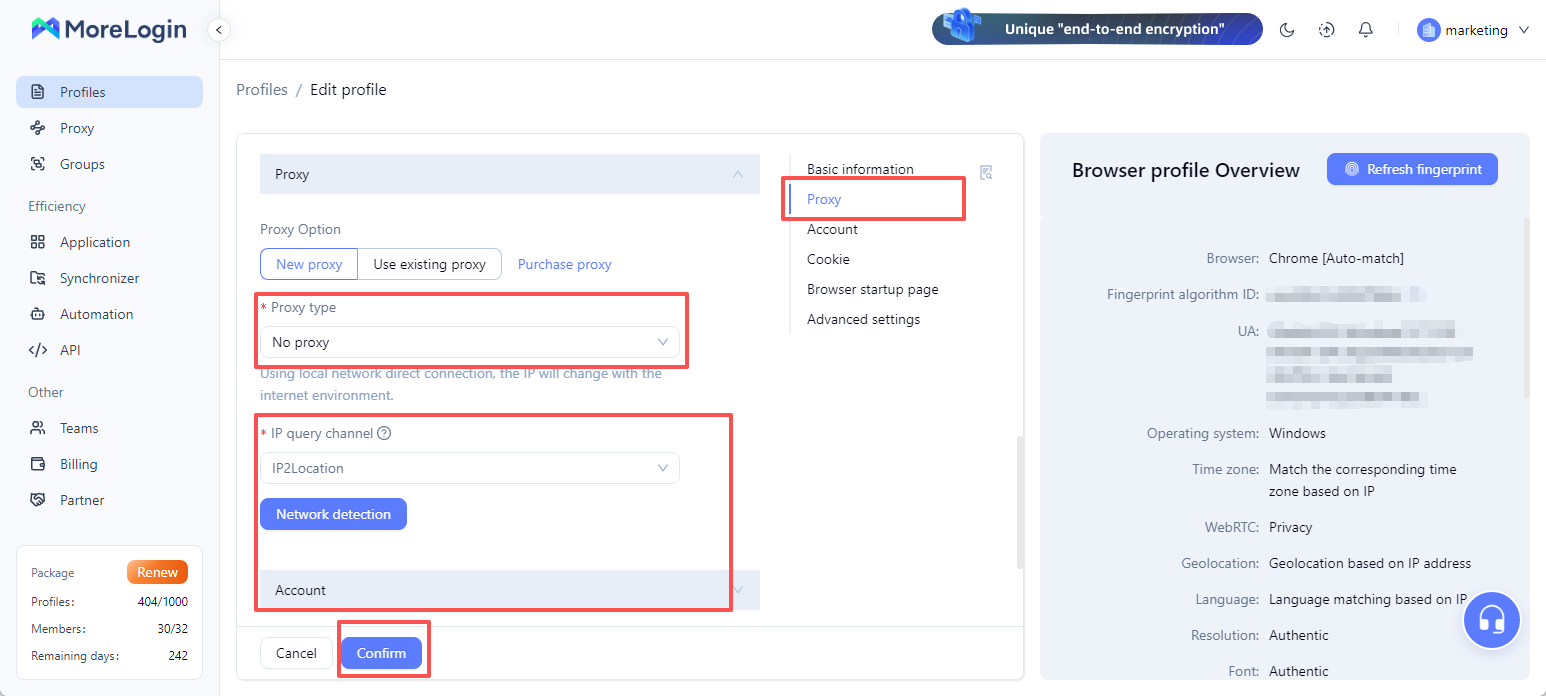
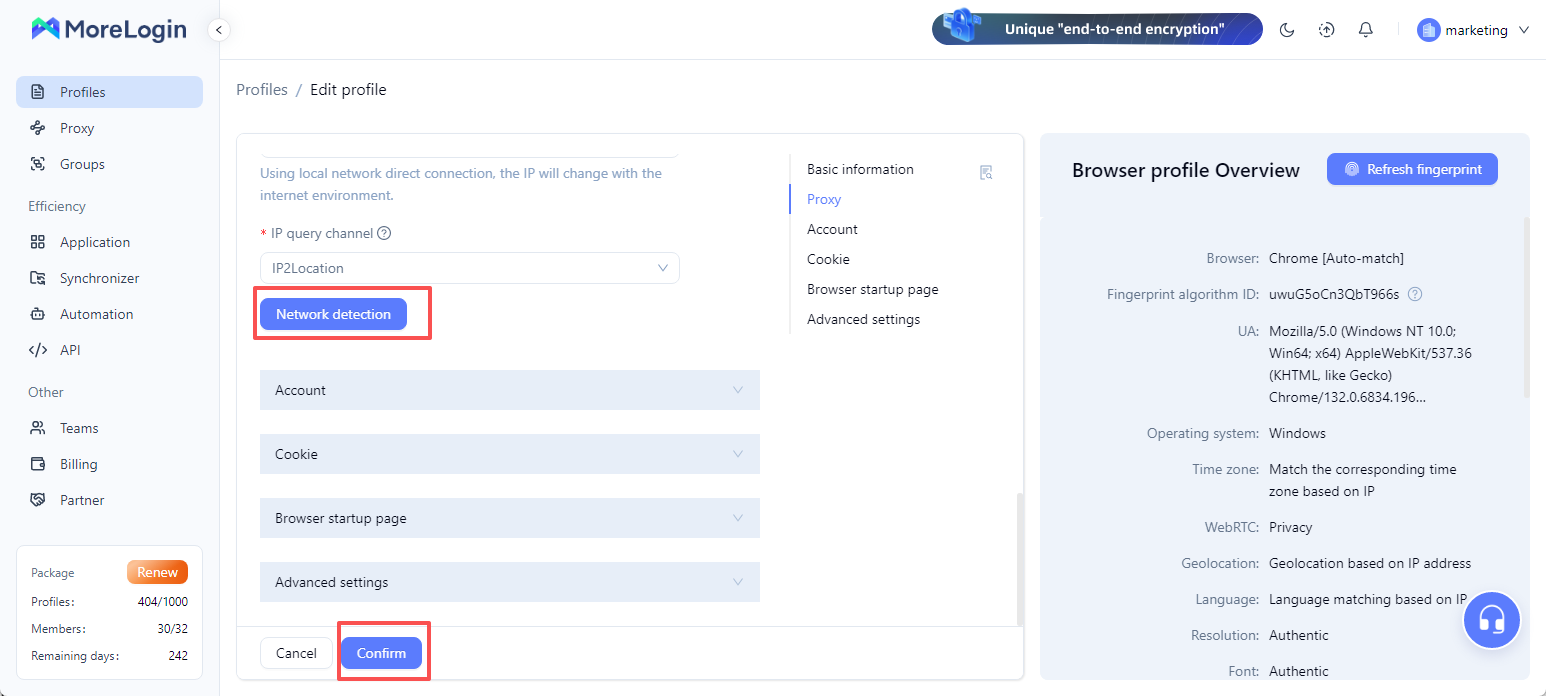
After configuration is complete, check the relevant proxy information and click "Confirm".
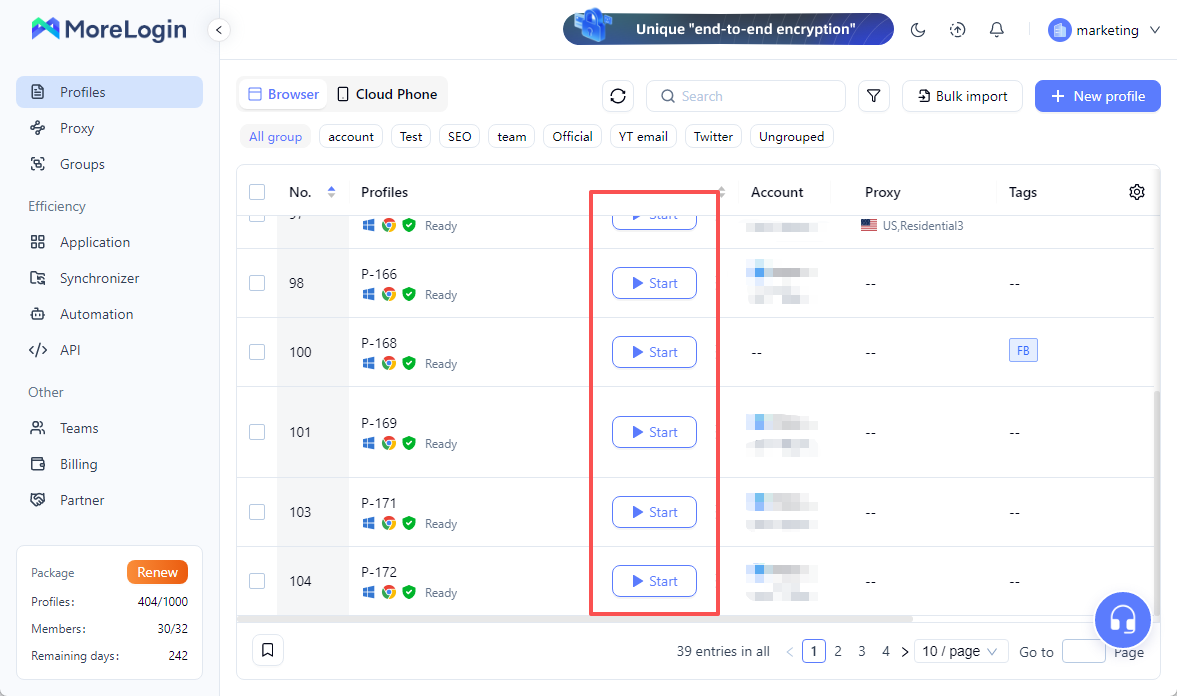
After the configuration is completed, select the configured browser and click "Start" to proceed.

 EN
EN