- Product

- Pricing
- Affiliate Program
- Use Cases
- Resource
 EN
EN
In the Vietnamese MMO community, “stability” is always a major concern—especially when running a large number of accounts or automating tasks 24/7. This article breaks down the comparison between CloudPhone vs Android Emulatorto help MMO users identify the most reliable option.
CloudPhone and Android Emulator are both tools used to run Android environments for MMO workflows, but their underlying mechanisms are completely different. Understanding how each one works will help you choose the most stable and suitable solution for long-term account farming.
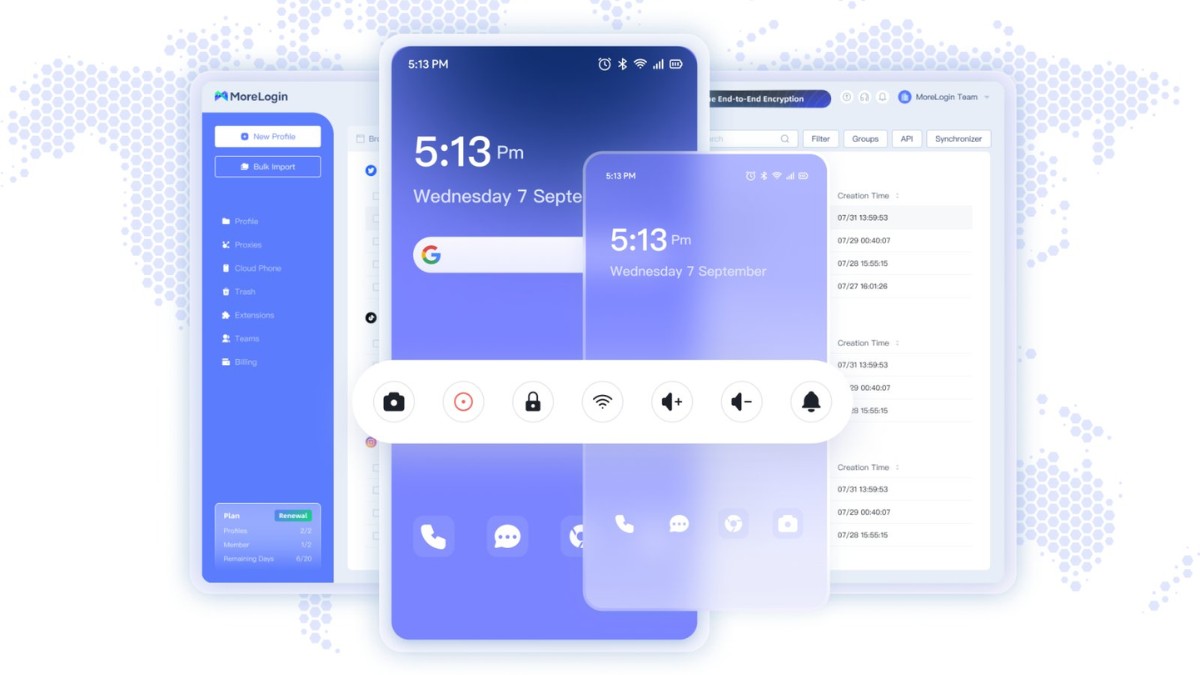
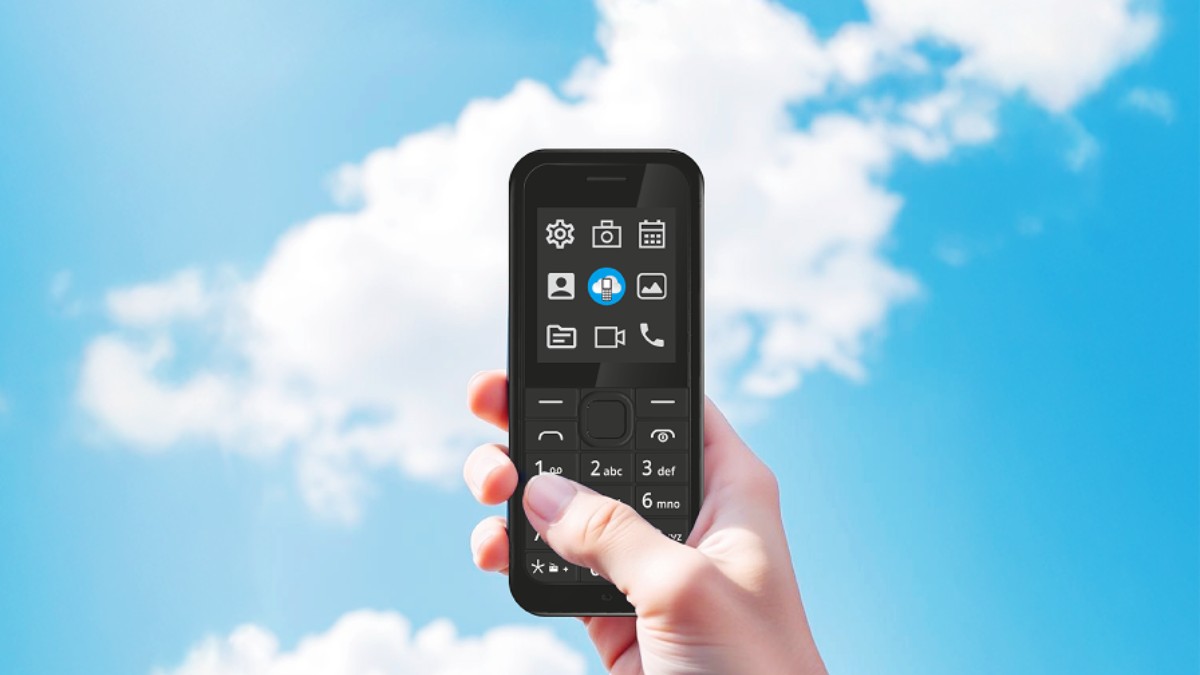
A CloudPhone is essentially a “real Android phone” virtualized on a cloud server. The system runs a real Android OS on real hardware, but everything is accessed remotely over the Internet.
Thanks to strong server-level hardware, a CloudPhone can handle multiple MMO apps simultaneously without hitting performance bottlenecks like a personal PC would. This results in excellent stability, reduced crash rates, and higher efficiency for large-scale account farming.
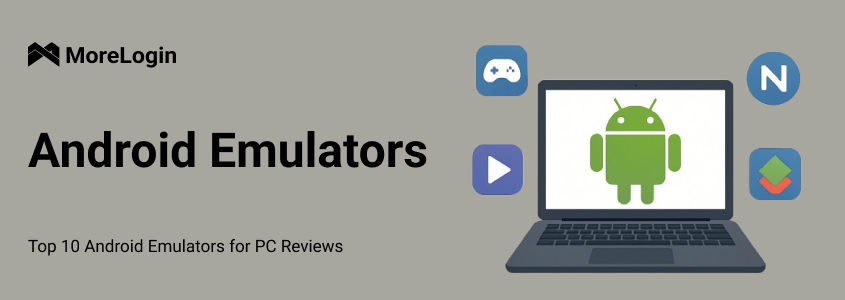
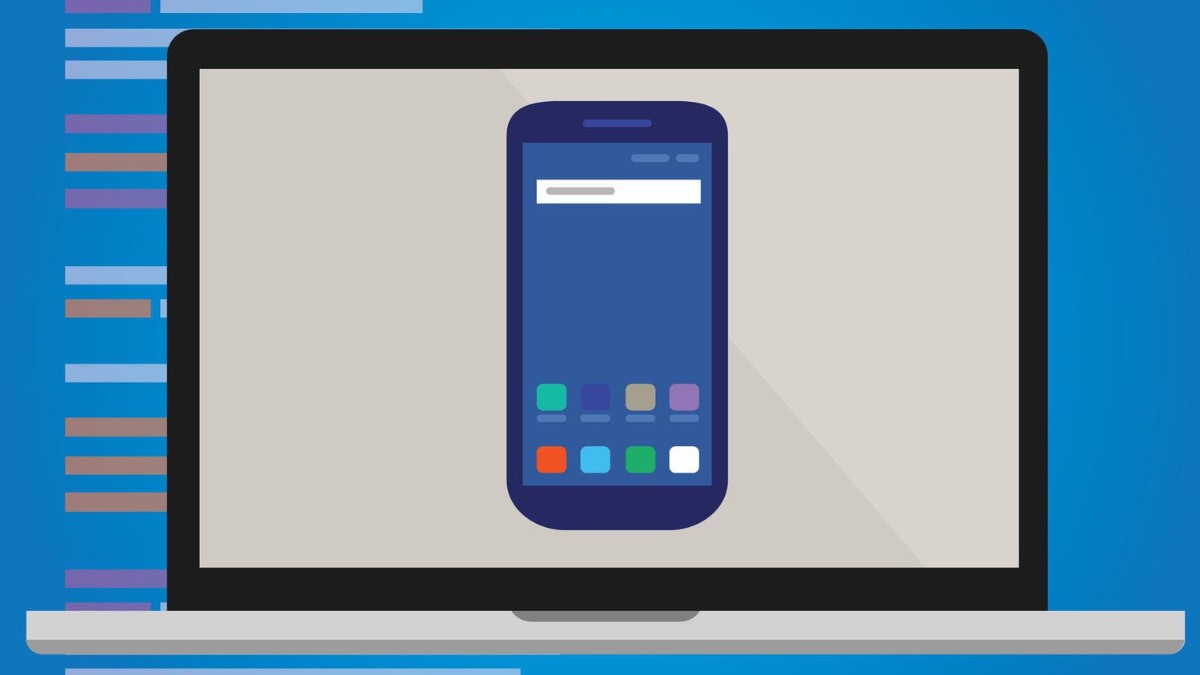
An Android Emulator is software that replicates the Android operating system directly on your computer. It renders graphics and processes tasks using your own CPU/GPU, meaning performance heavily depends on your PC specifications.
Popular emulators today include LDPlayer, BlueStacks, NOX, and MEmu. These are convenient for app testing or running a few accounts, but when you attempt to scale up, the limitations in stability and hardware become evident.

In MMO work, stability goes far beyond smooth performance—it directly affects checkpoint rates, account survivability, automation reliability, and workflow safety. A stable setup reduces risks such as banned accounts or broken tasks.
CPU load under continuous automation: The stronger the CPU, the fewer bottlenecks you face.
RAM capacity when running multiple instances: Determines how many sessions you can open without lag or crash.
Network & IP stability: Clean, consistent IP helps accounts appear more “real” and avoids checkpoints.
Crash rate when multitasking: Frequent crashes can lead to locked accounts and broken workflows.
24/7 runtime capability: Many MMO tasks run nonstop and require a highly durable environment.
Evaluating each criterion will help you understand which solution fits your MMO scale and long-term strategy.
CloudPhone relies on dedicated servers, so performance remains stable regardless of the user’s personal computer. A single CloudPhone can handle multiple apps far better than a local PC. In contrast, Emulators share CPU, GPU, and RAM of your computer—running 5–10 instances can already cause slowdown unless you have a powerful setup.
CloudPhone typically provides clean, stable IPs with minimal dropouts. This is crucial for farming accounts on Facebook, TikTok, Shopee, and many other platforms. Emulators depend on your home or office network, which may fluctuate or use shared NAT IPs—making accounts more vulnerable to checkpoints.

CloudPhone is designed for continuous operation. Cloud servers stay online 24/7 and don’t rely on whether the user turns their PC on or off. Emulators, however, can overheat, consume RAM excessively, or crash when running long hours. Overnight usage can also pose risks such as power failure, Windows freeze, or network dropouts.
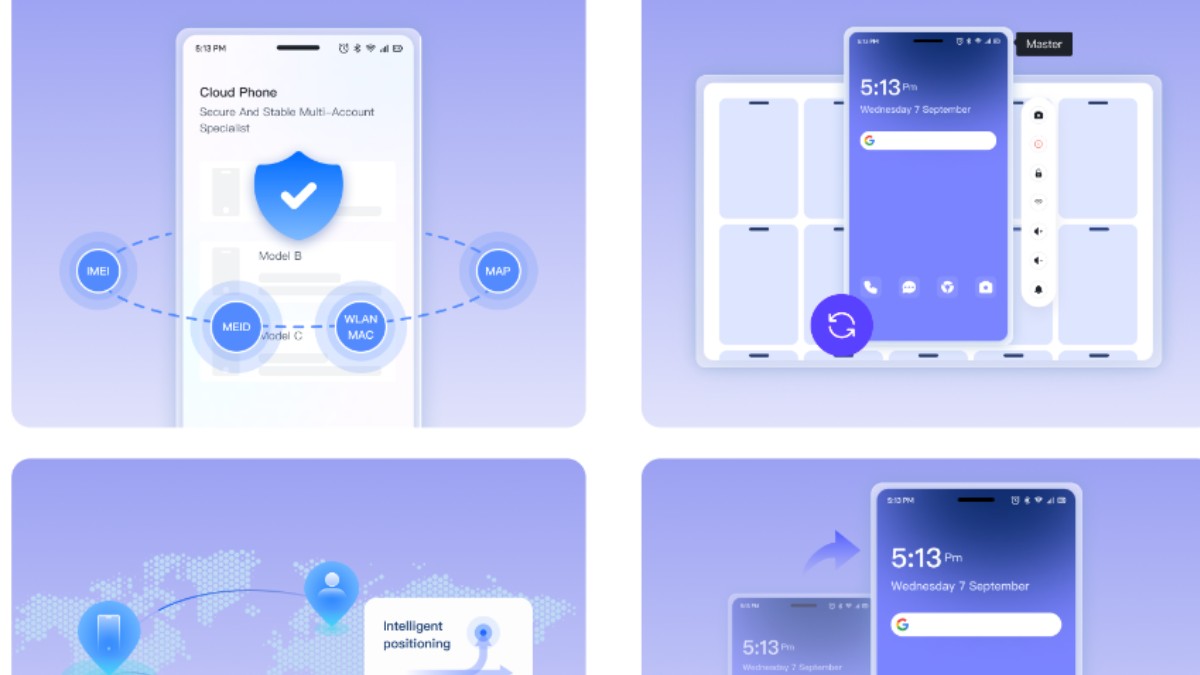
CloudPhone mimics a real device with clean hardware footprints, making it much safer for long-term account farming. Emulators typically leave virtual footprints that platforms like Facebook and TikTok can detect, resulting in higher checkpoint or ban rates.
CloudPhone operates on a monthly subscription model. More devices mean higher fees, but it significantly reduces the risk of losing accounts. Emulators are “free,” but require investment in strong PC hardware: multi-core CPUs, 32–64GB RAM, and high-speed SSDs—initial costs can be very high.
When choosing between CloudPhone and Android Emulator, it’s important to clearly understand your needs and operating scale. Each tool has its own advantages and is suitable for different types of users throughout their MMO journey.
CloudPhone is ideal for professional MMO users operating large numbers of accounts and requiring stable, long-term performance. It’s the best choice for those running TikTok Shop, Facebook ADS, heavy automation workflows, or setups needing clean IPs to avoid checkpoints. If your goal is to scale safely and run accounts 24/7, CloudPhone is the optimal option.
Emulators are best for beginners entering the MMO field who want a simple, low-commitment environment. They work well for running a few small accounts, testing applications, trying automation tools, or handling lightweight tasks. For workflows that do not require continuous 24/7 uptime, Emulators are flexible and easy to use.
In terms of stability, account safety, multitasking performance, and long-term durability, CloudPhone clearly delivers superior reliability, making it the preferred option for professional MMO operations or large-scale account farming. However, Android Emulators remain useful for beginners or those handling a small number of tasks without heavy automation needs. Ultimately, the right choice depends on your goals, budget, and MMO workflow size.

 EN
EN