- Môi trường tài khoản
 Multi-Account Browser
 Điện thoại đám mâyTự động hóa
 RPA không cần mã
 Trình đồng bộ
 Tích hợp
 Tác nhân AI
 - Bảng giá
- Nhà phát triển
 VN
VN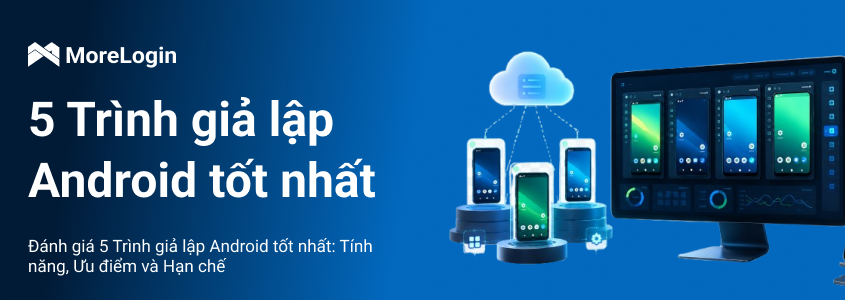
Việc chọn best android emulator phụ thuộc vào mục tiêu của bạn, đó có thể là gaming, app testing, chạy multiple instances hoặc quản lý Android tasks trên desktop. Android Emulator tạo ra một virtual Android environment, cho phép bạn chạy mobile apps và games mà không cần physical device.
Nếu bạn mới tìm hiểu khái niệm này, trước tiên có thể đọc thêm về Android Emulator là gì. Bài review này so sánh các emulator options phổ biến, điểm mạnh, giới hạn và use cases phù hợp của từng công cụ. Bài viết cũng đề cập đến MoreLogin Cloud Phone như một cloud-based alternative cho local emulators. Nếu bạn muốn xem nhanh phần tổng hợp, có thể chuyển thẳng đến mục “Bảng so sánh Android Emulator tốt nhất”.
MoreLogin Cloud Phone không phải là một traditional local Android emulator. Đây là cloud-based Android environment được xây cho users cần scalable mobile workflows, account separation, automation và remote team access.
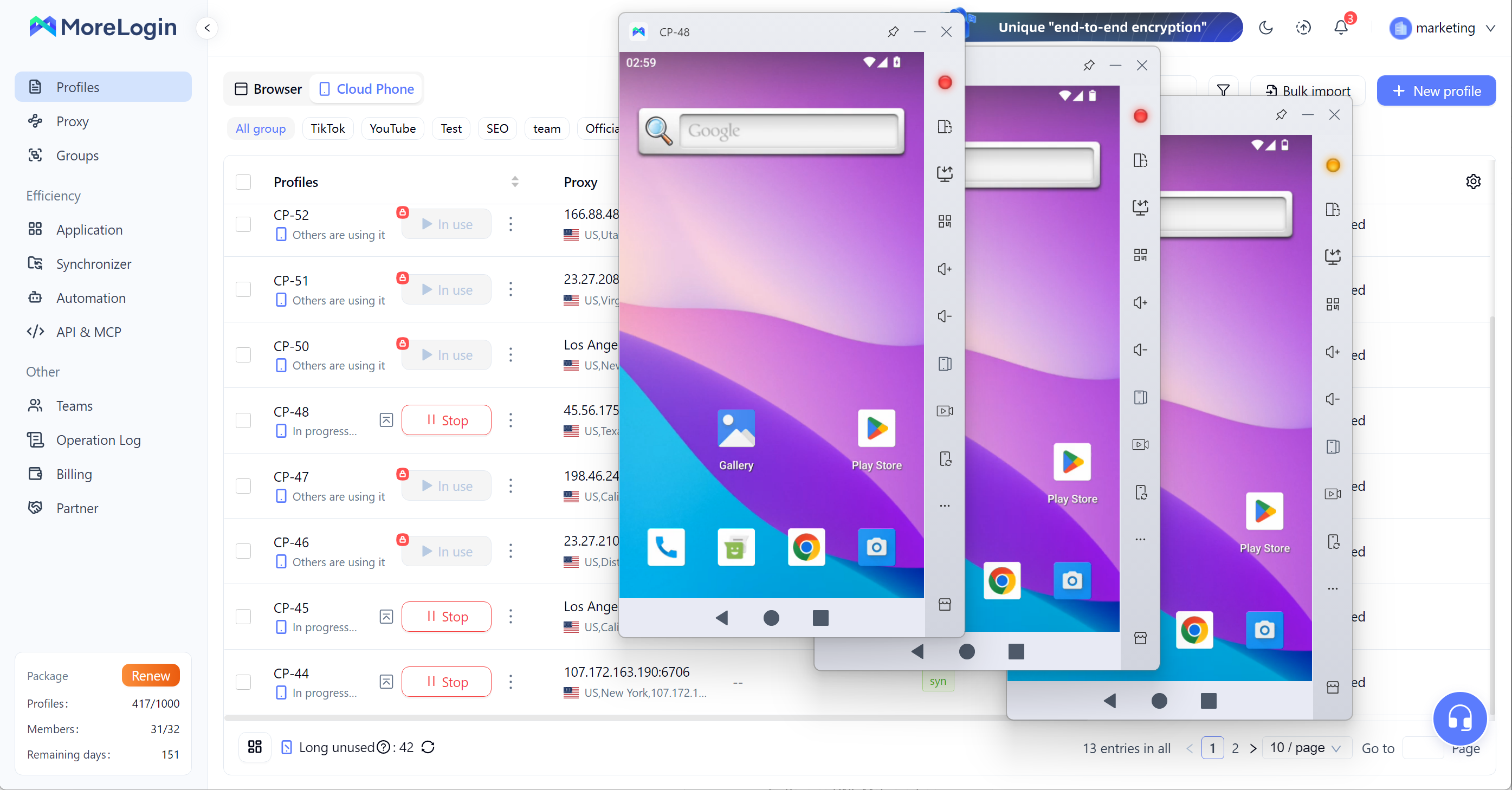
Với users chỉ muốn chơi một mobile game trên PC, một free emulator có thể là đủ. Nhưng với teams xử lý multi-account operations, app workflows, social media tasks, ecommerce, affiliate marketing hoặc automation, MoreLogin Cloud Phone là một alternative mạnh hơn. Nếu bạn đang so sánh local emulator với cloud-based Android workflows, bài cloud phone vs emulator sẽ giúp giải thích rõ sự khác biệt.
Cloud-based Android environments chạy trên ARM-based infrastructure
Remote access vào Android environments từ desktop
App installation, APK upload, file upload và proxy configuration
Independent Android environments cho các accounts, projects hoặc regions khác nhau
Unique device parameters để tách account environment
RPA support cho workflow automation
API support để powering on devices, installing apps, configuring proxies và chạy management tasks
Synchronizer để điều khiển một device và sync actions across multiple cloud phones
Batch text input, bulk upload và multi-device content operations
Team management với permission assignment, access control và access revocation
Scalable hơn local Android emulators vì workflows không chỉ phụ thuộc vào CPU, RAM hoặc GPU của một PC
Phù hợp hơn cho multi-account operations vì mỗi cloud phone có thể hoạt động như một Android environment riêng
Hữu ích cho teams cần remote access thay vì truyền tay physical phones hoặc shared local machines
Phù hợp hơn cho long-term account workflows so với temporary local emulator instances
Hỗ trợ automation và batch operations, giúp giảm repetitive manual work
Giúp teams quản lý Android environments, members và permissions từ một nơi dễ hơn
Là lựa chọn thực tế cho users đang so sánh local Android emulator với cloud-based Android workflows
Không được thiết kế chủ yếu cho casual mobile gaming
Cần internet connection vì Android environment chạy trên cloud
Multi-account management
Social media account operations
Ecommerce mobile workflows
Affiliate marketing teams
App testing teams cần remote Android access
Automation workflows
Teams cần cloud-based Android environments thay vì local emulator windows
BlueStacks là một trong những Android emulators nổi tiếng nhất cho PC và Mac. Đây thường là tool đầu tiên users thử khi tìm best android emulator for pc, đặc biệt là cho mobile gaming.
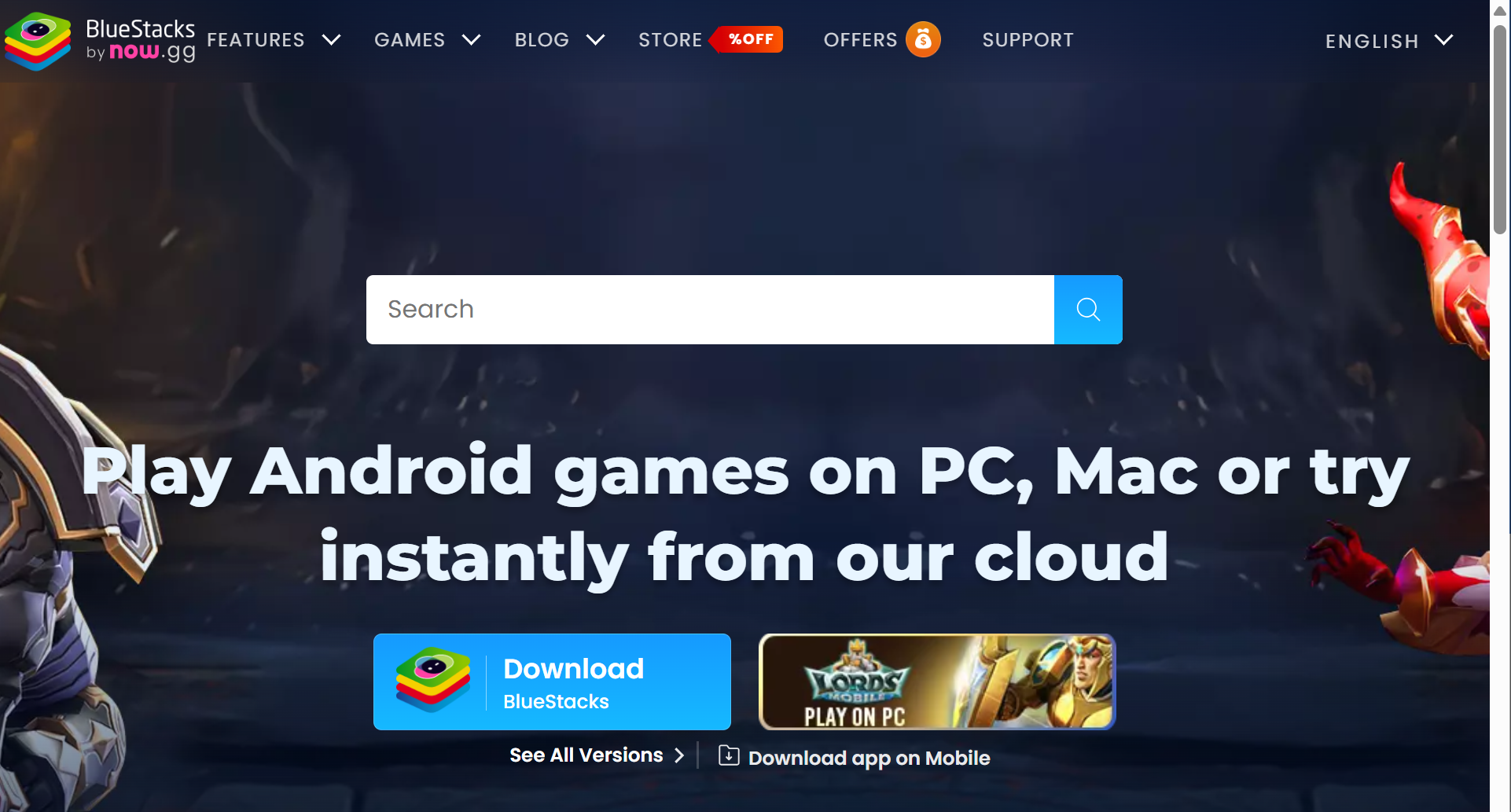
BlueStacks tập trung nhiều vào Android games, nhưng cũng có thể chạy nhiều Android apps phổ biến. Lịch sử phát triển lâu năm và large user base giúp beginners dễ tìm guides, tutorials và troubleshooting help hơn.
Android game và app support trên PC và Mac
Google Play Store access để cài apps và games
Keyboard and mouse controls với key mapping cho custom inputs
Gamepad và controller support
Multi-instance support cho high-performance gaming và chạy multiple apps at once
Multi-instance sync
Macros và script features
Eco Mode để giảm resource usage khi dùng multi-instance
High FPS và high-definition display options với GPU acceleration để graphics mượt hơn và hỗ trợ 60+ FPS gameplay
Real-time translation và smart control tools
Cloud gaming features cho selected games
Easy to install và beginner-friendly
Compatibility tốt với nhiều popular Android games
Large game library và gaming focus rõ ràng
Phù hợp với users muốn một Android emulator quen thuộc, có nhiều tutorials
Hữu ích cho users muốn dùng keyboard và mouse controls cho mobile games
Chạy trên cả Windows và Mac, dễ tiếp cận hơn Windows-only tools
Phù hợp với users muốn một mainstream emulator có long track record
Có thể khá nặng trên lower-end hardware
Ads, promotions, store features và extra tools có thể khiến interface bị crowded
Có thể tiêu thụ nhiều RAM và CPU khi chạy multiple instances
Không lý tưởng cho professional account isolation hoặc team-based workflows
Multi-instance support hữu ích, nhưng không thay thế cloud-based Android environment management
Users chỉ cần một clean và lightweight app player có thể thấy BlueStacks quá feature-heavy
Beginners muốn một Android emulator nổi tiếng
Casual mobile gamers
Users cần broad game compatibility
PC và Mac users muốn keyboard và mouse controls
Users thích mainstream tool có nhiều online guides
LDPlayer là Windows-focused Android emulator, được xây chủ yếu cho mobile gaming. Tool này định vị là fast Android emulator để chơi mobile games on PC, với các features về FPS, performance improvement, lower CPU and GPU usage và multi-instance management.
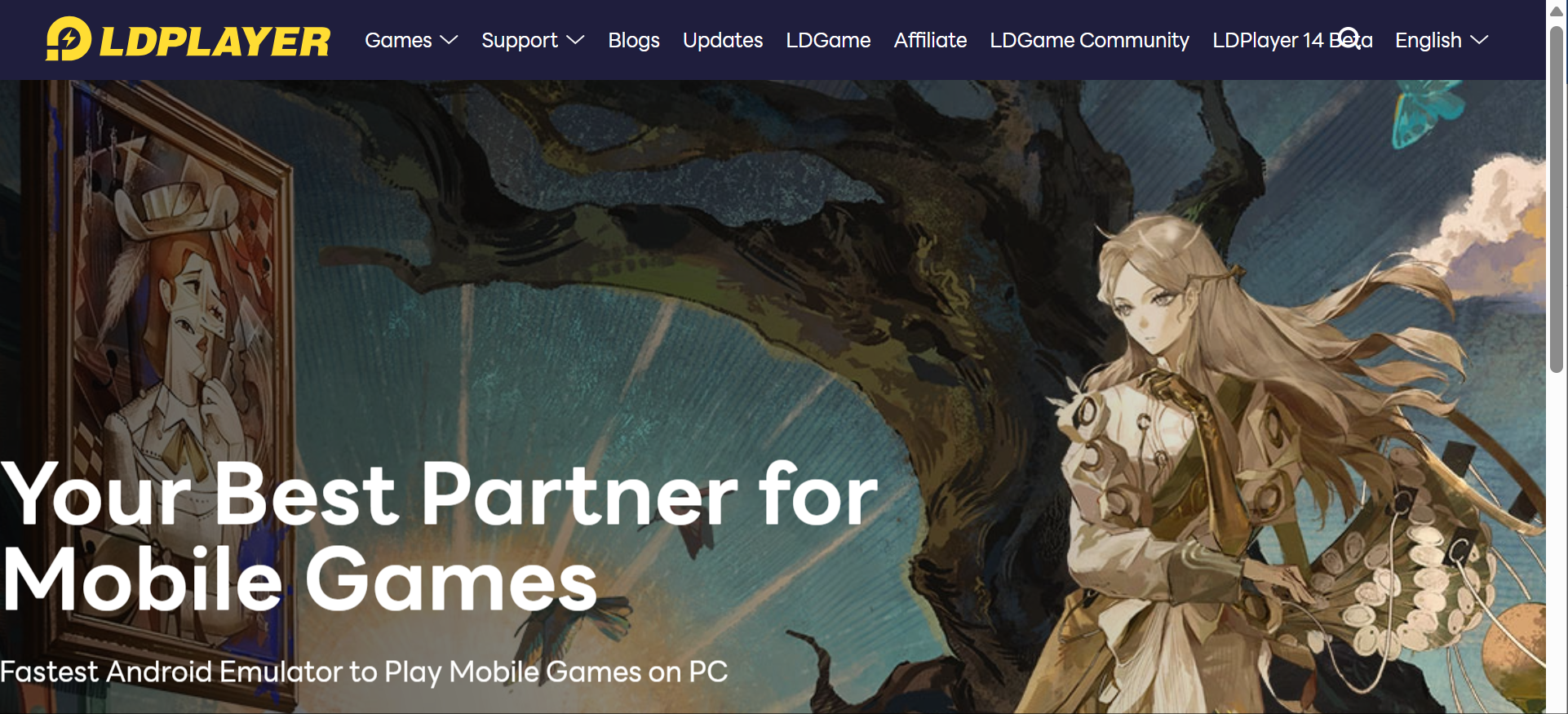
LDPlayer cũng cung cấp OSLink, một remote control tool riêng cho phép users remotely control LDPlayer từ điện thoại. Điều này giúp LDPlayer linh hoạt hơn basic local emulator, đặc biệt với users muốn kiểm tra AFK tasks hoặc manage emulator windows khi không ở gần PC.
Android emulator để chơi mobile games trên Windows PC
Key mapping cho mobile game controls
Multi-instance support để chạy nhiều emulator windows
Multi-instance AFK task management
Synchronized operation across multiple instances
CPU và GPU performance optimization với GPU acceleration
FPS-focused gaming settings, gồm OpenGL và DirectX graphics modes
Lower CPU và GPU usage positioning
OSLink remote control tool để điều khiển LDPlayer từ điện thoại
Remote access vào LDPlayer chạy trên home hoặc office PC
Same-account login requirement cho OSLink remote control
Local connection hoặc encrypted protocol support cho remote control
Lựa chọn mạnh cho users chủ yếu muốn chơi Android games trên Windows
Phù hợp hơn với game control customization và tuning so với general-purpose app players
Multi-instance và synchronized operation giúp users manage repeated gaming tasks
OSLink giúp users linh hoạt hơn khi away from PC
Hữu ích cho AFK tasks khi users cần check status từ điện thoại
Lựa chọn thực tế cho users muốn best android emulator for pc gaming có remote-control support
Tập trung vào mobile games hơn BlueStacks nếu gaming quan trọng hơn broad app use
Chủ yếu tập trung vào Windows users
OSLink là separate tool và cần separate installation
Performance vẫn phụ thuộc vào PC hardware, game type và local settings
Nếu có thể, nên manually allocate ít nhất 4 CPU cores và 4GB to 8GB RAM trong emulator settings để giảm gaming stutters
Không được xây cho professional cloud-based account isolation
Remote control không có nghĩa Android environment tự chạy trên cloud
Vẫn phụ thuộc vào PC nơi LDPlayer được cài đặt
Việc bật Hardware Virtualization, VT-x hoặc AMD-V, trong BIOS thường cần thiết để có tốc độ tốt
Users cần team permissions, independent cloud devices hoặc scalable mobile environments có thể cần cloud phone solution
Windows users chơi mobile games on PC
Users cần multi-instance gaming
Users quản lý AFK game tasks
Users muốn remotely control emulator windows từ điện thoại
Gamers cần keyboard mapping, higher FPS và performance settings
Users tìm gaming-focused Android emulator thay vì business workflow tool
MuMu Player là Android emulator do NetEase phát triển. Tool này tập trung vào running Android games và apps trên PC hoặc Mac, với clean interface, low resource usage, high-definition visuals và multi-instance support.
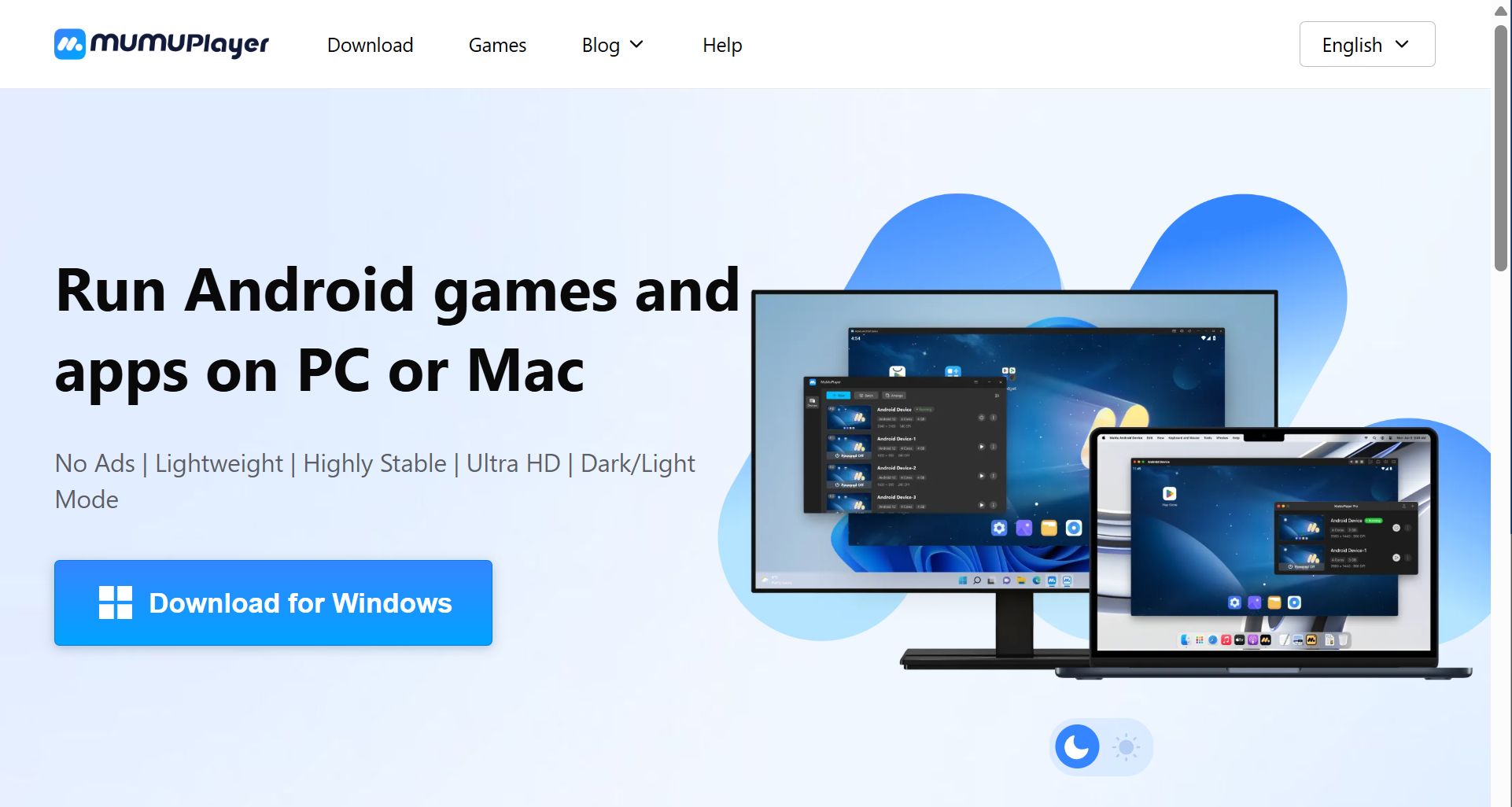
So với một số heavier emulator tools, MuMu Player thường hấp dẫn users quan tâm đến fewer ads, smoother operation và cleaner experience.
Android games và apps support trên PC và Mac
Windows, macOS và Windows ARM support
Ad-free interface positioning
Lightweight và versatile emulator design
High stability positioning
Ultra HD display support
Dark và light mode
Keyboard, mouse và gamepad support
Multi-OS compatibility
High FPS support với screen recording
4K visual support
Unlimited multi-instance support
Lower resource usage positioning cho lower-end hardware
Shared folder và virtualization setup guides
Cleaner interface hơn nhiều ad-heavy emulator tools
Phù hợp với users không thích pop-ups và promoted content
Hỗ trợ cả apps và games, không chỉ gaming
Hữu ích cho users muốn smoother everyday emulator experience
Có thể hoạt động tốt hơn trên systems gặp khó với heavier tools
Low-end PCs cũng có thể cân nhắc LDPlayer hoặc MuMu Nebula, vì chúng được tuned for lower resource use
Multi-instance support phù hợp với light multitasking
PC-level input controls cải thiện mobile gaming trên desktop
Lựa chọn tốt cho users tìm best android emulator for windows 11 với interface ít clutter hơn
Windows ARM và macOS support giúp tool flexible hơn Windows-only emulators
Game performance có thể thay đổi theo title và hardware
Một số demanding games có thể chạy tốt hơn trên emulator khác tùy PC setup
Users vẫn có thể cần configure virtualization, controls, shared folders hoặc FPS settings
Không được thiết kế cho professional multi-account isolation
Multi-instance support hữu ích, nhưng vẫn là local emulator-based scaling
Users quản lý nhiều accounts hoặc team workflows có thể cần stronger permission và environment management
Users muốn cleaner Android emulator experience
PC hoặc Mac users chạy cả Android apps và games
Users không thích ads và cluttered launchers
Light gaming và app usage
Users cần multiple emulator instances nhưng không cần full team workflow management
Users muốn lightweight alternative cho heavier emulator tools
MEmu Play là Windows-based Android emulator để chạy Android apps và games on PC. Tool này thường được dùng bởi users muốn một flexible emulator có multi-instance features, keyboard mapping và performance settings.
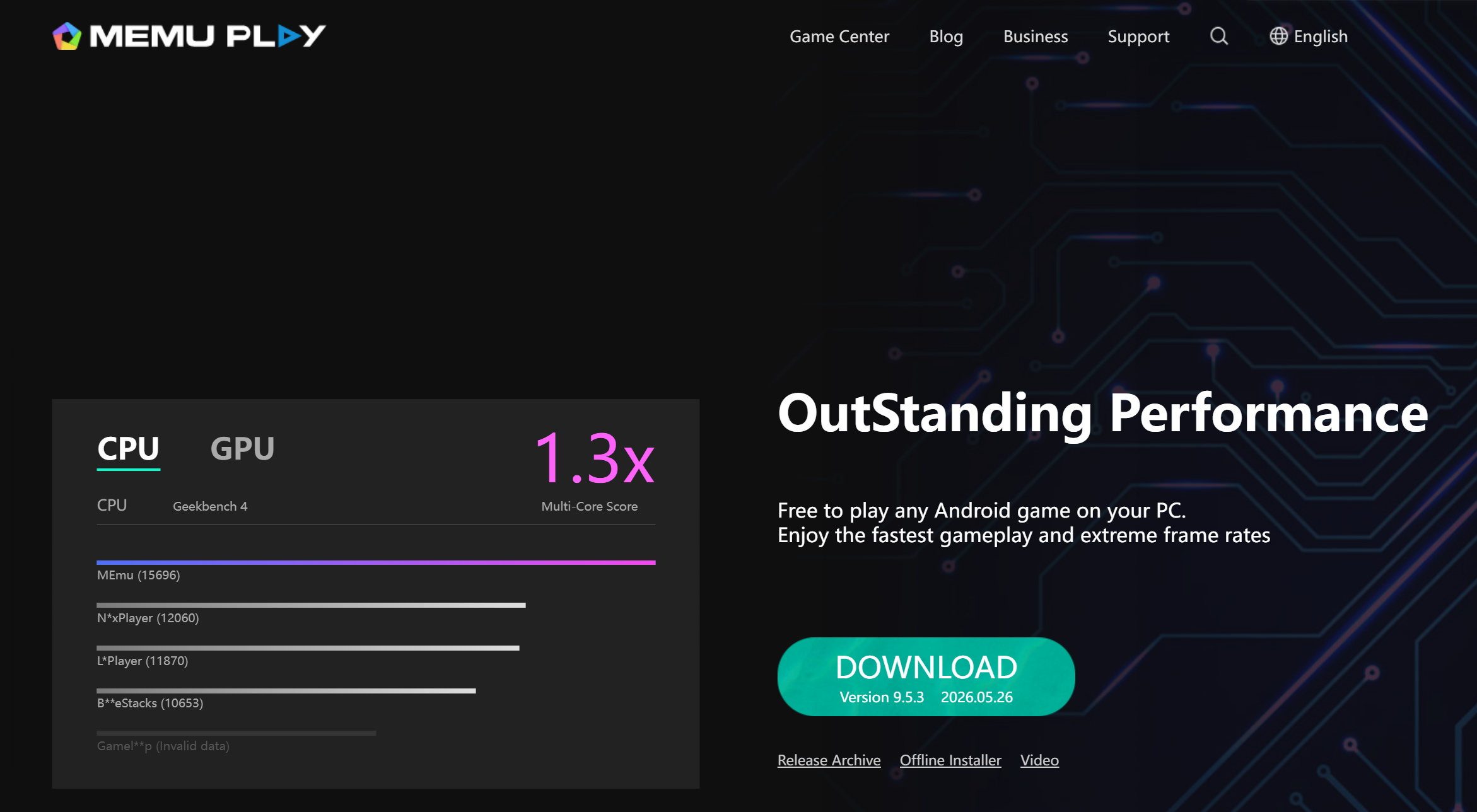
MEmu Play không nổi tiếng rộng như BlueStacks, nhưng vẫn là practical option cho users muốn general-purpose Android emulator trên Windows.
Android app và game support trên Windows PC, gồm Google Play Store access
Key mapping cho game controls
Multi-instance support, một high-performance gaming feature phổ biến trong tools như BlueStacks và MEmu Play
APK sideloading
Shared folder support giữa Windows và Android environment
CPU và RAM allocation settings
Display và resolution configuration
Support for different Android environments tùy Android version
Mouse và keyboard control customization
Đủ flexible để chạy apps và casual games
Hữu ích cho users muốn nhiều control hơn với emulator resources
Multi-instance support giúp xử lý basic repeated workflows
APK sideloading hữu ích khi apps không được cài qua Google Play
Shared folders giúp file transfer giữa PC và emulator dễ hơn
Lựa chọn tốt cho users muốn general Android emulator thay vì gaming-only platform
Phù hợp Windows users muốn flexibility mà không cần developer-focused setup
Chủ yếu tập trung vào Windows
Ads hoặc promoted content có thể xuất hiện tùy version và setup
App và game compatibility có thể thay đổi
Performance có thể giảm khi mở multiple instances
Không lý tưởng cho professional multi-account workflows
Không có cùng mức cloud access, team permissions hoặc centralized environment management như MoreLogin Cloud Phone
Windows users cần flexible Android emulator
Users chạy general Android apps on PC
Casual mobile gamers
Users cần APK sideloading
Users muốn basic multi-instance support
Users tìm best pc emulator for android apps nhưng không cần cloud infrastructure
Android Studio Emulator là official Android emulator của Google dành cho developers. Nó là một phần của Android Studio và được xây cho app development, debugging và testing thay vì casual gaming.
Thông qua android emulation, developers có thể test apps across Android versions, screen sizes và hardware profiles mà không cần mua multiple physical devices. Điều này giúp testing cost-effective hơn và cho tighter control over variables như location và network conditions. Với developers, đây là một trong những tools quan trọng nhất trong Android ecosystem. Với ordinary users chỉ muốn play mobile games, nó có thể quá technical.
Built into Android Studio
Android Virtual Device support
Multiple device profiles giúp developers simulate multiple devices trong một tool
Different API level support
Screen size và device type simulation
GPS location simulation
Network condition simulation
Debugging tools có support for automated testing trong emulator-based development workflows
Performance profiling
Integration với Android app development workflows
Support testing different Android versions, screen sizes và hardware configurations
Kiểm tra app running across simulated environments mà không cần physical devices
Official Android development tool từ Google
Phù hợp mạnh với developers và QA testers
Tốt hơn gaming-focused emulators cho app testing
Cho phép testing across Android versions, screen sizes, hardware configurations và device profiles
Giảm dependence on physical hardware cho broad compatibility checks
Cost-effective hơn so với việc mua multiple devices để wide coverage
Không có gaming-style ads hoặc promoted app stores
Hữu ích cho debugging, profiling và checking app behavior before release
Cho tighter environment control qua settings như spoofed location và network settings
Lựa chọn đáng tin khi accuracy quan trọng hơn casual convenience
Không được thiết kế cho casual mobile gaming
Setup technical hơn consumer emulators
Có thể cần strong PC hardware
Kém tiện hơn với users chỉ muốn run Android apps on desktop
Không được xây cho multi-account business operations
Không phải lựa chọn tốt nhất cho users muốn simple lightweight app player
Android developers
QA testers
App development teams
Users cần accurate testing environments
Users test apps across screen sizes và Android versions
Technical users cần debugging và profiling tools
Các tools phía trên đã bao phủ hầu hết common needs, nhưng vẫn có vài Android emulator options khác đáng biết trước khi chọn. Nhiều emulators hiện nay thuộc nhóm gaming-focused hoặc development/testing-focused.
Google Play Games for PC là clean option cho users chỉ muốn chơi supported Android games trên Windows. Nó không phải full Android emulator vì không hỗ trợ general Android apps, không cung cấp full Play Store access và không hỗ trợ APK sideloading.
Genymotion là developer-focused emulator platform cho app testing, QA, automation, automated testing và cloud-based testing workflows. Nó phù hợp với technical teams hơn casual users.
GameLoop là gaming-focused emulator chủ yếu dùng cho selected mobile games, đặc biệt là Tencent-related titles. Nó có thể hoạt động tốt với supported games, nhưng không phải lựa chọn mạnh cho general Android app use.
NoxPlayer là older Android emulator option có multi-instance và control customization features. Nó vẫn có thể phù hợp với một số users, nhưng không còn là strongest first choice so với BlueStacks, LDPlayer hoặc MuMu Player.
Nếu mục tiêu chính của bạn là gaming, BlueStacks, LDPlayer và MuMu Player là các lựa chọn chính trong review này. Google Play Games for PC và GameLoop cũng có thể được cân nhắc cho specific supported games.
BlueStacks phù hợp hơn với users muốn broad game compatibility và nhiều built-in gaming features. LDPlayer phù hợp hơn với Windows users quan tâm đến gaming controls, multi-instance AFK tasks và remote control through OSLink. MuMu Player phù hợp hơn với users muốn cleaner và lighter gaming experience. Để có smoother high-FPS play, GPU acceleration cũng quan trọng, đặc biệt nếu bạn muốn stable graphics performance và 60+ FPS trong demanding titles.
Best android emulator for gaming phụ thuộc vào game, PC hardware và việc bạn có cần keyboard mapping, high FPS, remote control hoặc multiple instances hay không. VPN cũng có thể giúp improve stability cho một số online games hoặc app connections.
Với app testing, Android Studio Emulator là lựa chọn mạnh hơn vì nó cho phép developers test apps across Android versions, screen sizes và hardware configurations mà không cần multiple physical devices. Nó hỗ trợ Android Virtual Devices, API levels, device profiles, debugging và performance testing. Nó cũng cost-effective hơn cho broad testing và có stronger environment control qua settings như spoofed locations và network conditions.
Consumer emulators có thể hữu ích cho quick app checks, nhưng không được xây cho serious development workflows. Nếu mục tiêu của bạn là test an app before release, hãy chọn development-focused emulator thay vì gaming-focused one.
Best Android emulator for windows 11 phụ thuộc vào use case của bạn.
BlueStacks dễ dùng hơn cho beginners. LDPlayer mạnh hơn cho Windows gaming. MuMu Player cleaner và lighter. MEmu Play flexible hơn cho general Android apps.
Trước khi chọn, hãy kiểm tra CPU và RAM usage, virtualization settings, GPU support, update frequency và bạn định chạy one instance hay many instances.
Với low-spec PCs và lower-end hardware, đừng chọn tool chỉ dựa trên feature count. Một tool có nhiều features cũng có thể dùng nhiều system resources hơn.
Hãy tìm emulator có lower memory usage, fast startup, adjustable CPU và RAM settings, cùng fewer background processes. LDPlayer hoặc MuMu Nebula có thể là better starting points hơn heavier emulator setups trên low-end PCs vì chúng được optimized for lower resource consumption. Nhưng performance vẫn phụ thuộc vào hardware. Nếu system cho phép, manual allocation around 4 CPU cores and 4GB to 8GB RAM cũng có thể giúp reduce stutters during gaming.
Local emulators có thể open multiple instances, nhưng multi-instance không giống professional environment isolation.
Nếu bạn manage accounts cho social media, ecommerce, affiliate marketing, app testing hoặc client work, bạn cần nhiều hơn vài emulator windows. Bạn có thể cần independent Android environments, proxy configuration, remote access, team permissions, automation và centralized management.
Đây là lúc MoreLogin Cloud Phone phù hợp hơn local emulator. Nó được thiết kế cho scalable Android workflows, không phải casual desktop app use.
Một lưu ý nhanh: các tìm kiếm như best emulators for android hoặc best ds emulator for android thường nói về console emulators chạy trên Android phones. Điều này khác với Android emulators for PC, vốn chạy Android apps trên desktop computers.
Traditional Android emulators rely on local hardware. Chạy một emulator có thể ổn, nhưng mở several instances có thể nhanh chóng consume CPU, RAM, disk space và GPU resources.
Điều này trở thành bigger issue khi users cần scale workflows. Ngay cả best android emulator cũng có thể slow down nếu local machine không đủ mạnh.
Hầu hết emulators ở free tier dựa vào ads, promoted apps, stores, rewards hoặc extra software offers. Điều này không phải lúc nào cũng có nghĩa emulator unsafe, nhưng có thể ảnh hưởng đến free version user experience.
Users nên download emulators chỉ từ official websites và tránh unknown installer files.
Không phải Android app hoặc game nào cũng chạy tốt trong emulated environment, và compatibility cũng có thể phụ thuộc vào supported Android version. Một số apps có thể gặp issues với graphics rendering, Google services, payment systems, region settings hoặc anti-cheat systems. Một số emulators cung cấp software rendering như fallback, nhưng điều này có thể làm giảm visual performance.
Đây là một lý do vì sao không có một best android emulator duy nhất cho mọi user.
Hầu hết local emulators hỗ trợ multi-instance features để running multiple apps. Nhưng mở multiple emulator windows không tự động tạo clean, stable và scalable account environments.
Với casual gaming, điều này có thể không quan trọng, và local emulators có thể handle multiple apps. Với account operations, nó rất quan trọng. Users quản lý nhiều accounts cần nghĩ đến environment consistency, proxy setup, device parameters, team access và long-term workflow stability.
Một số platforms có thể detect emulator-like environments. Đây có thể là vấn đề với users cần stable Android environments cho account management, app workflows, ad verification hoặc social media operations.
Traditional emulators hữu ích, nhưng không phải lúc nào cũng là safe hoặc scalable choice nhất cho professional mobile workflows. Nếu bạn cần bài nền tảng riêng về loại công cụ này, có thể đọc thêm bài Android Emulator.
MoreLogin Cloud Phone giải quyết nhiều local emulator limits bằng cách chuyển Android environments lên cloud. Users có thể access Android environments remotely, reduce dependence on local PC resources và manage multiple cloud phones from one place.
Mỗi cloud phone có thể hoạt động như separate Android environment, hỗ trợ consistent separation tốt hơn so với việc dựa vào một local Android phone hoặc basic emulator windows. Điều này giúp users tách accounts, projects, clients hoặc regions. Với teams, MoreLogin cũng hỗ trợ permission management, access control, automation, batch operations và remote collaboration, phù hợp hơn với Android devices workflows cần centralized management.
Nếu bạn đang quyết định giữa traditional emulator và cloud Android environment, bài so sánh cloud phone vs emulator có thể giúp bạn hiểu rõ sự khác biệt.
Best android emulator, và trong nhiều trường hợp là best emulator, phụ thuộc vào mục tiêu thật sự của bạn, gồm gaming, development hoặc multi-account workflow features. Casual gamer, Android developer, low-spec PC user và multi-account team không nên chọn cùng một tool.
BlueStacks là lựa chọn mạnh cho beginners và broad game compatibility. LDPlayer hữu ích cho Windows gaming, multi-instance AFK tasks và remote control through OSLink. MuMu Player tốt hơn cho users muốn cleaner và lighter emulator experience. MEmu Play flexible cho general Android apps on PC. Android Studio Emulator là official emulator từ Google và là lựa chọn tốt hơn cho developers và app testing.
Nhưng nếu mục tiêu của bạn không chỉ là run one Android app on PC, local emulator có thể chưa đủ. Với multi-account workflows, automation, remote access, team management và scalable Android environments, MoreLogin Cloud Phone là alternative mạnh hơn so với traditional Android emulators.
Android Emulator nào tốt nhất?
Best android emulator phụ thuộc vào mục tiêu. Với gaming, bạn có thể chọn BlueStacks, LDPlayer hoặc MuMu Player. Với app testing, Android Studio Emulator phù hợp hơn. Với multi-account workflows và cloud Android environments, MoreLogin Cloud Phone đáng cân nhắc hơn.
Best android emulator for pc nào phù hợp cho gaming?
Với PC gaming, users thường chọn BlueStacks, LDPlayer hoặc MuMu Player. BlueStacks phù hợp beginners, LDPlayer hữu ích cho Windows gaming và AFK tasks, còn MuMu Player phù hợp với cleaner và lighter experience.
Android Emulator nào tốt nhất cho Windows 11?
Best Android emulator for windows 11 phụ thuộc vào use case. BlueStacks dễ hơn cho beginners, LDPlayer mạnh hơn cho gaming, MuMu Player nhẹ và sạch hơn, còn MEmu Play phù hợp với general Android apps.
Có thể dùng Android Emulator cho app testing không?
Có. Với serious app testing, Android Studio Emulator phù hợp hơn vì hỗ trợ Android Virtual Devices, API levels, device profiles, debugging và testing across screen sizes.
Local Android Emulator có phù hợp với multi-account workflows không?
Không phải lúc nào cũng phù hợp. Local emulator có thể mở multiple instances, nhưng điều đó không bằng professional environment isolation. Với accounts, team permissions, proxy setup, automation và centralized management, cloud phone solution thường phù hợp hơn.
MoreLogin Cloud Phone khác traditional Android Emulator ở điểm nào?
Traditional Android Emulator thường chạy trên local PC. MoreLogin Cloud Phone chạy trên cloud, hỗ trợ remote access, separate Android environments, automation, batch operations và team permission management.

 VN
VN