- Môi trường tài khoản
 Multi-Account Browser
 Điện thoại đám mâyTự động hóa
 RPA không cần mã
 Trình đồng bộ
 Tích hợp
 Tác nhân AI
 - Bảng giá
- Nhà phát triển
 VN
VN
Twitter viewer thường được dùng vì một lý do rất đơn giản: users muốn kiểm tra public Twitter/X profiles, posts, media, hashtags hoặc trends mà không cần đăng nhập. Một số người chỉ muốn đọc một public thread. Một số muốn kiểm tra nhanh một profile. Một số khác muốn theo dõi hashtags hoặc Twitter views cho research.
Nhưng có một giới hạn cần nói rõ ngay từ đầu. Twitter viewer không thể mở protected posts một cách hợp pháp hoặc bypass private Twitter/X accounts. Nếu một site nói rằng nó có thể “unlock” private profiles, yêu cầu X password, ép bạn download hoặc đưa bạn qua nhiều verification pages liên tục, đó không còn là một viewer bình thường nữa.
Bài viết này review 5 Twitter viewer tools cho public content checks, profile browsing, trend research và analytics. Bài viết cũng nói về privacy issues mà nhiều users thường bỏ qua, như IP exposure, browser fingerprinting, redirects và third-party data collection.
Nếu bạn không chỉ xem public content mà còn làm việc với nhiều Twitter/X accounts, trước tiên nên hiểu cách tạo Twitter account, thiết lập privacy settings và tách các browser environments cho từng workflow.
Chúng tôi đánh giá từng tool từ góc nhìn của một user thông thường. Câu hỏi không phải là “tool nào hứa hẹn nhiều nhất?”. Câu hỏi đúng hơn là “tool này thực sự giúp được việc gì?”. Sự quan tâm đến các tool này tăng lên sau khi x twitter restricted access với non-logged-in users.
Tiêu chí review:
Public content access
No-login browsing experience
Privacy và tracking risks
Ads, redirects và suspicious prompts
Ease of use
Tool reliability
Best-fit use case
Các tools dưới đây nên được hiểu là tools để public Twitter/X viewing hoặc research. Chúng không phải private account unlockers. Nếu bạn cần quản lý nhiều profiles hoặc tách browsing tasks theo clients, markets hoặc projects, một multi-account browser có thể là layer phù hợp hơn cho organization và environment separation.
Tweetgoon là một browser-based Twitter viewer đơn giản. Nó được tạo cho quick public profile checks, không phải deep analytics hoặc campaign tracking.
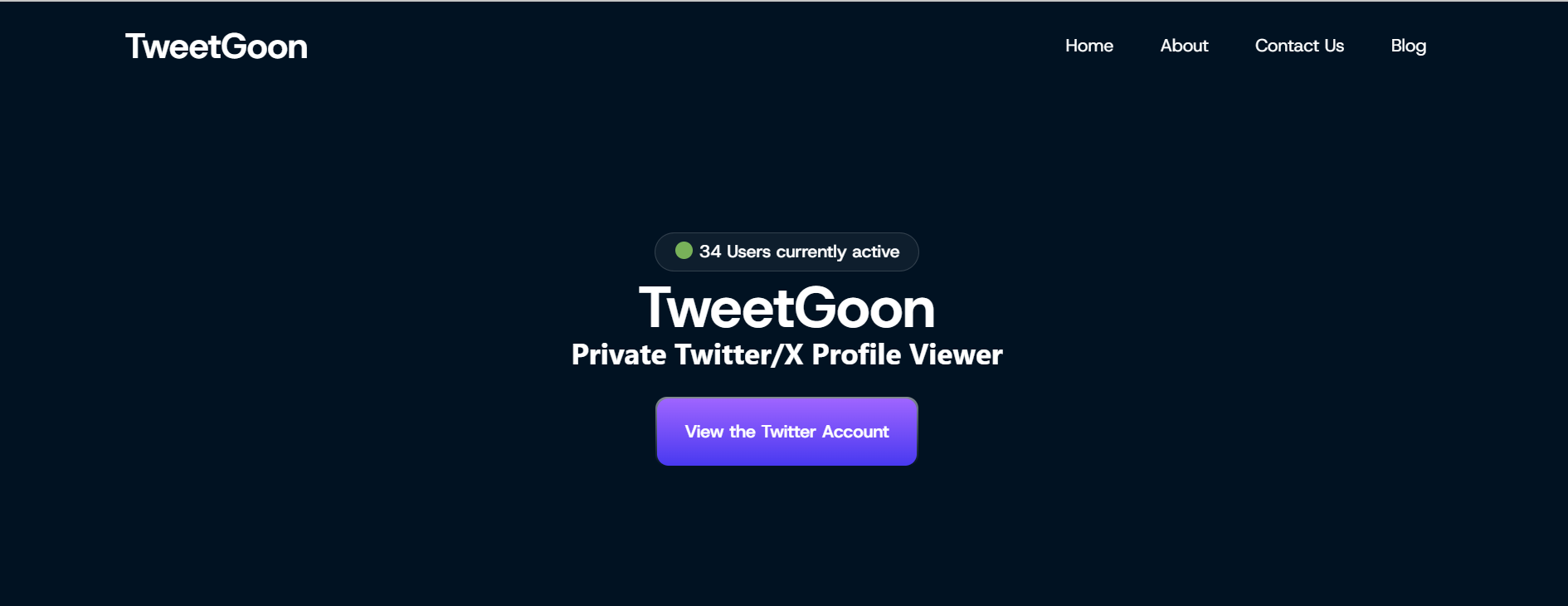
Workflow khá straightforward. No registration hoặc account needed là một phần khiến tool này hấp dẫn cho quick checks. Bạn nhập Twitter/X username, và tool sẽ cố gắng hiển thị available public profile information, posts hoặc media previews. Với người chỉ muốn anonymous access vào một public twitter account mà không mở X trực tiếp, như vậy là đủ.
Giá trị chính của Tweetgoon là speed. Nó không cần complex setup và không giống một analytics platform nặng. Nhược điểm cũng rõ ràng: tool này thường lấy dữ liệu từ public pages hoặc cached data snapshots, nên results có thể limited. Các fast lookup tools tương tự cũng thường có ultra-fast results nhờ querying cached data sources.
Tính năng chính:
Public profile lookup
No-login browsing
Basic profile và media preview
Fast search experience
Ưu điểm:
Easy to use
No installation required
Good for quick public checks
Works as a basic Twitter profile viewer
Giới hạn:
Cannot show protected posts
May only show public or cached information
Not suitable for analytics
Should be avoided if any page asks for credentials, payment hoặc app installation
Phù hợp nhất với:
Tweetgoon phù hợp với users cần một fast Twitter viewer cho basic public profile checks.
TwStalker tập trung nhiều hơn vào public browsing. Users có thể dùng nó để kiểm tra public Twitter/X profiles, posts, media, hashtags và trends mà không cần đăng nhập X.
So với một basic username lookup tool, TwStalker cho users nhiều không gian hơn để browse profiles in more detail và view profiles more freely. Nó phù hợp hơn khi bạn muốn xem public media, scan posts từ một public account hoặc kiểm tra hashtag activity.
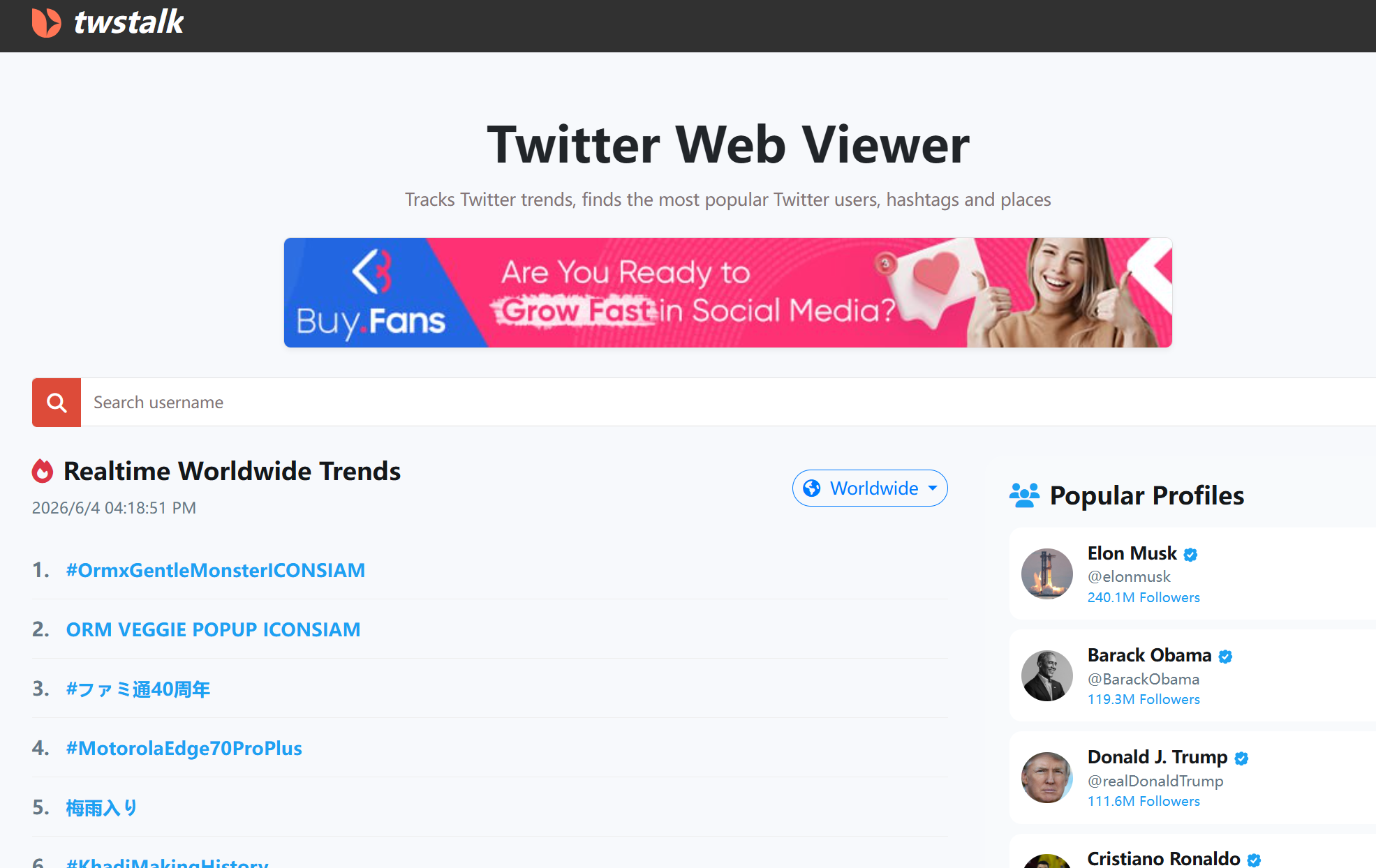
Vấn đề chính giống nhiều third-party viewer sites khác: browsing experience có thể thay đổi. Một số pages có thể có ads hoặc redirects. Điều đó không tự động khiến tool unusable. Nó vẫn hoạt động như một tweet viewer cho users muốn explore tweets và specific tweets từ public accounts, nhưng users nên cẩn thận với popups, fake buttons hoặc login-like pages.
Tính năng chính:
Public profile browsing
Public post và media viewing
Hashtag và trend exploration
No Twitter/X login required
Ưu điểm:
Good for browsing public profiles
Better for media checks than simple profile lookup tools
Can help with public hashtag và trend research
No X account login needed for basic use
Giới hạn:
Cannot display private Twitter/X content
May include ads hoặc redirects
Public data may not always be complete
Users should avoid any page asking for personal information
Phù hợp nhất với:
TwStalker phù hợp với users muốn browse profiles và view tweets without login cho public research.
Nitter khác với nhiều Twitter viewer websites vì đây là open-source alternative front-end cho Twitter/X. Điểm hấp dẫn chính của nó là cleaner reading experience với ad free interface, fewer scripts và less clutter.
Khi có working Nitter instance, đây có thể là better reading option cho users không muốn dùng full native X interface. Nó đặc biệt hữu ích để đọc public posts và threads trong một lighter environment.
Một số users cũng dùng Nitter để mở direct link đến individual tweets hoặc read threads, và trong compatible setups có thể export tweets và threads directly to their device.
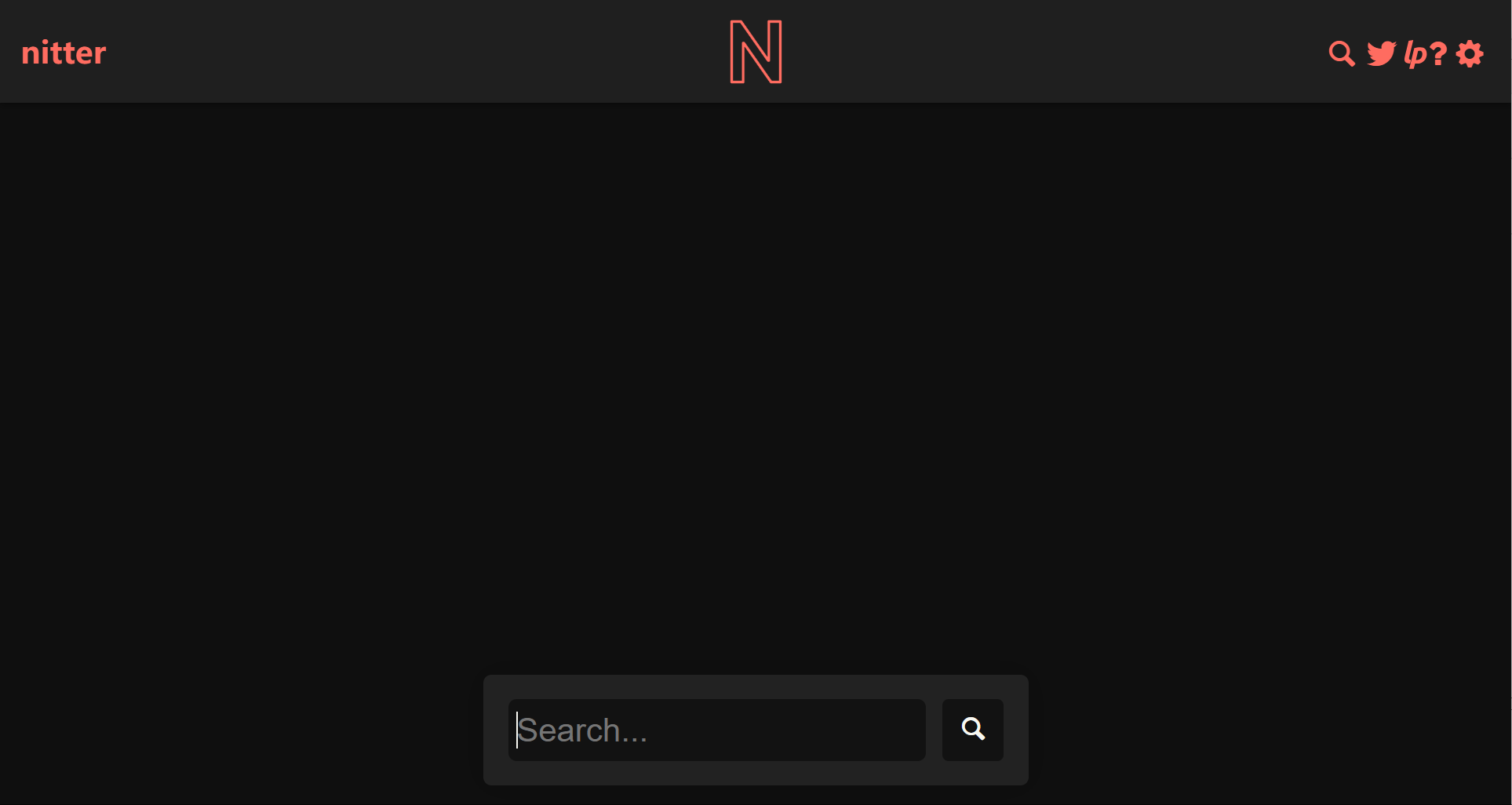
Vấn đề là reliability. Nitter đã trở nên kém ổn định hơn theo thời gian vì Twitter/X thay đổi cách public access hoạt động. Một số instances có thể stop working, load slowly hoặc disappear completely. Vì vậy, Nitter đáng để biết, nhưng không nên là tool duy nhất bạn rely on.
Tính năng chính:
Open-source Twitter/X front-end
Cleaner interface for public posts
Less clutter than the native X experience
Focus on public content reading
Ưu điểm:
Better privacy positioning than many viewer sites
Simple reading experience
Good for full access to public reading of tweets và threads
No need to use the standard X interface
Giới hạn:
Instance availability is unstable
Some instances may stop working
Cannot access protected accounts
Does not solve every privacy issue by itself
Phù hợp nhất với:
Nitter phù hợp với users muốn một cleaner way to read public Twitter/X posts khi có working instance.
Sotwe là một lightweight, free online service để public twitter content viewing across tweets, hashtags, trends và media. Nó không được xây cho advanced reports. Nó phù hợp hơn với quick browsing.
Điều này khiến Sotwe hữu ích khi bạn muốn kiểm tra một public topic, scan hashtag hoặc view public media mà không mở X trực tiếp. Users có thể explore public Twitter content, gồm media such as videos, without login. Interface đủ đơn giản cho casual use, và users không cần mất thời gian học tool.
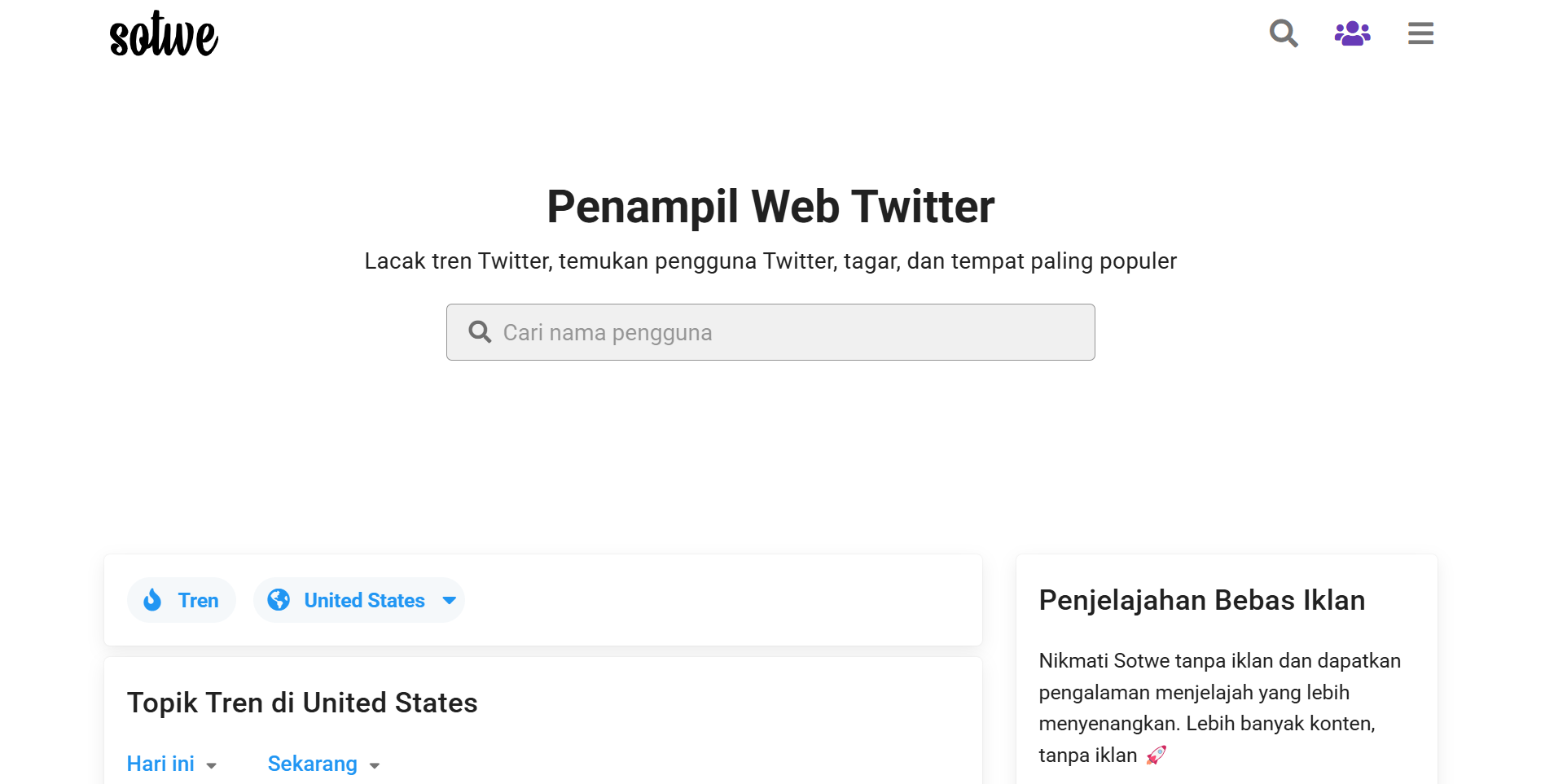
Tuy vậy, Sotwe vẫn có limits. Nó có thể không hiển thị complete data và không thể open protected timelines. Là một twitter viewer free option cho casual use, nó vẫn chỉ giới hạn ở publicly available information. Users cũng nên chú ý suspicious redirects hoặc prompts, đặc biệt trên third-party viewer sites.
Tính năng chính:
Public tweet browsing
Hashtag viewing
Trend và media checks
No-login access to public content
Ưu điểm:
Simple to use
Good for quick public browsing
Works for basic hashtag và media checks
Suitable for lightweight research
Giới hạn:
Cannot unlock private profiles
Data may be incomplete
Not designed for deep analytics
Users should avoid suspicious popups hoặc redirects
Phù hợp nhất với:
Sotwe phù hợp với users cần một simple Twitter viewer cho public posts, hashtags, trends và media.
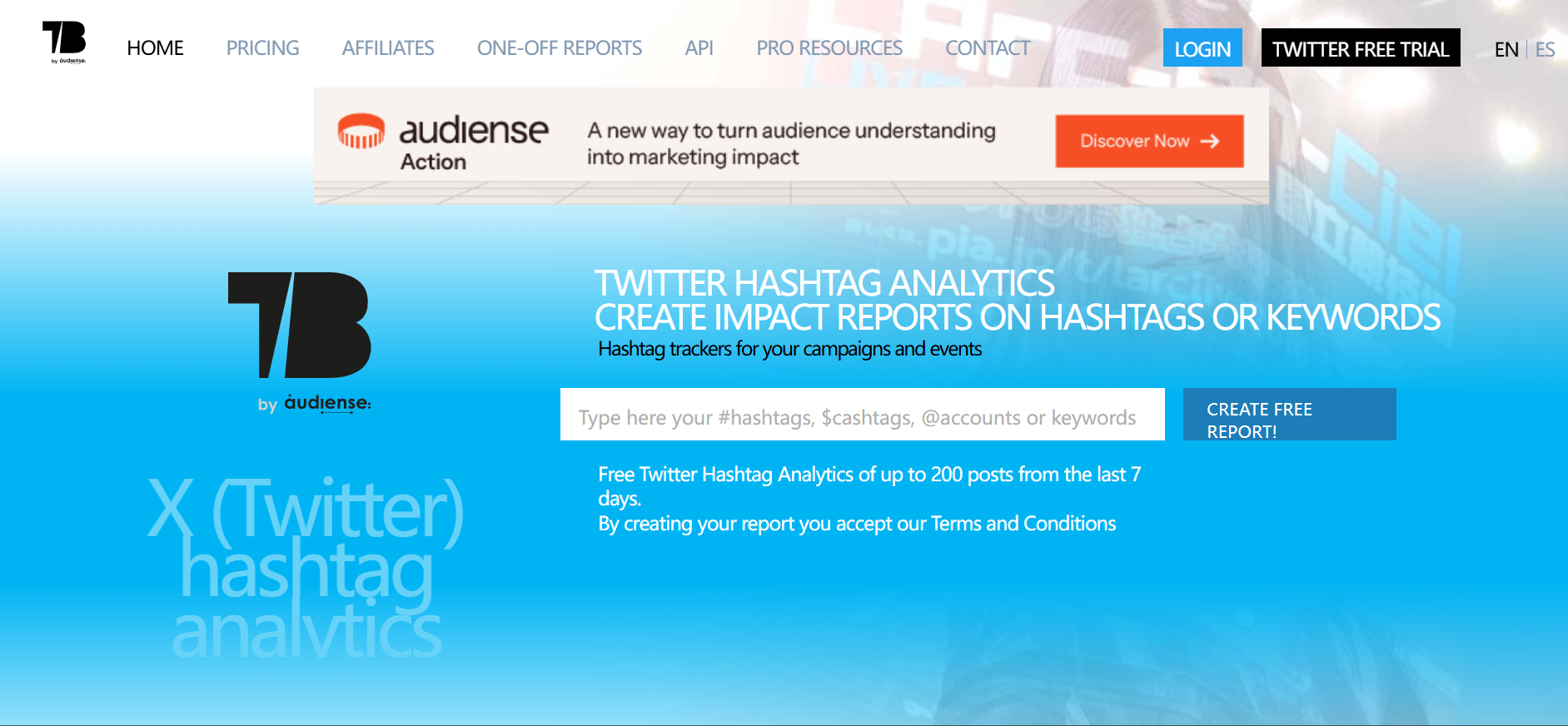
Tweet Binder không giống Tweetgoon, TwStalker, Nitter hoặc Sotwe. Nó gần với một comprehensive Twitter viewer cho analytics-focused use hơn, nhưng vẫn khác với simple no-login browsing tools vì được xây cho reporting và deeper stats.
Thay vì chỉ giúp users browse public profiles, Tweet Binder được dùng cho hashtag tracking, campaign reports, engagement analysis và public conversation research, bao gồm structured monitoring of keywords, mention activity, comments, retweets và followers. Điều này khiến nó phù hợp hơn với marketers, agencies, researchers và brands.
Một số tracking tools có thể scrape và filter real-time mentions cho keyword và hashtag monitoring.
Nếu mục tiêu của bạn là hiểu Twitter views, engagement, reach hoặc hashtag performance, Tweet Binder có structure tốt hơn một viewer thông thường. Reports của nó cũng organize profile và post metadata để analysis dễ hơn. Nếu bạn chỉ muốn đọc nhanh một public profile, nó có thể nặng hơn mức cần thiết.
Một số analytics tools cũng hiển thị khi followers are most active để hỗ trợ posting decisions.
Tính năng chính:
Hashtag tracking
Twitter/X report generation
Engagement analysis
Campaign và trend research
Ưu điểm:
Better for structured research
Useful for brands và marketers
Good for hashtag và campaign reports
More valuable for analytics than casual browsing
Sprout Social và Twitonomy là other third-party analytics platforms cho similar research needs
Giới hạn:
Not a simple no-login profile viewer
Some features may require payment
Better for reports than quick profile checks
Cannot show the exact identity of every person behind Twitter views
Phù hợp nhất với:
Tweet Binder phù hợp với brands, marketers và researchers cần Twitter analytics, hashtag reports, engagement insights và stronger audience community tracking across browser-based tools và related apps. Tweet Binder offers access to 200 tweets from the last 7 days for free.
Tool phù hợp phụ thuộc vào job. Với quick profile checks, một basic viewer là đủ. Với public media và hashtags, TwStalker hoặc Sotwe có thể useful hơn. Với analytics, Tweet Binder là lựa chọn better fit. Một số users so sánh platforms thông qua official site review process, trong khi những người khác thích simpler browser-based viewers.
Twitter viewer có thể giúp bạn tránh logging into X, nhưng điều đó không có nghĩa browsing của bạn là private. Third-party sites vẫn có thể collect technical signals, search behavior, access logs và other metadata. User privacy phụ thuộc vào việc service collects gì và handles publicly available information như thế nào.
Public Twitter viewer không nên cần X password của bạn. Nếu một site yêu cầu bạn log in, connect your account qua một strange page hoặc complete several verification steps, hãy rời khỏi page.
Đây là một trong những cách dễ nhất khiến users lose accounts. Fake login pages thường trông normal at first glance. Quy tắc an toàn nhất rất đơn giản: không nhập X credentials vào third-party viewer.
Nếu bạn muốn kiểm soát quyền truy cập vào posts của mình, hãy đọc riêng bài cách đặt Twitter account ở chế độ private, nhưng không nên dùng viewer tools để bypass protected accounts của người khác.
Ngay cả khi không login, websites vẫn có thể read browser fingerprint signals. Các signals này có thể gồm browser version, device type, screen size, system language, timezone, WebRTC, Canvas, fonts và other technical details.
Điều này quan trọng vì fingerprinting có thể connect different browsing sessions. Clearing cookies không phải lúc nào cũng xóa được every trace nếu browser environment vẫn giống nhau.
No-login viewer không tự động hide your IP address. Website vẫn có thể thấy IP, approximate location, access time, device type và browser information của bạn.
Với casual browsing, điều này có thể không quá quan trọng. Với research, account management hoặc team workflows, nó có thể trở thành vấn đề nếu mọi thứ đều diễn ra từ same browser và IP environment.
Low-quality viewer sites thường dùng aggressive ads, fake buttons, survey pages, browser notification prompts hoặc download requests.
Một normal public viewer không cần app install, browser extension, payment verification hoặc personal details. Nếu page liên tục đẩy bạn sang another step, hãy close it.
Một số viewer websites có thể collect searched usernames, viewed profiles, profile-level stats, cookies, IP logs và device signals. Vì vậy “no login” không nên bị hiểu nhầm là “no tracking”.
Trước khi dùng bất kỳ viewer nào, hãy kiểm tra tool đó hoạt động giống một simple public browser hay giống lead capture page. Những tools này chỉ nên surface publicly available information, không phải private account data.
Một Twitter viewer thông thường giúp users check public Twitter/X content. Nó không kiểm soát browser environment phía sau activity đó. IP address, browser fingerprint, cookies và session history của bạn vẫn có thể overlap across different tasks.
Đây là nơi MoreLogin phù hợp hơn. MoreLogin không phải Twitter viewer. Nó là browser environment và multi-account management tool cho users cần stronger separation giữa accounts, projects hoặc research workflows.
MoreLogin cho phép users tạo separate browser profiles cho các Twitter/X accounts, clients, markets hoặc research tasks khác nhau. Mỗi profile có thể giữ cookies, sessions, local storage và environment settings riêng.
Điều này cleaner than opening everything in one normal browser. Nó cũng giảm chance of mixing personal browsing, research work và account operations trong cùng một environment.
Nếu bạn đang so sánh viewers thông thường với browser setup cho công việc, có thể đọc đánh giá 5 trình duyệt cho người dùng Twitter.
Regular viewer không giải quyết browser fingerprint exposure. Một antidetect browser như MoreLogin giúp users manage fingerprint settings và separate browser environments.
Điều này hữu ích cho users quan tâm đến browser identity, account separation và cleaner workflow control. Điều đó không có nghĩa users có thể ignore platform rules. Nó chỉ có nghĩa là họ không đưa every task vào one exposed browser setup.
MoreLogin hỗ trợ proxy settings cho different browser profiles. Users có thể match different profiles with different IP environments dựa trên account, region hoặc project needs.
Ví dụ, một team làm Twitter/X research cho different markets có thể separate profiles thay vì running all checks from one local browser.
Với teams làm Twitter/X research, content checks, social media operations hoặc account management, MoreLogin cung cấp một workspace có tổ chức hơn.
Multi-account browser giúp teams manage browser profiles, assign access và reduce session overlap. Điều này reliable hơn việc sharing one browser, one device hoặc one set of cookies across the whole team.
Twitter viewer giúp users dễ explore public profiles, posts, hashtags, media và specific tweets hơn. Nó có thể giúp users browse public profiles, posts, hashtags, media, trends hoặc analytics.
MoreLogin làm một việc khác. Nó không tự hiển thị Twitter/X content. Nó giúp users tạo separated browser environments cho browsing, research và account workflows.
Khác biệt rất đơn giản:
Use a Twitter viewer to check public content.
Use Tweet Binder when you need hashtag hoặc campaign analytics.
Use MoreLogin when you need separate browser profiles, proxy settings, fingerprint control và team account workflows.
Snaplytics, for example, offers Profile, Search và Tweet viewing modes.
Đó là lý do MoreLogin không nên được xem là một trong 5 Twitter viewer tools. Nó phù hợp hơn với vai trò privacy và environment-control layer xung quanh Twitter/X research và account operations.
Chọn Tweetgoon nếu bạn cần quick public profile check. Best choice phụ thuộc vào việc bạn muốn browse profiles, view tweets hay get analytics. Chọn TwStalker nếu bạn muốn browse public profiles, media và hashtags. Chọn Nitter nếu bạn thích cleaner reading experience và có thể tìm được working instance. Chọn Sotwe nếu bạn cần lightweight public browsing. Chọn Tweet Binder nếu bạn quan tâm đến hashtags, Twitter views, campaign reports và engagement analysis.
Điểm quan trọng nhất là: Twitter viewer nên được dùng cho public content. Nó không nên được xem là cách bypass protected Twitter/X accounts.
Nếu bạn chỉ cần view public content thỉnh thoảng, một completely free viewer có thể đủ cho occasional checks. Nếu bạn xử lý Twitter/X research, multi-account work hoặc privacy-sensitive browsing, MoreLogin phù hợp hơn cho deeper research workflows như một separate browser environment tool.
Twitter viewer nào tốt nhất?
Không có một best Twitter viewer duy nhất cho mọi user. Lựa chọn tốt nhất phụ thuộc vào việc bạn muốn browse profiles, view tweets hay review stats. Tweetgoon phù hợp với quick profile checks, TwStalker tốt hơn cho public profiles và media, Nitter hữu ích cho cleaner reading khi available, Sotwe phù hợp với lightweight browsing, còn Tweet Binder mạnh hơn cho analytics.
Có thể view Twitter without an account không?
Có. Một số tools có thể giúp users view public Twitter/X content without logging in, và một số public viewers require no twitter account hoặc registration. Access vẫn có thể limited, và protected posts không thể được xem nếu không có approval.
How to view Twitter without an account safely?
Hãy dùng public-only tools, tránh login prompts, tránh unknown downloads và đóng bất kỳ page nào yêu cầu payment verification hoặc personal information. Safer tools chỉ cung cấp anonymous access đến publicly available information. Để có stronger separation, hãy dùng dedicated browser profile thay vì everyday browser.
Twitter viewer có thể access private Twitter accounts không?
Không. Không có legitimate Twitter viewer nào có thể reliably access protected Twitter/X posts nếu không có approval từ account owner. Tools hứa full private access nên được xem là risky.
Twitter viewer tools có an toàn không?
Một số public-only tools có thể low risk cho casual browsing, nhưng không phải viewer site nào cũng an toàn. Tránh tools yêu cầu passwords, downloads, browser extensions, payments hoặc fake verification steps.
Tôi có thể biết ai viewed my Twitter profile không?
Twitter/X normally không hiển thị individual profile viewers. Analytics tools có thể hiển thị impressions, engagement hoặc reach, nhưng không thể reliably list every person who viewed a profile.
Twitter viewer và Twitter analytics khác nhau thế nào?
Twitter viewer thường dùng để browsing public content. Twitter analytics tools focus on impressions, engagement, hashtags, campaign performance và reports, bao gồm keywords, mention activity, comments, retweets và followers.
Vì sao nên dùng MoreLogin cùng Twitter viewer tools?
MoreLogin không phải Twitter viewer. Nó giúp users tạo isolated browser profiles, manage fingerprints, configure proxies và separate browsing environments. Nó complements official platform và third-party analytics apps rather than replacing them. Điều này hữu ích khi privacy, account separation hoặc multi-account management matter.

 VN
VN