- Môi trường tài khoản
 Multi-Account Browser
 Điện thoại đám mâyTự động hóa
 RPA không cần mã
 Trình đồng bộ
 Tích hợp
 Tác nhân AI
 - Bảng giá
- Nhà phát triển
 VN
VN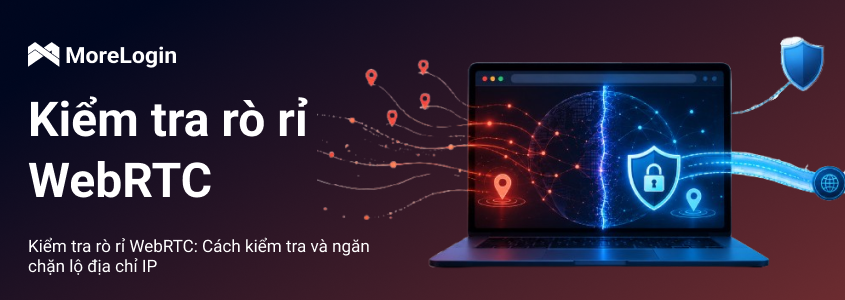
VPN hoặc proxy có thể ẩn traffic route của bạn, nhưng nó không tự động kiểm soát mọi signal mà browser để lộ. WebRTC là một browser-level feature có thể reveal IP information nếu không được cấu hình đúng.
WebRTC leak test kiểm tra xem browser có expose real IP address của bạn thông qua WebRTC requests hay không. Điều này quan trọng với users quan tâm đến privacy, nhưng còn quan trọng hơn với những người manage multiple accounts, ad accounts, social media profiles hoặc e-commerce stores. Nếu một browser profile dùng một proxy nhưng WebRTC lại reveal một IP khác, toàn bộ environment sẽ trở nên inconsistent.
Bài viết này giải thích WebRTC leaks xảy ra như thế nào, cách test browser, cách đọc results và cách reduce IP exposure mà không làm hỏng normal browser functions.

WebRTC leak xảy ra khi browser expose real IP address của bạn thông qua WebRTC-related connection data. WebRTC là viết tắt của Web Real-Time Communication. Đây là browser technology được dùng cho video calls, voice chat, screen sharing, file transfer và peer-to-peer data exchange.
Bản thân WebRTC không phải malicious feature. Nó được dùng bởi nhiều legitimate services, bao gồm browser-based meeting tools, live chat systems và real-time collaboration platforms. Risk đến từ cách WebRTC thiết lập connections.
Để tạo real-time communication, browsers dùng các technologies như ICE, STUN và TURN để tìm workable network paths giữa các peers. WebRTC media và data traffic có thể được encrypted, nhưng encryption không tự động hide mọi connection candidate. Nếu browser expose một IP address đáng lẽ phải giữ private, websites có thể thấy nhiều network information hơn mức user mong đợi.
Ví dụ, một user có thể connect to a VPN và kỳ vọng websites chỉ thấy VPN IP. Nếu WebRTC vẫn reveal original public IP hoặc IPv6 address, đó là một browser-level leak.
WebRTC được thiết kế để giảm delay trong real-time communication. Thay vì bắt mọi video call hoặc data exchange đi qua central server, nó có thể giúp browsers tìm direct hoặc near-direct connection path.
Để làm điều đó, browser thu thập connection candidates. Những candidates này có thể gồm nhiều address types khác nhau, tùy vào network, browser, VPN, proxy và device configuration. Trong một clean setup, websites chỉ nên thấy expected VPN hoặc proxy IP. Trong một poor setup, browser cũng có thể reveal real public IP hoặc IPv6 address của user.
Đó là lý do WebRTC leak test đôi khi hiển thị một IP không khớp với VPN hoặc proxy đang dùng. Browser không nhất thiết bị infected hoặc compromised. Nó đang expose connection data thông qua một normal feature chưa được kiểm soát đúng.
VPN routes traffic qua VPN server. Proxy routes traffic qua một server khác, thường cho một specific browser, profile hoặc application. Cả hai đều hữu ích, nhưng không nên xem chúng là complete browser privacy solution nếu dùng riêng lẻ.
Vấn đề là WebRTC hoạt động ở browser layer. Nếu browser expose IP data qua WebRTC, website có thể detect một address nằm ngoài expected VPN hoặc proxy route. Trong một số trường hợp, nó có thể trông giống VPN IP leak, nhưng vấn đề thật sự là browser-level exposure.
Đây là lý do IP routing và browser configuration cần hoạt động cùng nhau. Proxy IP, WebRTC behavior, IPv6 handling, timezone, language, cookies và fingerprint settings đều ảnh hưởng đến việc environment có trông consistent hay không.
Nếu bạn muốn hiểu rõ hơn những browser data nào có thể bị websites nhìn thấy, có thể đọc bài về BrowserLeaks.
Risk trực tiếp nhất là public IP exposure. IP address có thể reveal approximate location, internet service provider, network type, và đôi khi cho thấy user đang dùng residential, mobile, datacenter hoặc VPN connection.
Với ordinary users, điều này làm yếu privacy. Với account operators, risk mang tính thực tế hơn. Một platform có thể thấy proxy IP từ một location, đồng thời detect real IP từ một network khác. Mismatch này có thể khiến browser session trông abnormal.
Điều này không tự động có nghĩa account sẽ bị restricted. Nhưng nó tạo ra một weak signal, và nhiều weak signals có thể cộng dồn khi kết hợp với fingerprint, cookie, device và behavior data.
Nhiều users chỉ kiểm tra IPv4. Như vậy là chưa đủ.
Một số networks assign IPv6 addresses, và WebRTC test results có thể reveal IPv6 ngay cả khi IPv4 trông protected. Điều này rất dễ bị bỏ qua vì nhiều users không actively use hoặc monitor IPv6.
Một WebRTC leak test đúng nên kiểm tra cả IPv4 và IPv6. Nếu một trong hai hiển thị real network address, browser environment chưa sạch.
IP address chỉ là một phần của browser identification. Websites cũng có thể evaluate WebRTC behavior, Canvas, WebGL, fonts, screen size, language, timezone, extensions, cookies và device signals. Khi kết hợp lại, những details này tạo thành một browser fingerprint.
Với một personal account, đây có thể chỉ là privacy issue. Với multi-account management, nó có thể trở thành association risk. Nếu several accounts dùng different proxies nhưng expose cùng real IP qua WebRTC, những accounts đó có thể appear connected. Nếu browser fingerprints của chúng cũng tương tự nhau, risk sẽ mạnh hơn.
Đó là lý do WebRTC settings nên được xử lý như một phần của full browser profile, không phải một checkbox riêng lẻ. Để hiểu rõ hơn về phần này, có thể đọc bài về browser fingerprint.
Một reliable test nên bắt đầu bằng baseline. Trước tiên, bạn cần biết real IP address của mình, sau đó so sánh với result hiển thị sau khi bật VPN hoặc proxy.
Hãy làm theo process này:
Ngắt kết nối VPN hoặc proxy.
Kiểm tra current public IPv4 và IPv6 address.
Lưu IP addresses để comparison.
Bật VPN hoặc proxy.
Mở một WebRTC leak test tool.
So sánh IP addresses hiển thị trên test page.
Nếu real IP vẫn xuất hiện, browser có thể đang expose nó qua WebRTC.
Điều chỉnh browser, VPN, proxy hoặc WebRTC settings, rồi test lại.
Testing tools như BrowserLeaks có thể hiển thị WebRTC-related exposure và các browser privacy signals khác. Nếu bạn cần broader overview về những gì tool kiểm tra, guide to BrowserLeaks có thể giúp review browser data security.
Đừng xem một clean test là kết quả vĩnh viễn. Hãy test lại sau khi changing VPN servers, switching proxies, updating browser, installing extensions, enabling IPv6 hoặc creating a new browser profile.
Nếu test page chỉ hiển thị VPN hoặc proxy IP, và real public IP không xuất hiện, setup đó không có obvious WebRTC-based IP exposure.
Nhưng điều này không có nghĩa browser permanently safe. Browser updates, extension changes, proxy replacement, VPN configuration và operating system network settings đều có thể thay đổi result.
Practical rule: test again whenever network route or browser profile changes.
Nếu test page hiển thị cùng IP address bạn đã ghi lại trước khi bật VPN hoặc proxy, real public IP của bạn đang exposed. Điều này có thể xảy ra qua IPv4, IPv6 hoặc cả hai.
Với personal browsing, bước tiếp theo là adjust browser settings, enable leak protection hoặc review VPN configuration. Với multi-account users, issue này cần được xử lý cẩn thận hơn. Bạn cần kiểm tra other profiles có expose cùng real IP hay không. Nếu có, những profiles đó chưa fully isolated.
Không dùng leaking profile cho sensitive account activity cho đến khi issue được fix và verified bằng một test khác.
Một số browsers cho phép users limit hoặc disable WebRTC behavior. Firefox cung cấp advanced preferences có thể thay đổi cách WebRTC hoạt động. Chrome-based browsers thường phụ thuộc nhiều hơn vào extensions, enterprise policies hoặc privacy-focused browser configurations. Safari behavior có thể thay đổi theo macOS và browser version, vì vậy users nên verify current settings và test result thay vì rely on old instructions.
Disabling WebRTC có thể reduce exposure, nhưng cũng có thể break useful features. Browser-based calls, online meetings, live voice chat, screen sharing và một số file transfer tools có thể không hoạt động đúng.
Với phần lớn users, better approach không phải lúc nào cũng là disable WebRTC completely. Better approach là control what IP information it can expose.
WebRTC leak shield thường chỉ browser extension, VPN feature hoặc privacy setting designed to limit IP exposure from WebRTC. Một số tools restrict local IP exposure, một số route traffic more carefully, và một số block WebRTC behavior more aggressively.
Điểm quan trọng là verification. Đừng tin một tool chỉ vì nó claims to protect against leaks. Hãy enable it, configure it và run another WebRTC leak test.
Hãy cẩn thận với unknown free tools, đặc biệt khi dùng cho account management. Một số tools outdated, poorly maintained hoặc inconsistent across browsers. Trước khi rely on free privacy tools cho important workflows, nên hiểu rõ free anti-detect browser risks.
WebRTC leak prevent không phải one-time setup. Result có thể thay đổi sau khi switching VPN locations, replacing proxies, updating browsers, changing extensions hoặc moving to another device.
Với normal browsing, periodic checks có thể đủ. Với multi-account operations, testing nên là một phần của setup process. Trước khi dùng new proxy hoặc profile, hãy confirm rằng browser hiển thị expected IP và WebRTC không expose real network.
Điều này quan trọng nhất khi profiles được assigned to different regions. Một profile dùng US proxy, mismatched timezone và leaked local IP từ một country khác sẽ tạo obvious environment conflict.
Với ordinary users, leak prevention chủ yếu liên quan đến privacy. Với multi-account users, nó liên quan đến profile consistency.
Một clean browser profile không nên rely only on proxy. Nó cũng nên có matching cookies, timezone, language, WebRTC behavior, user agent và fingerprint details. Nếu một setting expose information từ real device hoặc local network, environment sẽ less reliable.
Đây là nơi anti-detect browser có thể hỗ trợ. MoreLogin cho phép users tạo isolated browser profiles với separate proxy, cookie, fingerprint, timezone và WebRTC-related settings. Thay vì chạy different accounts trong cùng một browser environment, mỗi account có thể hoạt động trong một controlled profile.
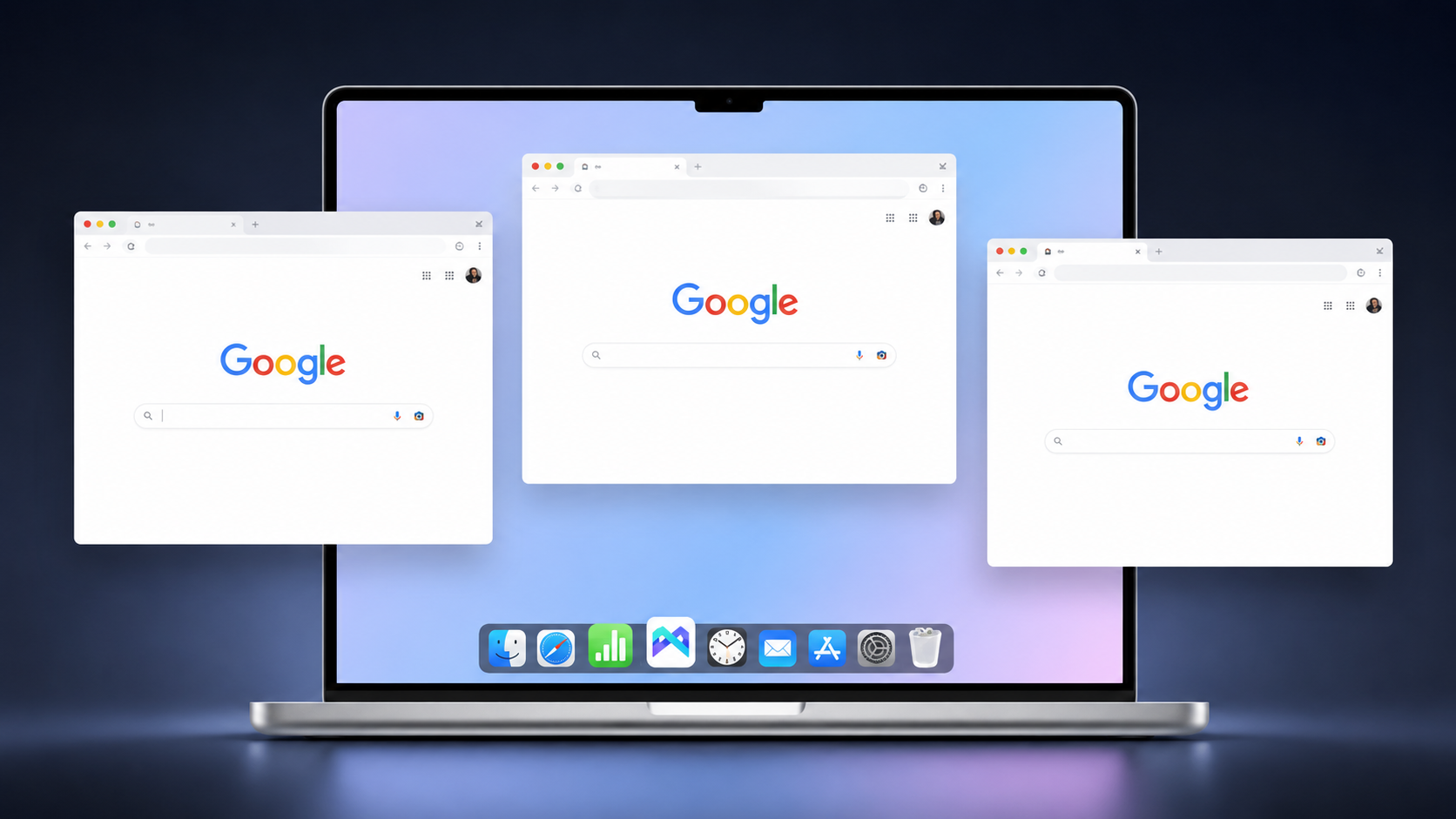
Điều này không có nghĩa any tool có thể remove all risk. Không browser tool nào có thể honestly guarantee that. Nhưng managing WebRTC together with proxy and fingerprint settings đáng tin hơn việc changing IP addresses while ignoring browser-level signals.
Nếu bạn đang so sánh tools cho long-term account management, danh sách best anti-detect browsers có thể giúp bạn review các features quan trọng beyond basic profile creation.
Core principle rất đơn giản: IP protection và browser fingerprint control phải match. Nếu không, protected proxy route vẫn có thể bị weakened by exposed browser signals.
Nếu bạn cần một broader toolset cho isolated profiles, proxy consistency và team workflows, có thể bắt đầu với MoreLogin và kiểm tra WebRTC behavior cùng proxy và fingerprint settings trong workflow.
WebRTC leak có thể expose real IP address của bạn ngay cả khi bạn đang dùng VPN hoặc proxy. Cách reliable duy nhất để confirm setup là chạy WebRTC leak test và compare result với real IP, VPN IP và proxy IP của bạn.
Để reduce exposure, hãy check both IPv4 and IPv6, review browser settings, use reliable protection tools và test again sau khi changing VPNs, proxies, extensions hoặc browser profiles.
Với multi-account users, WebRTC là một phần của larger browser fingerprint problem. Proxy settings, cookies, timezone, language, WebRTC behavior và fingerprint details cần stay consistent. MoreLogin giúp manage these elements through isolated browser profiles, giúp reduce IP exposure và account association risks dễ hơn.
WebRTC leak là gì?
WebRTC leak nghĩa là browser expose real IP address của bạn thông qua WebRTC-related requests. Điều này có thể xảy ra ngay cả khi bạn đang dùng VPN hoặc proxy.
Làm sao check WebRTC leak?
Trước tiên, hãy kiểm tra real IP khi chưa bật VPN hoặc proxy. Sau đó bật VPN hoặc proxy và chạy WebRTC leak test. Nếu cùng real IP xuất hiện trong result, browser có thể đang leaking.
VPN có thể prevent WebRTC leaks không?
Một số VPNs có WebRTC leak protection, nhưng điều này phụ thuộc vào VPN, browser, operating system và configuration. Vì WebRTC là browser-level feature, bạn luôn nên test result.
Có nên disable WebRTC hoàn toàn không?
Chỉ nên disable nếu bạn không cần WebRTC-based services. Tắt WebRTC có thể ảnh hưởng đến video calls, voice chat, screen sharing, online meetings và file-sharing features.
WebRTC leak shield là gì?
WebRTC leak shield thường là browser extension, VPN feature hoặc privacy setting designed to reduce IP exposure from WebRTC. Sau khi enable, bạn vẫn cần run a test để confirm it works.
Vì sao WebRTC quan trọng với multi-account management?
Vì WebRTC có thể expose IP information khiến accounts bị linked together. Nếu several profiles dùng different proxies nhưng reveal same real IP, platforms có thể treat those accounts as related.
WebRTC có luôn unsafe không?
Không. WebRTC useful và widely used for real-time browser communication. Risk xuất hiện khi nó expose IP information đáng lẽ phải được hidden.

 VN
VN