- Среда аккаунтов
 Multi-Account Browser
 Облачный телефонАвтоматизация
 RPA без кода
 Синхронизатор
 Интеграции
 ИИ-агенты
 - Тарифы
- Разработчики
 RU
RU
Выбор best android emulator зависит от вашей цели: gaming, app testing, запуск нескольких instances или управление Android tasks на desktop. Android Emulator создает virtual Android environment, где можно запускать mobile apps и games без physical device.
Если вы только знакомитесь с этой темой, сначала полезно понять, что такое Android Emulator. В этом обзоре сравниваются популярные emulator options, их сильные стороны, ограничения и лучшие сценарии использования. Также мы рассмотрим MoreLogin Cloud Phone как cloud-based альтернативу локальным эмуляторам. Если вам нужна короткая сводка, переходите к разделу “Сравнительная таблица лучших Android Emulator”.
MoreLogin Cloud Phone не является traditional local Android emulator. Это cloud-based Android environment для пользователей, которым нужны scalable mobile workflows, account separation, automation и remote team access.
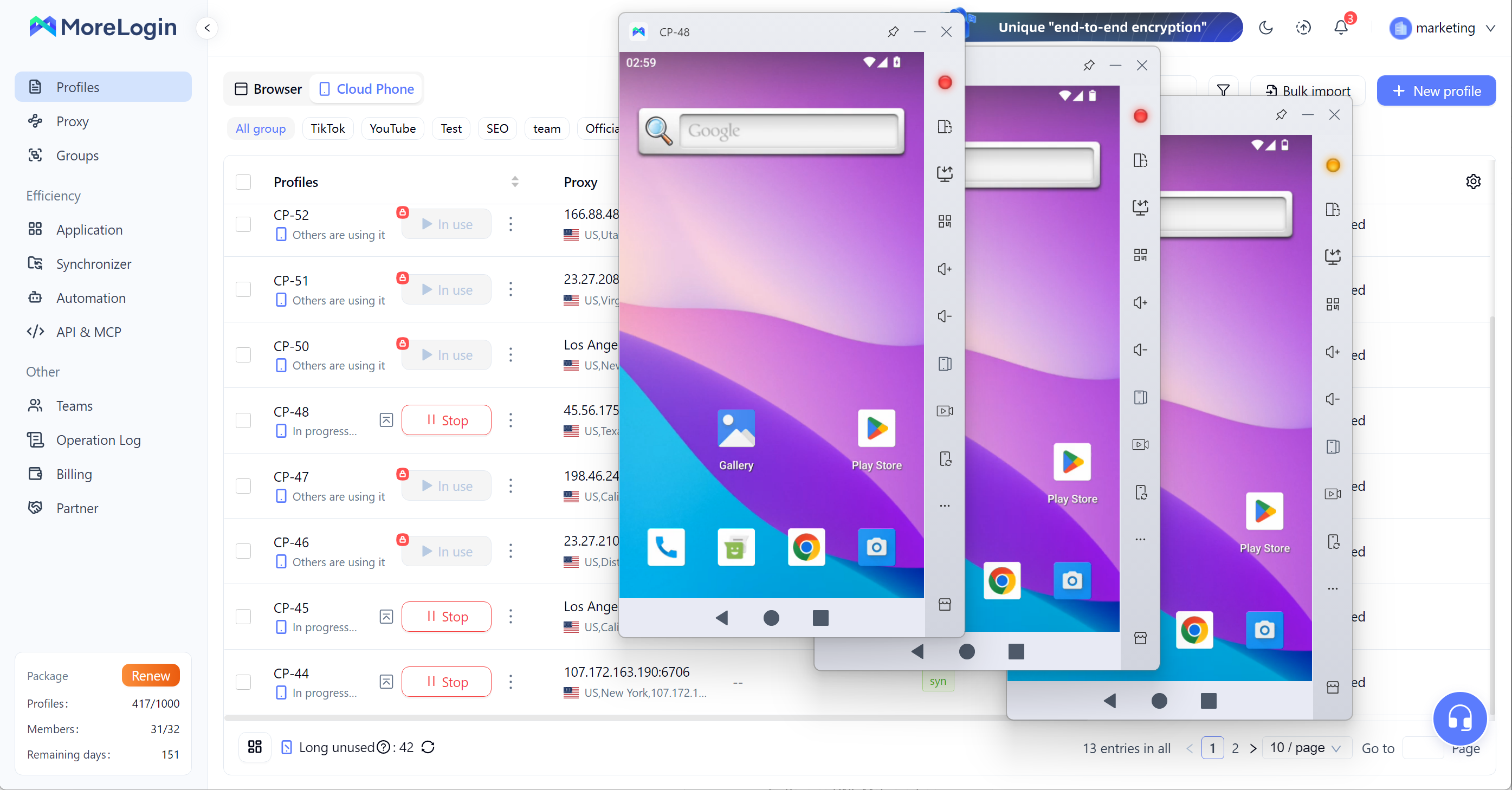
Для users, которые хотят просто играть в одну mobile game на PC, бесплатного emulator может быть достаточно. Но для teams, которые занимаются multi-account operations, app workflows, social media tasks, ecommerce, affiliate marketing или automation, MoreLogin Cloud Phone является более сильной альтернативой. Если вы сравниваете локальный emulator и cloud-based Android workflows, полезно открыть материал cloud phone vs emulator.
Cloud-based Android environments на ARM-based infrastructure
Remote access к Android environments с desktop
App installation, APK upload, file upload и proxy configuration
Independent Android environments для разных accounts, projects или regions
Unique device parameters для account environment separation
RPA support для workflow automation
API support для powering on devices, installing apps, configuring proxies и management tasks
Synchronizer для управления одним device и синхронизации actions across multiple cloud phones
Batch text input, bulk upload и multi-device content operations
Team management с permission assignment, access control и access revocation
Более scalable, чем local Android emulators, потому что workflows не зависят только от CPU, RAM или GPU одного PC
Лучше подходит для multi-account operations, потому что каждый cloud phone может работать как отдельная Android environment
Полезен для teams, которым нужен remote access вместо передачи physical phones или shared local machines
Лучше подходит для long-term account workflows, чем temporary local emulator instances
Поддерживает automation и batch operations, что помогает сократить repetitive manual work
Упрощает управление Android environments, members и permissions из одного места
Практичный вариант для users, которые сравнивают local Android emulator с cloud-based Android workflows
Не предназначен в первую очередь для casual mobile gaming
Требует internet connection, потому что Android environment работает в cloud
Multi-account management
Social media account operations
Ecommerce mobile workflows
Affiliate marketing teams
App testing teams, которым нужен remote Android access
Automation workflows
Teams, которым нужны cloud-based Android environments вместо local emulator windows
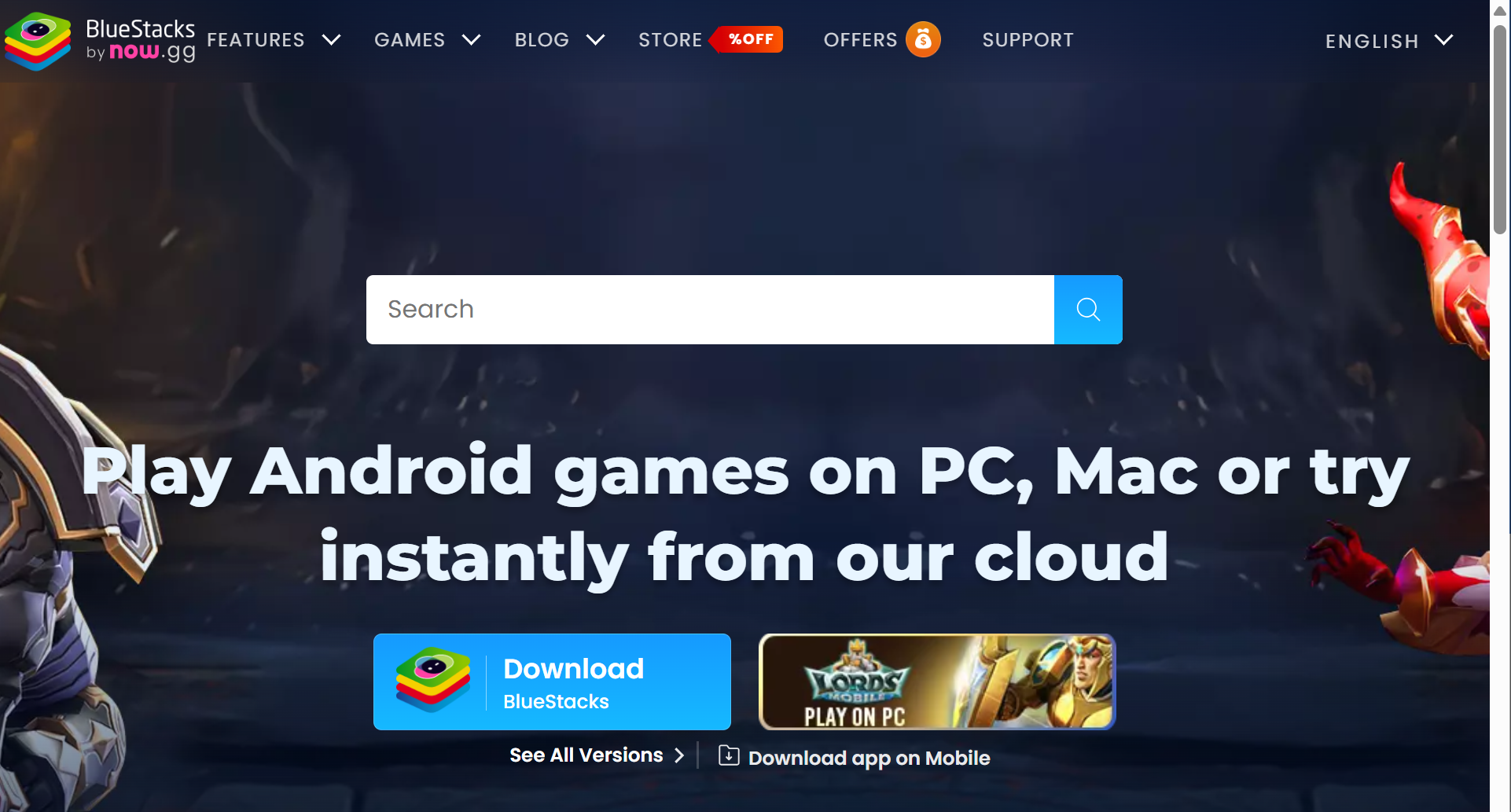
BlueStacks это один из самых известных Android emulators для PC и Mac. Это часто первый tool, который users пробуют при поиске best android emulator for pc, особенно для mobile gaming.
Он сильно ориентирован на Android games, но также может запускать многие common Android apps. Долгая история и большая user base помогают beginners быстрее находить guides, tutorials и troubleshooting help.
Android game и app support на PC и Mac
Google Play Store access для установки apps и games
Keyboard and mouse controls с key mapping для custom inputs
Gamepad и controller support
Multi-instance support для high-performance gaming и запуска multiple apps at once
Multi-instance sync
Macros и script features
Eco Mode для снижения resource usage при multi-instance work
High FPS и high-definition display options с gpu acceleration для smoother graphics и 60+ FPS gameplay
Real-time translation и smart control tools
Cloud gaming features для selected games
Easy to install и beginner-friendly
Сильная compatibility со многими popular Android games
Большая game library и сильный gaming focus
Хороший выбор для users, которым нужен familiar Android emulator с большим количеством tutorials
Полезен для users, которым нужны keyboard и mouse controls для mobile games
Работает на Windows и Mac, поэтому доступнее, чем Windows-only tools
Подходит users, которым нужен mainstream emulator с long track record
Может быть тяжелым для lower-end hardware
Ads, promotions, store features и extra tools могут делать interface перегруженным
Может заметно потреблять RAM и CPU при запуске multiple instances
Не идеален для professional account isolation или team-based workflows
Multi-instance support полезен, но не заменяет cloud-based Android environment management
Users, которым нужен clean и lightweight app player, могут посчитать BlueStacks слишком feature-heavy
Beginners, которым нужен известный Android emulator
Casual mobile gamers
Users, которым нужна широкая game compatibility
PC и Mac users, которым нужны keyboard и mouse controls
Users, которые предпочитают mainstream tool с большим количеством online guides
LDPlayer это Windows-focused Android emulator, созданный в основном для mobile gaming. Он позиционируется как fast Android emulator для игры в mobile games on PC, с функциями вокруг FPS, performance improvement, lower CPU and GPU usage и multi-instance management.
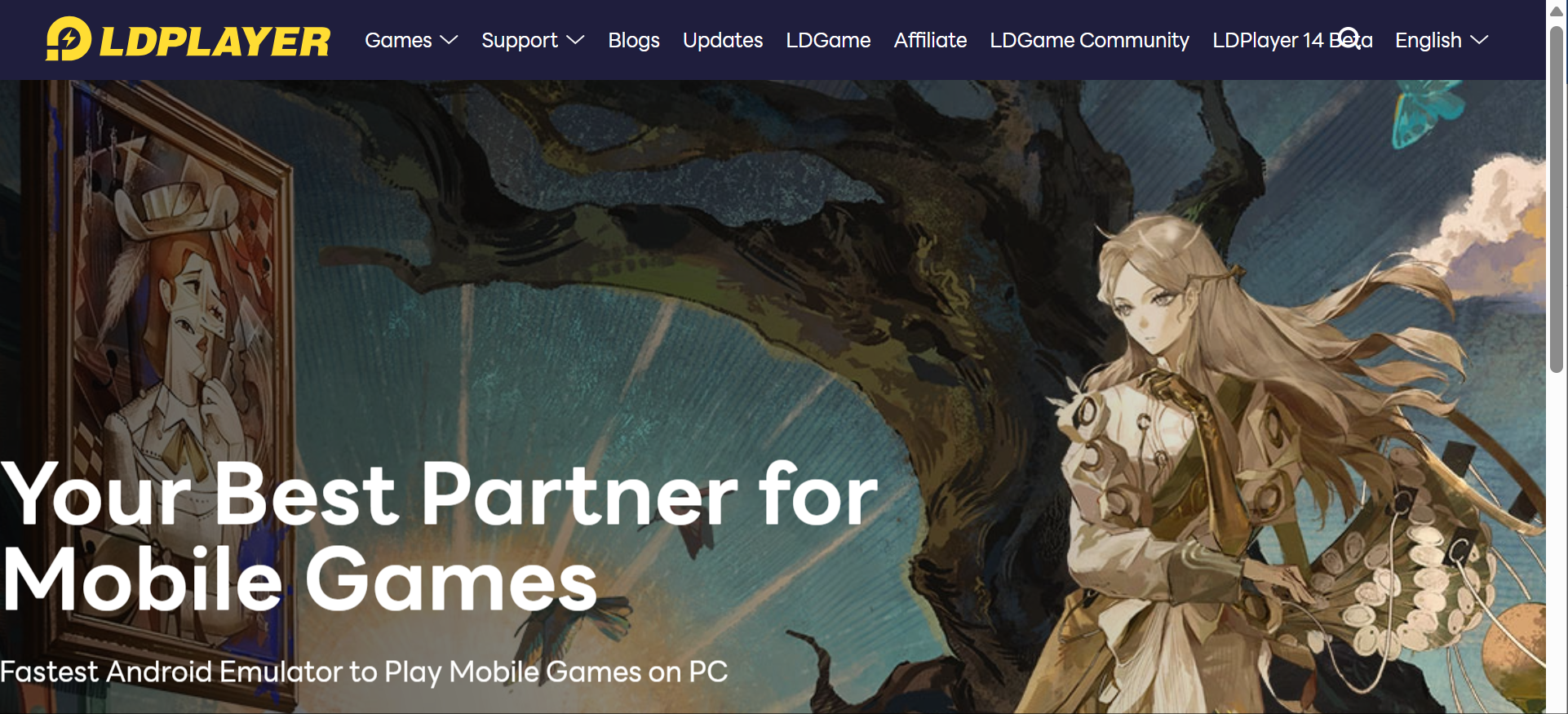
LDPlayer также предлагает OSLink, отдельный remote control tool, который позволяет users remotely control LDPlayer с телефона. Это делает LDPlayer более гибким, чем basic local emulator, особенно для users, которым нужно проверять AFK tasks или manage emulator windows away from their PC.
Android emulator для mobile games на Windows PC
Key mapping для mobile game controls
Multi-instance support для запуска several emulator windows
Multi-instance AFK task management
Synchronized operation across multiple instances
CPU и GPU performance optimization с GPU acceleration
FPS-focused gaming settings, включая OpenGL и DirectX graphics modes
Lower CPU и GPU usage positioning
OSLink remote control tool для управления LDPlayer с телефона
Remote access к LDPlayer, работающему на home или office PC
Same-account login requirement для OSLink remote control
Local connection или encrypted protocol support для remote control
Сильный вариант для users, которые mainly want to play Android games on Windows
Лучше подходит для game control customization и tuning, чем general-purpose app players
Multi-instance и synchronized operation помогают manage repeated gaming tasks
OSLink дает flexibility, когда user находится away from PC
Полезен для AFK tasks, где нужно check status from a phone
Практичный выбор для users, которым нужен best android emulator for pc gaming с remote-control support
Более сфокусирован на mobile games, чем BlueStacks, если gaming важнее broad app use
В основном ориентирован на Windows users
OSLink это separate tool, который требует separate installation
Performance все равно зависит от PC hardware, game type и local settings
Для снижения gaming stutters по возможности стоит выделять at least 4 CPU cores и 4GB to 8GB RAM в emulator settings
Не создан для professional cloud-based account isolation
Remote control не означает, что Android environment работает в cloud
Все еще зависит от PC, где установлен LDPlayer
Для хорошей скорости часто нужно включить Hardware Virtualization, VT-x или AMD-V, в BIOS
Users, которым нужны team permissions, independent cloud devices или scalable mobile environments, могут выбрать cloud phone solution
Windows users, которые играют в mobile games on PC
Users, которым нужен multi-instance gaming
Users, которые manage AFK game tasks
Users, которым нужно remotely control emulator windows from a phone
Gamers, которым нужны keyboard mapping, higher FPS и performance settings
Users, которые ищут gaming-focused Android emulator вместо business workflow tool
MuMu Player это Android emulator от NetEase. Он focused on running Android games и apps on PC or Mac, с clean interface, low resource usage, high-definition visuals и multi-instance support.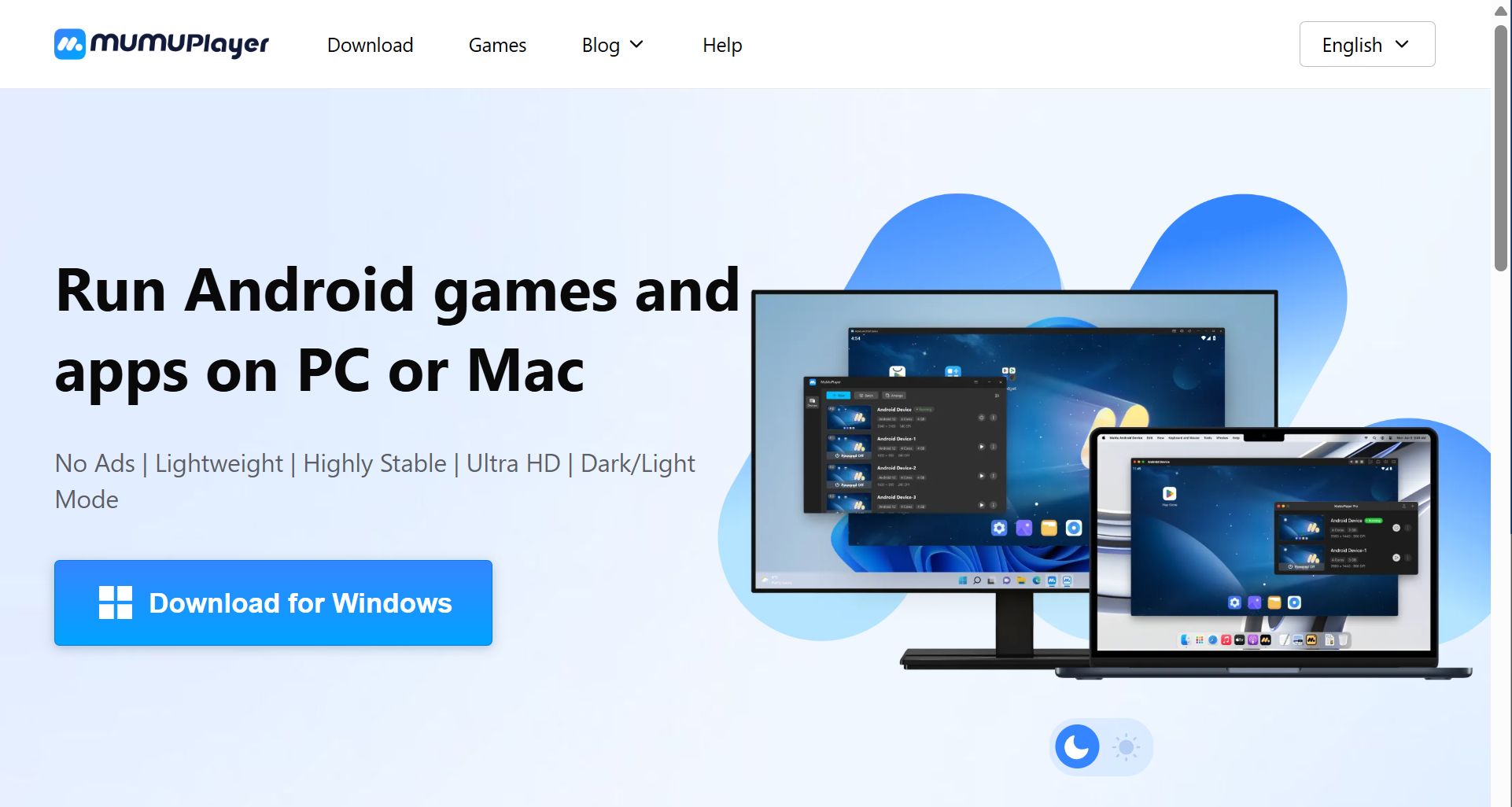
По сравнению с некоторыми heavier emulator tools, MuMu Player часто привлекает users, которым важны fewer ads, smoother operation и cleaner experience.
Android games и apps support на PC и Mac
Windows, macOS и Windows ARM support
Ad-free interface positioning
Lightweight и versatile emulator design
High stability positioning
Ultra HD display support
Dark и light mode
Keyboard, mouse и gamepad support
Multi-OS compatibility
High FPS support со screen recording
4K visual support
Unlimited multi-instance support
Lower resource usage positioning для lower-end hardware
Shared folder и virtualization setup guides
Cleaner interface, чем у многих ad-heavy emulator tools
Хороший выбор для users, которые не любят pop-ups и promoted content
Поддерживает apps и games, а не только gaming
Полезен для users, которым нужен smoother everyday emulator experience
На системах, которым тяжело с heavier tools, может работать лучше
Low-end PCs также могут рассмотреть LDPlayer или MuMu Nebula, которые tuned for lower resource use
Multi-instance support подходит для light multitasking
PC-level input controls улучшают mobile gaming on desktop
Хороший вариант для users, которые ищут best android emulator for windows 11 с less cluttered interface
Windows ARM и macOS support делают его более flexible, чем Windows-only emulators
Game performance может отличаться в зависимости от title и hardware
Некоторые demanding games могут работать лучше на другом emulator в зависимости от PC setup
Users могут все равно needing to configure virtualization, controls, shared folders или FPS settings
Не предназначен для professional multi-account isolation
Multi-instance support полезен, но это все еще local emulator-based scaling
Users, которые manage many accounts или team workflows, могут нуждаться в stronger permission и environment management
Users, которым нужен cleaner Android emulator experience
PC или Mac users, которые запускают Android apps и games
Users, которым не нравятся ads и cluttered launchers
Light gaming и app usage
Users, которым нужны multiple emulator instances, но не full team workflow management
Users, которым нужна lightweight alternative to heavier emulator tools
MEmu Play это Windows-based Android emulator для запуска Android apps и games on PC. Его часто используют users, которым нужен flexible emulator с multi-instance features, keyboard mapping и performance settings.
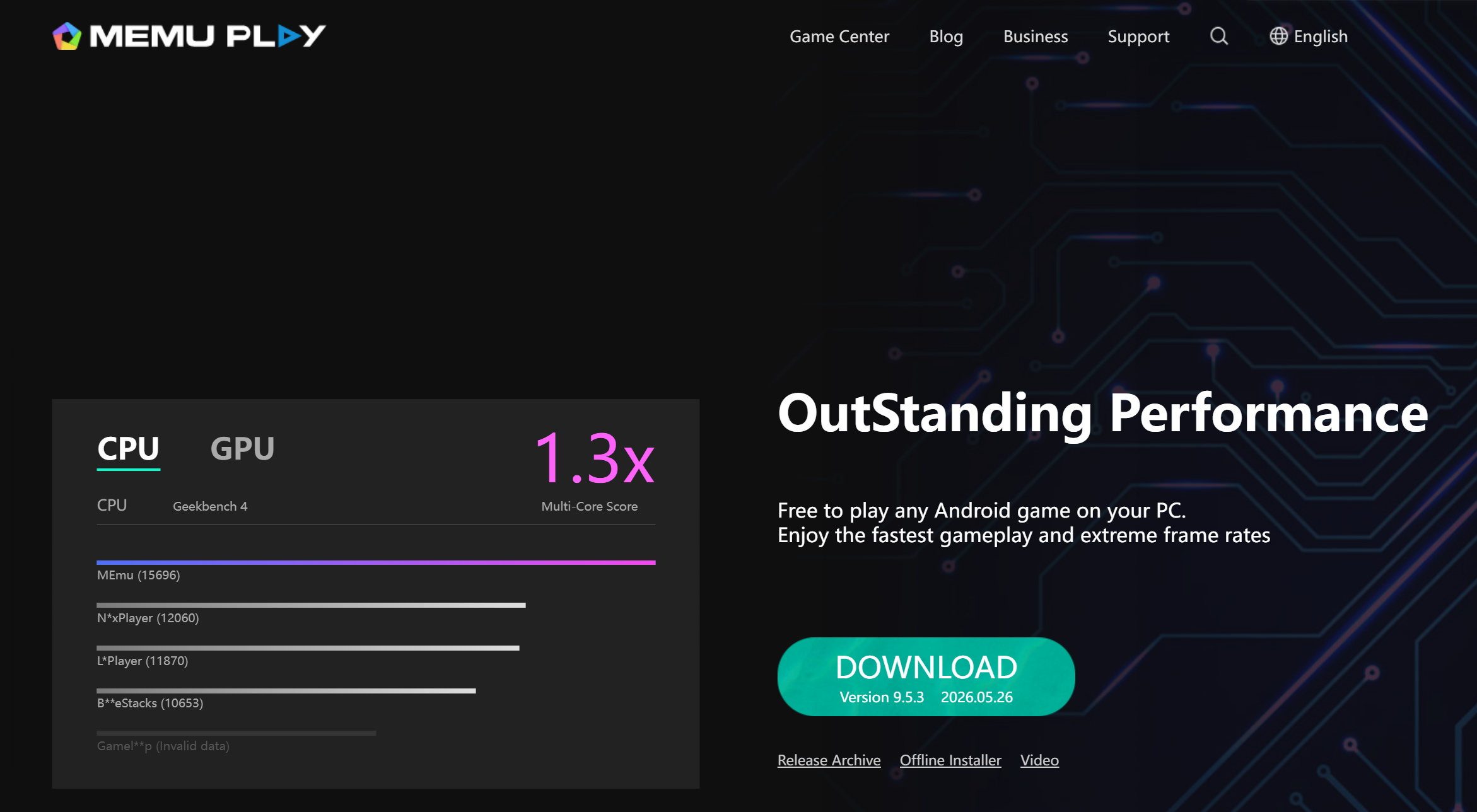
MEmu Play не так широко узнаваем, как BlueStacks, но остается practical option для users, которым нужен general-purpose Android emulator on Windows.
Android app и game support на Windows PC, включая Google Play Store access
Key mapping для game controls
Multi-instance support, common high-performance gaming feature в tools вроде BlueStacks и MEmu Play
APK sideloading
Shared folder support between Windows and Android environment
CPU и RAM allocation settings
Display и resolution configuration
Support for different Android environments depending on Android version
Mouse и keyboard control customization
Достаточно flexible, чтобы запускать apps и casual games
Полезен для users, которым нужен больший control over emulator resources
Multi-instance support помогает с basic repeated workflows
APK sideloading полезен, если apps не устанавливаются через Google Play
Shared folders упрощают file transfer между PC и emulator
Хороший выбор для users, которым нужен general Android emulator вместо gaming-only platform
Подходит Windows users, которым нужна flexibility без developer-focused setup
В основном Windows-focused
Ads или promoted content могут появляться в зависимости от version и setup
App и game compatibility может отличаться
Performance может снижаться, когда открыто multiple instances
Не идеален для professional multi-account workflows
Не предлагает такой же уровень cloud access, team permissions или centralized environment management, как MoreLogin Cloud Phone
Windows users, которым нужен flexible Android emulator
Users, которые запускают general Android apps on PC
Casual mobile gamers
Users, которым нужен APK sideloading
Users, которым нужен basic multi-instance support
Users, которые ищут best pc emulator for android apps без cloud infrastructure
Android Studio Emulator это официальный Android emulator от Google для developers. Он является частью Android Studio и создан для app development, debugging и testing, а не для casual gaming.
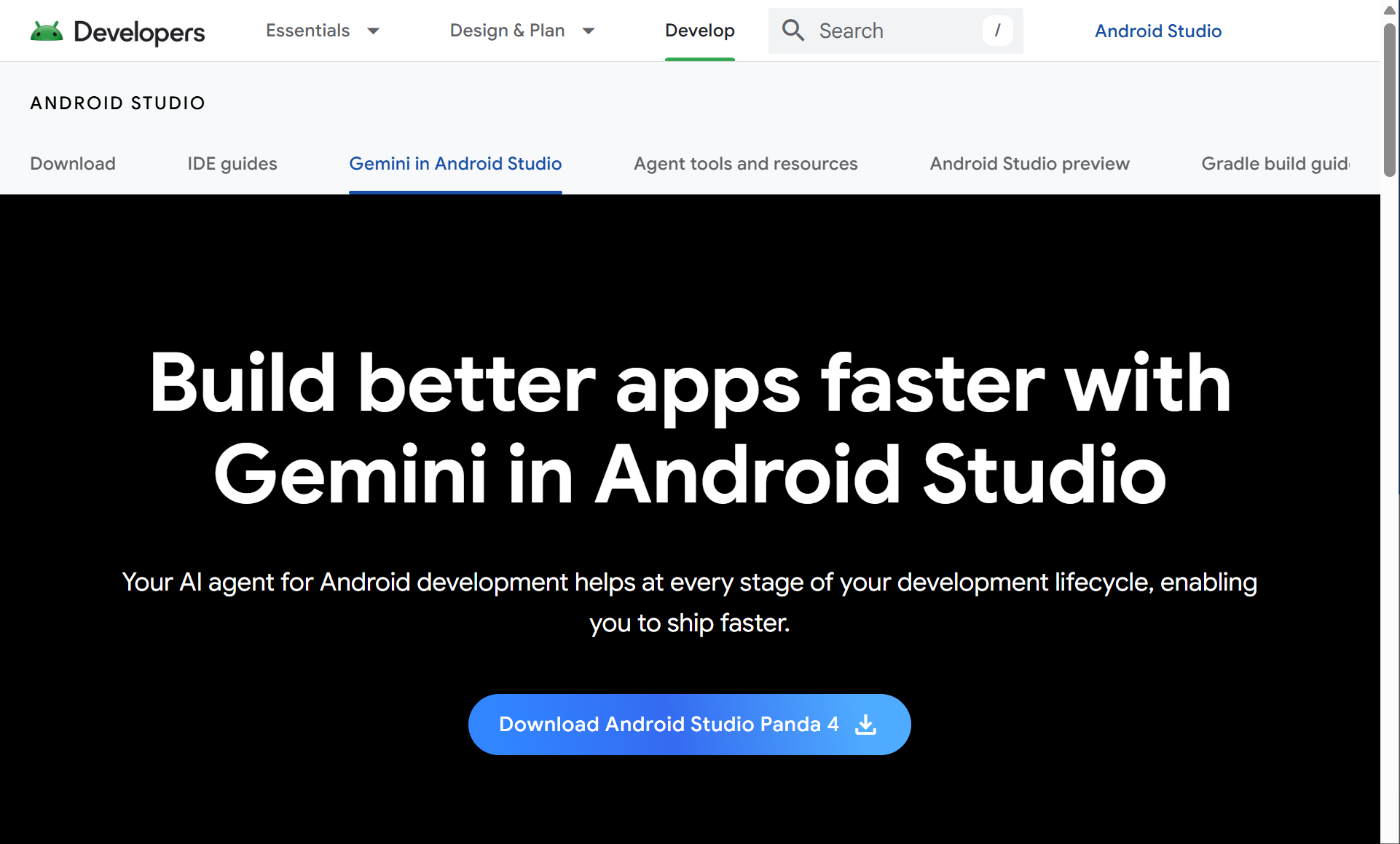
Через android emulation developers могут тестировать apps across Android versions, screen sizes и hardware profiles без покупки multiple physical devices. Это делает testing более cost-effective и дает tighter control over variables, например location и network conditions. Для developers это один из самых важных tools в Android ecosystem. Для ordinary users, которые хотят только play mobile games, он может быть слишком technical.
Built into Android Studio
Android Virtual Device support
Multiple device profiles для simulation multiple devices in one tool
Different API level support
Screen size и device type simulation
GPS location simulation
Network condition simulation
Debugging tools с support for automated testing в emulator-based development workflows
Performance profiling
Integration with Android app development workflows
Support for testing different Android versions, screen sizes и hardware configurations
Проверка app running across simulated environments без physical devices
Official Android development tool от Google
Хорошо подходит developers и QA testers
Лучше для app testing, чем gaming-focused emulators
Позволяет testing across Android versions, screen sizes, hardware configurations и device profiles
Снижает dependence on physical hardware for broad compatibility checks
Более cost-effective, чем покупка multiple devices для wide coverage
Нет gaming-style ads или promoted app stores
Полезен для debugging, profiling и checking app behavior before release
Дает tighter environment control через settings вроде spoofed location и network settings
Надежный выбор, когда accuracy важнее casual convenience
Не предназначен для casual mobile gaming
Setup более technical, чем у consumer emulators
Может требовать strong PC hardware
Менее удобен для users, которым нужно только run Android apps on desktop
Не создан для multi-account business operations
Не лучший вариант для users, которым нужен simple lightweight app player
Android developers
QA testers
App development teams
Users, которым нужны accurate testing environments
Users, которые test apps across screen sizes и Android versions
Technical users, которым нужны debugging и profiling tools
Инструменты выше закрывают большинство common needs, но есть еще несколько Android emulator options, о которых стоит знать перед выбором. Многие emulators сегодня делятся на gaming-focused и development/testing-focused categories.
Google Play Games for PC это clean option для users, которые хотят играть только в supported Android games на Windows. Это не full Android emulator, потому что он не поддерживает general Android apps, не дает full Play Store access и не поддерживает APK sideloading.
Genymotion это developer-focused emulator platform для app testing, QA, automation, automated testing и cloud-based testing workflows. Он больше подходит technical teams, чем casual users.
GameLoop это gaming-focused emulator, который в основном используется для selected mobile games, особенно Tencent-related titles. Он может хорошо работать для supported games, но не является сильным выбором для general Android app use.
NoxPlayer это older Android emulator option с multi-instance и control customization features. Он все еще может подходить некоторым users, но уже не является strongest first choice по сравнению с BlueStacks, LDPlayer или MuMu Player.
Если главная цель gaming, BlueStacks, LDPlayer и MuMu Player являются основными вариантами в этом обзоре. Google Play Games for PC и GameLoop также можно рассмотреть для specific supported games.
BlueStacks лучше для users, которым нужна broad game compatibility и много built-in gaming features. LDPlayer лучше для Windows users, которым важны gaming controls, multi-instance AFK tasks и remote control through OSLink. MuMu Player лучше для users, которым нужен cleaner и lighter gaming experience. Для smoother high-FPS play также может быть важна gpu acceleration, особенно если вы хотите stable graphics performance и 60+ FPS в demanding titles.
Best android emulator for gaming зависит от game, вашего PC hardware и того, нужны ли вам keyboard mapping, high FPS, remote control или multiple instances. VPN также может помочь improve stability для некоторых online games или app connections.
Для app testing Android Studio Emulator является более сильным выбором, потому что он позволяет developers test apps across Android versions, screen sizes и hardware configurations без multiple physical devices. Он поддерживает Android Virtual Devices, API levels, device profiles, debugging и performance testing. Также он более cost-effective для broad testing и дает stronger environment control через settings вроде spoofed locations и network conditions.
Consumer emulators могут помочь с quick app checks, но они не созданы для serious development workflows. Если ваша цель test an app before release, выбирайте development-focused emulator вместо gaming-focused one.
Best Android emulator for windows 11 зависит от вашего use case.
BlueStacks проще для beginners. LDPlayer сильнее для Windows gaming. MuMu Player чище и легче. MEmu Play flexible для general Android apps.
Перед выбором проверьте CPU и RAM usage, virtualization settings, GPU support, update frequency и планируете ли вы запускать one instance или many instances.
Для low-spec PCs и lower-end hardware не выбирайте tool только по feature count. Tool с большим количеством features может использовать больше system resources.
Ищите emulator с lower memory usage, fast startup, adjustable CPU и RAM settings, а также fewer background processes. LDPlayer или MuMu Nebula могут быть better starting points, чем heavier emulator setups на low-end PCs, потому что они optimized for lower resource consumption. Но performance все равно зависит от hardware. Если system позволяет, manual allocation around 4 CPU cores and 4GB to 8GB RAM может помочь reduce stutters during gaming.
Local emulators могут open multiple instances, но multi-instance это не то же самое, что professional environment isolation.
Если вы manage accounts для social media, ecommerce, affiliate marketing, app testing или client work, вам нужно больше, чем несколько emulator windows. Вам могут понадобиться independent Android environments, proxy configuration, remote access, team permissions, automation и centralized management.
Именно здесь MoreLogin Cloud Phone становится более suitable, чем local emulator. Он designed for scalable Android workflows, а не casual desktop app use.
Короткое уточнение: searches вроде best emulators for android или best ds emulator for android часто относятся к console emulators, которые run on Android phones. Это отличается от Android emulators for PC, которые запускают Android apps на desktop computers.
Traditional Android emulators rely on local hardware. Запуск одного emulator может быть нормальным, но несколько instances быстро consume CPU, RAM, disk space и GPU resources.
Это становится bigger issue, когда users нужно scale workflows. Даже best android emulator может slow down, если local machine недостаточно мощная.
Большинство emulators в free tier используют ads, promoted apps, stores, rewards или extra software offers. Это не всегда означает, что emulator unsafe, но может влиять на free version user experience.
Users должны download emulators только с official websites и избегать unknown installer files.
Не каждый Android app или game хорошо работает в emulated environment, и compatibility также может зависеть от supported Android version. Некоторые apps могут иметь issues с graphics rendering, Google services, payment systems, region settings или anti-cheat systems. Некоторые emulators предлагают software rendering как fallback, но это может снизить visual performance.
Это одна из причин, почему нет одного best android emulator for every user.
Большинство local emulators поддерживают multi-instance features для running multiple apps. Но открытие multiple emulator windows не создает автоматически clean, stable и scalable account environments.
Для casual gaming это может быть неважно, и local emulators могут handle multiple apps. Для account operations это важно. Users, которые manage many accounts, должны думать об environment consistency, proxy setup, device parameters, team access и long-term workflow stability.
Некоторые platforms могут detect emulator-like environments. Это может быть проблемой для users, которым нужны stable Android environments для account management, app workflows, ad verification или social media operations.
Traditional emulators полезны, но они не всегда самый safe или scalable choice для professional mobile workflows. Если нужна отдельная статья по базе эмуляторов, можно также открыть материал Android Emulator.
MoreLogin Cloud Phone решает многие local emulator limits, перенося Android environments в cloud. Users могут access Android environments remotely, reduce dependence on local PC resources и manage multiple cloud phones from one place.
Каждый cloud phone может работать как separate Android environment, что дает более consistent separation, чем single local Android phone или basic emulator windows. Это помогает users разделять accounts, projects, clients или regions. Для teams MoreLogin также поддерживает permission management, access control, automation, batch operations и remote collaboration, что лучше подходит для Android devices workflows, которым нужно centralized management.
Если вы выбираете между traditional emulator и cloud Android environment, сравнение cloud phone vs emulator поможет понять разницу.
Best android emulator, а во многих случаях и best emulator, зависит от вашей реальной цели: gaming, development или multi-account workflow features. Casual gamer, Android developer, low-spec PC user и multi-account team не должны выбирать один и тот же tool.
BlueStacks это сильный выбор для beginners и broad game compatibility. LDPlayer полезен для Windows gaming, multi-instance AFK tasks и remote control through OSLink. MuMu Player лучше для users, которым нужен cleaner и lighter emulator experience. MEmu Play flexible для general Android apps on PC. Android Studio Emulator это официальный emulator от Google и более подходящий вариант для developers и app testing.
Но если ваша цель не просто run one Android app on PC, local emulator может быть недостаточно. Для multi-account workflows, automation, remote access, team management и scalable Android environments MoreLogin Cloud Phone является более сильной альтернативой traditional Android emulators.
Какой Android Emulator лучше всего выбрать?
Best android emulator зависит от цели. Для gaming подойдут BlueStacks, LDPlayer или MuMu Player. Для app testing лучше Android Studio Emulator. Для multi-account workflows и cloud Android environments лучше рассмотреть MoreLogin Cloud Phone.
Какой best android emulator for pc подходит для игр?
Для PC gaming чаще выбирают BlueStacks, LDPlayer или MuMu Player. BlueStacks подходит beginners, LDPlayer полезен для Windows gaming и AFK tasks, а MuMu Player хорош для cleaner и lighter experience.
Какой лучший Android Emulator для Windows 11?
Best Android emulator for windows 11 зависит от use case. BlueStacks проще для beginners, LDPlayer лучше для gaming, MuMu Player легче и чище, а MEmu Play подходит для general Android apps.
Можно ли использовать Android Emulator для app testing?
Да. Для серьезного app testing лучше использовать Android Studio Emulator, потому что он поддерживает Android Virtual Devices, API levels, device profiles, debugging и testing across screen sizes.
Подходит ли local Android Emulator для multi-account workflows?
Не всегда. Local emulator может открыть multiple instances, но это не равно professional environment isolation. Для accounts, team permissions, proxy setup, automation и centralized management чаще лучше подходит cloud phone solution.
Чем MoreLogin Cloud Phone отличается от traditional Android Emulator?
Traditional Android Emulator обычно работает на local PC. MoreLogin Cloud Phone работает в cloud, поддерживает remote access, separate Android environments, automation, batch operations и team permission management.
5 лучших Twitter Viewer: функции, приватность и ограничения
ПредыдущийЛетняя распродажа · Бонус за пополнение +20%
Далее
 RU
RU