
- Producto

- Precios
- Programa de afiliados
- Desarrolladores
- Recursos
 ES
ESLos emuladores de Android tradicionales simulan Android en computadoras locales, lo que puede limitar el realismo, el rendimiento y la escala de los dispositivos. MoreLogin Cloud Phone proporciona entornos Android reales basados en ARM que los equipos pueden ejecutar de forma remota, gestionar de forma centralizada y automatizar a escala.


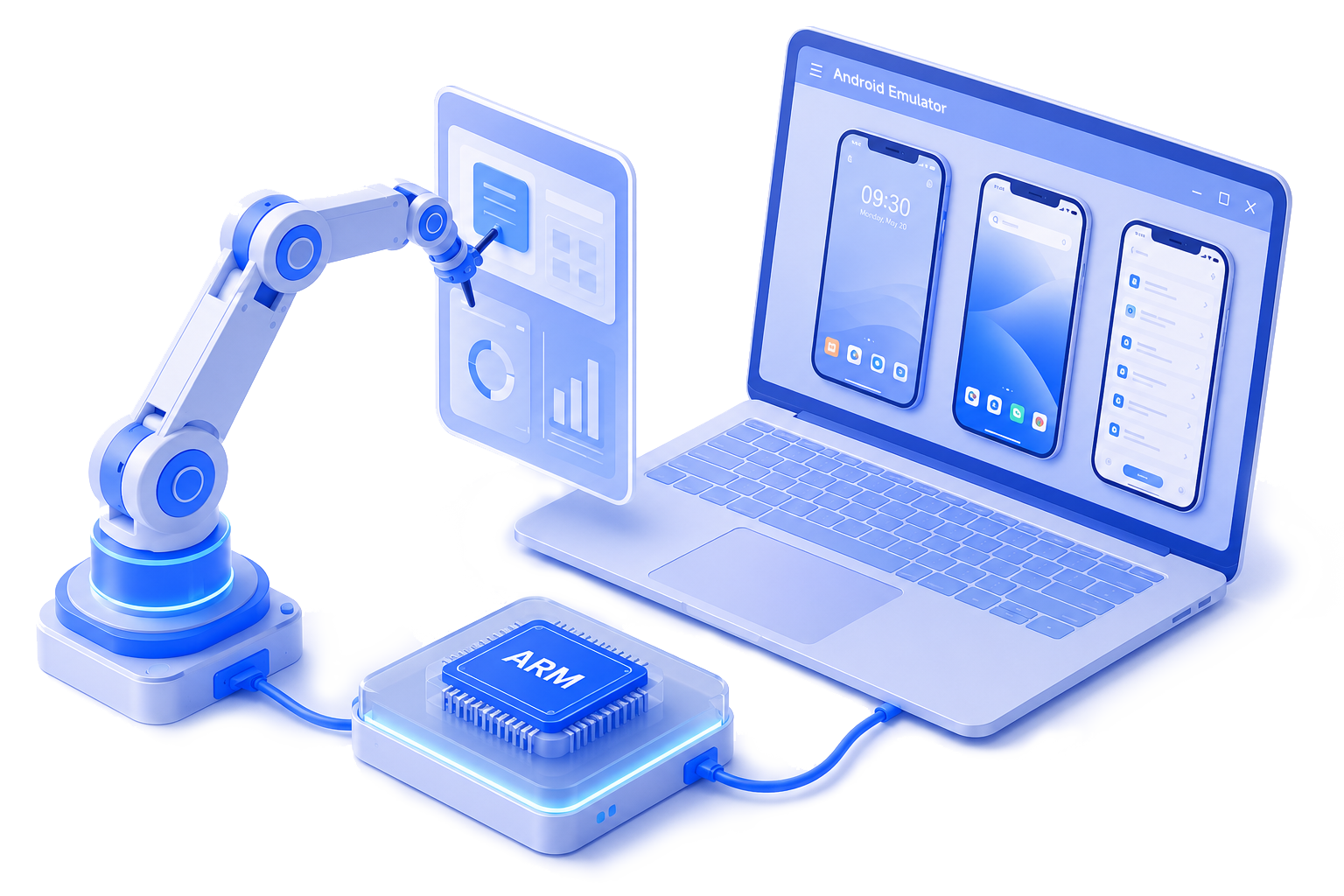
Un emulador de Android es un entorno simulado de Android que se ejecuta en una computadora y depende del rendimiento de la CPU, la memoria y los gráficos locales.
 Entorno Android simuladoAlto uso de recursos localesDifícil de escalar muchas instanciasEl rendimiento varía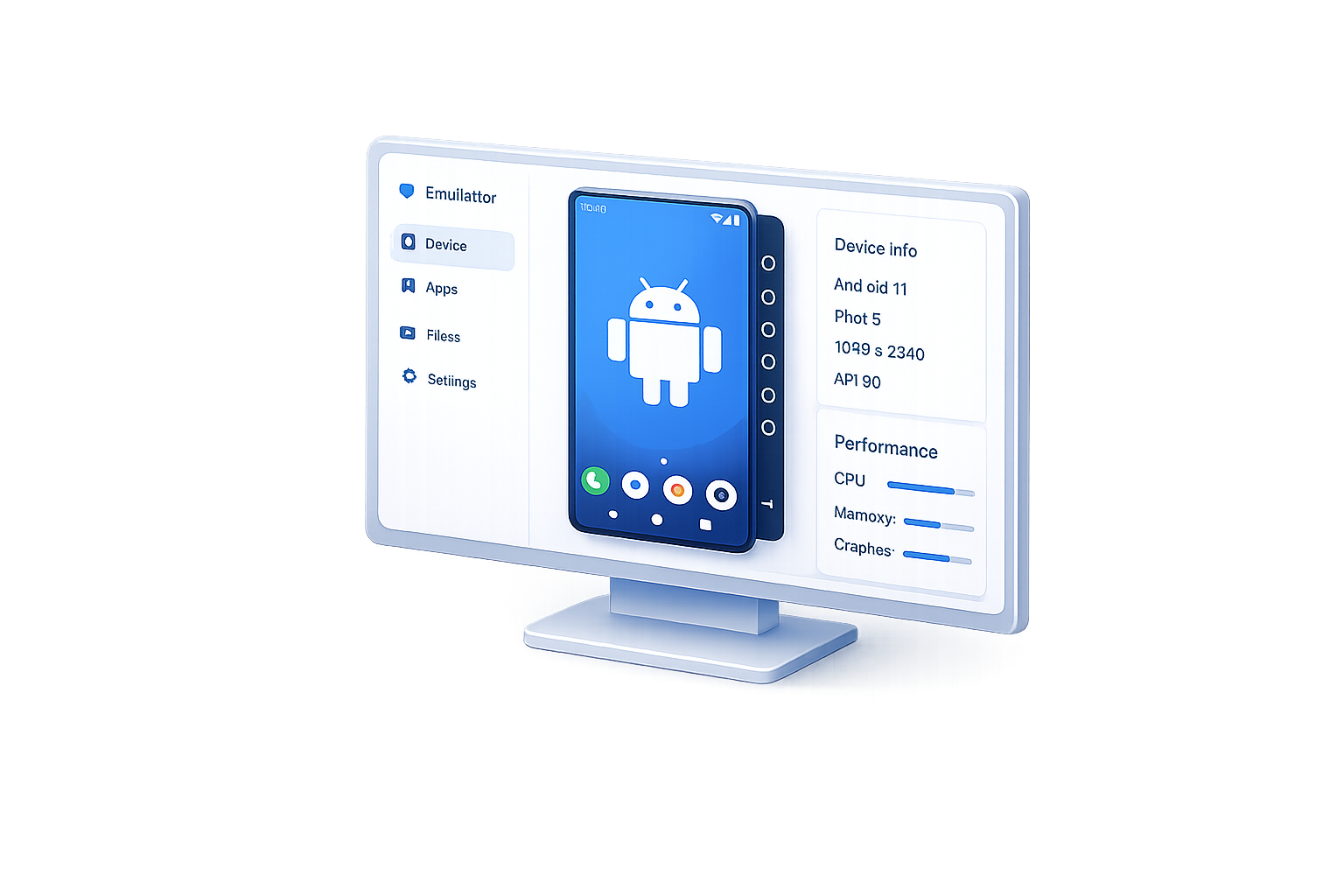
MoreLogin Cloud Phone proporciona entornos Android reales basados en ARM que los equipos pueden ejecutar de forma remota, gestionar de forma centralizada y automatizar a escala.
 Entorno Android real basado en ARMSe ejecuta de forma remotaEscale teléfonos en la nube bajo demandaAcceso de equipo y automatización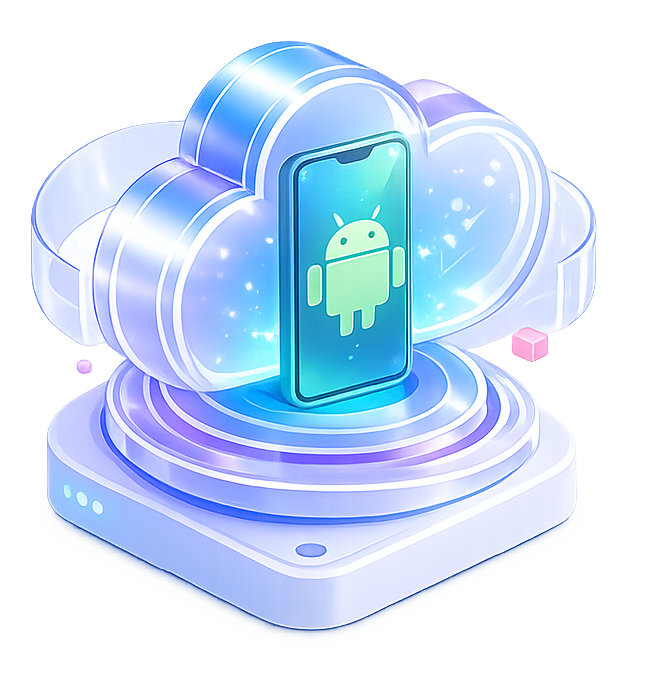

Ejecute entornos Android reales en la nube, impulsados por chips ARM. Cada teléfono tiene una huella digital única para el aislamiento de cuentas.

Comience rápidamente sin configuraciones complejas. Obtenga 2 entornos Android gratis y 100 minutos gratis. Pague $0.006/minuto solo cuando los teléfonos estén activos.

Gestione teléfonos en la nube, miembros y permisos en un solo panel. Su equipo puede acceder a los teléfonos de forma remota en cualquier momento.

Controle un teléfono y sincronice acciones en múltiples teléfonos. Excelente para configuraciones por lotes, instalaciones de aplicaciones y entrada de texto.

Cree flujos de trabajo con herramientas y plantillas RPA integradas. Conéctese con n8n, Make y Zapier.

Gestione teléfonos en la nube con API, CLI, MCP, SKILL, código o agentes de IA.


| Factor | Emulador de Android tradicional | Emulador de Android de nueva generaciónLa mejor opción |
|---|---|---|
| Uso de recursos | Alto uso de CPU y RAM en la PC local | Se ejecuta de forma remota sin carga local pesada |
| Escalabilidad multicue | Difícil de escalar muchas instancias sin problemas | Gestión más sencilla de múltiples dispositivos a gran escala |
| Resistencia a la detección | Más probable que active la detección del emulador | Más cercano al comportamiento real de un dispositivo Android |
| Estabilidad a largo plazo | El rendimiento cae durante ejecuciones prolongadas | Más estable para operaciones continuas |
| Compatibilidad de dispositivos | Algunas aplicaciones se comportan de manera diferente | Mejor compatibilidad con aplicaciones móviles |
| Gastos de mantenimiento | Requiere actualizaciones locales y limpieza | Gestión centralizada en la nube |
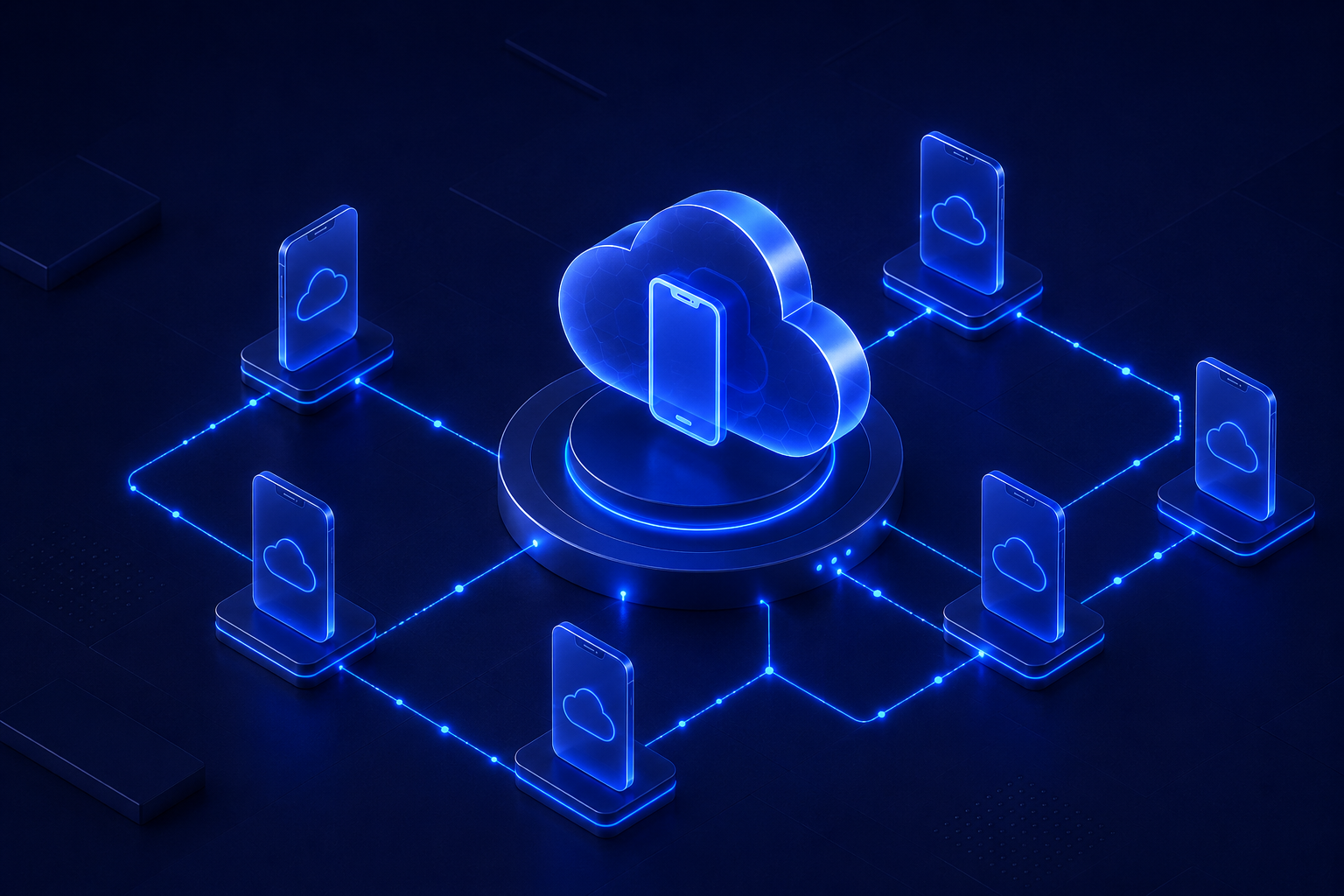
El emulador de Android se ejecuta en hardware local, pero Cloud Phone ofrece a los equipos una configuración de Android más limpia diseñada para tareas repetitivas.
Pruebe Cloud Phone gratis


Deje de depender de configuraciones de emuladores de Android locales para trabajos que necesitan más estructura. Mueva sus operaciones de Android a MoreLogin Cloud Phone y ejecútelas en un sistema más limpio y escalable.
Un emulador de Android es un entorno Android virtual que se ejecuta en una computadora y permite a los usuarios abrir aplicaciones sin un teléfono físico.
No. Un emulador de Android se ejecuta como software en una computadora. Un teléfono en la nube es un entorno Android basado en la nube diseñado para operaciones continuas.
Los principales límites son la dependencia del hardware local, una menor escalabilidad, una gestión de equipo más limitada y un soporte menos estructurado para tareas repetitivas a largo plazo.
Porque el teléfono en la nube ofrece un aislamiento del entorno más sólido y una escalabilidad mucho mejor. A diferencia de los emuladores de Android que dependen de los recursos de la computadora local, los teléfonos en la nube pueden escalar a 100 dispositivos o más sin estar limitados por el rendimiento de su máquina.
Porque MoreLogin ofrece a los equipos una gestión centralizada de dispositivos, entornos reutilizables, un control de acceso más sólido y soporte de automatización que va más allá del simple acceso al emulador.

 ES
ES
